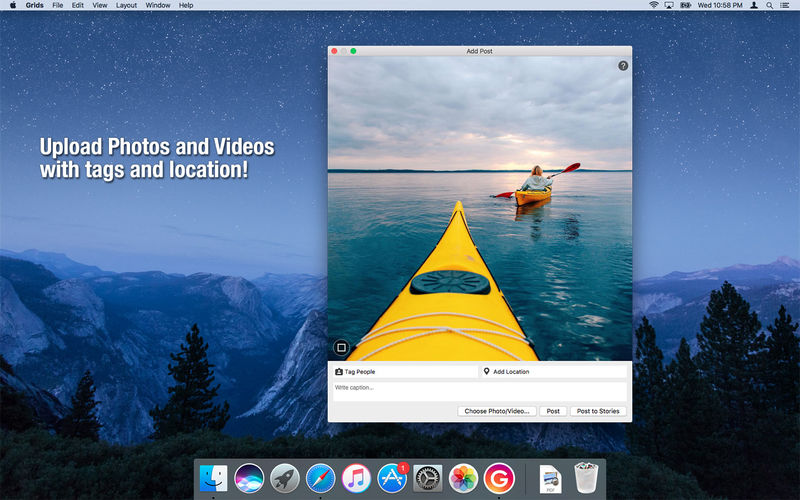
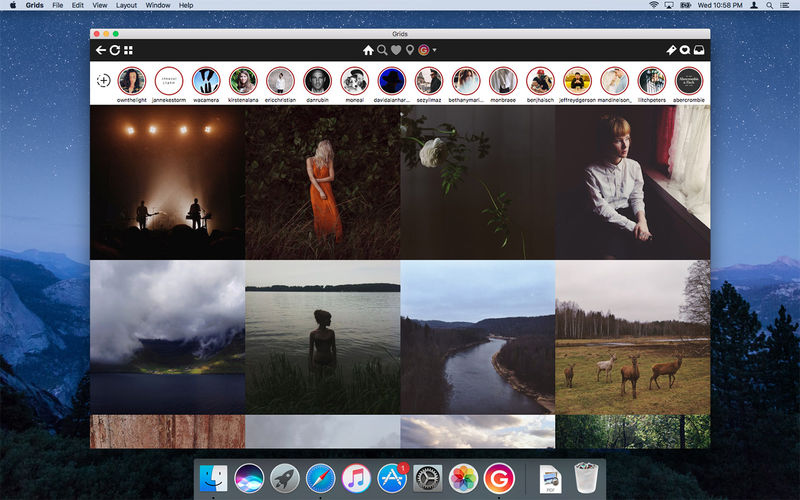
Grids brings the best Instagram experience to your Mac, with Stories (first and only app that supports stories!), Direct Message and Large/Fullscreen photo and video viewing.
As featured on TheNextWeb, AppAdvice, iDownloadBlog, DigitalTrends and many others.
View Stories (pro)
Direct message (pro)
Share photos/user profiles/tags/locations via message
Enlarged view mode allows photo viewing and video playing in large or full screen
Clean, adaptive UI. Works at full screen as well as widget-sized window.
Pixel-perfect layout and rendering. Retina display support. Your Instagram photos never looked this gorgeous.
4 beautiful layout styles for the pleasure of your eyes
Picture size as well as spacing and background color can be adjusted to your liking.
Fastest Instagram browsing experience you will have!
Switch between multiple accounts seamlessly.
Like, comment, follow, search people and tags.
Show users tagged in photo
Bookmark allows you to bookmark people (without having to follow them), locations, tags and individual photos or videos (without having to like them).
Get notification when new feed is available and/or when there is new followers/likes/comments/mentions.
View latest following/news just like on your phone
Note: An Instagram account is required to use this app.
What’s New:
Version 7.0.9:
Release notes were unavailable when this listing was updated.
Language: English, German, French, Portuguese and others. Compatibility: macOS 10.13 or later Homepagehttp://gridsapp.net
RAW Power® has the best Finder, Photos and iCloud integration of any non-Apple photo app, plus advanced RAW editing, ratings and more.
RAW Power is three tools in one:
A fast, non-destructive image editor app. No need to import – RAW Power can quickly browse any folder on your disk.
An Apple Photos library app. It is also compatible with iCloud Photos, so any Photos library changes you make sync to your other Macs and iOS devices.
A Photos editing extension.
Any way you use it, you get the same impressive editing features. With either app mode, you can rate, flag, and filter too.
RAW Power is great with JPEGs, with powerful adjustments absent from Apple’s Photos (such as LUTs, Depth Effect and Chromatic Aberration)
If you loved Aperture’s advanced RAW processing, you’ll feel at home with RAW Power. Adjustments like Boost, previously only available in Aperture, help you improve your images in ways that simply can’t be done in any other application.
OVERVIEW
ADVANCED RAW: Unlock the power of Apple’s RAW engine (previously only in Aperture). Unique adjustments improve photos in ways impossible in any other app.
ORGANIZE: RAW Power can organize and manage your Photos Library (requires Catalina). Fully compatible with iCloud Photo Library, so library changes are synced.
FINDER SUPPORT: RAW Power is a fast, standalone image editor with the same excellent non-destructive, RAW processing.
RATE & FILTER: Filter by file type, rating, flag, and edit state. Ratings and flags sync over iCloud Photos!
EDIT CROSS-PLATFORM: Start on one device and continue on another using RAW Power 3 for iOS (separate purchase). RAW Power is also a Photos editing extension with all the same adjustments.
BATCH PROCESSING: Apply presets, paste adjustments, and export images. Apply Auto Enhance or Auto White Balance to many images at once.
ORGANIZATION AND DISPLAY
Zoom up to 800% for extremely precise adjustments.
Create Photo library albums, delete images, and arrange images in albums.
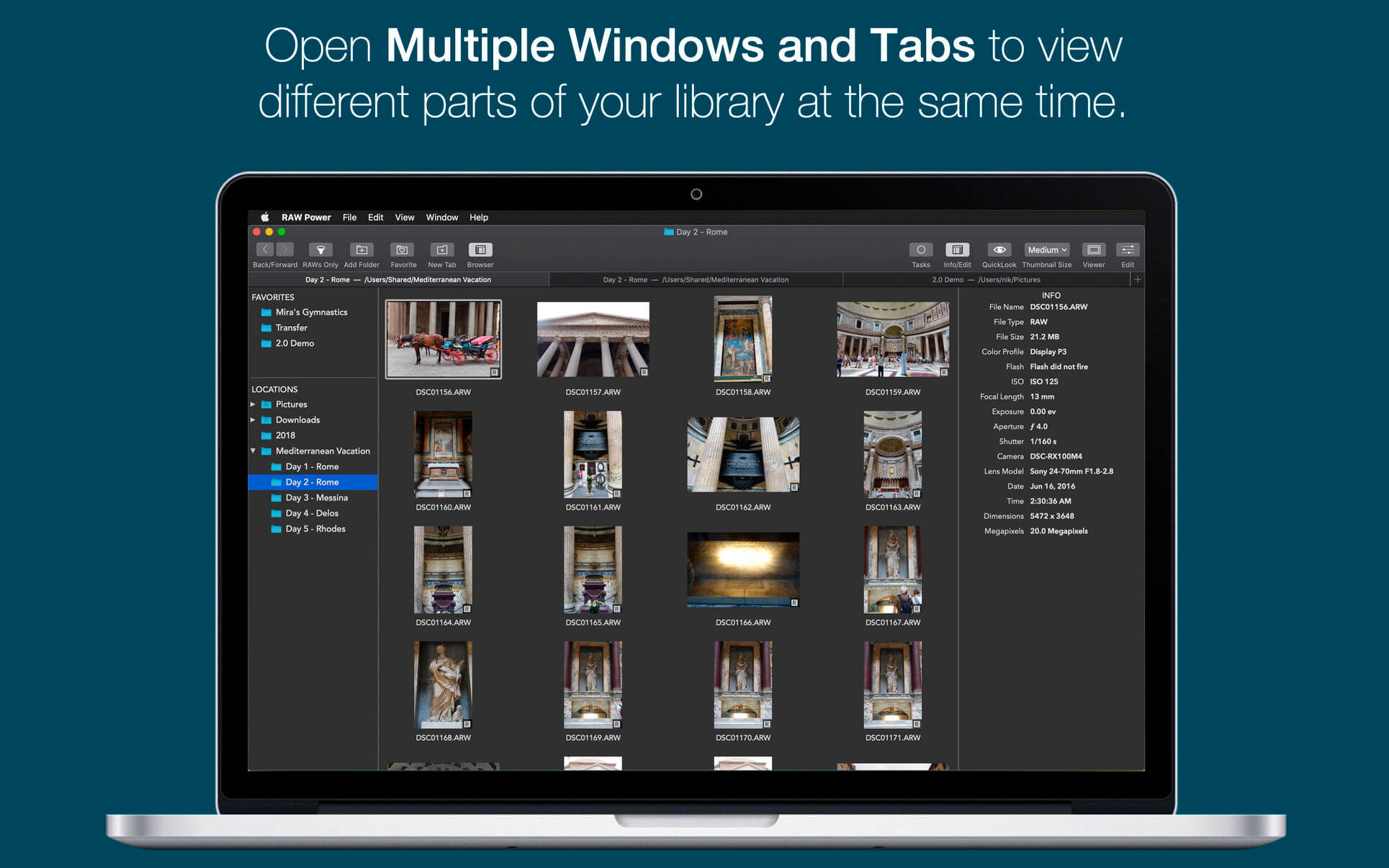
View metadata such as file name, shot information, flash status, and location with map.
Browse folders on your disk or albums in your library, pick favorite folders
Multiple Windows / Tabs to view different parts of your disk or library at once
Open and edit multiple files at once
Thumbnail Grid with badges for edit state, file type, rating, and flags
Filter by file type, edit state, rating, flags and tags
Export with control over size, format, profile, and name
Apply Presets, Paste Adjustments, Export, and more with Batch Processing in the background
REAL-TIME EDITING
Compatible with hundreds of cameras, including iPhone RAW. (see https://support.apple.com/en-jo/HT210191). Fuji Compressed RAW is not supported. Supports most DNGs.
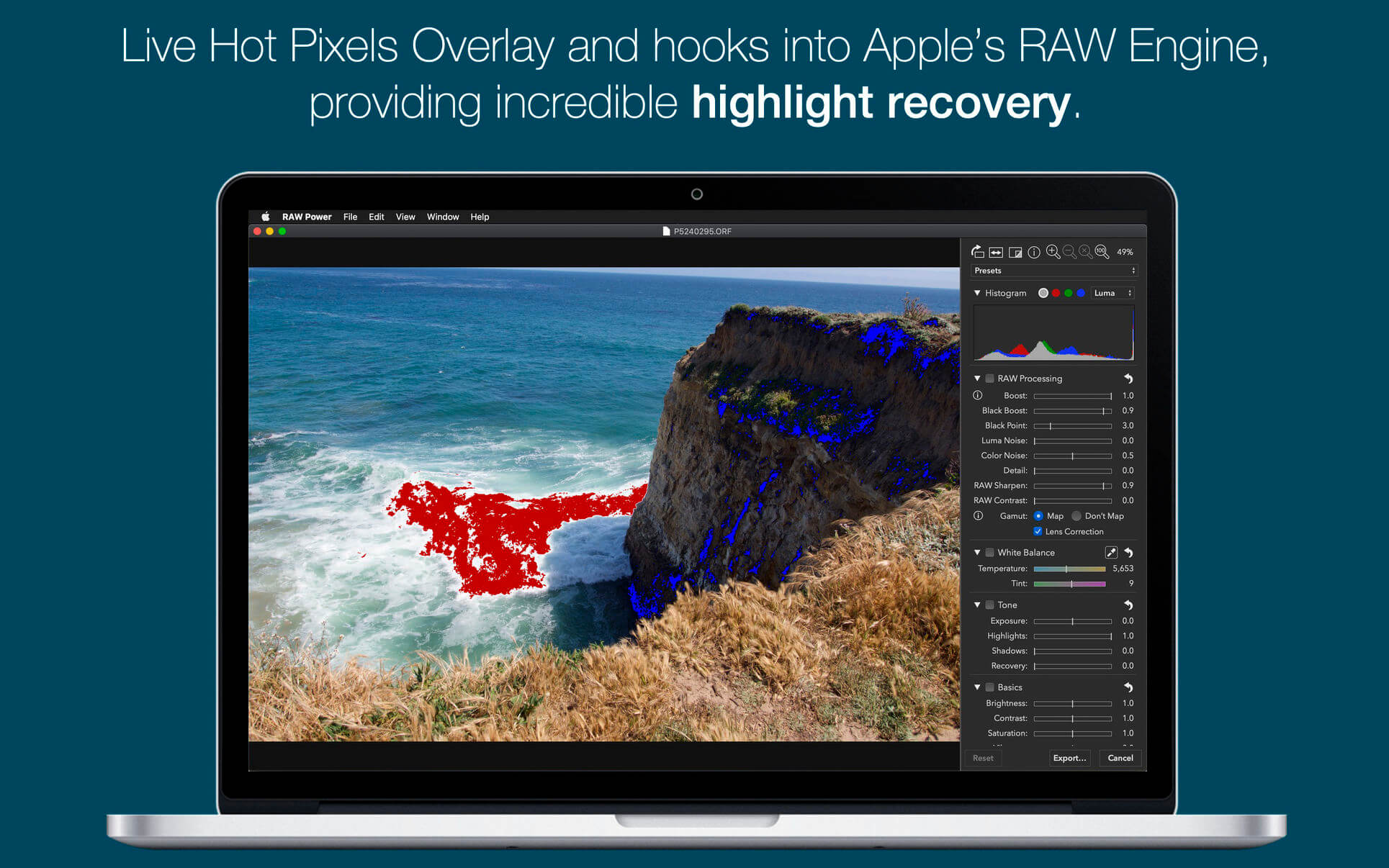
Unparalleled highlight recovery. Real-time control of Apple’s RAW, including Noise Reduction, Black Point, Gamut Mapping and more
Auto Enhance, Auto White Balance, Auto Levels and Auto Curves
Histogram with Clipping Indicators and Hot Pixels Overlay
LUTs (Look up tables) with built-in looks and film simulations. Add your own!
Crop and Straighten, Rotate and Flip, White Balance with sampler and auto
Highlights, Shadows, Vibrancy, Local Contrast and incredible Lighten and Darken sliders
Curves and Levels. Curves has Linear and Lab modes, and samplers
Depth Effect to enhance photos shot with the dual camera system
Chromatic Aberration to correct lens artifacts, Perspective, Black & White, Vignette with adjustable center point
Metal-based image processing engine for better performance. High-precision, deep color imaging.
Fully non-destructive editing, with all changes stored in sidecars
All sliders are real-time and GPU accelerated
Customizable Presets and Copy / Paste of adjustments
Camera Presets let you create a starting point for each camera model
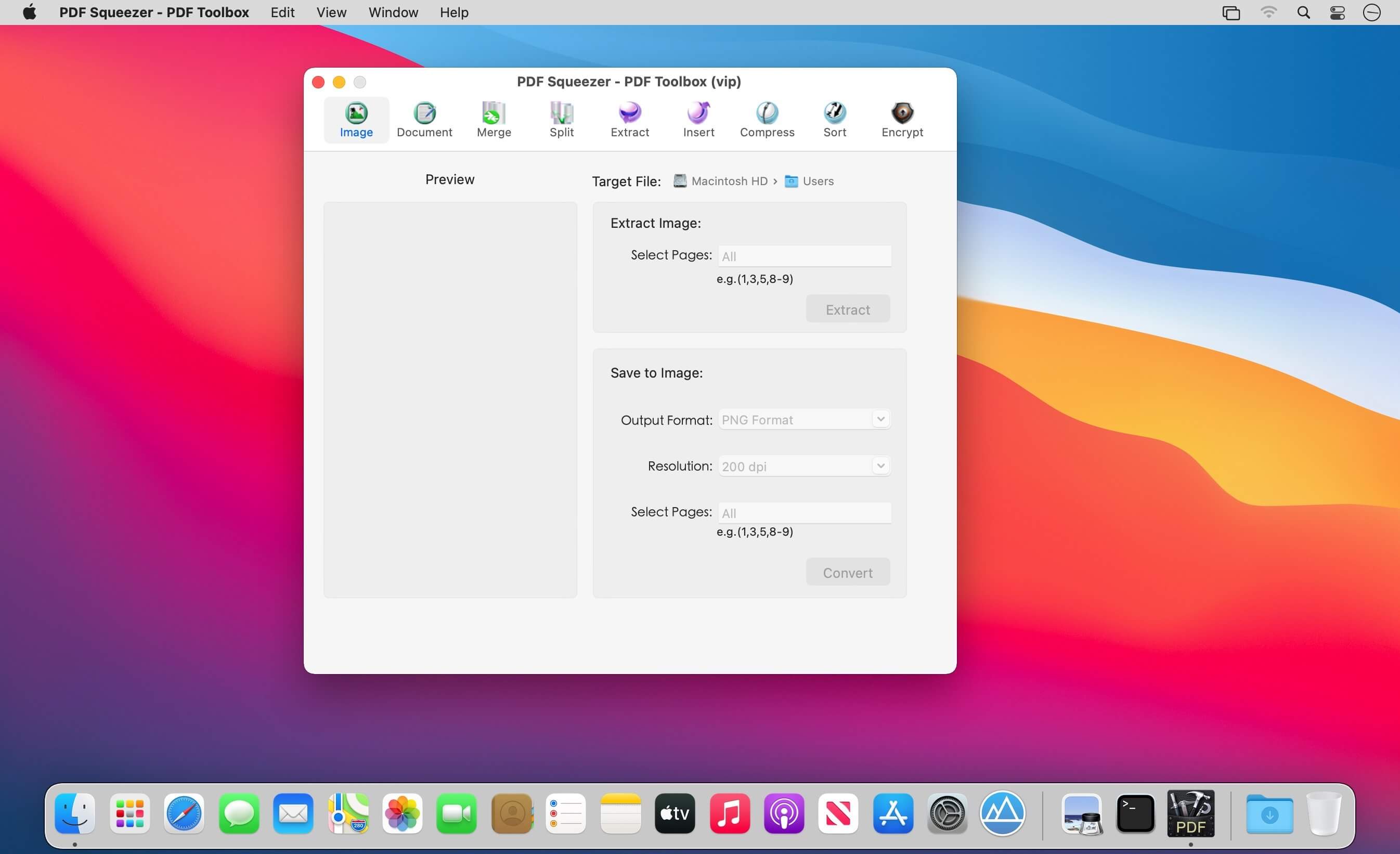
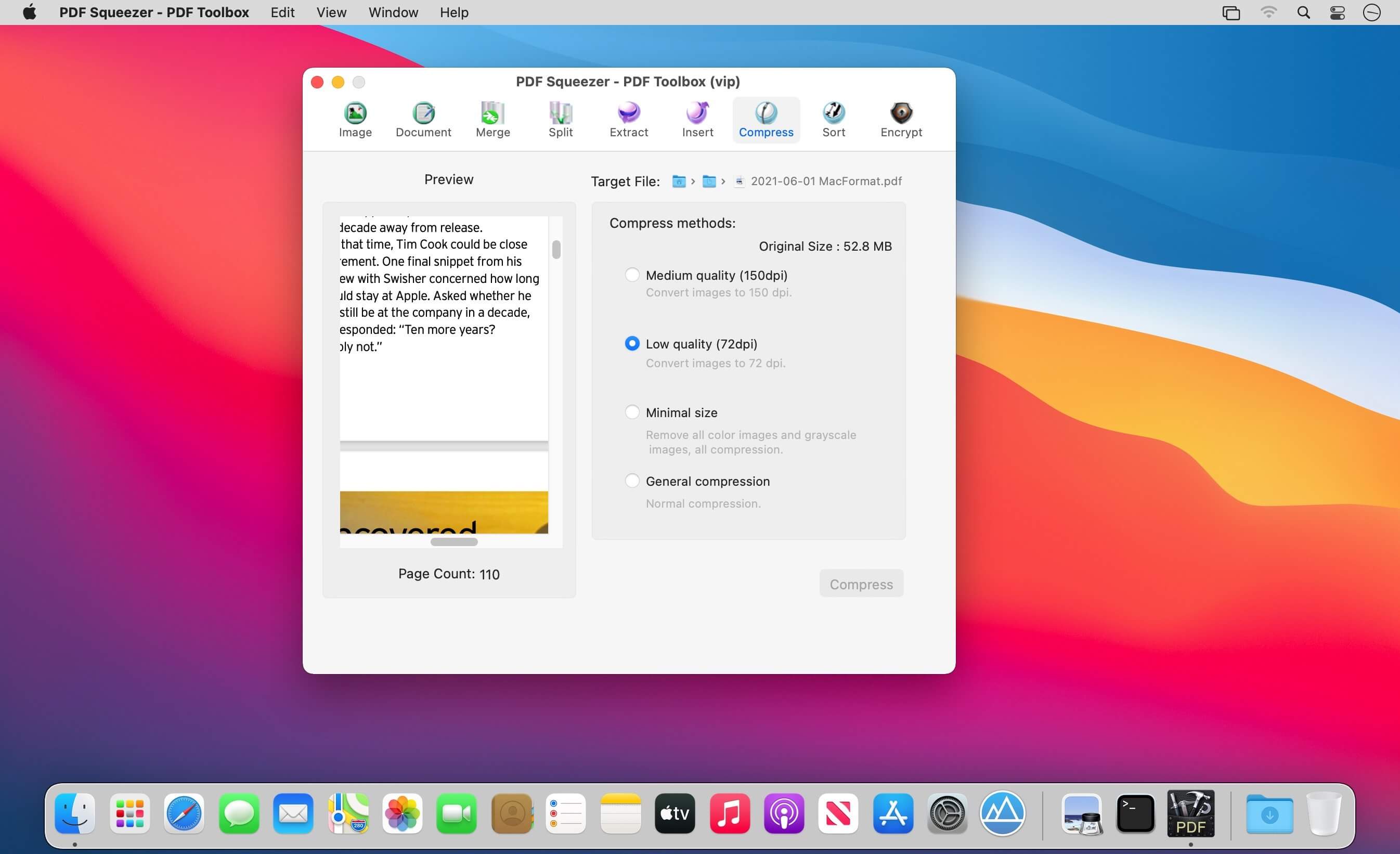
PDF Squeezer – PDF Toolbox is designed for operating PDF files and contains almost all operations you can imagine, such as: compress, merge, split, extract, insert, extract image, convert image, extract text, sequence, encrypt, etc. If you are worried about operating PDF files, download it, it’s so fantastic!
FEATURES: 1. Merge You can easily merge various PDF files that you like into one which is convinent for managing and reading; 2. Split You can arbitrarily split a PDF file at your convenience; 3. Extract You can arbitrarily extract page number from one or more PDF files and merger into a new PDF file; 4. Insert You can insert one PDF file into another; 5. Extract image You can specify the page number of PDF file, and then extract the images or convert the whole page into any other image files in specified format(png,jpeg,bmp,tiff,gif); 6. Document You can extract text in PDF and save as txt or rtfd format; 7. Compress You can compress PDF files making files smaller to save your valuable disk space; 8. Sort You can randomly sequence the page number of PDF file; 9. Encrypt You can encrypt PDF files;
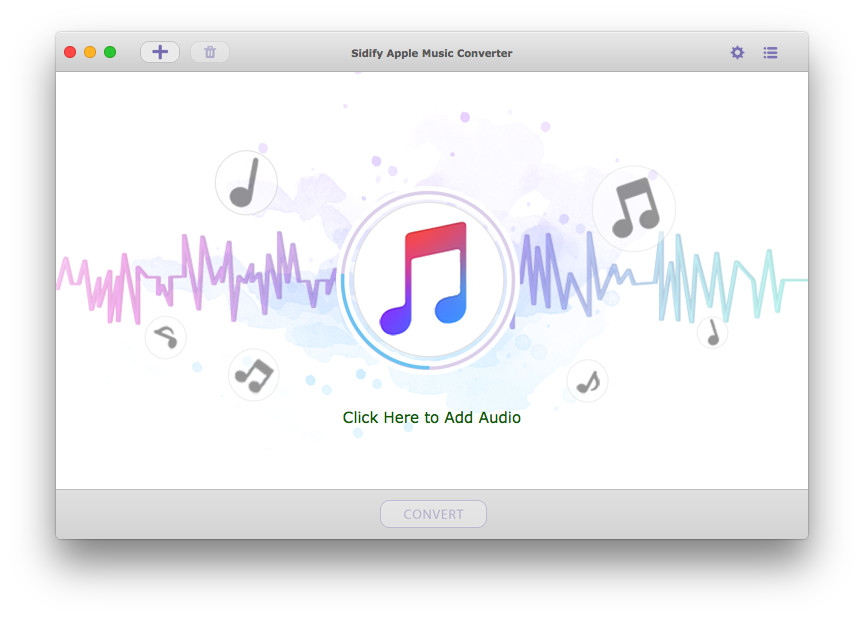
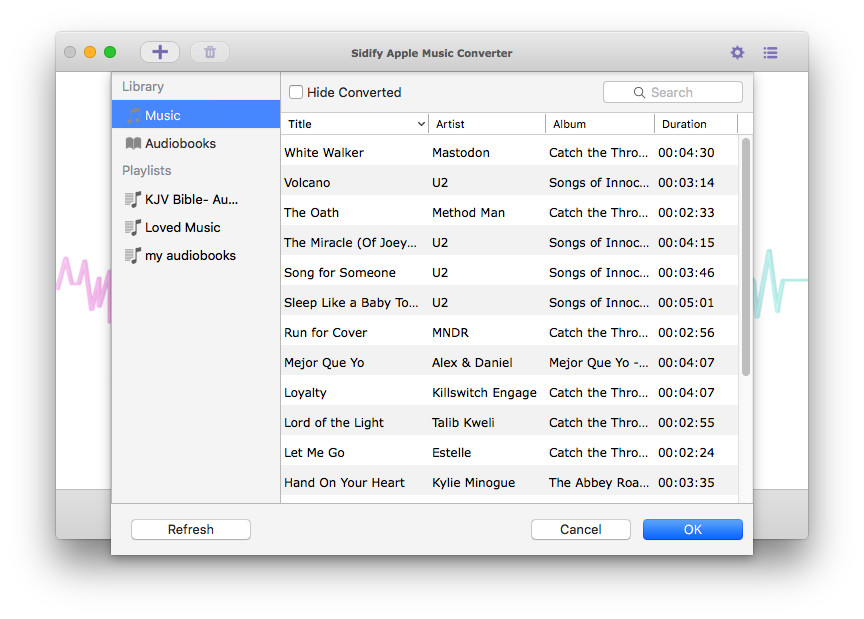
Sidify Apple Music Converter is designed for the lossless record of Apple Music, and convert those downloaded M4P songs to MP3, AAC, FLAC, or WAV format for offline playback, and helps you enjoy Apple Music no matter where you are and on any device. Besides, it also enables you to convert your local audio files to MP3/M4A/AAC/WAV/OGG format.
Free Your Apple Music Tracks Sidify Apple Music Converter enables Mac users to record Apple Music songs to make them playable on iPod, PSP, MP3 player, Android phone, and other portable devices offline. Besides, with Sidify Apple Music Converter, you can keep Apple Music songs forever even when you cancel the subscription.
Record Apple Music Songs with 100% Lossless Quality Sidify Apple Music Converter makes it easier than ever to record Apple Music songs in MP3, AAC, FLAC, and WAV with 100% original quality. You can also convert a batch of audio files at a time. In addition, it can be used to convert your local music files to MP3/M4A/AAC/WAV/OGG.
Keep & Edit ID3 Tags Innovative converting technology is encoded in Sidify Apple Music Converter, which helps keep the ID3 tags after conversion. Moreover, you can edit the ID tags by yourself (in the “Tools” section), including title, artist, album, genre, year, track number.
Convert Protected Audible Audiobooks and iTunes M4P Music The Sidify Apple Music Converter is an all-in-one and powerful iTunes Audio Converter which can convert not only Apple Music files but also any other kinds of music that can be played in iTunes, including iTunes M4A/M4B, Audible AA/AAX audiobooks, and iTunes M4P music. What’s more, it also supports converting Audiobook to AAC format with chapters kept.
What’s New:
Version 3.2.0
Support dark mode.
Support listing the converted songs in the same order as the original playlist.
The best standalone HBO Max app for macOS. No more switching between browser tabs. Simply launch Clicker for HBO Max straight from your dock and get your binge on. With Picture-in-Picture support built right in, watch your favorite shoes while you fly through those TPS reports. Stop trying to use HBO’s silly iPad app on your M1 Mac and enjoy the glory of true full screen playback using Clicker for HBO Max.
Export for iTunes lets you export your playlists and albums from iTunes to any local folder, external storage, SD card or USB drive! With Export for iTunes you can transfer easily your playlists to your car stereo or any other media player. Convert aac/m4a files to mp3 for best compatibility with most sound systems.
The app converts, copies and organizes your playlists’ and albums’ music files into folders, and creates the .m3u file that lets you play your playlist on any media player. For every album, you can include an image file with album artwork. You can browse and select which of your playlists or albums you want to export. See all playlist/album tracks with their metadata without opening the iTunes app. You can also export the track list from any album or playlist to Excel, so you can create a file with info about all your iTunes music. This iTunes export app let you preview and export metadata like: Title, Artist, Time, Album, Genre, File path, Kind, and Bitrate. The app does not modify your iTunes library.
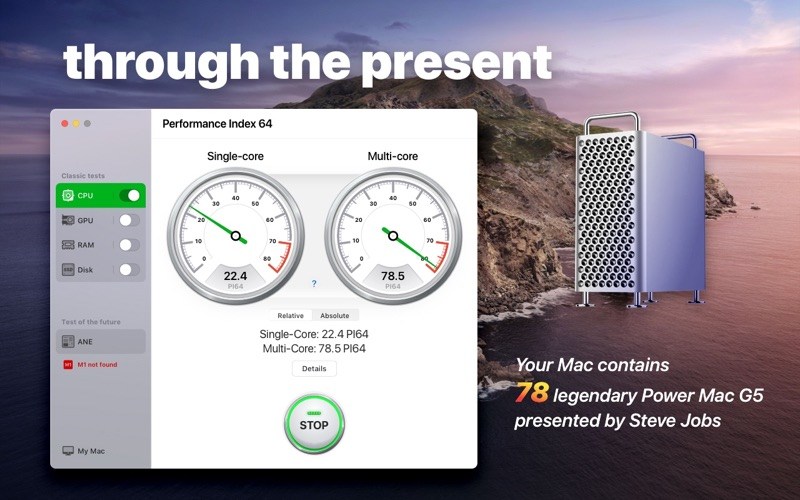
The Performance Index 64 app is designed to compare your Mac with other macOS devices and evaluate performance and efficiency of different configurations.
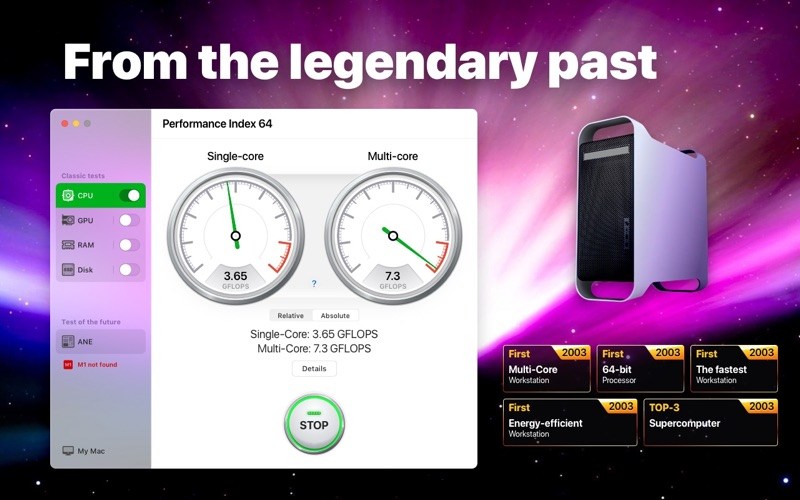
Since we are talking about a 64-bit system, we took the very first 64-bit computer designed by Apple as a conventional unit – the legendary Power Mac G5 first introduced by Steve Jobs in July 2003.
Powered by the PowerPC processors, the Power Mac G5 was so effective and energy efficient that in autumn 2003 a group of enthusiastic students introduced the System X supercomputer, combined with 1100 of such desktops. This supercomputer became a real technological breakthrough, taking third place in the TOP-500 rating.
Nowadays, such a result would be impossible. If we would have combined a similar configuration of 1100 top 64-bit desktops, the resulting supercomputer wouldn’t even be included in the TOP-100 of the world ranking. With the help of our application you can find out how much of the legendary Power Mac G5 your Mac contains.
What’s New:
Version 4.1.0: Evaluate the performance and efficiency of your Mac with new version! In this update:
Test of the future – one more tool for system check
Sidify Apple Music Converter is a well-designed audio converter for iTunes music for Mac users. It can remove DRM from Apple Music songs, and makes it possible to save them in MP3, AAC, or WAV format to either your local computer or your music players. Besides, you can use Sidify Apple Music Converter to convert audiobooks and M4P music. It is a straightforward app that any user should get the hang of in moments. All you need to do is add the songs you want to convert and select the desired output format. With Sidify Apple Music Converter, you are able to choose from several quality presets. You can also alter the conversion speed, which may have an effect on the quality of the output content. Maximum 20X conversion speed is an available option. What’s more, ID tags such as track’s title, artist, album, genre, and duration are kept after conversion.
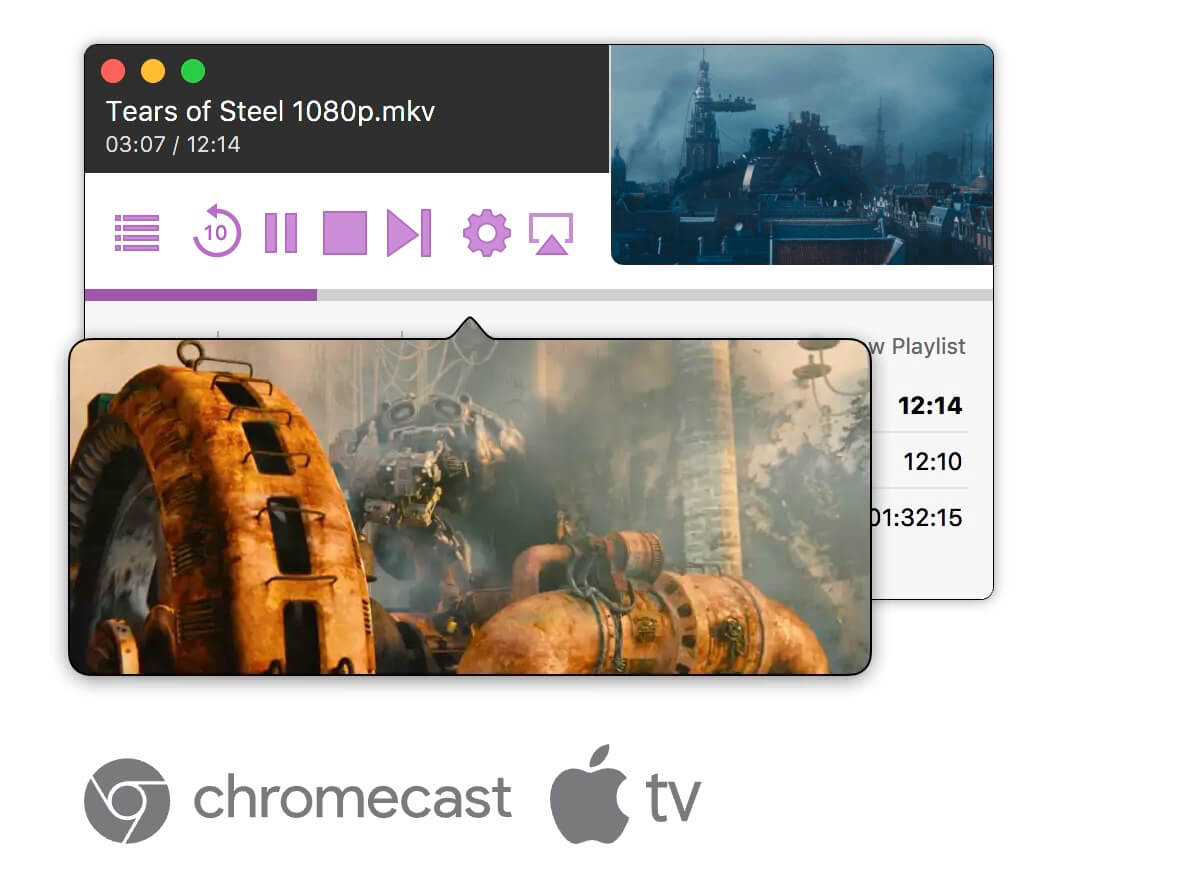
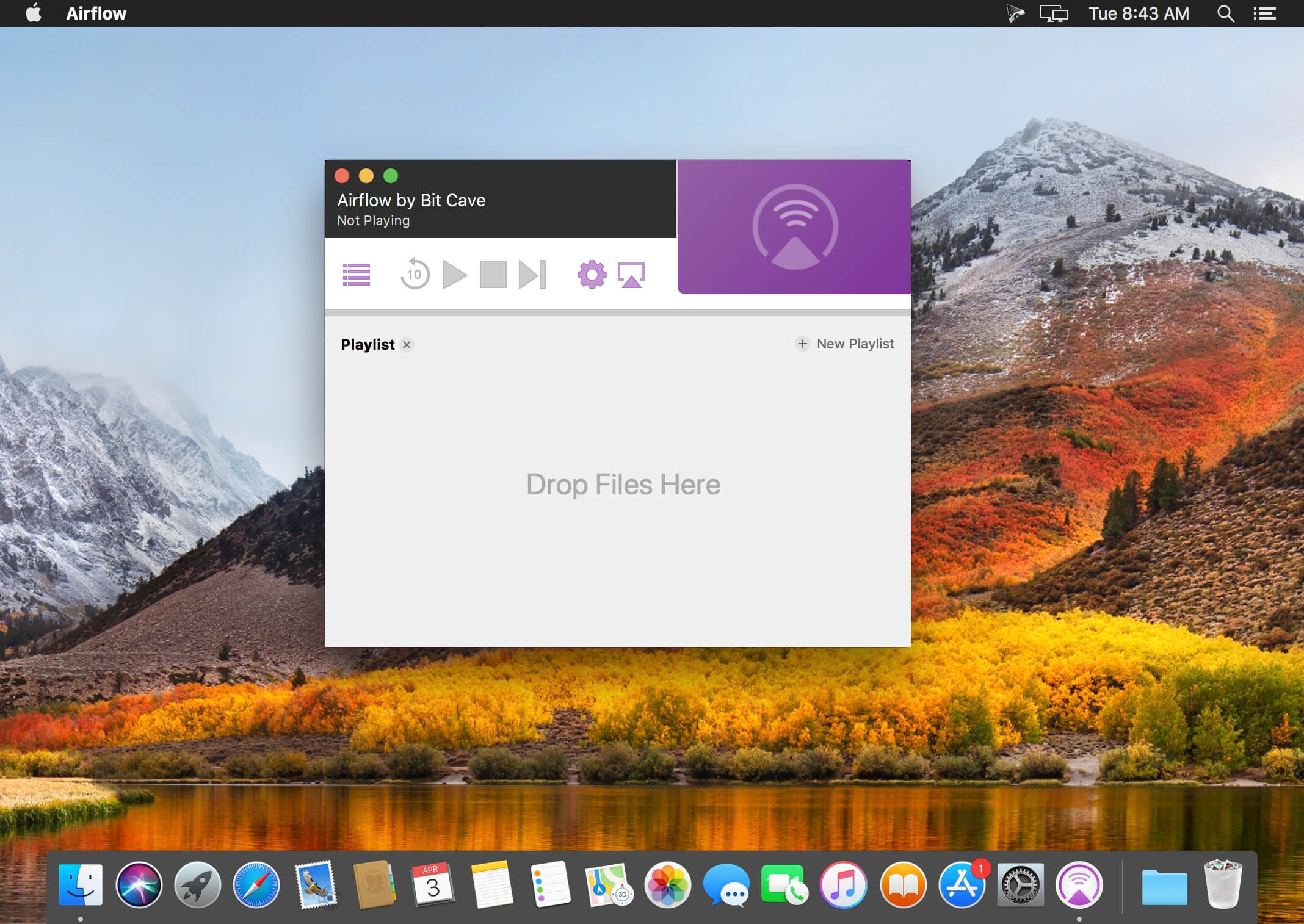
Airflow brings to users sophisticated and unique video processing pipeline that ensures best possible video quality with lowest CPU load, paired with a beautiful, modern and polished user interface.
Highlights:
Video pipeline that transparently and in real-time processes video files so that they can be natively played on Chromecast and Apple TV. Transcoding is only used when absolutely necessary and takes advantage of hardware acceleration when possible.
Great subtitle support that doesn’t require transcoding to display text subtitles. Airflow has integrated opensubtitles.org search that makes finding matching subtitles a breeze.
Scrubbing preview – Hovering over scrubbing bar shows a high-quality preview in a popup window.
Playlists and Last positions – Airflow lets users organise their files into playlists so that watching of multiple episodes is as smooth as it gets. Airflow meticulously tracks playback position of every file for seamless resuming of playback.
Folder watching – Airflow can watch folder of currently played episode, and when next episode is added, it appears in the playlist automatically.
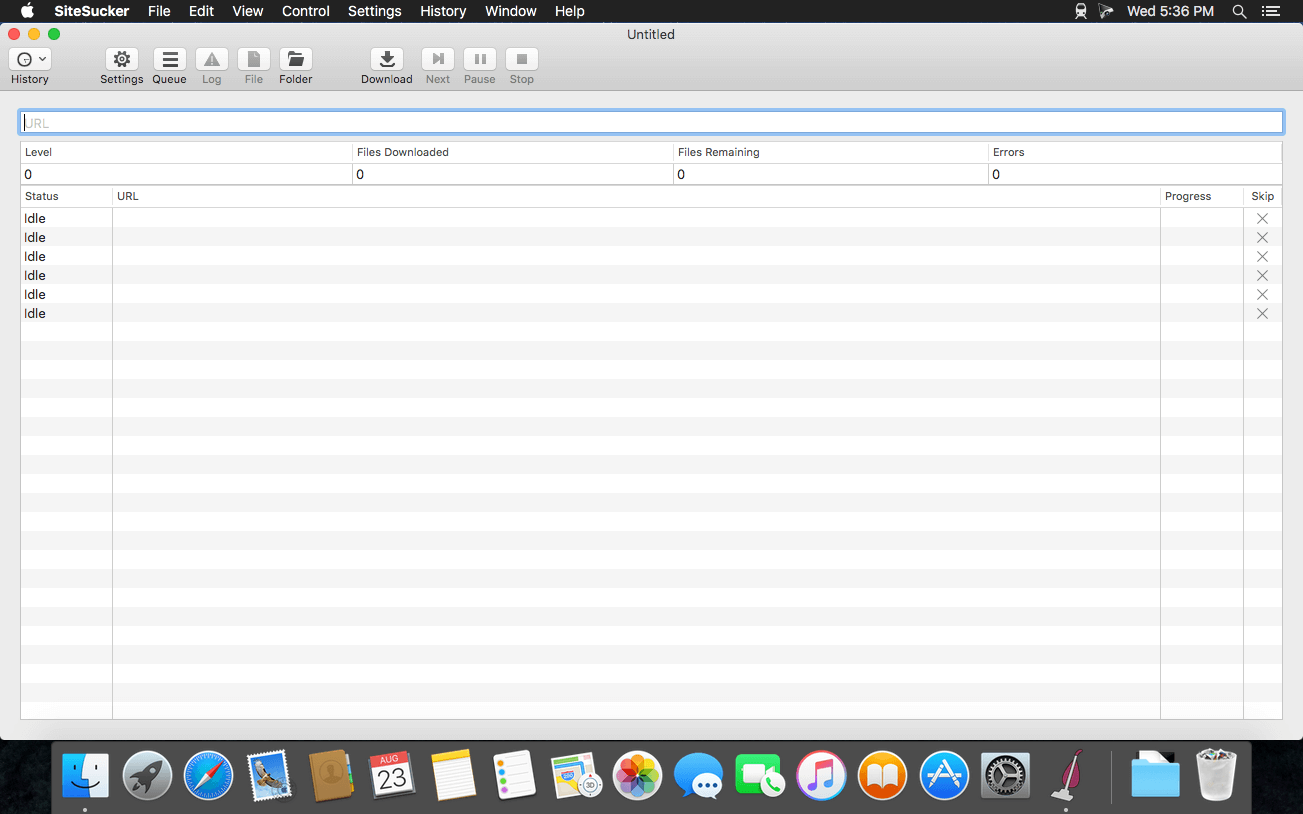
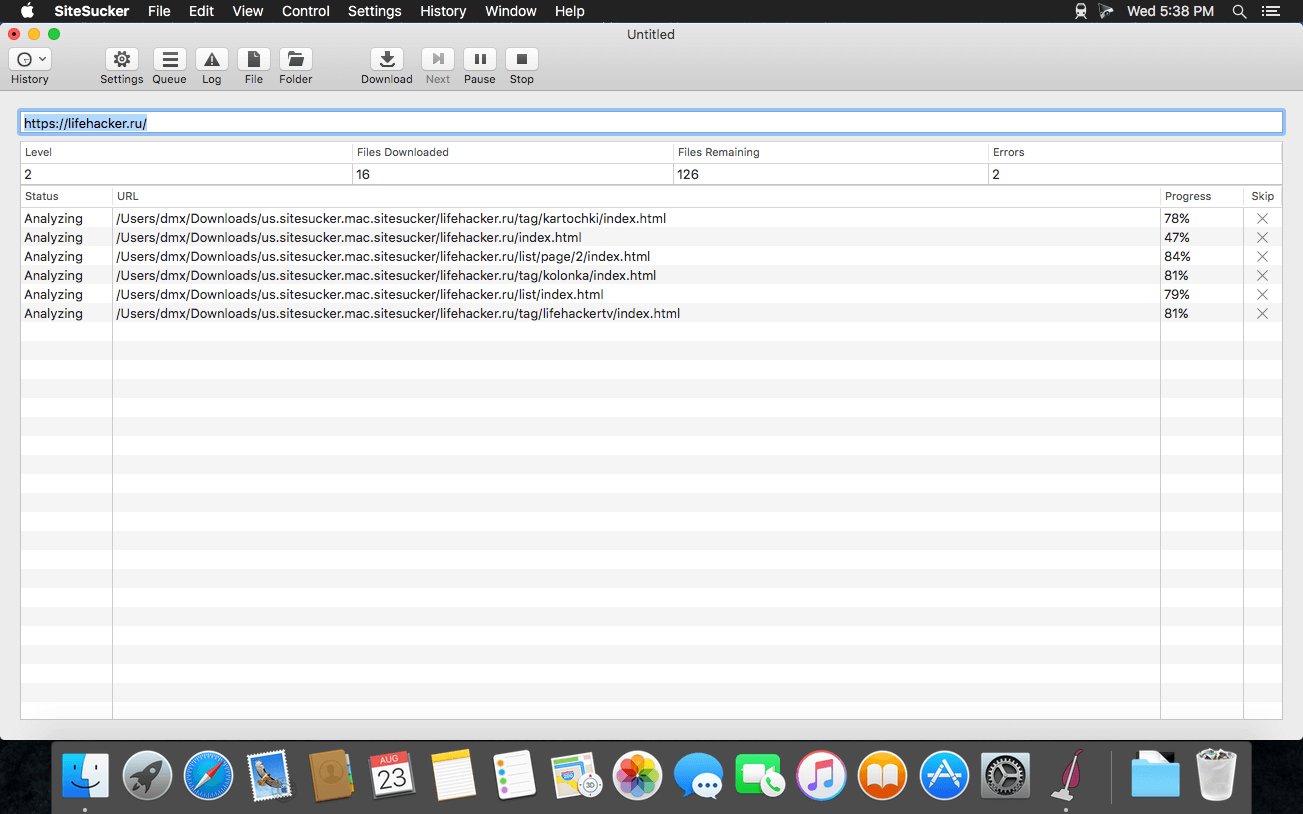
SiteSucker is an Macintosh application that automatically downloads Web sites from the Internet. It does this by asynchronously copying the site’s webpages, images, PDFs, style sheets, and other files to your local hard drive, duplicating the site’s directory structure. SiteSucker Pro is an enhanced version of SiteSucker that can download embedded videos, including embedded YouTube and Vimeo videos.
SiteSucker can be used to make local copies of Web sites. By default, SiteSucker “localizes” the files it downloads, allowing you to browse a site offline, but it can also download sites without modification.
What’s New:
Version 4.1
Modified the app to better accommodate downloading large sites.
Added the Download Error Pages setting.
Added the Host + 1 option to the Path Constraint setting.
Added the Replace file type setting that lets the user associate a media type with a URL pattern.
Added support for log, save, and saveLast message handlers in the jаvascript setting.
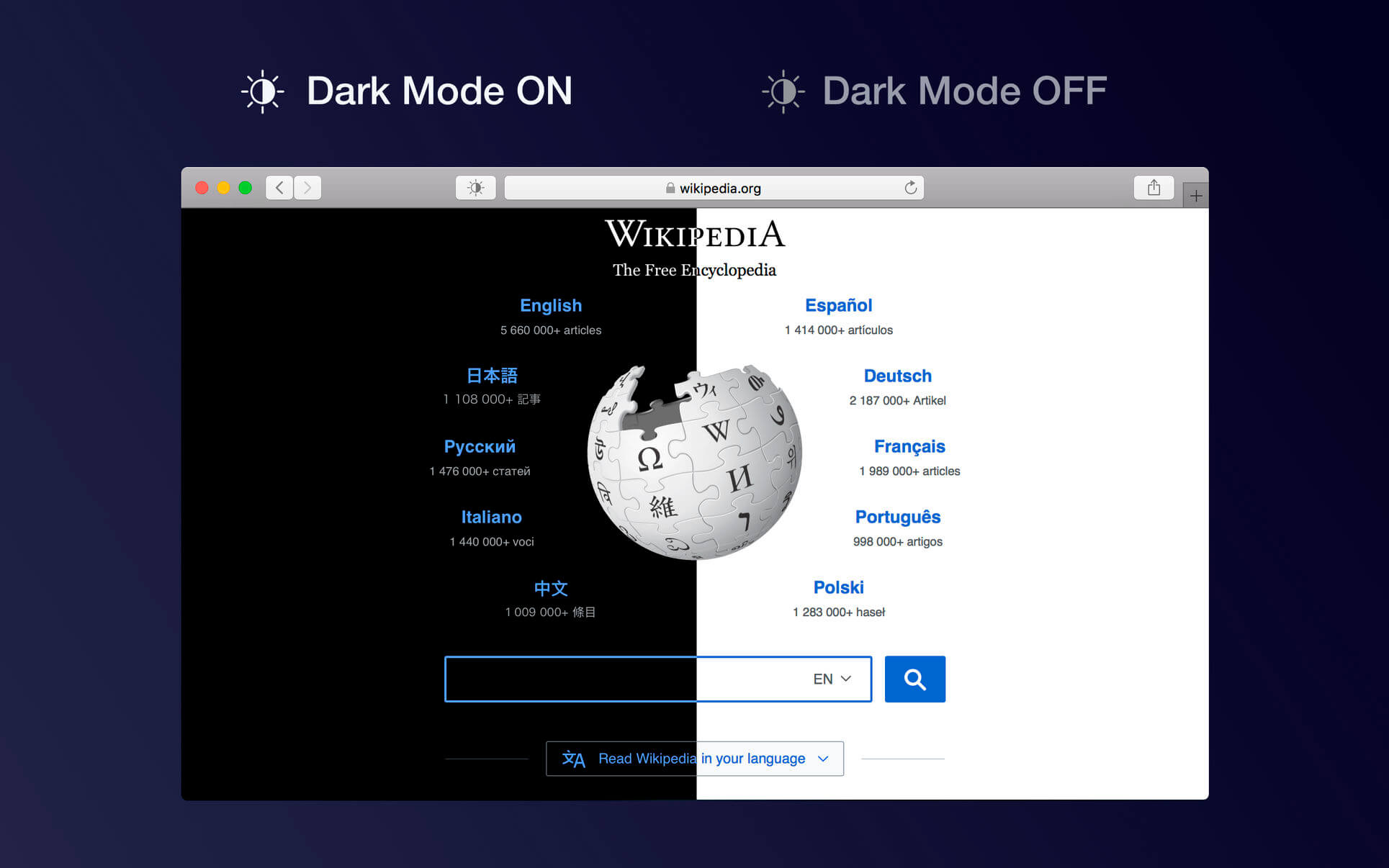
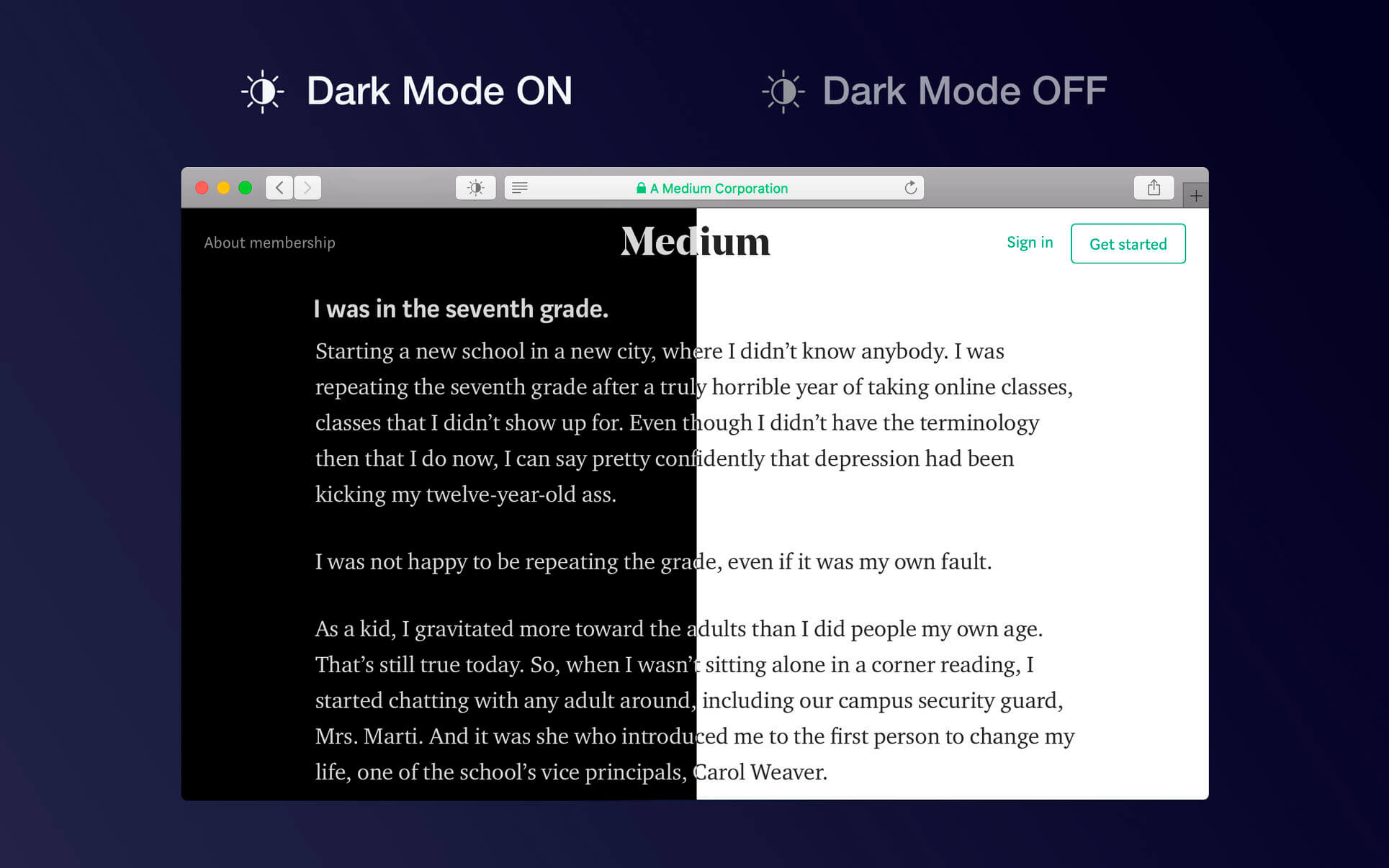
Dark Mode makes your browser more comfortable, enjoyable and cool by changing the colour scheme to make web pages easier to read. Works especially well for people working during the night or in low light environments or when you want to match your browser with the new Mojave dark mode look.
HOW TO USE IT
Once you activate the extension all websites will display a darker theme. You can start the extension manually, you can schedule it or turn it on automatically (when macOS Mojave dark mode is active)
Just press the tool bar button and you can change the theme to a softer or a mono theme
You can deactivate the theme for any site or apply dark mode for some sites only
FEATURES
A simple and powerful Safari extension
Choose between 4 themes: Dark, Soft Dark, Dark Curtain and Mono
Multiple ways to activate the extension: manually, schedule it for your preferred night hours or when macOS Mojave dark mode is on
You can ignore any site or you can apply Dark Mode for some websites only
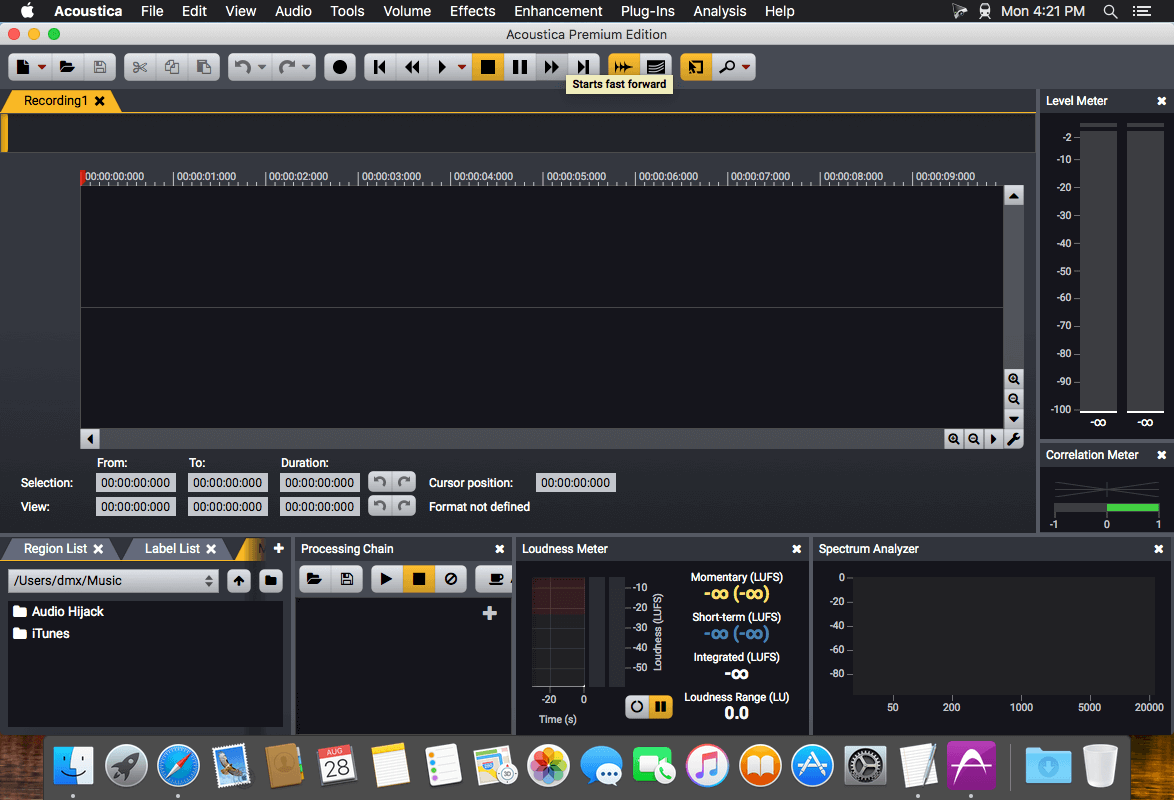
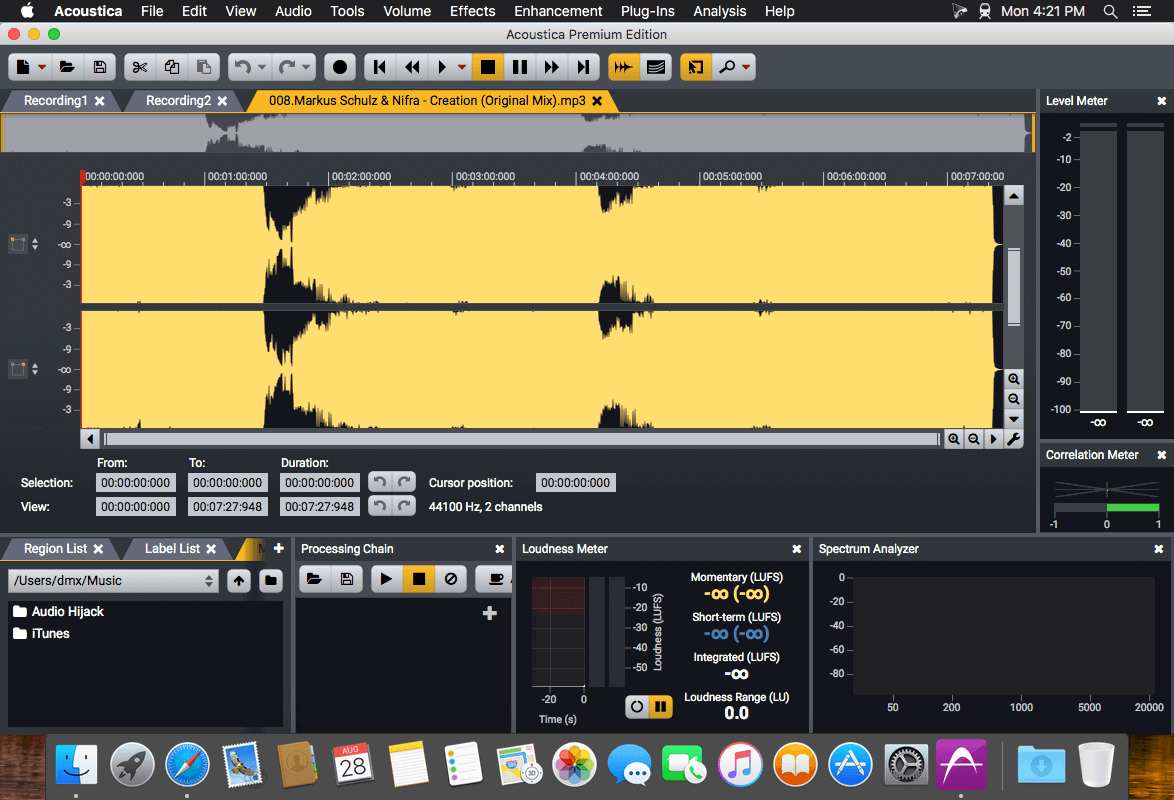
Acoustica is a comprehensive solution for professional audio recording, editing, mixing and mastering. The intuitive user interface was designed with speed, accuracy and ease-of-use in mind and gives access to a large set of powerful tools to make your recordings sound the best. The consistent workflow simplifies your production work all the way from recording, editing, batch processing, sound design and audio restoration to Red Book compatible CD burning.
Ultimate Audio Quality Acoustica offers support for state-of-the-art audio resolutions up to 32 bit and sampling rates up to 384 kHz, ensuring that all of your work comes across at the highest quality. Acoustica Premium Edition even supports multichannel audio recording and editing such as 5.1 and 7.1 surround sound.
Audio Restoration Integrated audio restoration tools help you get the most out of recordings impaired by background noise, clicks, crackle, clipping or missing high frequency content. The Premium Edition contains the same set of professional tools as our Restoration Suite.
Multitrack Editing New in Acoustica 6 is the ability to edit multitrack audio. Both the Standard and the Premium Edition allows you to mix audio from different tracks in real-time, add audio effects to tracks or easily create cross-fades. You can even loop or time stretch clips directly from the multitrack timeline.
Processing Tools High quality audio tools and effects are integrated such as dynamic processing, limiter, equalizing, reverb, convolution reverb, chorus and flanger. You can also modify tempo and key of your recordings independently using the superb quality time stretching and transpose tools.
Effect Chains and Plug-In Support You can create complete chains of processing tools, including external plug-ins, and save them along with all the parameter settings for later use. VST and DirectX plug-in support allows you to access a vast number of both free and commercial third party audio processing plug-ins directly from Acoustica.
Analysis Tools Powerful offline analysis tools are available, including spectrum, spectrogram and wavelet analysis. Real-time analyzers such as K-System level meters, phase correlation meters and spectrum analyzers allow you to monitor your audio output visually in real time during playback.
What’s New:
New in Version 7.3:
Most Important New Features at a Glance
Native support for Apple Silicon processors such as Apple M1
Acoustica Premium Edition adds four new plug-ins for dialogue post production based on deep learning:
Extract:Dialogue
DeWind:Dialogue
DeRustle:Dialogue
DeBuzz:Dialogue
Improved selection tools in the spectral editor: Geometries can now be moved and resized
Improved Remix tool with adjustable sensitivity for each stem and a separate download is no longer required
Improved audio quality of the Time Stretch and Transpose tools
Several improvements in the multitrack editor, including clip fades, region selection with optional looping and snapping
Files can now be dragged from the Media File Browser and dropped in the clip editor, multitrack sessions or CD projects
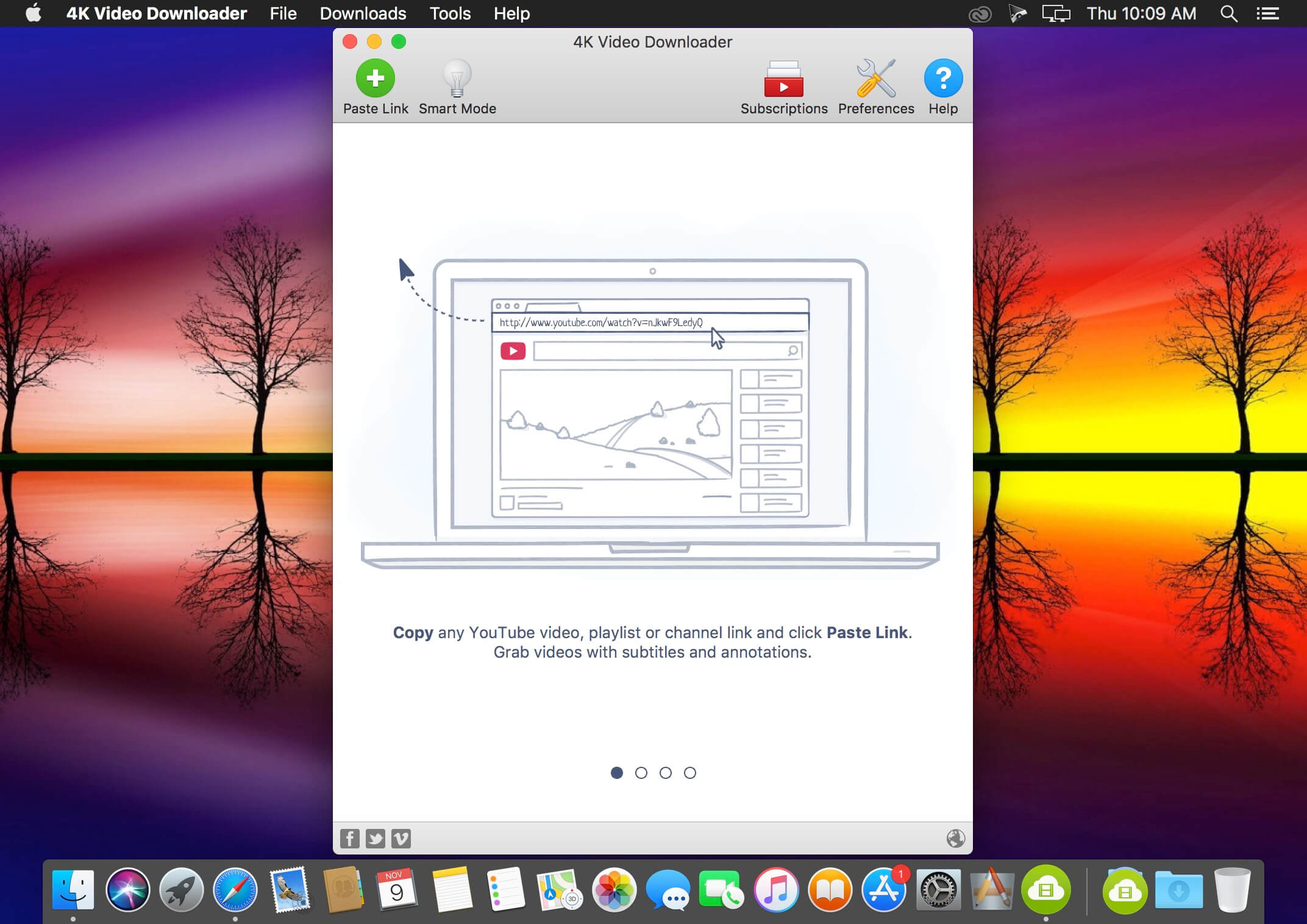
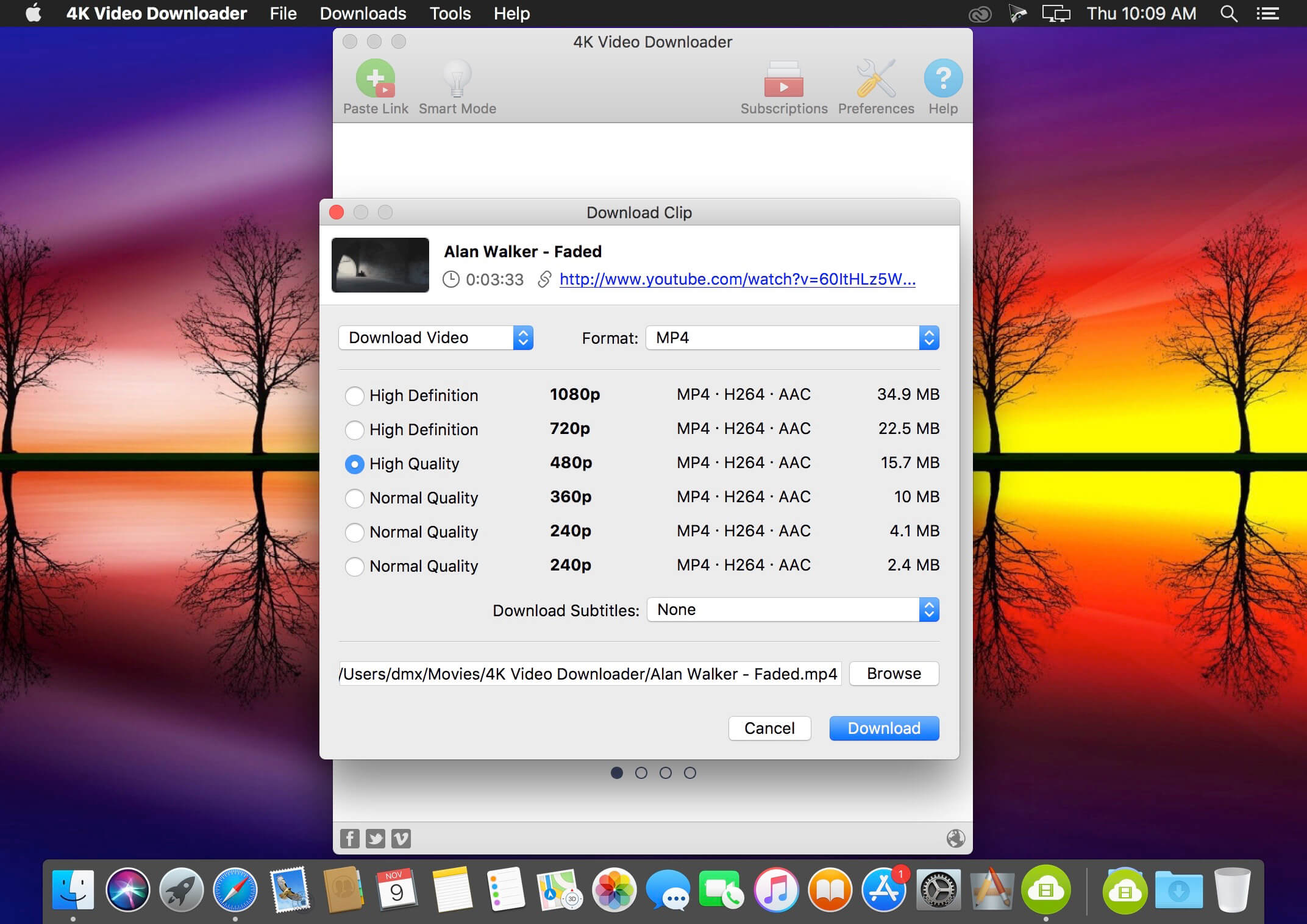
4K Video Downloader allows to download video, audio and subtitles from YouTube in high-quality and as fast as your computer and connection will allow. If you want that video on your iPad, iPhone or other device we’ve got you covered. Downloading is simple and straightforward: just copy the video link from your browser and click ‘Paste Url’. Done!
Download entire playlists and channels from YouTube and save them in MP4, MKV, M4A, MP3, FLV, 3G, generate .m3u file for playlists.
Download video in HD 1080p, HD 720p or 4K quality and enjoy high dimension video on your HD TV, iPad or other devices.
Advanced subtitles download, select if you would like to have .srt file or embedd subtitles in video file to watch it on your Mac for example.
Activate “Smart Mode” in order to apply the selected settings to all your downloads, easy and fast.
Download video in 3D format, you will find a small special icon among available formats after video parsing. It’s really impressive to watch live shows and cartoons in 3D.
Download embedded YouTube videos from any web pages, just copy/paste link and the program will find the source of download.
Download video and audio from Vimeo, SoundCloud, Flickr, Facebook and DailyMotion.
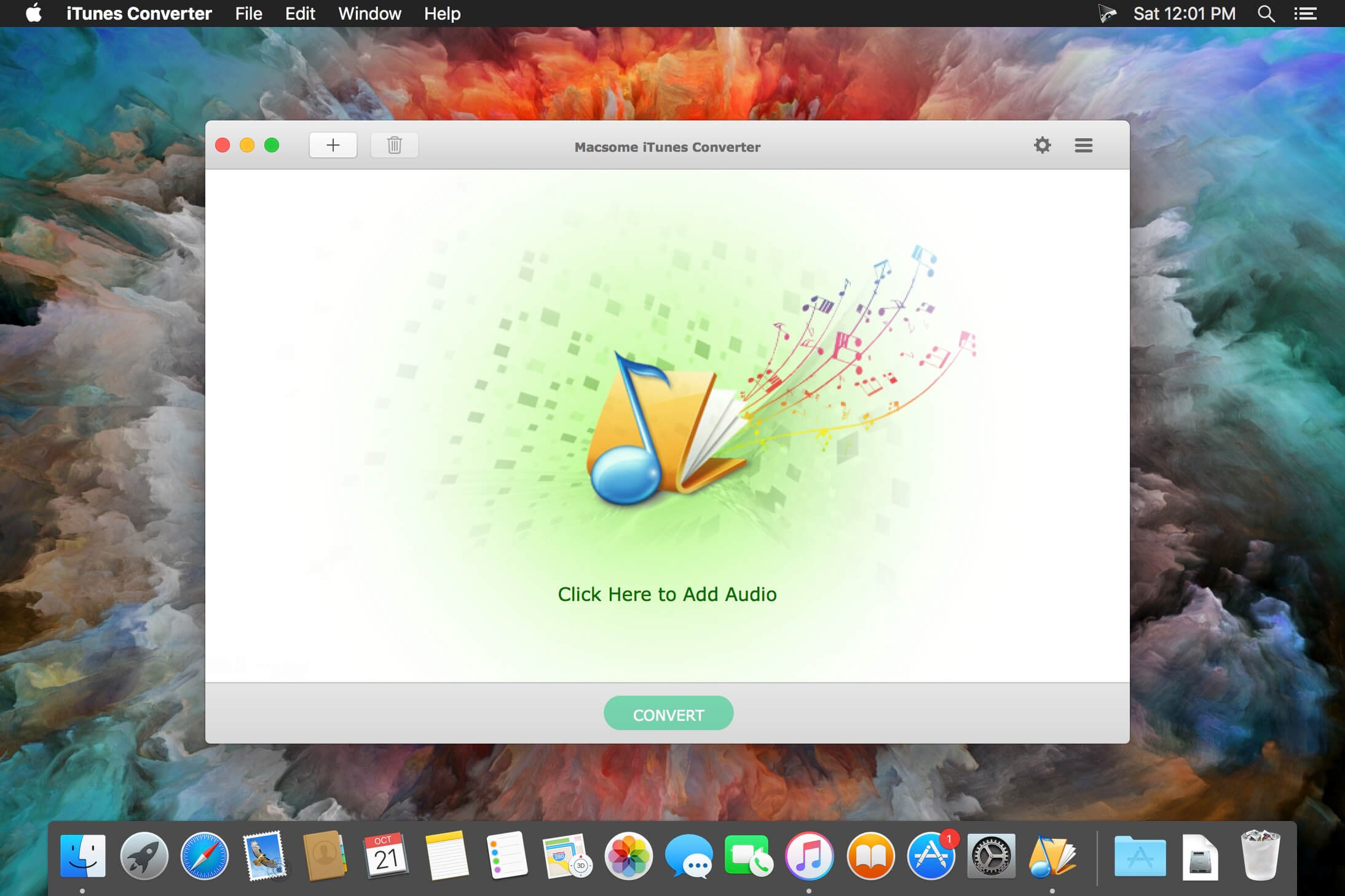
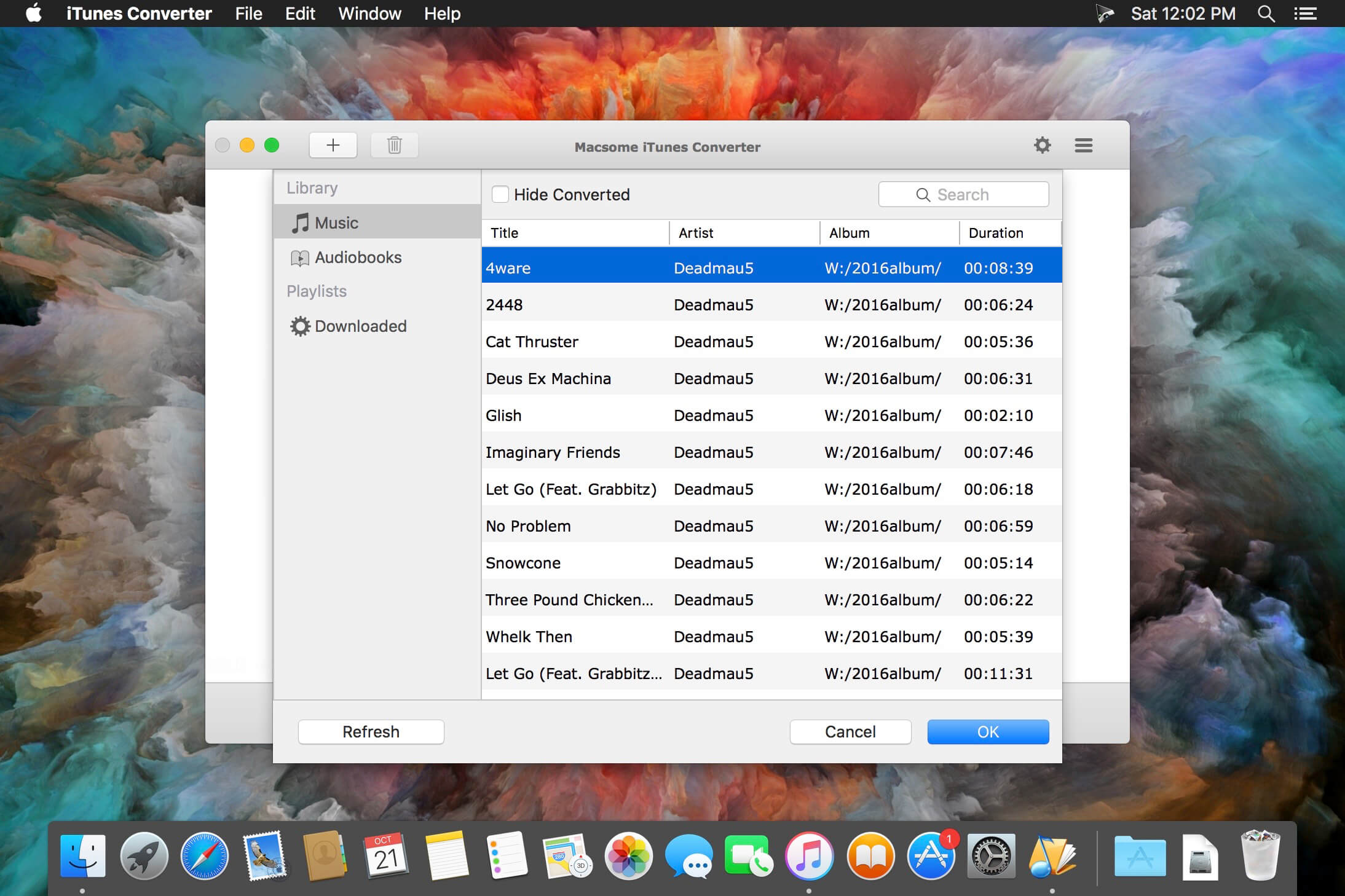
Macsome iTunes Converter can easily convert DRM-protected music and various audio files to unprotected MP3, AAC formats playable on any iPod, iPod Touch, iPhone, Zune, PSP, Creative Zen, and other MP3 players at high speed and CD quality. Convert M4P to MP3, AA to MP3 or AAC in 5X-fast speed, with ID tags preserved. iTunes M4P-to-MP3 converter, Audible AA-to-MP3 or -AAC converter.
Moreover, it is also a professional Apple Music Converter, which can convert all the downloaded files from M4P to MP3, and remove DRM protections so you can play Apple Music files without limitations any more. The iTunes Converter is used to convert all the iTunes music or other audio files which could be played on iTunes. The conversion is 20X speed faster, and the output could be CD quality. It’s all-in-one tool to convert M4P to MP3, convert protected or unprotected audiobook, convert iTunes Match Music to MP3 , convert Apple Music to MP3 and convert AAC to MP3. It is a powerful, yet simple audio conversion tool to bypass DRM control with 5X recording and encoding to MP3 method. With batch conversion, the software plays protected music tracks silently in the background and records audio files with top digital quality at speeds up to 5x.
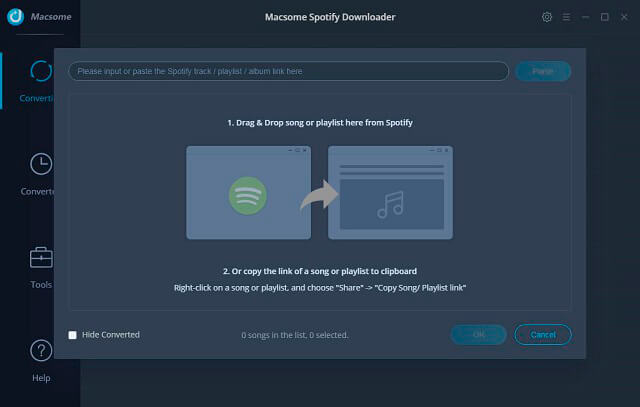
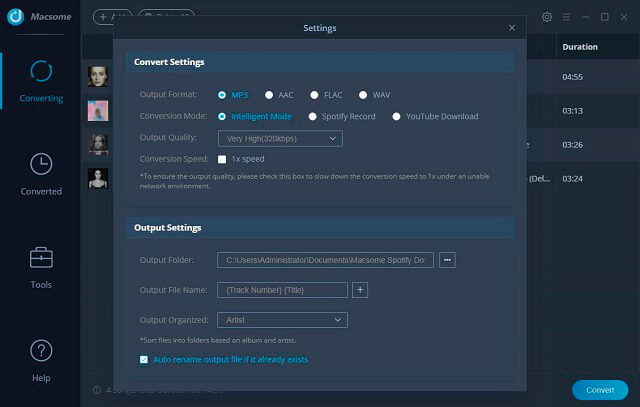
All-in-one Spotify Music Converter and Audio Downloader Spotify Downloader for Mac is a professional Spotify Music Converter, Spotify Audio Downloader and Spotify Recorder, which can convert all the Spotify music songs and playlists to MP3, AAC, FLAC and WAV, and unlock Spotify, so you can play the converted songs on Sony PSP, Sony Walkman, iRiver, the general MP3 player and so on.
It also helps users decrypt the limitations from Spotify audio tracks and convert them to MP3, AAC, FLAC and WAV audio format, and then users can play the downloaded files on kinds of audio players as they like.
Support converting Spotify to MP3, AAC, FLAC, WAV Fast conversion speed and free upgrades all life. Support macOS 10.15 Catalina and the latest Spotify.
What’s New:
Version 2.1.4
Fix the problem that the conversion fails and prompts no permission.
Optimize the problem of stuck at 0% during conversion.
Support transferring output files to iTunes/Music function.
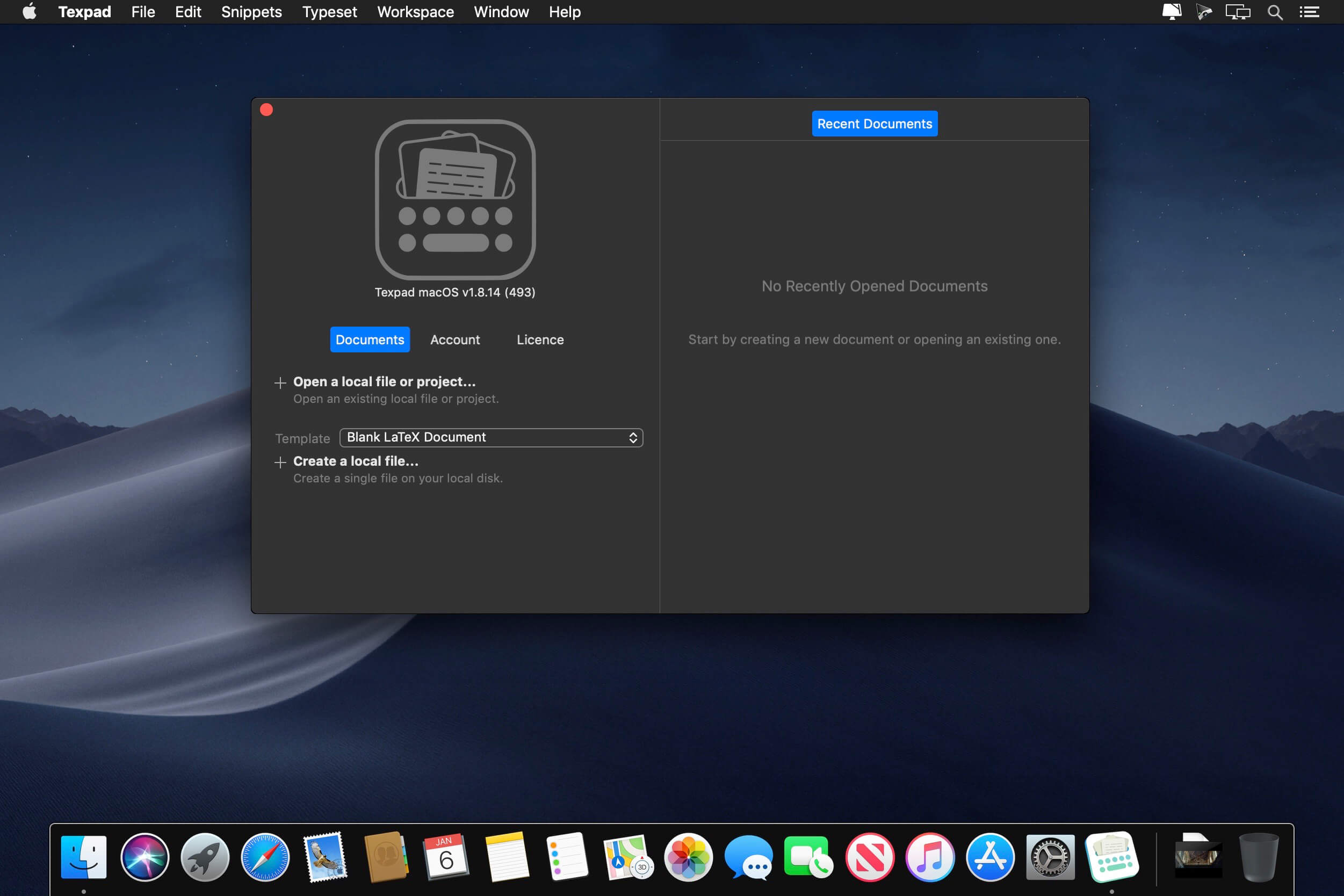
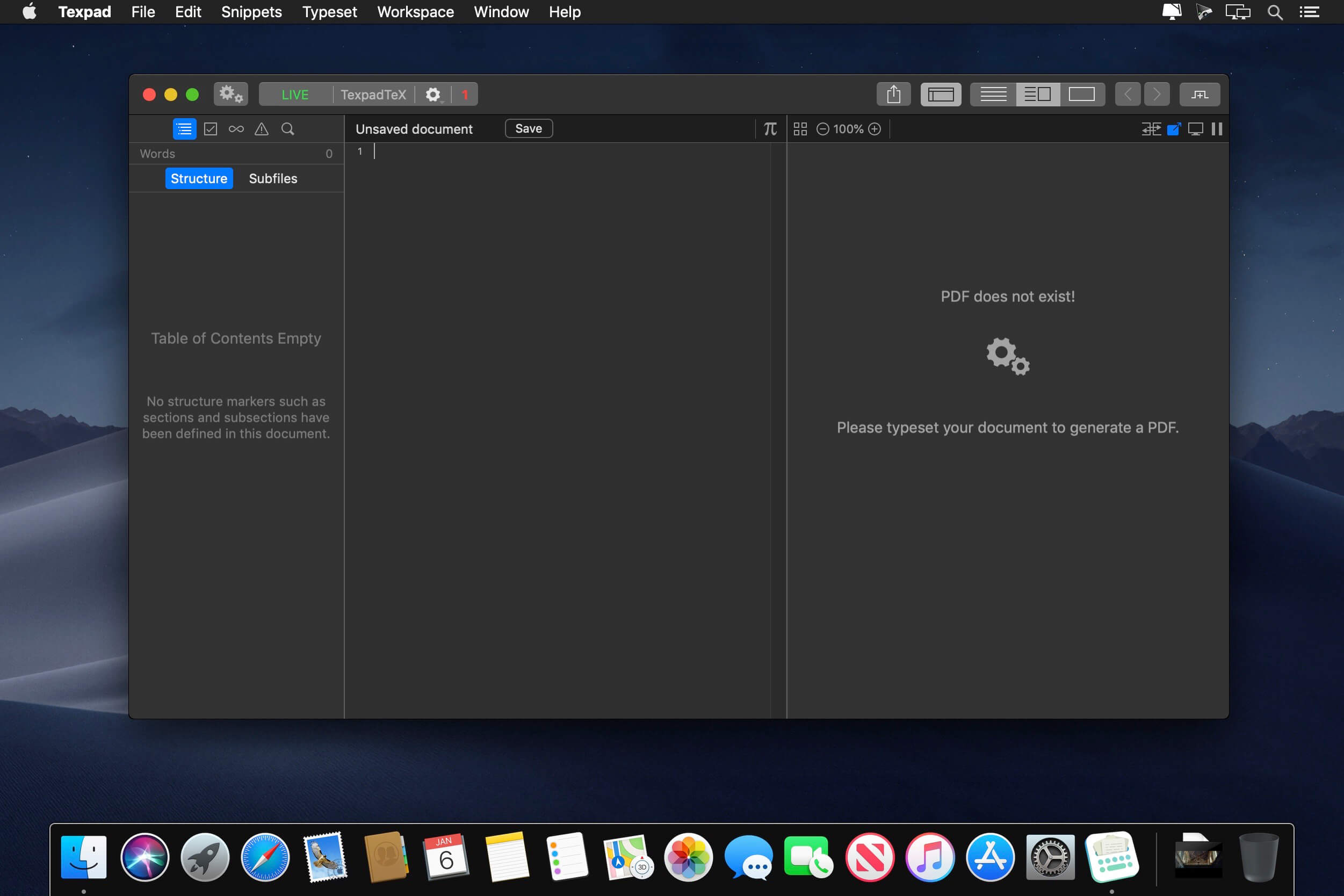
Texpad is a LaTeX editor designed for straightforward navigation of projects of any size. When Texpad opens a document it scans through it, looking for LaTeX structure commands and any included files, then it presents you with an outline view with which you can swiftly navigate the entire project.
Texpad replaces LaTeX’s obscure console output with a table of typesetting errors. Clicking on these errors will direct you to the offending line in the LaTeX source.
Texpad’s elegant single window design saves you from the clutter of windows. In even the largest projects all files are accessible from the outline view to the left of the editor. This one-window design works especially well with OS X 10.7 Lion’s fullscreen mode.
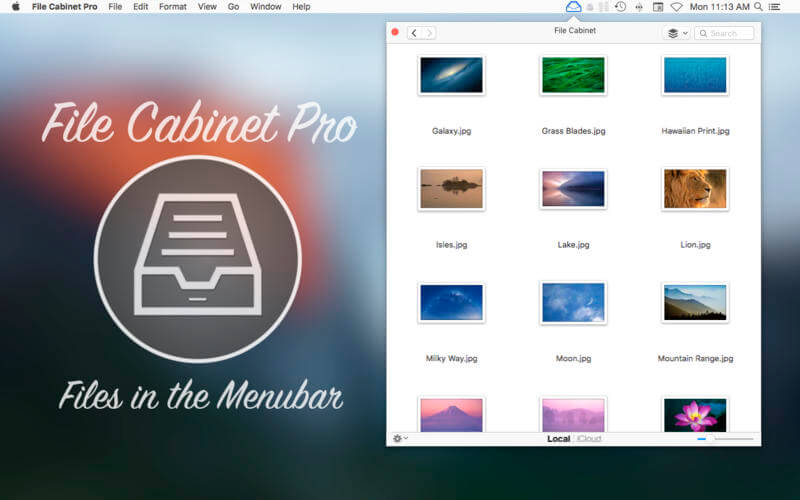
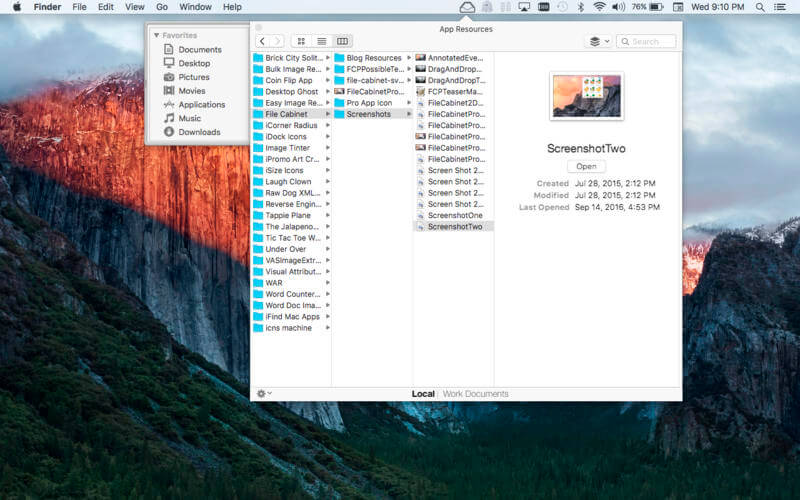
File Cabinet Pro is the file manager for the macOS menu bar. Quickly navigate to files without cluttering your desktop. Open, move, rename, compress, tag, trash, copy and paste files, all from the menu bar. You can open many file types natively in File Cabinet Pro or open files by launching other applications. It’s easy to click into directories in icon view, drill through directories in list view, or navigate the file tree in column view.
File Cabinet Pro is also a document-based application that ships with a built-in text editor, image viewer, pdf viewer, and media player. Some of the file types File Cabinet Pro can open for editing/viewing include:
TEXT DOCUMENTS:
Plain text files (txt)
Rich Text Format (rtf)
Rich Text Format Directory (rtfd)
Portable Document Format (pdf)
IMAGE DOCUMENTS:
Portable Network Graphics (png)
Joint Photographic Experts Group (jpeg)
Tagged Image File Format (tiff, tif)
Bitmap image file (bmp)
Photoshop File Format (psd) Import only
Scalable Vector Graphics (svg) Import only
VIDEO/AUDIO:
mov
mp4
m4a
m4v
avi
mp3
wav
caf
aif
With File Cabinet Pro you can:
Create subdirectories.
Click into subdirectories and open documents.
Set a “Primary” and “Secondary” directory button for the bottom bar to get an innovative drag and drop experience; drag files to these buttons in the bottom bar to bring up a popover window.
Tag files easily. Select files in File Cabinet Pro, right click, and then simply add or remove file tags from the control in the context menu.
Show selected files in Finder.
Rename files.
Copy and paste files.
Compress files.
Trash files.
View items as icons, in a list, or in columns.
Launch the application at login. You can have File Cabinet Pro automatically launch when you login to your Mac (optional feature, disabled by default).
Create a list of all your favorite directories in the sidebar.
Create and edit txt, rtf, and rtfd files using the built in lightweight text editor.
Rotate images, crop images, and apply filters to images using the built in lightweight image editor.
Watch video and play audio files using the built in media player.
View pdf files using the built in pdf viewer.
Revert document versions for supported editable document types.
Set a Global Hotkey for showing and closing the File Cabinet Pro window (optional feature, disabled by default).
Preview selected files in Quicklook by pressing the spacebar.
Share files in apps that support Sharing extensions like Mail and Messages.
What’s New:
Version 8.3 (3.4.2):
Release notes were unavailable when this listing was updated.
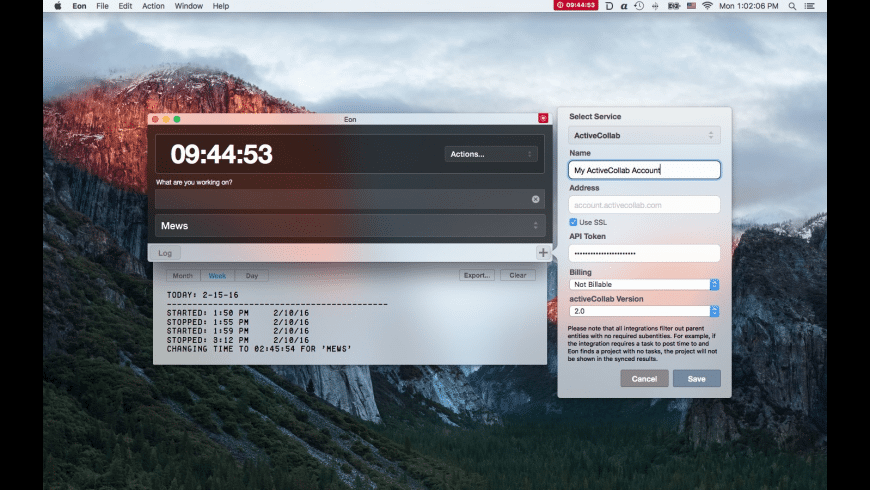
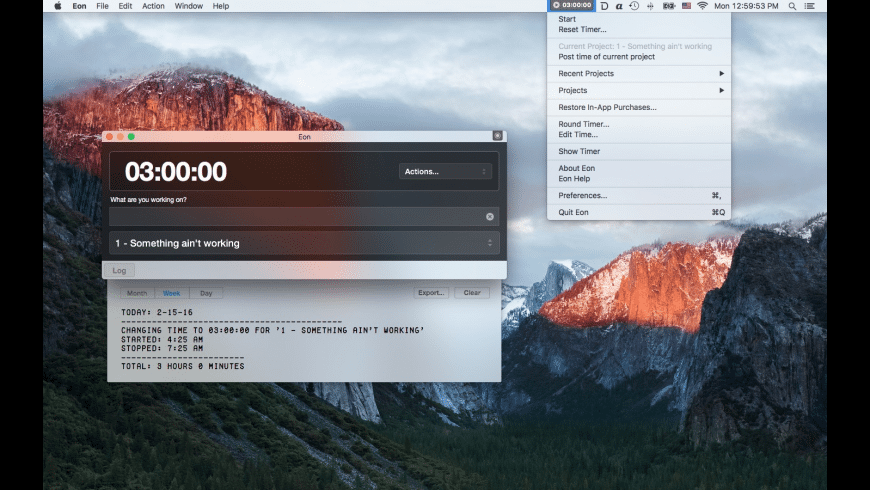
Eon helps you easily track time on your Mac. Eon allows you to easily post time to several services to make invoicing as painless as possible.
ActiveCollab
Apollo
Assembla
AtTask
Blinksale
Cashboard
Celoxis
Codebase
Ding
fixx
FogBugz
Freckle
FreeAgent
FreshBooks
Harvest
Intervals
Invoice Machine
Invoicera
JIRA
KashFlow
LessAccounting
Mavenlink
MinuteDock
mite
Paymo
Project Bubble
Redmine
Ronin
ScrumDo
SUBERNOVA
TargetProcess
Teambox
TeamLab
TeamworkPM
Tick
Toggl
TriggerApp
TSheets
Unfuddle
WorkflowMax
YouTrack
Zoho Invoice
Language: English, Czech, German, Portuguese, Russian, Simplified Chinese Compatibility: OS X 10.11 or later 64-bit Homepagehttp://software.charliemonroe.net
Are you the kind of person who keeps numerous Safari tabs open, with the intent of reading them later?
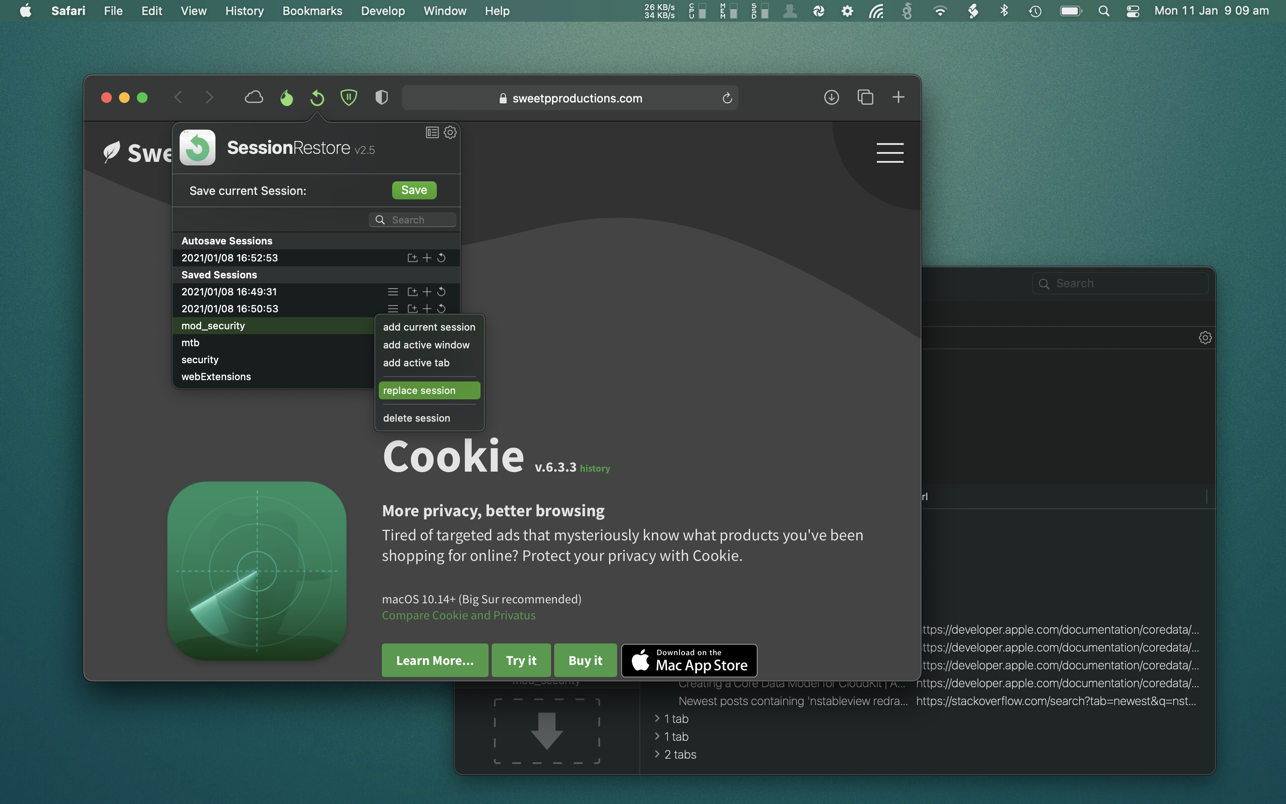
SessionRestore is here to help. Save your browsing session, close all windows then start with a fresh session. It’s super easy to restore a session when ever you need it. Enable the handy autosave feature to always keep a backup!
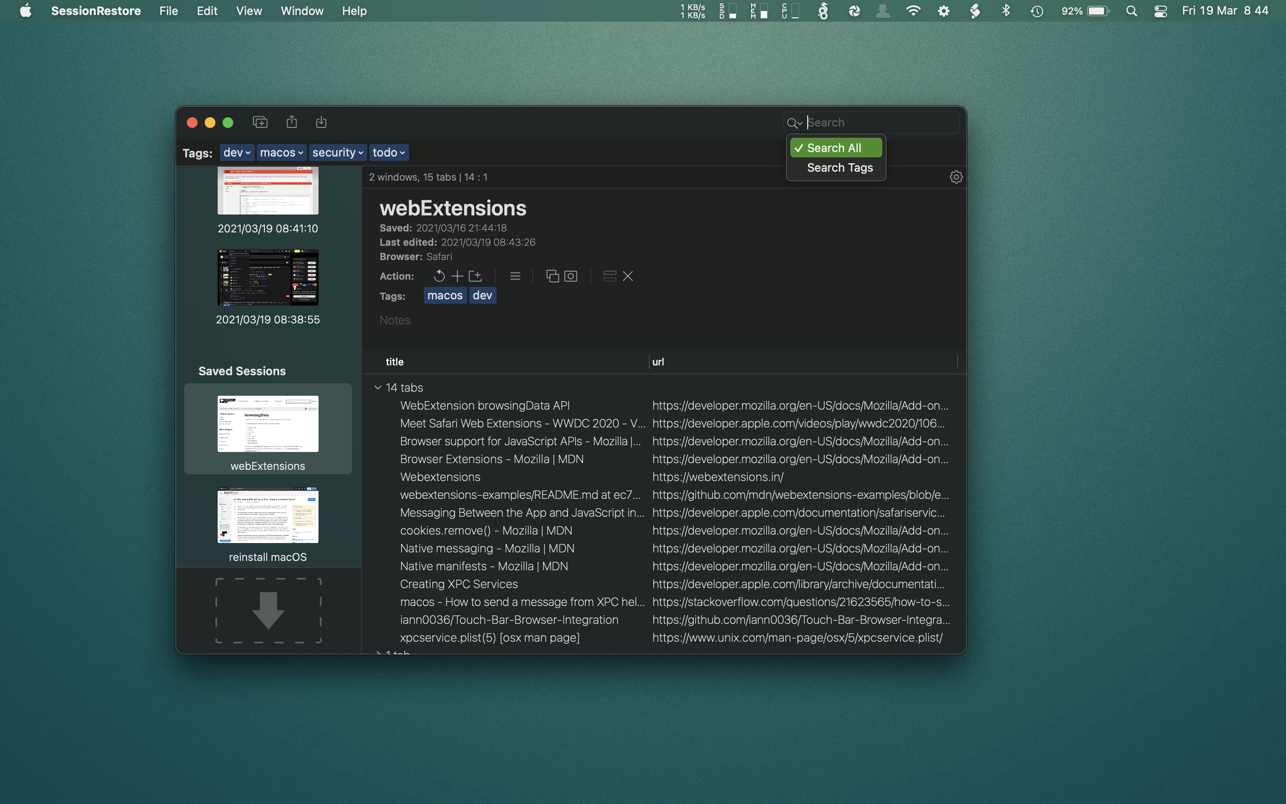
Easily store any number of sessions with a quick button press. You can name sessions, add tags and provide custom notes – so you don’t forget why you saved it in the first place!
It’s possible to remove unneeded tabs or windows from saved sessions. You can even add tabs and windows to saved sessions. You may also want to combine sessions. This is easy in SessionRestore’s powerful dedicated session editor.
You backup your computer often, (well.. you should be) and now you can easily do the same with your browser tabs using SessionRestore. Who needs clumsy bookmarks – Go one step further, and save groups of tabs for instant retrieval anytime.
Built with the latest technologies, and integrated right in to Safari as an Extension, SessionRestore can help streamline how you manage and recall important websites.
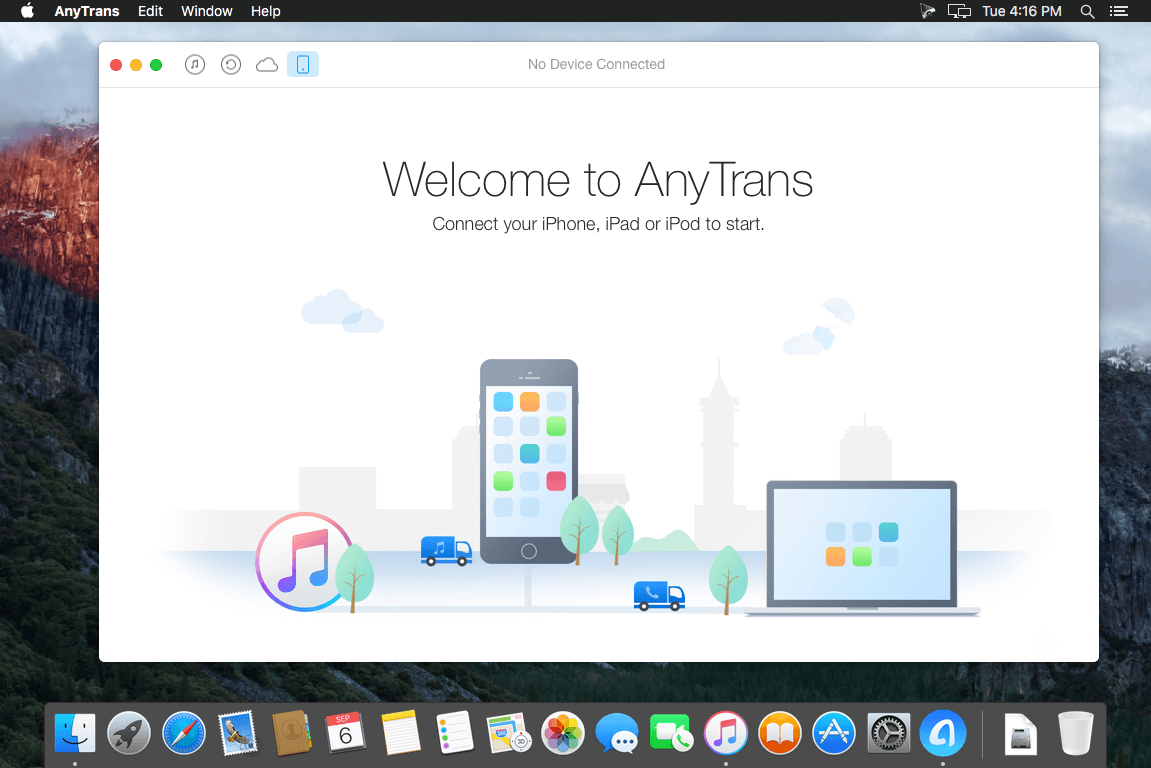
AnyTrans is the iPhone manager that breaks the sync boundary and consolidates every access to all your content in one place, including music, videos, photos, messages, books, Safari history, voice memo, etc.
Features:
Flash-Sync Makes the fastest data transfer in market – By largely improving the data loading and transferring speed, AnyTrans gives you lightning-fast experience.
Two-way Transfer between iOS devices, iTunes, iCloud and computer – Whether you want to transfer contacts from iPhone to Mac, messages from old iPhone to new iPhone, music and playlists from iPhone back to iTunes library, or videos from PC to iPad, AnyTrans gets anything transferred freely between your iPhone, iPad, iPod touch, iTunes, iCloud and computer.
Easily manage all your contents on iPhone, iPad, and iPod touch – Browse, edit and export important contacts, messages, notes, and more personal data from iPhone; well organize your photos and music in iPhone and iPad by building up your own collections and playlists – you get full control over all your iOS data and files with ultra ease.
Migrate everything to your new iPhone within one click clone – Upon just one simple click, everything from your old iPhone, even from iPad – will be cloned to your new iPhone. The game-level you just conquered, the photos you took yesterday, the note you plan for shopping and the music you favors will all be there waiting for you.
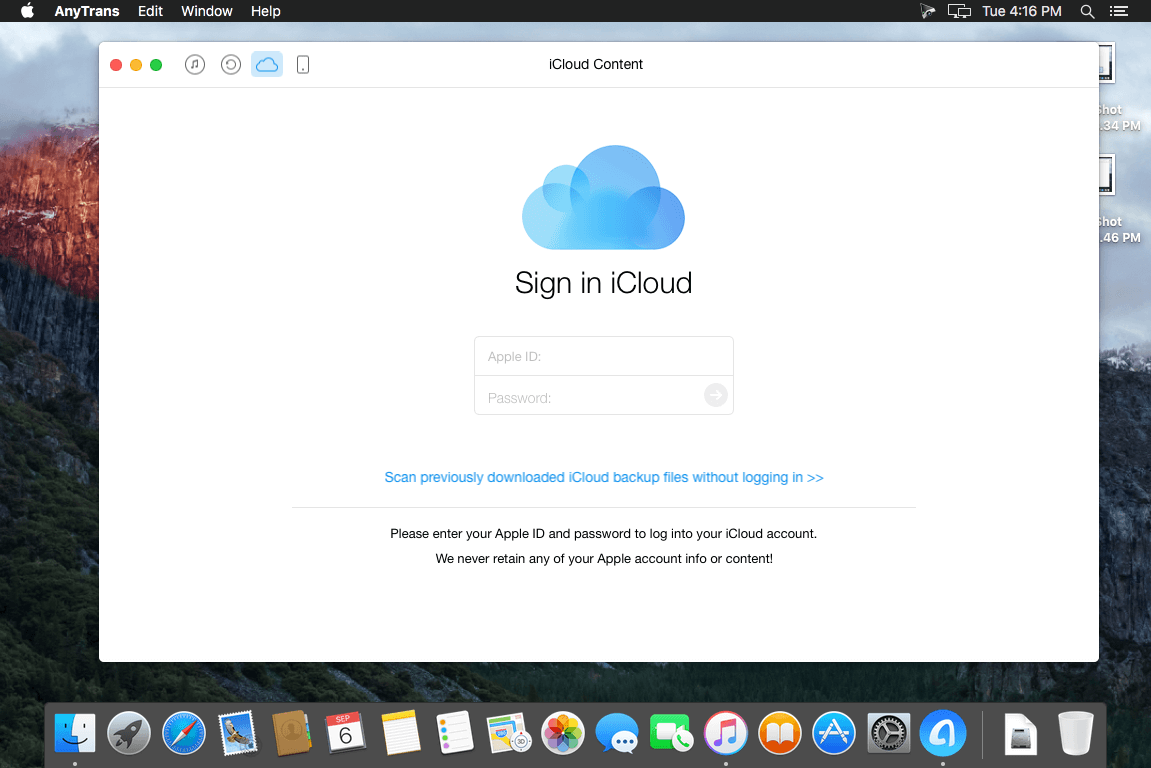
Navigate your iTunes and iCloud backup contents with even more ease – Instead of making a guess on whether your iTunes/iCloud backup contains the notes, messages, contacts, voice memos, or
Safari bookmarks you need, AnyTrans lets you peek right into your backups, and grab any piece of data you need freely without a full restore.
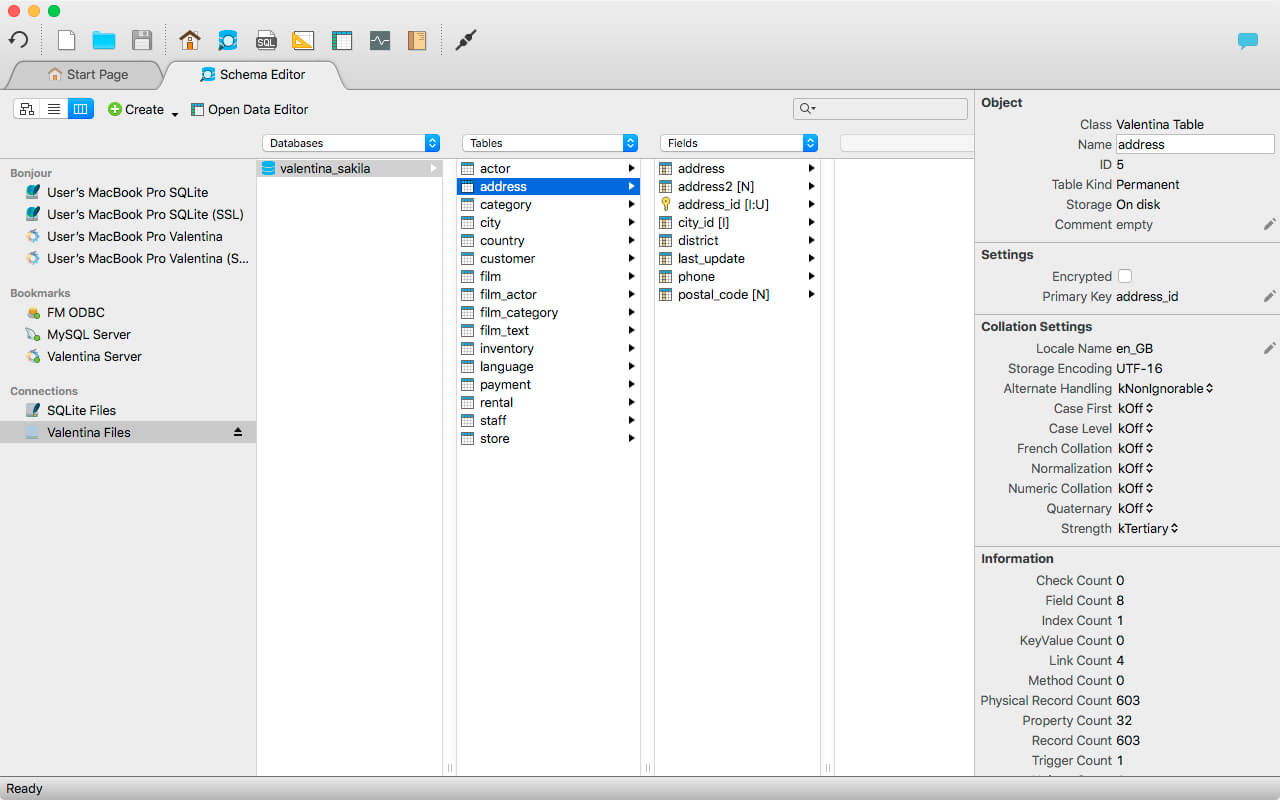
Valentina Studio is the ultimate data management tool for database administrators. Valentina Studio includes a wealth of database administration tools. Valentina Studio PRO to unlock advanced data modeling tools, report design and editing and more.
Valentina Studio brings you powerful, visual editors for your data including:
Schema Editor (tree view and column view) – create and modify all schema objects of supported databases: Tables, Views, Fields, Enums, Links, Constraints, Triggers, Indexes, Stored Procedures, …
Diagram Editor – design new diagrams or do reverse engineering, e.i explore existing databases visually.
Data Editor – easily browse table records in the grid, modify records, an inline edit of values, sort, filter records and save favorite filters, preview images, hex editors for binary values, …
Related Data Editor – easily learn and manage linked records of two tables, link/unlink records by a mouse click, do set operations over linked records, …
SQL Editor – with color syntax, auto-completion, recent and saved favorite queries, templates, console with error/warning reporting, …
Query Editor – build SQL queries visually using just a few mouse clicks
Server Admin – where you can manage users, learn logs and other parameters of servers.
Open as many editors as you like at the same time for different databases/servers opened in tab-panels. You also get different DB related utilities, including: Import/Export, Dumps, Diagnose, Clone, Reindex, …
MAS version of Valentina Studio uses iCloud to share bookmarks between your devices!
Valentina Studio Pro as an in-app purchase to get additional advanced pro-features such as:
Report Editor – visual editor of Valentina Reports that can be saved into Valentina Project file (.vsp). Reports can use as datasource MS SQL, MySQL, PostgreSQL, SQLite, Valentina DB, ODBC.
Form Editor – visual editor of Valentina Forms that can be saved into Valentina Project file (.vsp). Forms can use all supported databases as the datasource.
Data Editor – enables go to parent record function.
Data Editor Layouts – save columns and their order as a named layout
Data Editor Multiple Update – update few records at once.
Data Transfer – copy data between different databases
Diagram Editor – enables forward engineering – i.e. generation of SQL scripts for new/changed database objects.
Dump Wizard – enables filter for tables to select them for a dump.
Error Lookup – search for error description by its code.
Keyboard Shortcuts – enables the ability to redefine the shortcuts and create own shortcut sets.
Object Colors – enables marking objects with specific colors.
Query Editor – enables the ability to copy the generated query.
Schema Cache – save and reuse the schema cache.
Schema Editor – copy one or few schema objects using drag&drop mechanism.
Schema Editor – expanding and collapsing the tree items with subitems using OPTION + click
Schema Snapshot – save and load schema in structured format.
Source Control – develop database using any VCS.
SQLDiff – find differences between two states of a databases and generate SQL script to move between these states.
SQL Search – search of schema objects.
SQL Editor – enables autocompletion for table aliases.
SQL Editor – format SQL queries.
SQL Editor – edit the result of SQL queries.
What’s New:
Version 11.0.0: Mac OS
ValentinaDB ADK for macOS supports ARM architecture
Valentina Reports ADK for macOS supports ARM architecture
Valentina Server for macOS supports ARM architecture
Valentina Studio for macOS (ARM) is still under development. The following ADKs are available for MacOS ARM:
Valentina ADK for C++
Valentina ADK for Java
Valentina ADK for Xojo
Valentina ADK for PHP
The following ADKs are available in a binary format (supporting both Intel and ARM):
Valentina ADK for C
Valentina ADK for Ruby
Other ADKs for macOS ARM are forthcoming.
Valentina Studio
[New][VStudio] Pass parameters when previewing report in browser if HTTP port of VServer is enabled.
[Fix][SQLDiff] Fixed creation of SQLDiff parameters for SQLite client databases.
[Fix][Schema Editor] Fixed creation of field for new ObjectPtr link.
[Imp][Schema Editor] Close Valentina project and database automatically before unregistering.
SiteSucker is an Macintosh application that automatically downloads Web sites from the Internet. It does this by asynchronously copying the site’s webpages, images, PDFs, style sheets, and other files to your local hard drive, duplicating the site’s directory structure.
SiteSucker can be used to make local copies of Web sites. By default, SiteSucker “localizes” the files it downloads, allowing you to browse a site offline, but it can also download sites without modification.
What’s New:
Version 4.1
Modified the app to better accommodate downloading large sites.
Added the Download Error Pages setting.
Added the Host + 1 option to the Path Constraint setting.
Added the Replace file type setting that lets the user associate a media type with a URL pattern.
Added support for log, save, and saveLast message handlers in the jаvascript setting.
NoteBurner Line Music Converter is an exclusive music tool to help users download any music tracks on Line Music as MP3, AAC, WAV or FLAC files. Once you have downloaded the music to your Mac, you will be allowed to listen to them offline and transfer to any devices you want.
Best Line Music conversion tool Line Music is a subscription-based music streaming service provided by Line Corporation. With Note Burner Line Music Converter, you can download any tracks on Line Music to your local drive as plain format.
Download Line Music songs to Mac Professional audio converter for Line Music — NoteBurner Line Music Converter is an exclusive music tool to help users download any music tracks on Line Music as MP3, AAC, WAV or FLAC files. Once you have downloaded the music to your Mac, you can listen to them offline and transfer to any devices you want.
Download music through web player No need to install the Line Music desktop application. NoteBurner Line Music Converter can convert the music directly through Line Music web player, all you need to do is install the NoteBurner Line Music Converter and your music can be downloaded instantly.
10X fast speed In Line Music, users can customize the audio quality at which their music is streamed. The program can convert Line Music with the original quality depending on which one you choose on Line Music at a maximum of 10X faster speed.
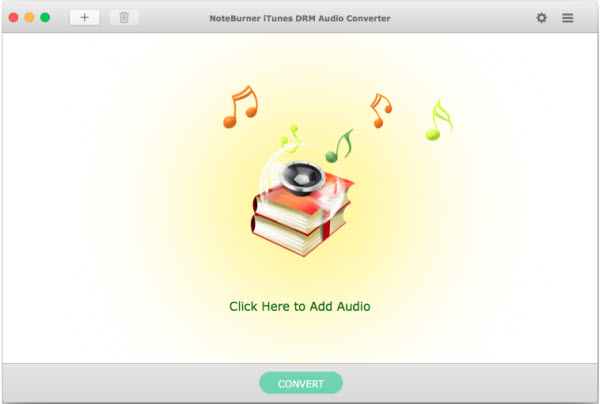
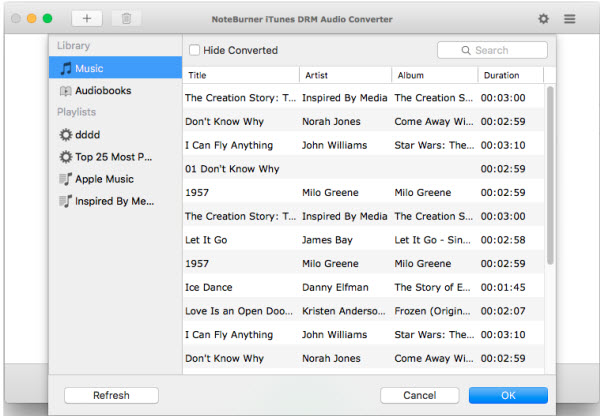
Apple Music Converter + Audiobook Converter + M4P to MP3 Converter. NoteBurner iTunes DRM Audio Converter is an efficient app that offers a quick method of saving iTunes songs on your Mac. It is very novice-friendly and can convert files to MP3 or AAC.
Convert any Apple Music files to MP3/AAC/WAV
Convert any iTunes M4P audio to MP3/AAC/WAV
Remove DRM protection from iTunes & Audible audiobooks
Convert at 20X faster speed with lossless quality
All-in-one Apple Music, Audiobook and M4P Converter
iTunes DRM Audio Converter for Mac is specially designed for Mac users to convert any audio which can be played in iTunes, such as Apple Music files, audiobooks, iTunes music or other downloaded music, to MP3, AAC or WAV format.
Convert DRM-ed Apple Music files to MP3/AAC/WAV formats;
Legally Remove DRM from Apple Music, Audiobooks & M4P Music
Remove DRM from Apple Music files to help you listen them on your iPhone SE, iPhone 6S/6S Plus, iPad Pro, iPod, Zune, PSP, MP3 player offline.
Legally remove DRM from iTunes M4P, M4A, M4B & Audible AA audiobooks and convert the audiobooks to DRM-free MP3, AAC or WAV.
Easily remove DRM protections from iTunes M4P music and convert them to the plain formats you like.
Silently Convert Any Audio at 20X Faster Speed with Lossless Quality
Convert all audio files at unbeatable fast speed and support batch conversion.
Support high quality output audio. The quality of the output audio can be as excellent as CD Quality.
iTunes DRM Audio Converter will mute iTunes while converting to play the DRM-ed music tracks silently in the background and record audio files at 20X faster speed.
Keep ID Tags Information & Ease-to-use
The ID Tags will be preserved in output MP3 or AAC files while converting. Information including Artwork, Metadata (artist,album, year, track number, genre) can be kept after conversion.
It is very easy to use, just with the intuitive interface, you can convert iTunes audio quickly with a few clicks.
No extra hardware or virtual drive needed. The program will encode the iTunes audio to MP3, AAC or WAV while recording.
What’s New:
Version 3.1.1:
Release notes were unavailable when this listing was updated.
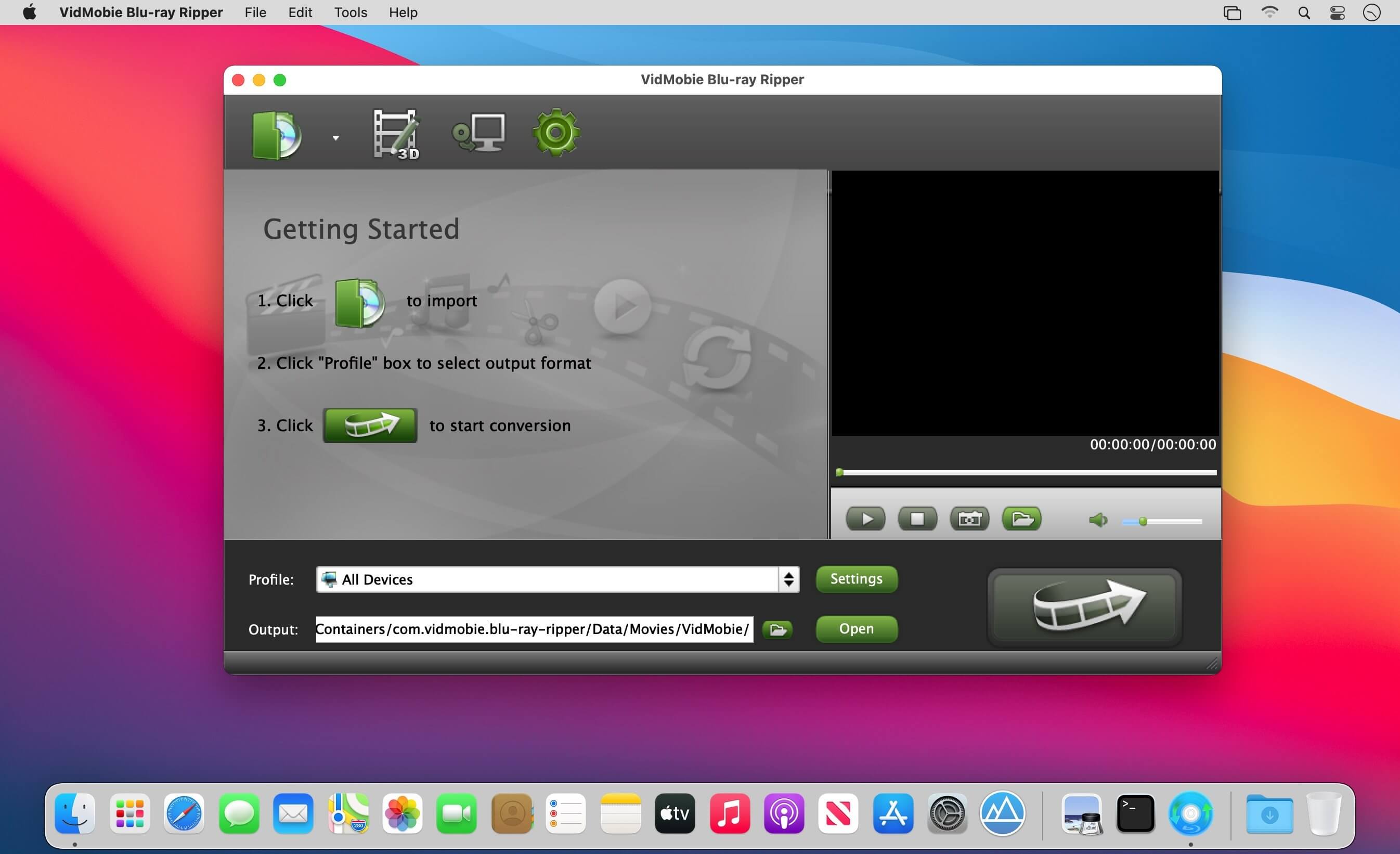
Convert Blu-ray/DVD to MP4, copy Blu-ray/DVD to Mac Blu-ray Ripper for Mac can easily and effortless convert Blu-ray and DVD movies to popular video/audio formats for different devices. Blu-ray Ripper for Mac can also work as Mac Blu-ray/DVD copy software to copy Blu-ray/DVD to Mac as folder with copy protections removed.
Convert Blu-ray/DVD to HD/SD MP4, MKV, WMV, AVI, FLV, etc.
Convert Blu-ray/DVD audio track to MP3, M4A, WAV, FLAC, etc.
Convert Blu-ray/DVD to optimized profiles for iPhone, iPad, Android phones & tablets, game devices, TVs and editing software.
Blu-ray/DVD disc, ISO image and folder are all supported as input.
Both old and newly released Blu-ray/DVD movies can be converted.
Copy Blu-ray disc to Mac as Blu-ray folder with AACS, BD+, BD-Live, region code and other Blu-ray copy protections removed .
Copy DVD disc to Mac as DVD folder with CSS, region code, ARccOS, UOPs and other DVD copy protections removed.
Full disc mode: Copy entire Blu-ray/DVD disc to Mac and preserve all titles and audio/subtitle tracks.
Title mode: Copy main title or selected titles to Mac with audio/subtitle tracks retained.
Copy old and latest Blu-ray and DVD movies to Mac easily and flexibly.
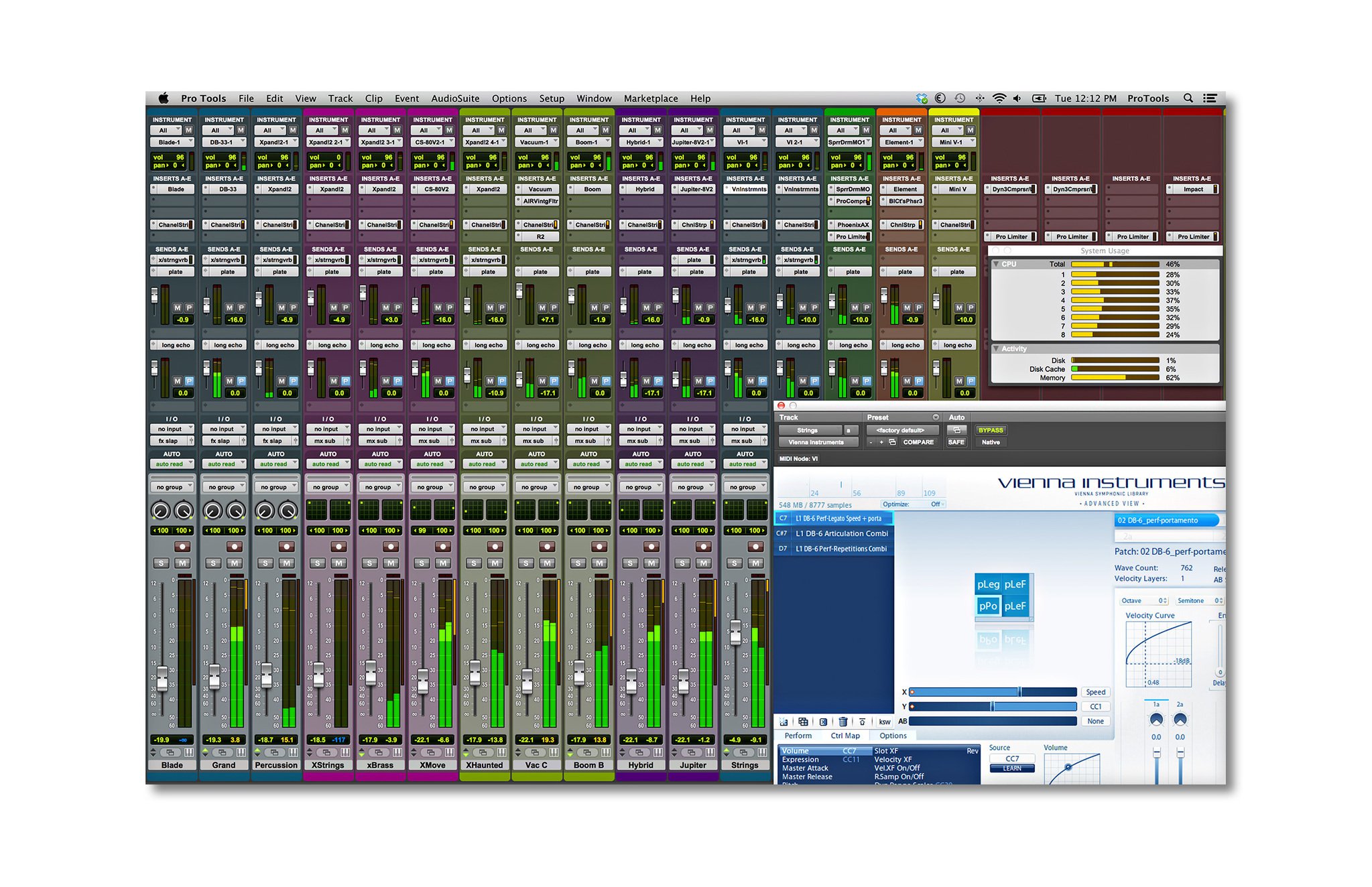
Avid Pro Tools mac Description :Version: Avid Pro Tools HD 10.03.10 R3 Mac Platform: Intel Includes: Pre-K’ed OS version: 10.6.7-10.9 Processor type(s) & speed: Core i5 RAM minimum: 2GB Video RAM: 256 Pro Tools 10 software is the latest version of Avid’s flagship music creation and audio production softwareName: Avid Pro Tools HD
Version: 10.3.10 R3 hotfix
Size: 283.78 KB
Mac Platform: Intel
Includes: K onlyOS version: 10.6.7 or higher
Processor type(s) & speed: Core i5This is latest hotfix that should solve most common issues for Protools 10.3.10 version cracked by openssh including
– aaf and omf import
– mp3 export and bounce to disk
– running PT on newer os (may need to reduce screen resolution and some tweaking with Yosemite and higher)
– other PT stability issues
You need cracked PT10.3.10 version installed before applying this patch.
Hotfix will replace KWAN framework within PT10 app.
R1 and R2 hotfixes are not required to install anymore, this is cumulative one.
Enjoy!
(credits to openssh and copylefter)
Avid Pro Tools 10 is professional audio recording and music creation software. It’s the next generation of the best sounding, most powerful audio production software for recording, composing, editing, and mixing music and sound for picture. Get the sound quality, performance, and award-winning toolset that has made Pro Tools the industry-standard digital audio workstation (DAW) for years. With its new features and workflows, you’ll sound even better—faster than ever.
More Info: (Pro tools 10) http://amzn.com/B0061ZPCUQ
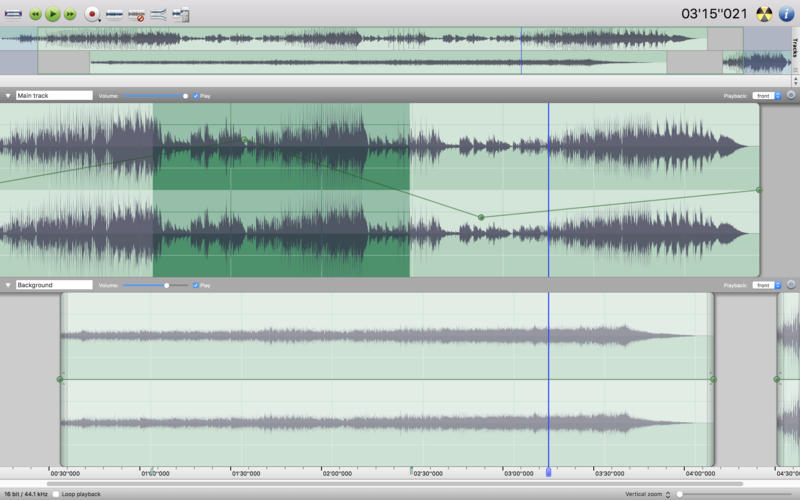
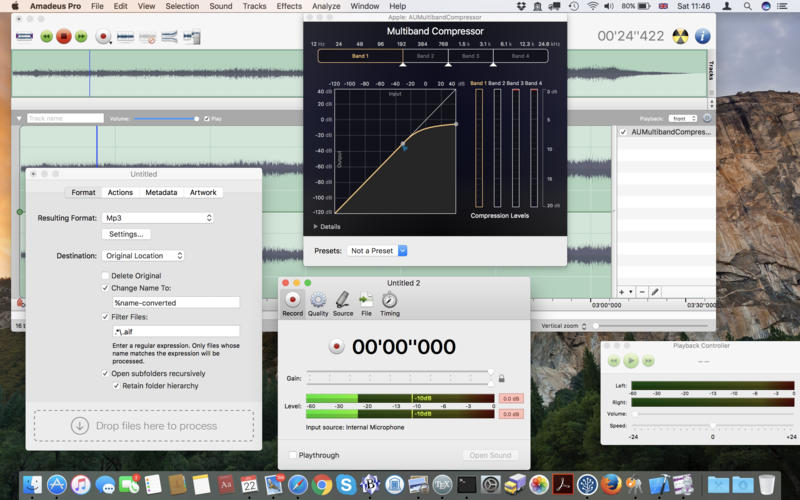
Amadeus Pro lets you use your Mac computer for any audio-related task, such as live audio recording, digitizing tapes and records, converting between a variety of sound formats, etc. Thanks to its outstanding direct-to-disk abilities and waveform caching, edits on arbitrarily large sounds (even beyond the usual 2GB limit) are performed at lightning speed. The handling of large sounds is furthermore facilitated by the extensive support of markers. Its outstanding sound repairing and denoising abilities make Amadeus Pro particularly suitable for transferring vinyl records on CD.
Features
Simple and elegant OS X-like user interface
Multitrack editing an recording.
Batch processing and conversion.
Sound denoising and repairing.
Supports a variety of sound formats, including AIFF, Multichannel Wave, MP3, MP4, Ogg Vorbis, FLAC, SoundDesigner II, QuickTime, Apple CAF, etc.
Support for VST and Audio Unit plug-ins.
A “favourite actions” palette allows to have your most commonly used effects only a mouse click away.
A wide range of powerful audio analysis tools.
Audio CDs with CD-TEXT data can be burned directly from within Amadeus Pro.
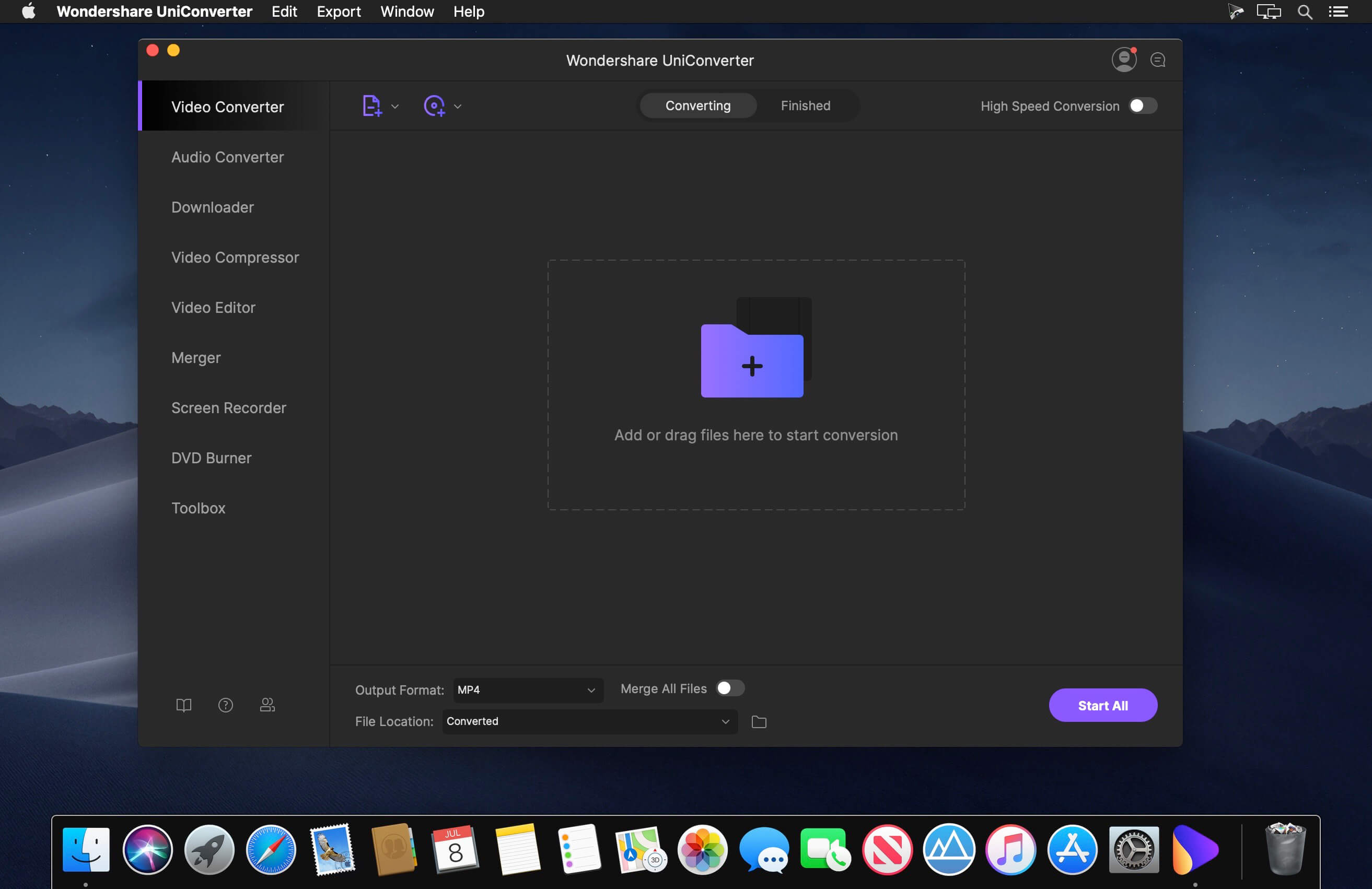
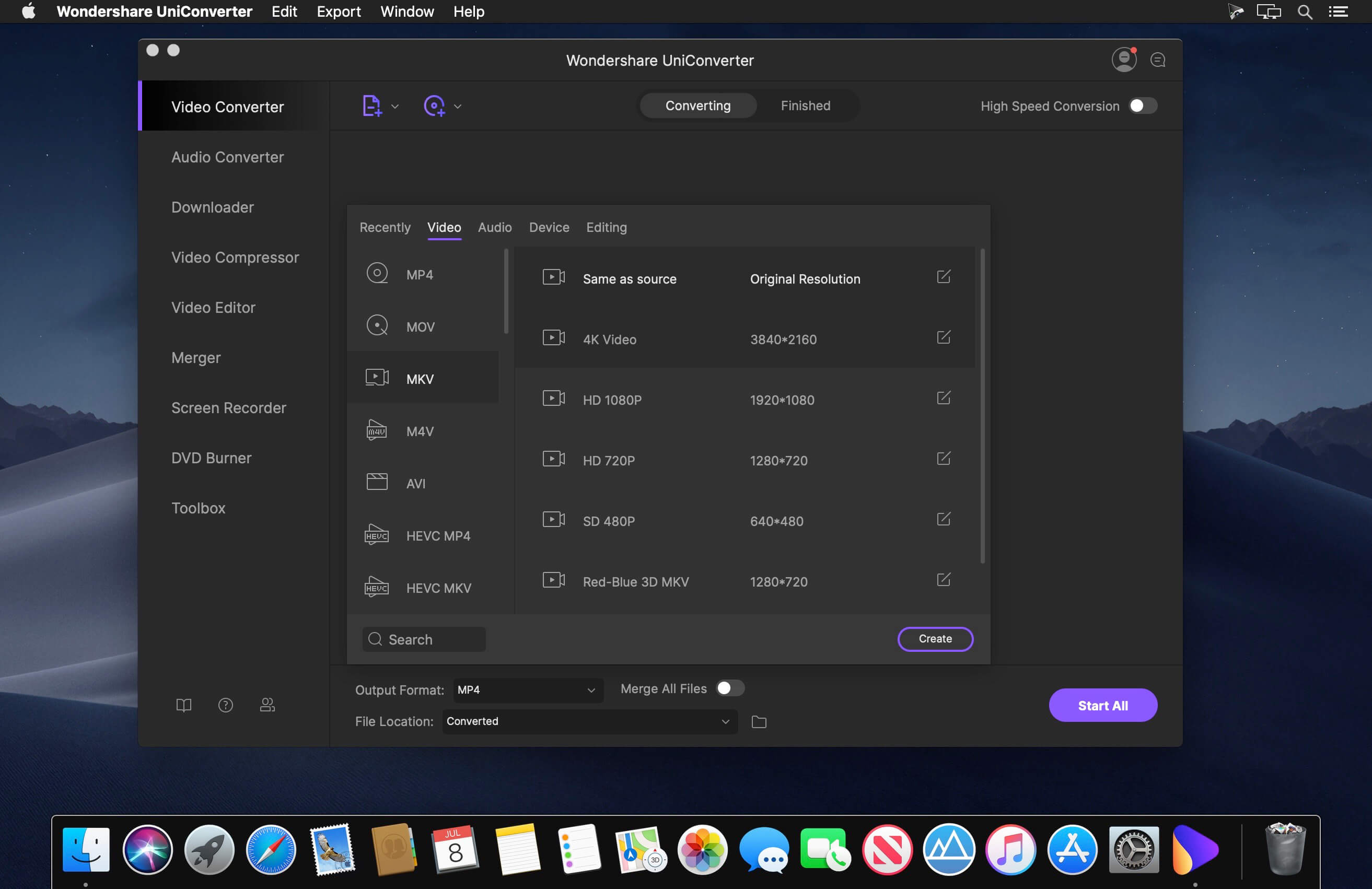
Wondershare UniConverter is a complete video toolbox that lets you convert, edit, enhance, download, burn, organize, capture and watch video files. Convert videos to and from virtually any video format out there, with 30X faster conversion speed.
Wondershare Video Converter Ultimate will make your movies versatile by instantly converting them to AVI, WMV, MP4, MKV, FLV, 3GP, MPG – even convert video to 3D and 4K Ultra HD video format at ultrafast speeds. 159 formats supported and counting! Burn video files to Blu-Ray/ DVD disc, DVD folder, or ISO files, download or record videos from YouTube, Google, Yahoo and other video-sharing sites, convert home movies to any video/audio, for playback on any devices.
What’s New:
Version 12.0.5:
Added support of using product offline
Added user satisfaction pop-up window
Updated EULA
Optimized compatibility issues for certain new macOS.
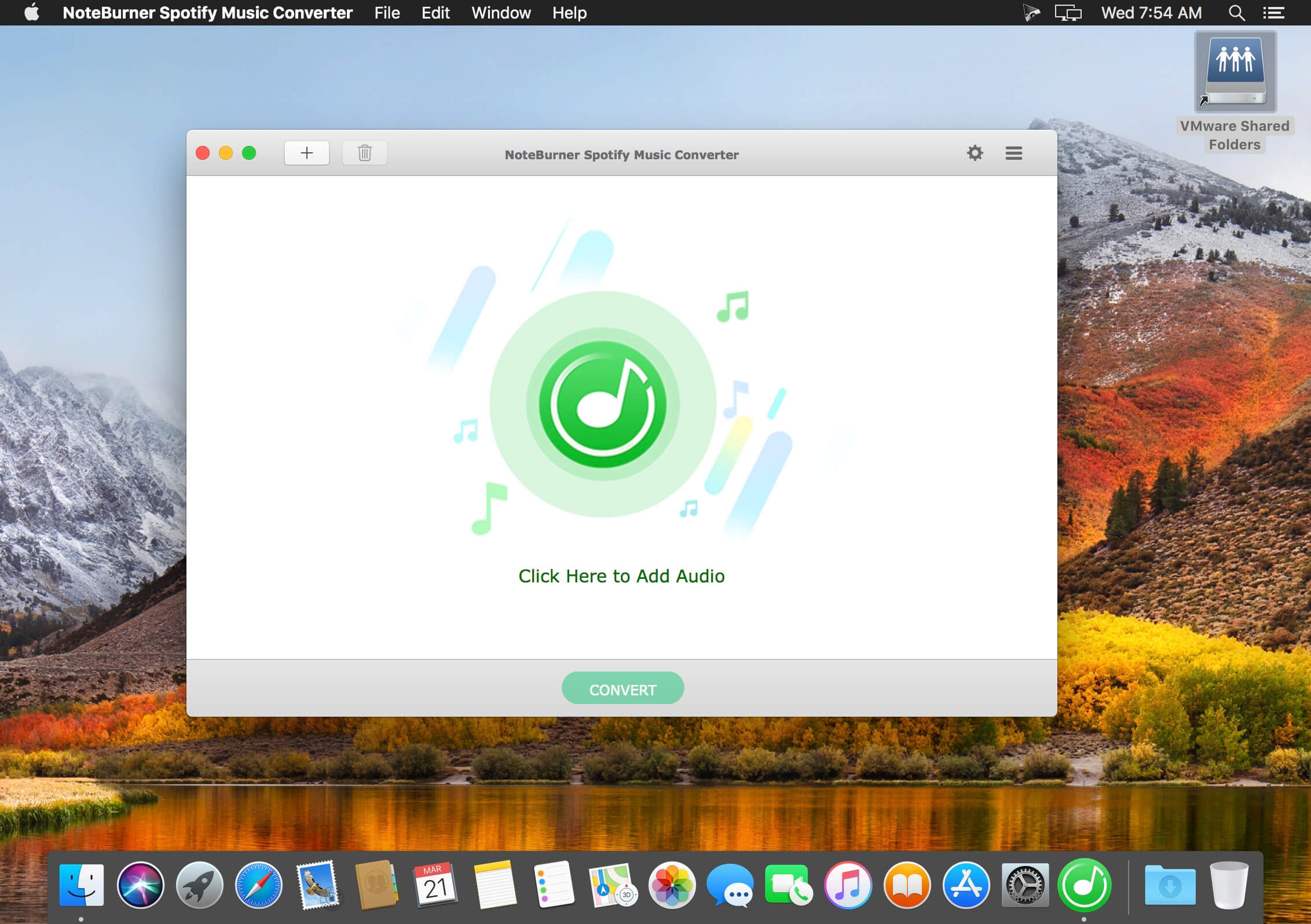
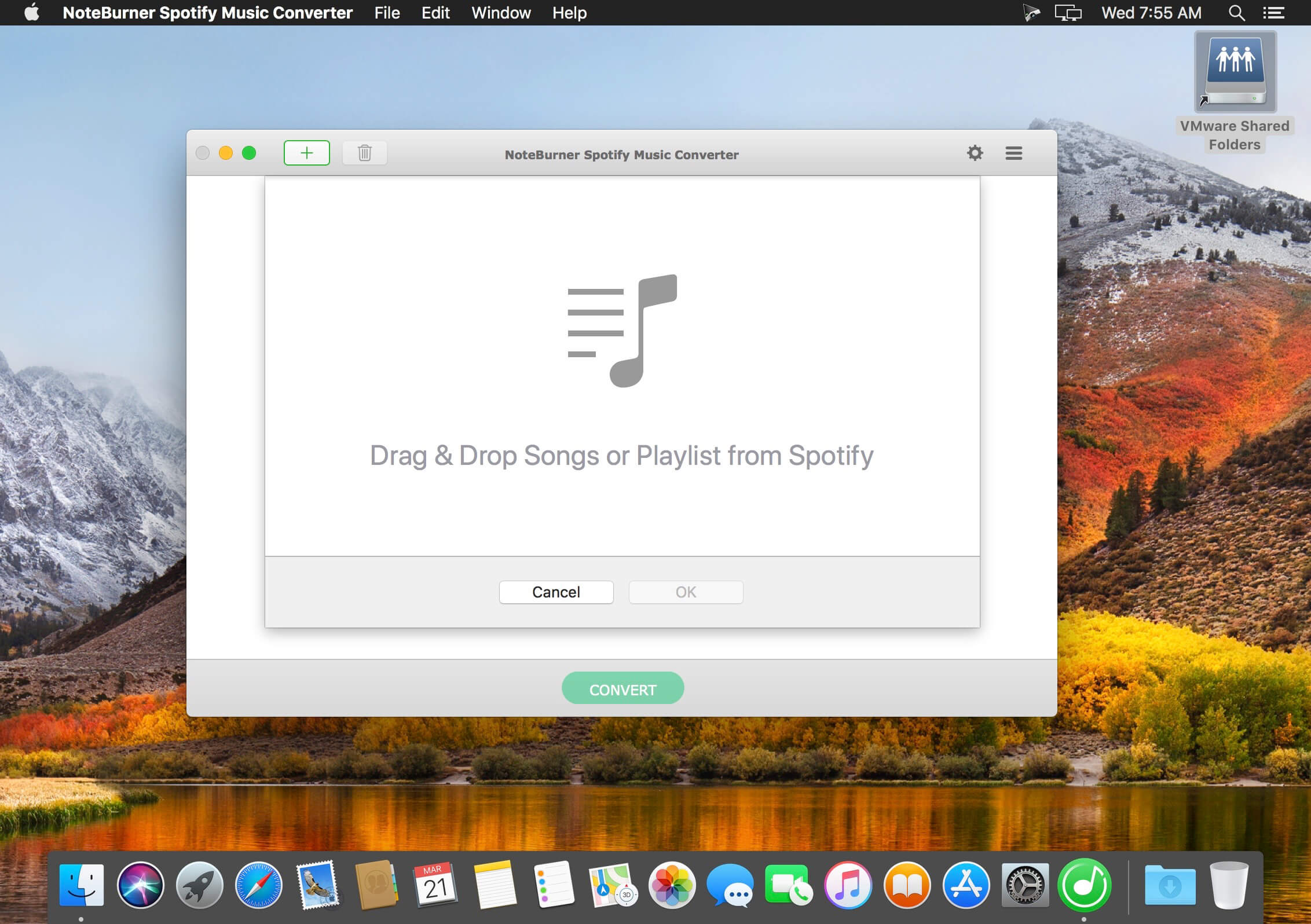
NoteBurner Spotify Music Converter is a well-designed audio converter for Spotify. It can remove DRM from Spotify music and make it possible to save Spotify music to local computer or play it on your music player. Besides, you can use NoteBurner Spotify Music Converter to convert Spotify music to mp3, aac, flac or wav format according to your need. Before conversion, there are flexible settings for you to choose.
With an innovative DRM decrypting technique, NoteBurner Spotify Music Converter can convert at 5X faster speed when converting Spotify music to MP3, AAC, FLAC or WAV format. After conversion, you can get the original quality of Spotify music with ID3 tags preserved. This program can convert any audio which can be played in Spotify. Batch conversion is supported as well. With a simple and concise interface, it’s easy and convenient to convert Spotify music. What’s more, there is no need for extra hardware or virtual drive. This program will encode Spotify music to mp3, aac, flac or wav while recording.
What’s New:
Version 2.0:
Release notes were unavailable when this listing was updated.
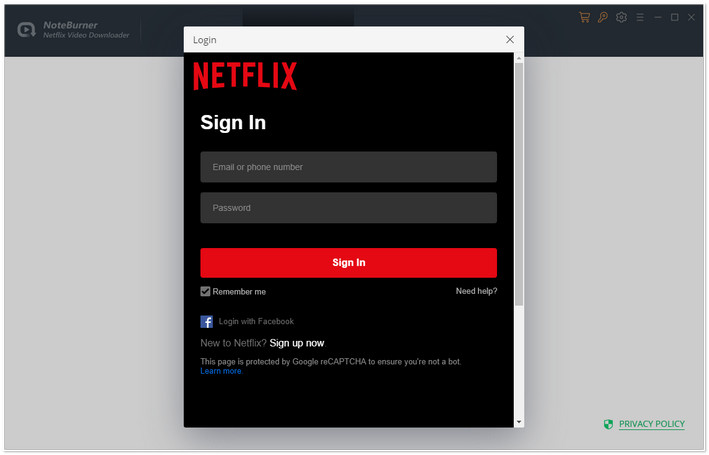
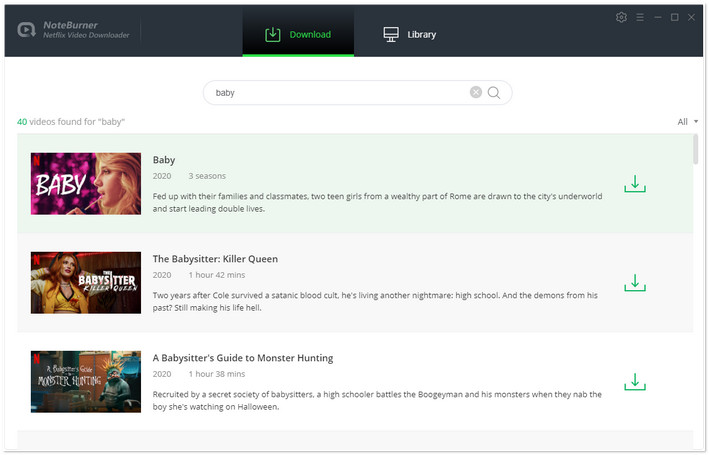
Netflix Video Downloader offers you an efficient solution to download Netflix movies and TV shows to MP4 at a fast speed with tracks and subtitles kept. This program also supports downloading Netflix videos in HD video quality. With the help of such a professional tool, you are able to watch all Netflix videos offline on any devices or share the downloaded videos with your friends.
Support Downloading HD Netflix Video Different from those original recording tools which can only record lower quality video to meet your basic needs, Netflix Video Downloader supports to download HD Netflix video. And considering the storage space of different devices, it also provides the option to select the video quality ranging from Low (240P) to High (720P/1080P) in the setting window.
Keep Subtitles & Audio Tracks Featured with the most advanced video downloading core, Netflix Video Downloader is definitely the most powerful video downloader for Netflix users, as it empowers users to download any movie or TV show from Netflix with several subtitles and audio tracks retained. That means, after conversion, you are able to choose the subtitles and audio tracks for playing as your need.
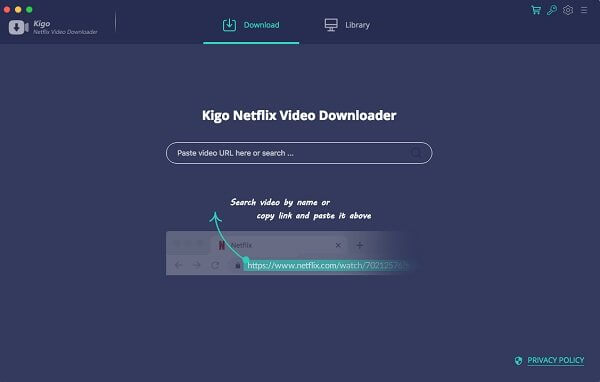
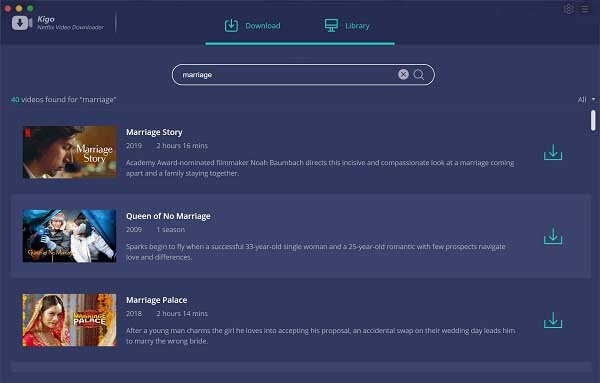
Fast, Reliable & Easy To Use Netflix Video Downloader comes with some thoughtful and concise design to make the program more user-friendly. Besides, particularly worth mentioning is the download speed. Compared with the original video recording tool, Netflix Video Downloader adopts a unique URL recognizing and downloading technology. Simply copy and paste the link of the video and click the search button, the program will recognize it immediately. Then click the download button. The video will be downloading at a lightning-fast speed.
Wanna Save Netflix Videos for offline Playing without limitations. One Button to Download HD Netflix Videos With Fast Speed. Use this piece of software to download your Netflix videos and watch them offline anytime you want and anywhere you please; no internet, no issues.
Download NetFlix Videos For Mac users, whether Netflix movies, TV Shows or Original Series, during you subscribe Netflix, you can download Movies & TV Shows & NetFlix Series & Documentaries for offline playing.
Save Netflix Videos to MP4 All the downloaded Netflix videos can be saved to MP4 format playable on any video player like WMP, VLC, Roku, RealPlayer, Amazon Fire TV, Microsoft Xbox 360, Samsung Phones, iPhone and other Android phones.
Download Up to 1080p Videos According to your plan types, you can download the videos from 480p to high quality 720p even 1080p. The trial version can only download 480p videos. Just choose a suitable output quality for your devices.
Keep Audio Tracks and Subtitles All the audio tracks and subtitles the videos support will be kept well. And you can also save one or more subtitles or audio tracks according to your need. You can save the subtitles as the separate files so as to load to other resource videos.
Fast, Simple and Easy Totally Fast Downloading Speed – It is faster by downloading Netflix than recording Netflix’s screen and you can also save to MP4 format. One button to Download – Users can copy and paste the Netflix URL to Download or search the videos to use the Download button to download. Simple Interface, Easy to Use – After the installation, you can know how to use the program with the simple interface. All the functions can be found quickly.
Amazon Prime Video Downloader helps users to download the selected TV series and movies or other videos from Amazon Prime Video limitlessly so as to watch offline later on your computer, mobile phones, smart TVs or tablet. After the downloading, when you are on the go, or have a road trip, or on a flight, or other no internet cases, you can still play Amazon Prime videos freely.
Download Prime Videos on Mac Amazon Prime Video Downloader helps Mac users to download the popular TV series and movies or other videos from Amazon Prime Video limitlessly so as to play offline on your Mac or you can sync to mobile phones, smart TVs or tablet. After the downloading, when you are on the go, or have a road trip, or on a flight, or other no internet cases, you can still play Amazon Prime videos freely.
Support Full HD Downloading As known, Amazon Prime offers both 1080p Full HD and 4K Ultra HD resolutions for streaming, as well as HDR video support. Unlike Netflix, with the only $8.99/Month, you don’t have to pay extra, both 1080p and 4K are included. And you can also download up to 1080p with Amazon Prime Video Downloader.
Please note that when you want to download 1080p, please make sure your devices support HDCP. (If there is no HDCP support, the maximum quality can only be downloaded to 960*540).
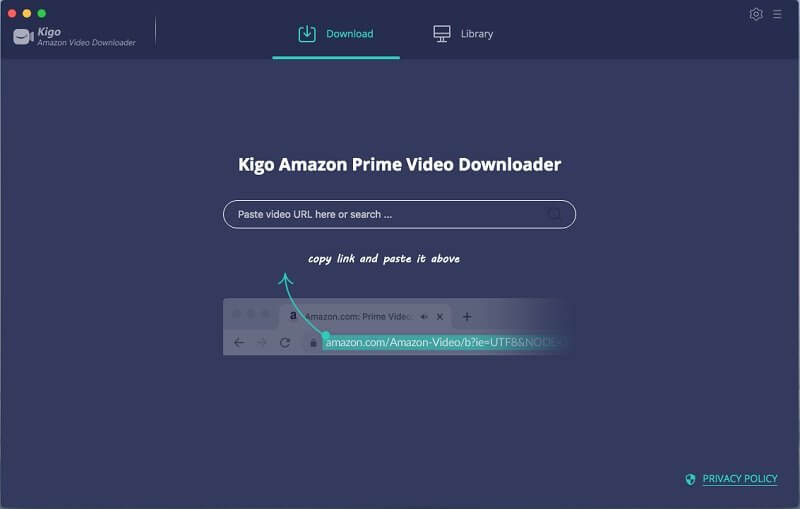
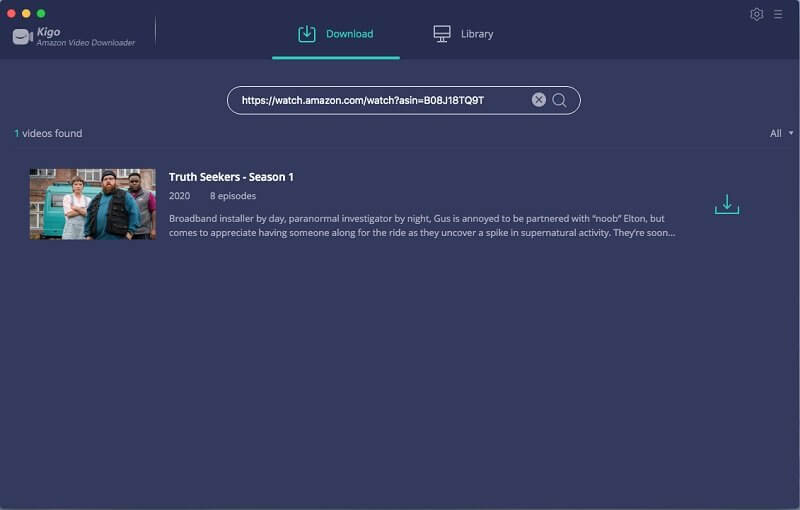
Keep Multiple Subtitles and Audio Tracks According to the movies or TV series, the subtitles and audio tracks are also various. During the downloading process, all the multilanguage subtitles and audio tracks can be downloaded along with the videos. The program supports up to 30 languages, and supports AD audio downloading. And you can also save subtitles as the internal subtitles, external subtitles and hardcore subtitles as you need. Other Amazing Functions Fast to Add Prime Videos Just copy Prime Video link and paste to the program to add the videos to download. And you can also find videos quickly with the built-in smart search engine. If you search a TV show, the seasons and episodes can be selected.
Save Amazon to MP4 Format Save to MP4 format playable on any video player like WMP, VLC, Roku, RealPlayer, Amazon Fire TV, Microsoft Xbox 360, Samsung Phones, iPhone and other Android phones and Android Tablets.
Three Subtitles Saving Modes One video always has several subtitles for users to choose. With Kigo Amazon Prime Video Downloader, you can not only download these subtitles offline, you can also save subtitles as the internal subtitles, external subtitles and hardcore subtitles as you need.
Fast, Simple and Easy The Amazon Prime Video Downloader is designed to grab and download Amazon Prime videos directly. It also supports Intel / Nvidia / AMD hardcore acceleration if possible. And the download speed is also ideal and you can choose the download quality.
Export for iTunes lets you export your playlists and albums from iTunes to any local folder, external storage, SD card or USB drive! With Export for iTunes you can transfer easily your playlists to your car stereo or any other media player. Convert aac/m4a files to mp3 for best compatibility with most sound systems.
The app converts, copies and organizes your playlists’ and albums’ music files into folders, and creates the .m3u file that lets you play your playlist on any media player. For every album, you can include an image file with album artwork. You can browse and select which of your playlists or albums you want to export. See all playlist/album tracks with their metadata without opening the iTunes app. You can also export the track list from any album or playlist to Excel, so you can create a file with info about all your iTunes music. This iTunes export app let you preview and export metadata like: Title, Artist, Time, Album, Genre, File path, Kind, and Bitrate. The app does not modify your iTunes library.
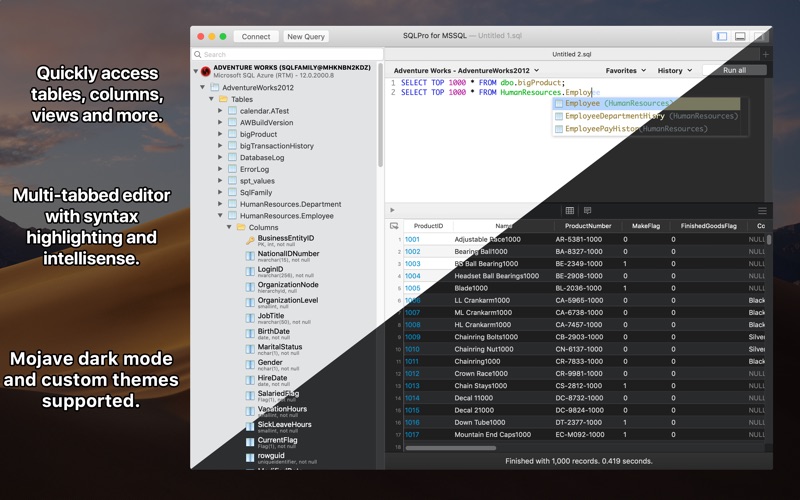
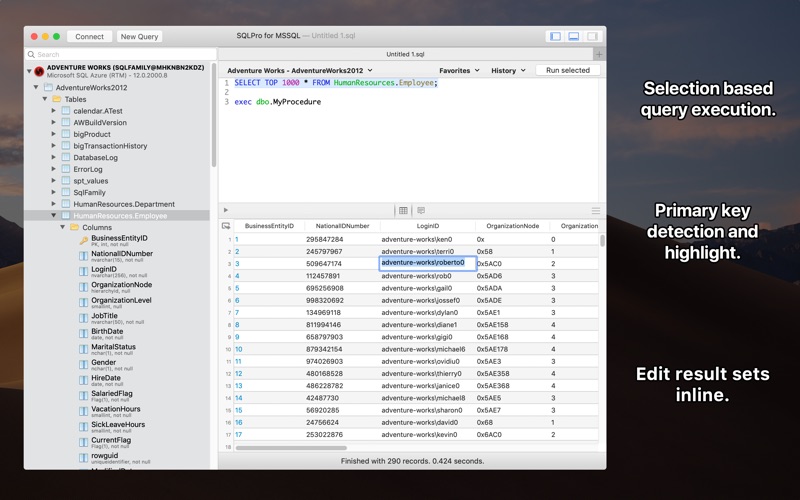
SQLPro for MSSQL (was SQL Client) is a lightweight TDS client, allowing quick and simple access to Microsoft SQL servers (sqlserver), including those hosted in Azure. This client does NOT work with MySQL. Please ensure that your server is a Microsoft SQL server.
Features
Syntax highlighting
Intellisense
Tab-based interface
Support for executing multiple queries at once
Quick access to tables, columns, and more
Stored procedure execution
SQLPro for MSSQL can be used to connect with the following databases:
Microsoft SQL Azure
Microsoft SQL Server 2005
Microsoft SQL Server 2008
Microsoft SQL Server 2008 R2
Microsoft SQL Server 2012
Microsoft SQL Server 2014
Microsoft SQL Server 2016
What’s New:
Version 2021.53:
Release notes were unavailable when this listing was updated.
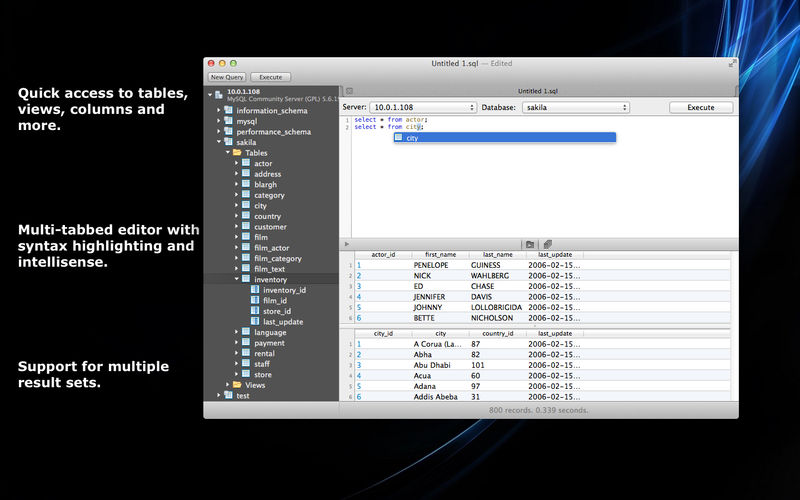
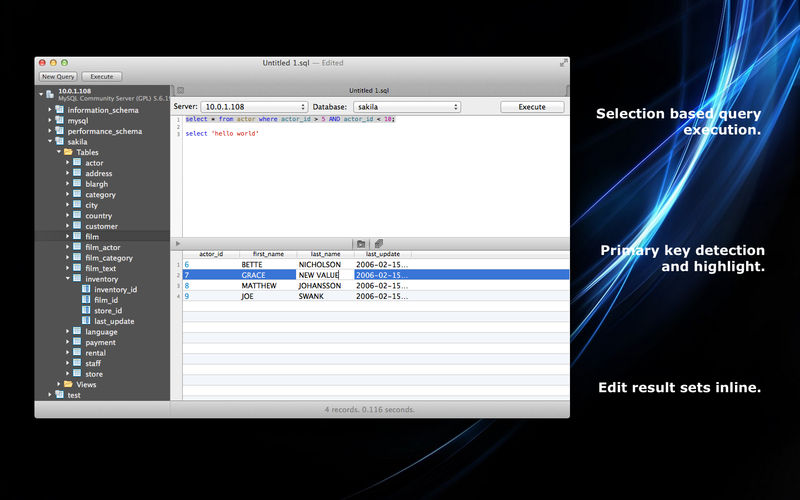
MySQL Database client is a lightweight but powerful MySQL database client, allowing quick and simple access to MySQL Servers, including those hosted in Amazon RDS.
This SQL Client is only for MySQL and will not work with other database servers such as MSSQL or PostgresSQL.
Features include:
Syntax highlighting.
Intellisense/Auto complete.
Tabbed based interface.
Support for executing multiple queries at once.
Quick access to tables, columns and more.
Use one of our pre-built themes, or customize your own.
Stored procedure execution.
What’s New:
Version 2021.53:
Release notes were unavailable when this listing was updated.
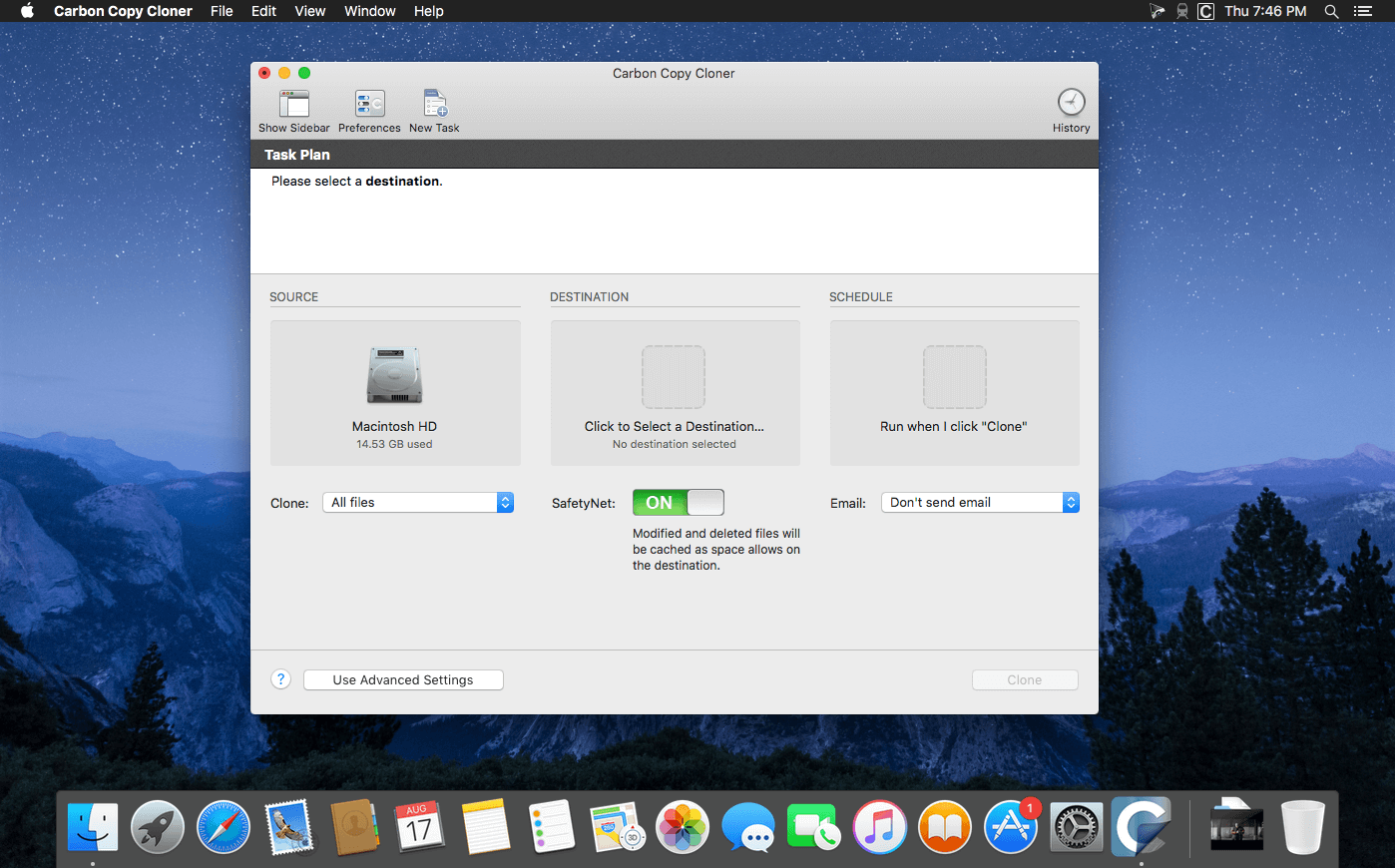
CCC 6 offers unprecedented accountability for your backup tasks, plus a brand new file copier that’s faster, smarter, and designed to adapt to Apple’s fast pace of OS and filesystem innovation. Combined with a sleeker, modern interface, we think you’re going to love this new version of CCC.
What’s new in CCC 6? Faster backups with our next-generation file copier We’ve completely rebuilt our file copier to take advantage of the performance characteristics of modern storage. Built on a multi-threaded design, our new file copier provides a foundation for many of the new features noted below, and paves the way for many new features in the future.
CCC Dashboard: The new menubar application CCC’s menubar application has gotten a complete makeover. The new “Dashboard” offers one-click access to starting, stopping and monitoring your CCC tasks, plus details about recent task activity.
The Dashboard also gives you a heads up to snapshot disk usage on the startup disk. Have you ever deleted files from the startup disk, emptied the Trash, then wondered why the space wasn’t freed? Many people have been blindsided by the creation of snapshots on the startup disk – by CCC, Time Machine, and even macOS. CCC’s Dashboard tracks the disk usage consumed by snapshots. If a sudden change occurs, or if disk usage is exceeding expectations, CCC raises the change to your attention so you can address the root of the matter.
Snapshot Navigator: Easy way to explore older versions of files Looking to restore a specific version of a file? CCC’s Snapshot Navigator allows you to step through older versions of your backups and get a preview of your files as they were at specific points in time.
Redesigned Interface with Dark Mode CCC v6 includes a new, cleaner user interface. We reorganized the main window to make it smaller while making many of the controls and font sizes larger. We completely redesigned every window in CCC; revisited every button, every icon, and every color decision to offer a high quality Dark Mode experience. CCC now offers more detailed progress indication while a task is running, including a time remaining estimate. File processing and transfer rates are now charted live during backup tasks. Hover your mouse over the chart to view the current write rate (white) and files evaluated per second (green).
Quick Update: Leveraging FSEvents for super quick updates to the destination Did you know that macOS keeps track of changes to folders? CCC 6’s Quick Update taps into this service (called “FSEvents”) and the result is lightning quick updates to your backups – no exhaustive scanning for changes required. When Quick Update is enabled for a task, CCC will ask the FSEvents service for a list of folders modified on the source since the last backup rather than scanning every folder for changes. The performance benefit of this feature cannot be understated, we’ve seen up to 20X improvement to backup time, especially for tasks involving a destination network volume.
Compare: Visual comparison of the source and destination You’ve finished your backup but the source and the destination aren’t exactly the same size; did CCC miss something? Probably not – the disk usage of your source and destination are usually different, but what are the specific differences?
CCC’s Compare feature offers a visual comparison of your task’s source and destination, and provides details if the differences are the result of a task filter. Use this feature to quickly determine if something is missing from the backup, or if folder size differences are simply the result of files sitting in the Trash.
Task Preview: See what changes CCC is going to make before actually making them If you’ve ever been nervous about what changes CCC may make on a destination volume, you can use the new Preview feature in CCC 6 to see what’s going to happen before making the changes. This “Dry Run” is available via the Preview button in CCC’s toolbar, and any time you save a task for which the SafetyNet feature has been disabled.
Backup Audit: Task History events include a list of transactions What was copied, and why? You asked for this, and we’re delivering it with style in CCC 6. When your tasks run, CCC will record detailed information about the transactions that occurred during the task, e.g. files copied, files updated, folders created or updated, files deleted or archived. You can view these backup audits in CCC’s Task History window, and never again wonder why CCC copied a particular file.
New scheduling option: Run a backup task “When files are modified on the source” Using the same underlying technology that’s used by the “Quick Update” feature, CCC 6 offers a new automation option that allows you to have a task run when a threshold of data changes have occurred at the source. So rather than hourly or daily, etc., the task will run after 5GB’s worth of data has changed (for example). You can throttle that with a time limit as well, e.g. don’t run the task more than once every 5 minutes.
Advanced File verification Previous versions of CCC have included the exhaustive “Find and replace corrupted files” option, but that option has a couple shortcomings that we wanted to resolve. CCC 6 can verify files at the end of the backup task, and also offers the opportunity to verify files on the source and destination, independently, against a hash that was recorded when the file was last copied. Verifying the integrity of the source or destination CCC 6 stores the modification date, size, and checksum of every file that was copied by a particular task. On demand, you can ask CCC to evaluate files on either the source or destination (independently of the other volume) against historical checksums. This gives you the opportunity to not only verify the integrity of the backup, but also to verify the integrity of the source.
Verification of files that were copied by the current task event If you’ve ever migrated data to a new disk, you’ve probably wondered, “How do I know that all of the data was actually copied?” You may also not have realized that media sector failure is most often discovered on read, not on write, which means that data corruption that occurs on the new disk isn’t usually discovered until some time in the future when you try to re-read the files. This new Advanced Setting offers a new postflight task option to verify files that were written to the destination.
Other new features and improvements Our to do list never ends, and we’re constantly receiving great feedback from users on how we can improve CCC.
Here are just a handful of simple improvements that we’re excited to introduce in CCC v6:
Per-task control over the file copier’s CPU usage.
You can temporarily pause a backup task.
More information about your source and destination right at your fingertips – click on the source or destination selector to see extensive information about the selected volume.
Refined Simple Mode – quitting and reopening CCC to switch modes is no longer necessary.
Items that cause task errors can be excluded directly from the Task History Errors table.
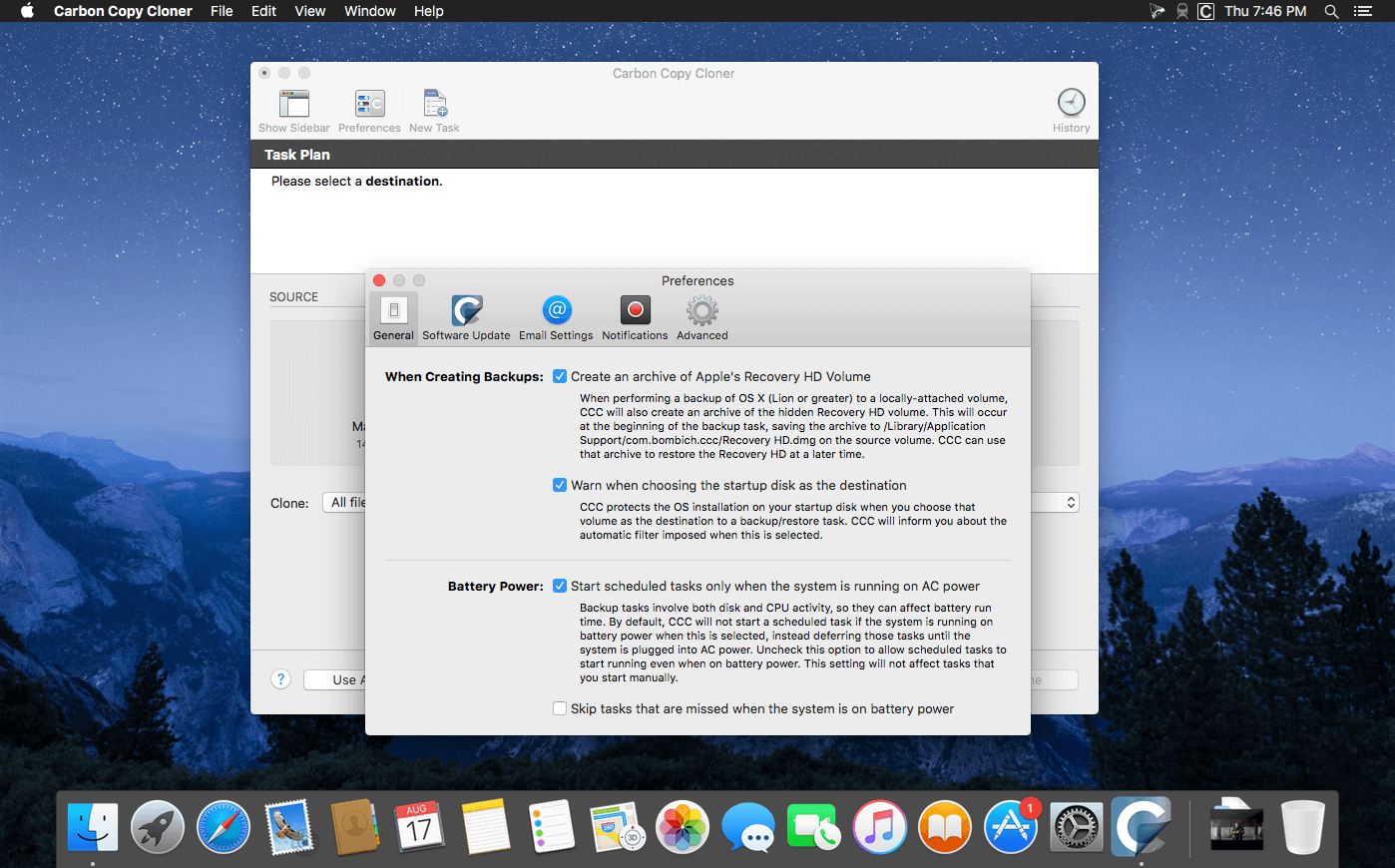
CCC’s Task Filter now offers support for respecting macOS “backupd” exclusions (i.e. exclusions defined for Time Machine).
What’s New:
CCC 6.0
New file copier that offers faster performance and powers several of the new features noted below.
Compare: Offers a visual comparison of your task’s source and destination, and provides details if the differences are the result of a task filter.
The new Dashboard offers one-click access to starting, stopping and monitoring your CCC tasks, plus details about recent task activity. The Dashboard also gives you a heads up to snapshot disk usage on the startup disk.
Postflight verification of files that were copied by the current backup task.
Ad hoc verification of files that were copied by the current task — source or destination.
The Snapshot Navigator allows you to step through older versions of your backups and get a preview of your files as they were at specific points in time.
Quick Update decreases the length of the backup by comparing a reduced list of folders provided by the macOS FSEvents service.
New scheduling option to run a task when a threshold of modifications have been made on the source.
Backup audit shows what was copied by your backup tasks, and why.
Dark Mode support.
Task Preview: See what changes CCC is going to make before actually making them.
Per-task control over the file copier’s CPU usage.
You can temporarily pause a backup task.
A new, cleaner user interface. We reorganized the main window to make it smaller while making many of the controls and font sizes larger.
Refined Simple Mode – quitting and reopening CCC to switch modes is no longer necessary.
More detailed progress indication while a task is running, including a time remaining estimate.
File processing and transfer rates are now charted live during backup tasks.
Items that cause task errors can be excluded directly from the Task History Errors table.
CCC’s Task Filter now offers support for respecting macOS “backupd” exclusions (i.e. exclusions defined for Time Machine).
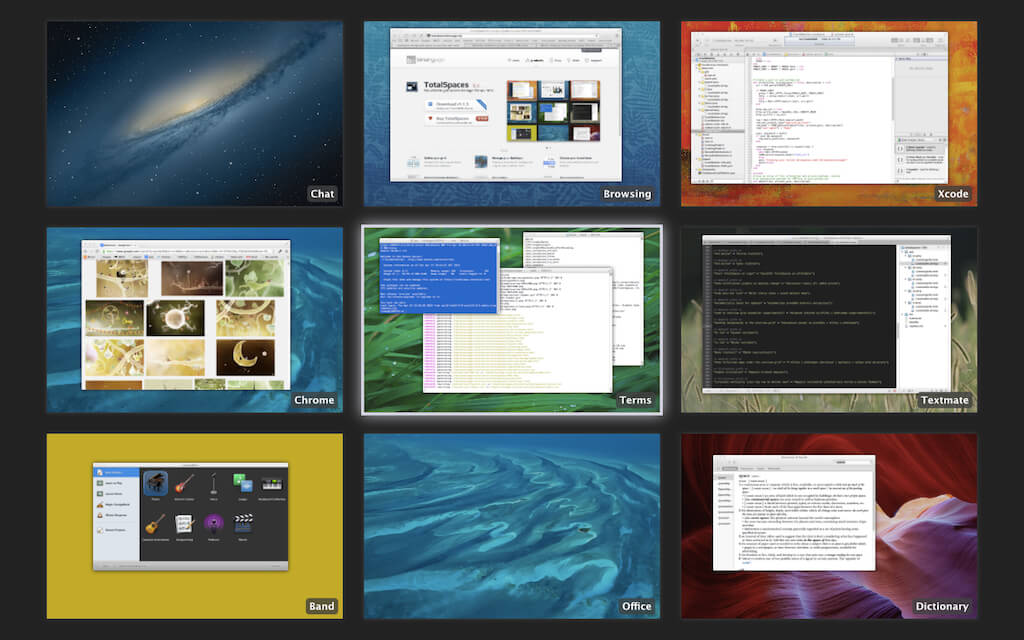
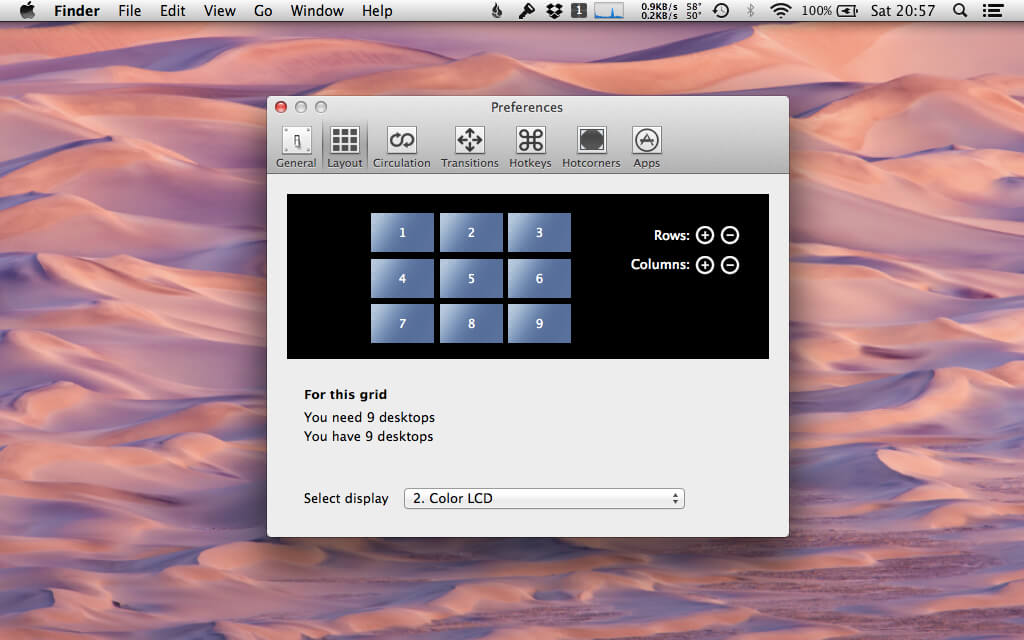
TotalSpaces2 provides a grid of spaces on your Mac. An easy to use 2D grid of desktops. Navigate using the cursor keys (by default together with SHIFT-ALT), choose your transitions, and quickly access a birds eye view of your grid of spaces where you can manage your application windows. You can even give your spaces names.
One of the most useful features of TotalSpaces2 is that it allows you to assign certain applications to particular Spaces. This means that if you have a 3×3 grid, you can ensure that your Twitter client is always in the top left space and that your email client is always in the middle right.
Switching between applications using Command Tab, by default, displays the applications in the order they have been most recently used. this means that your email client may require a different number of Tab presses each time you switch to it. By using TotalSpaces2 to assign it to a specific position in a grid, you can rapidly and reliably switch to it at will.
TotalSpaces2 is especially useful on smaller screened devices, such as the MacBook Air line. On larger screens it is possible to display two programs side by side, however, on 13″ and smaller screens, things become very cramped if you try this.
TotalSpaces2:
Manage your desktops: Display an overview of desktops and drag windows between them.
Define your grid: Navigate left, right, up and down between your desktops.
Choose your transitions: Fully customizable transitions and hotkeys.
Swipe between desktops: Moving around your grid has never been easier.
Hotcorners: Trigger the overview grid just by moving your mouse.
App assignments: Keep your apps where you want them. Assign apps to desktops.
What’s New:
Version 2.9.9:
IMPROVED Improved compatability.
NOTE TotalSpaces2 is not compatible with Apple Silicon Macs.
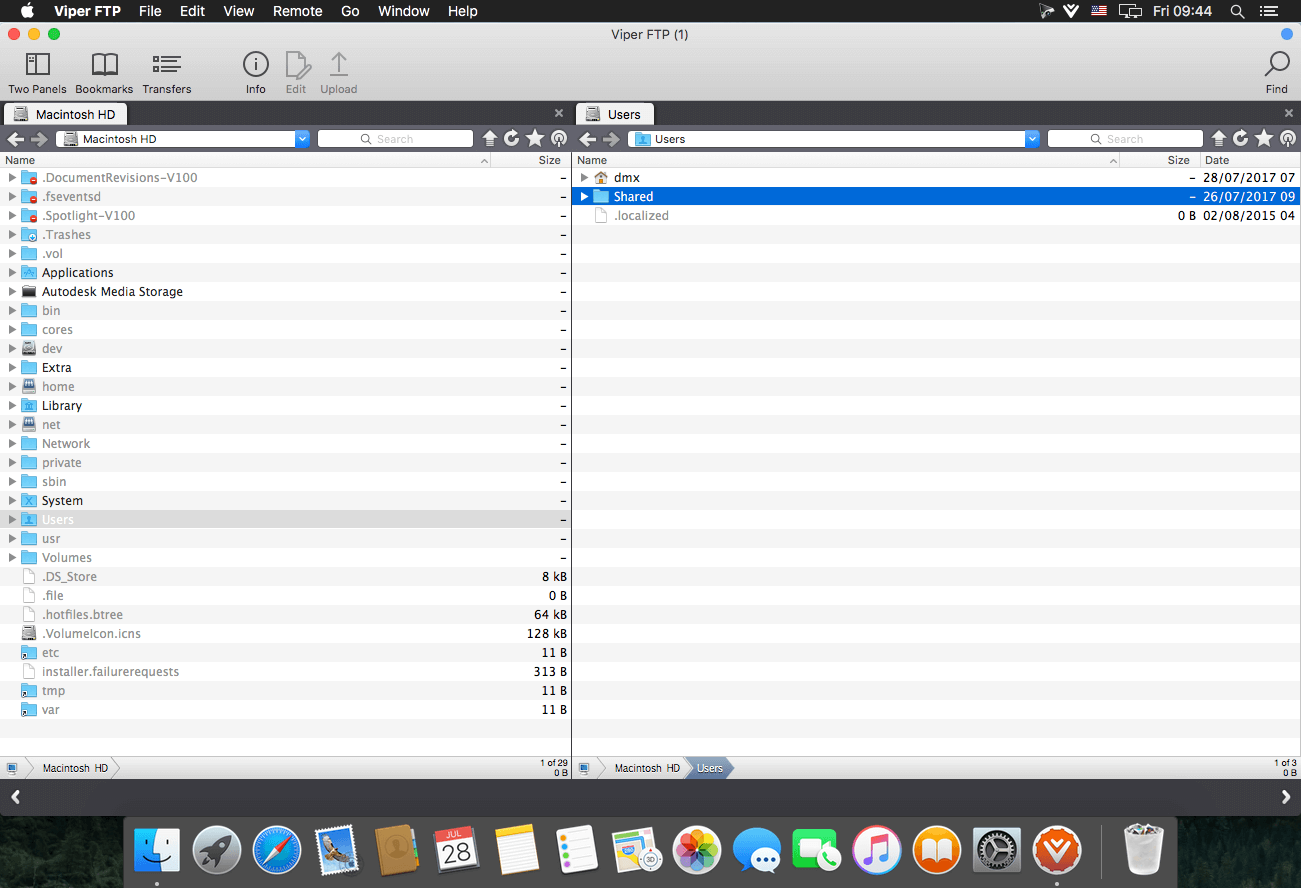
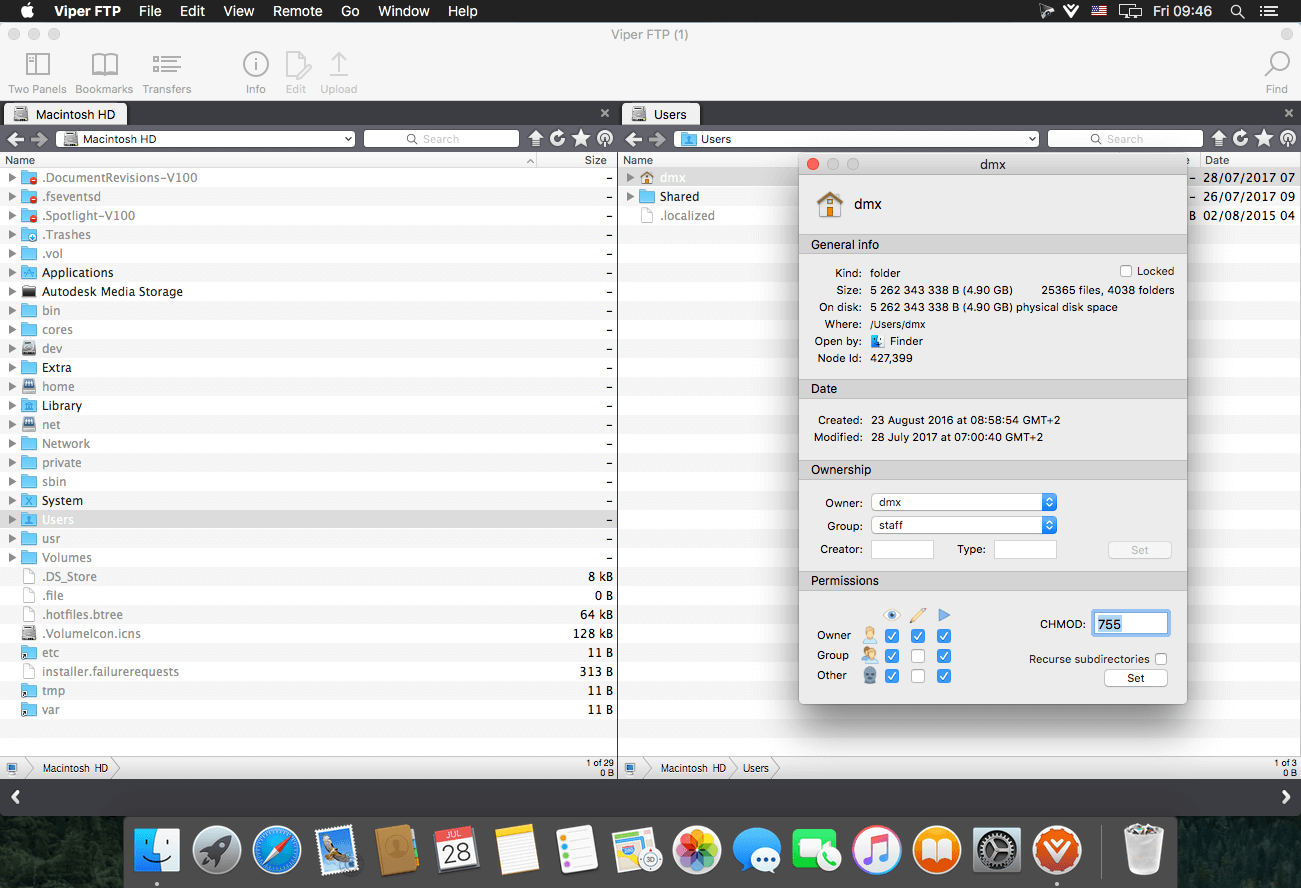
Viper FTP is a handy and powerful file manager for macOS, with a tremendous user interface that makes it effortless to use. Quickly access your remote servers to manage and transfer your files. The new user interface was redesigned to be cool, clean and functional. Viper FTP handles WebDav servers, Amazon S3 servers, LAN Bonjour servers, and even the uploading of videos directly to YouTube. It will create the HTTP URL of files you select, allowing you to easily share them via URL or email. It stores and shows your history and trace log, stores the credentials of multiple FTP accounts, and allows you to have multiple simultaneous transfers happening across different servers. The Toolbar gives you instant access to your bookmarked servers. Viper FTP has in-built ZIP, RAR, GZ, and TAR support. It has fast file searching on both your local and remote machines. You can customise many elements of the interface via preferences. You can edit remote files to make quick changes.
Top 10 Features
Local and remote file management (FTP, SFTP, WebDav, Amazon S3, YouTube-upload)
Last connections, Bookmarks, Bonjour, Favorites
can be managed in one place.
History of file operations (what, when, where with a server reply)
Converting remote file/folder into HTTP/HTTPS address with an instant email option.
Searching, viewing and editing files directly on a remote server.
Using the toolbar for keeping your favorite servers gives an instant access to the remote locations.
All files (hidden, system) are visible. To locate a file just start typing its name.
Files/folders compare.
Zip,rar,gz and tar management.
Application windows can be linked (will move, show and hide together)
Language: English, German, French, Spanish and others. Compatibility: OS X 10.10 or later 64-bit Homepagehttps://viperftp.com
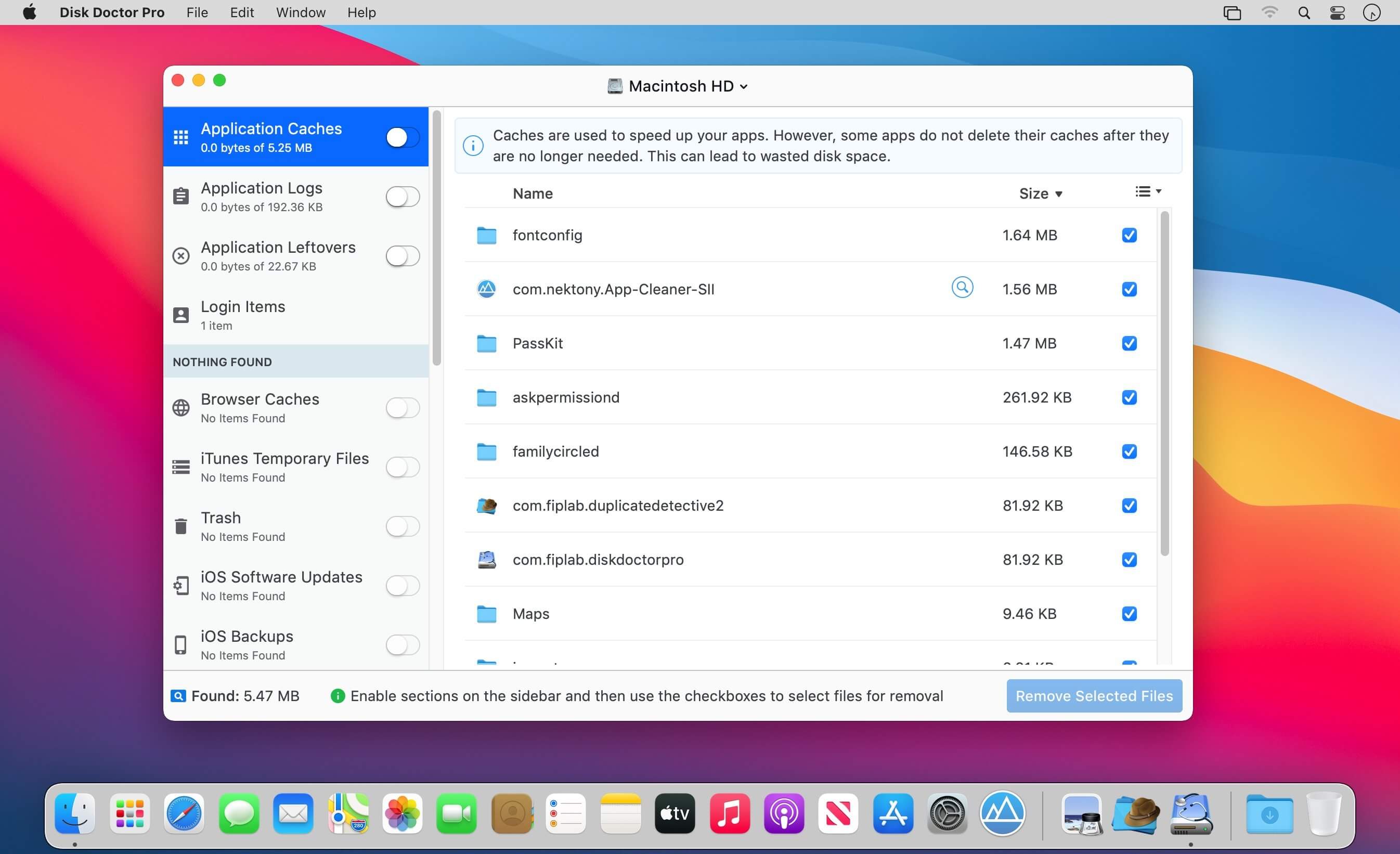
Disk Doctor Pro is our all-new and ultra-powerful disk cleaning app that is capable of removing gigabytes of unneeded files from your Mac within just a few minutes. The app automatically scans your Mac’s hard drive and quickly displays a huge range of files that can be safely removed to free up valuable disk space and improve system performance.
Disk Doctor Pro scans the following areas: Application Caches Caches are used to speed up your apps. However, some apps do not delete their caches after they are no longer needed. This can lead to wasted disk space.
Applications Logs Some applications automatically create log files that may become quite large. Removing these is an easy way to free up disk space when you are running low.
Application Leftovers Uninstalled applications sometimes do not fully remove all their associated files. You can free up disk space by removing these unnecessary files.
Browser Caches Your web browser stores content from web pages on your hard drive. These caches can make websites faster, but often caches become filled with outdated files.
iTunes Temporary Files Using iTunes to manage and update your iOS devices can often generate lots of temporary caches and files. These can be removed to free up disk space.
Unused Applications Unused applications provides a list of apps that have not been used in over 90 days. Use this section to identify and remove apps that you no longer need.
iOS Software Updates You can safely delete old iOS software updates that you no longer need to reduce your disk space usage.
iOS Backups Removing old iPhone and iPad backups is often a quick way to free up a huge amount of disk space.
Partial Downloads Partial downloads can be identified and removed as they are files that have not been successfully downloaded due to either being paused or cancelled.
Downloads Your downloads folder can become very large as it is the default location where files are saved to. Our app can help you to identify files that you no longer need.
Mail Caches Attachments received via email are often temporarily saved to disk if viewed within your Mail app. Deleting these files will free up disk space without impacting the original email attachments.
Message Attachments Message attachments are files you have sent and received via the Messages app. Deleting these files can help free up valuable disk space.
Large Files Files on your Mac that are larger than 100 MB are identified. You can browse through this list of files and select any that you no longer need.
Developer Files When developing using Xcode, your projects will generate intermediate build files, indexes and archives. Deleting these can save disk space and also help fix performance issues and build errors.
Broken Preferences These are corrupted or damaged preferences for apps installed on your Mac. Deleting these can help solve problems and free up disk space.
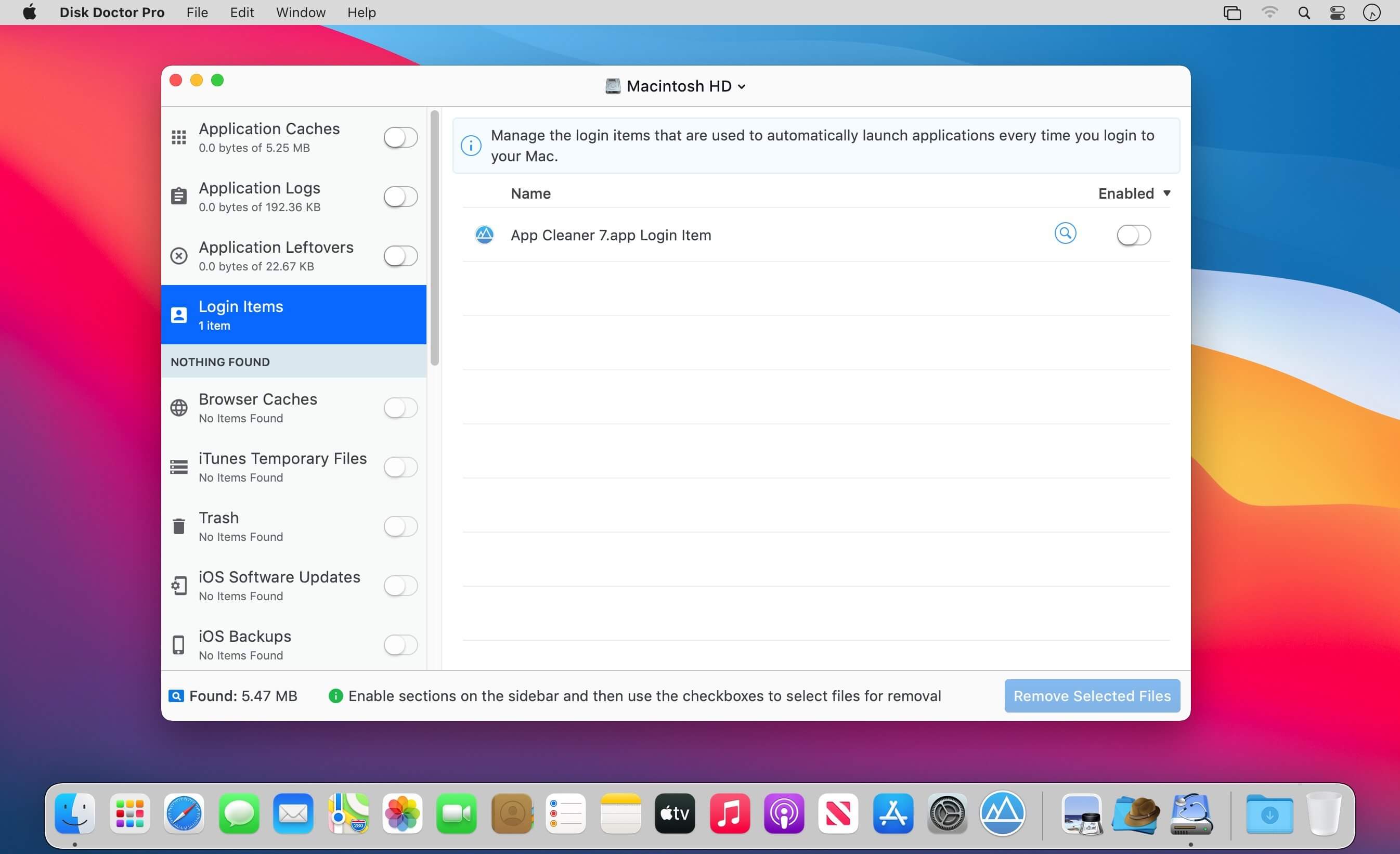
Broken Login Items Sometimes when an app is deleted, a broken link to it can remain in your Login Items. This is unnecessary and can be safely removed.
Screenshots Screenshots that you capture on your Mac can accumulate over time, cluttering up your desktop and taking up valuable disk space.
Installer Packages DMG and PKG files are typically used for macOS software installers. After installation of an app, you can save disk space by removing these files.
Trash Can Emptying your trash regularly can prevent unneeded files using up your disk space.
Disk Doctor Pro has a beautiful light and dark theme and comes with full Retina support.
What’s New:
Version 1.0.21:
Release notes were unavailable when this listing was updated.
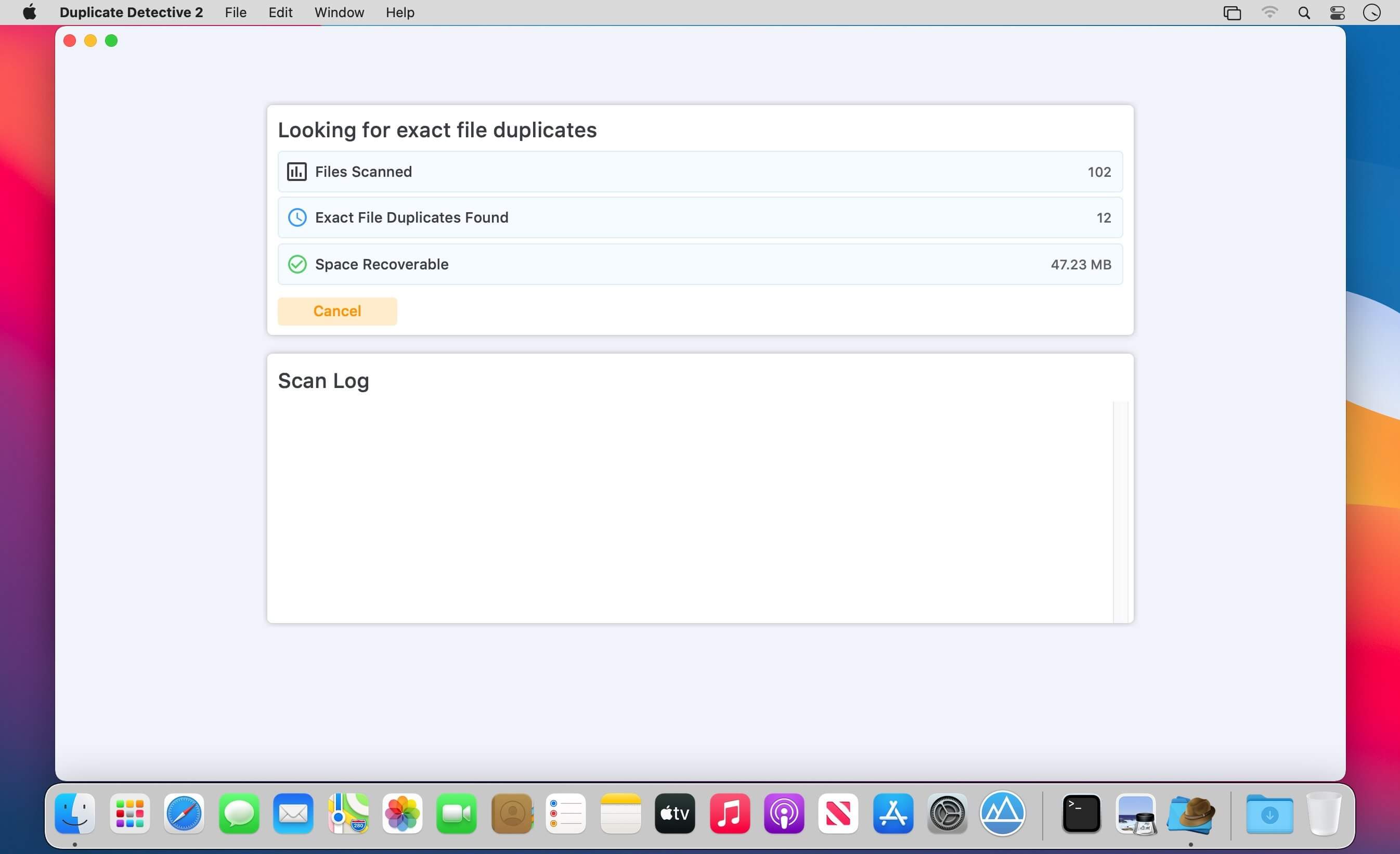
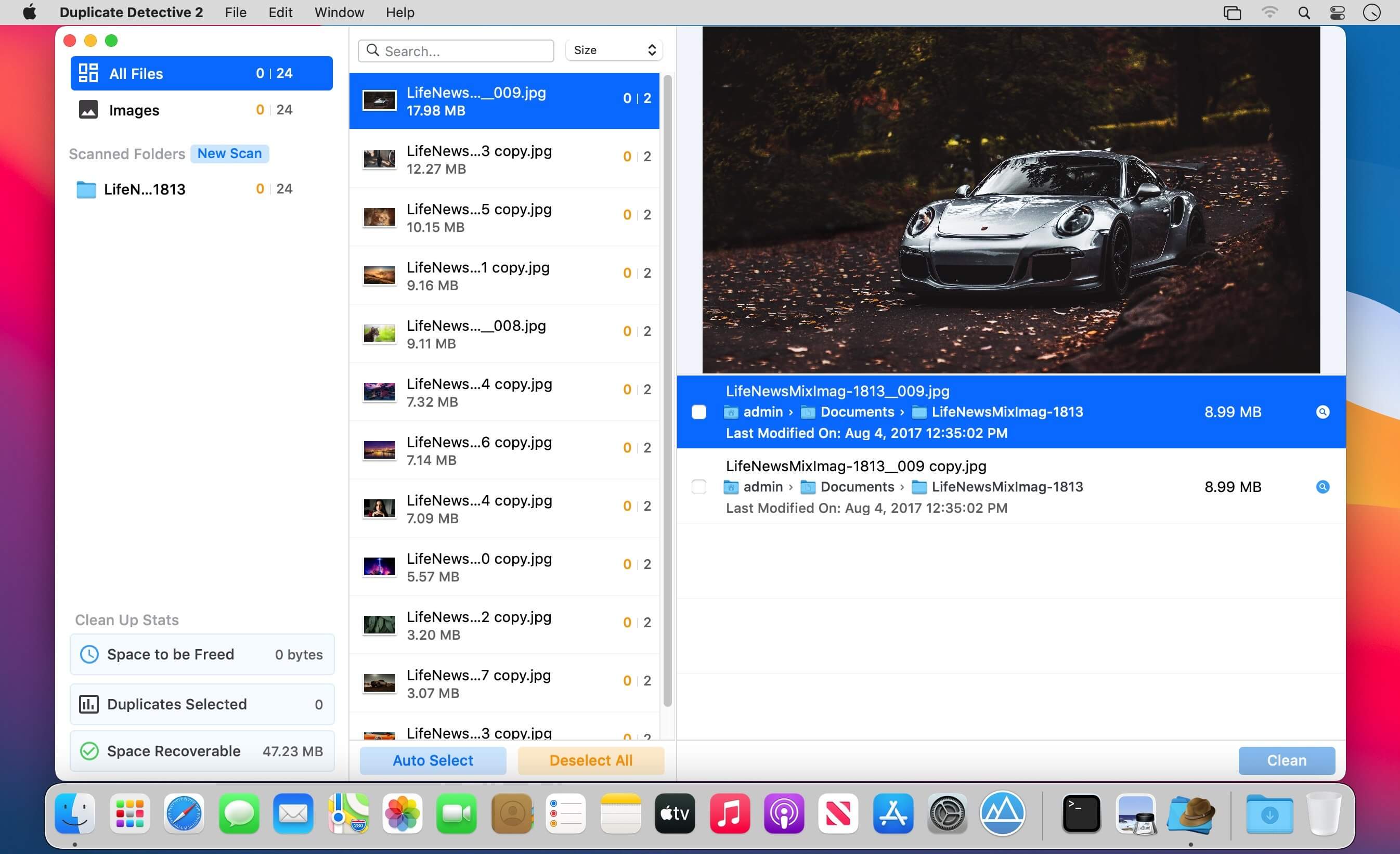
Duplicate Detective 2 is our brand new and intelligent app for quickly finding and removing unneeded duplicate files such as photos, documents, videos, folders and more with just a few clicks. With our advanced hash matching and filtering algorithms, you can be confident that only exactly identical duplicate files are removed from your storage drives.
Supercharged Scanning Duplicate Detective 2 includes an optimized scanning algorithm that is up to 150% faster than the previous version.
Photo Libraries Support Removing duplicates from your Photo Library is supported and you will be guided through a step-by-step process Filter Results Filter & sort duplicates depending on their type, size, name, date and more. Also, choose how intensive the scanning process is by changing the minimum duplicate file size via the app’s preferences.
Auto-Select Magic With our newly improved auto-select feature, you can now automatically select duplicates of a certain type or from a particular folder, helping to quickly select a large number of duplicates.
Beautiful Design & macOS Catalina Support Duplicate Detective 2 has been designed to support the latest macOS operating system, supports dark and light mode themes and works with both internal storage and external USB/Network drives.
Easily free up gigabytes of space by removing potentially thousands of unneeded duplicate files that are cluttering up your precious disk space! We’ve worked hard to make Duplicate Detective 2 as simple and efficient as possible for you to use. We would love to hear your thoughts via email and make any improvements to future versions of this app. We intend to have an active development cycle powered by your feedback and support!!
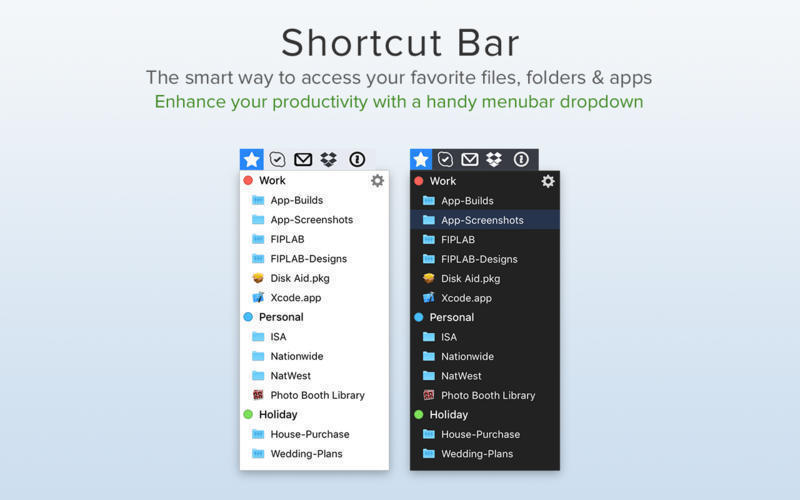
Shortcut Bar is an incredibly handy app that connects you to the files, folders and apps that you need lightning fast access to.
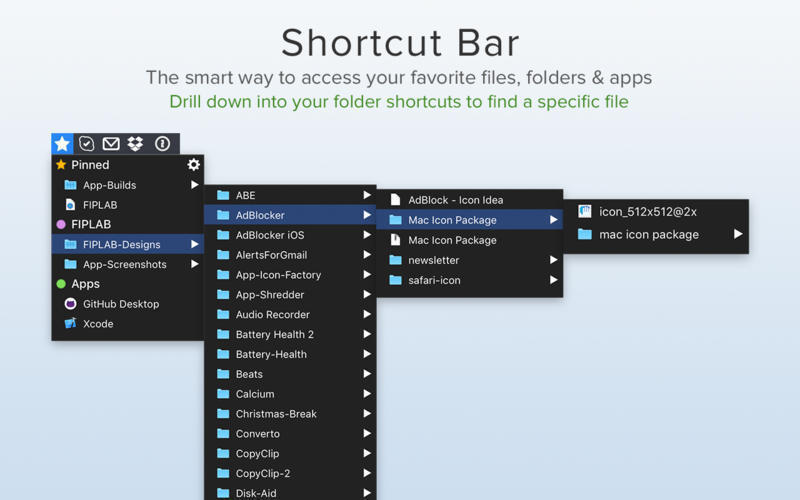
The app lives in your menubar and allows you to add in an unlimited number of shortcuts. Whenever you require access to these important files and folders, simply click on the menubar icon and select the item from the dropdown list.
We believe that within just a few days of use, you’ll be totally hooked and wonder how you ever lived without Shortcut Bar. The app will save you time and speed up your workflow.
FEATURES:
Add as many files, folders and apps that you would like instant access to
Sort files and folders into Groups with headings, making it easier to find the shortcut you’re looking for
Folders and files are presented with their respective icon
Choose whether clicking on a shortcut opens it in Finder or opens the item itself
Choose whether the app starts at login or not
BENEFITS:
Ultra quick access to any file/folder/app that you desire
No more shuffling through directories on Finder to locate exactly what you’re looking for and use regularly
Save time and improve productivity
Compatibility: OS X 10.10 or later 64-bit Homepage https://fiplab.com/apps/shortcut-bar-for-mac
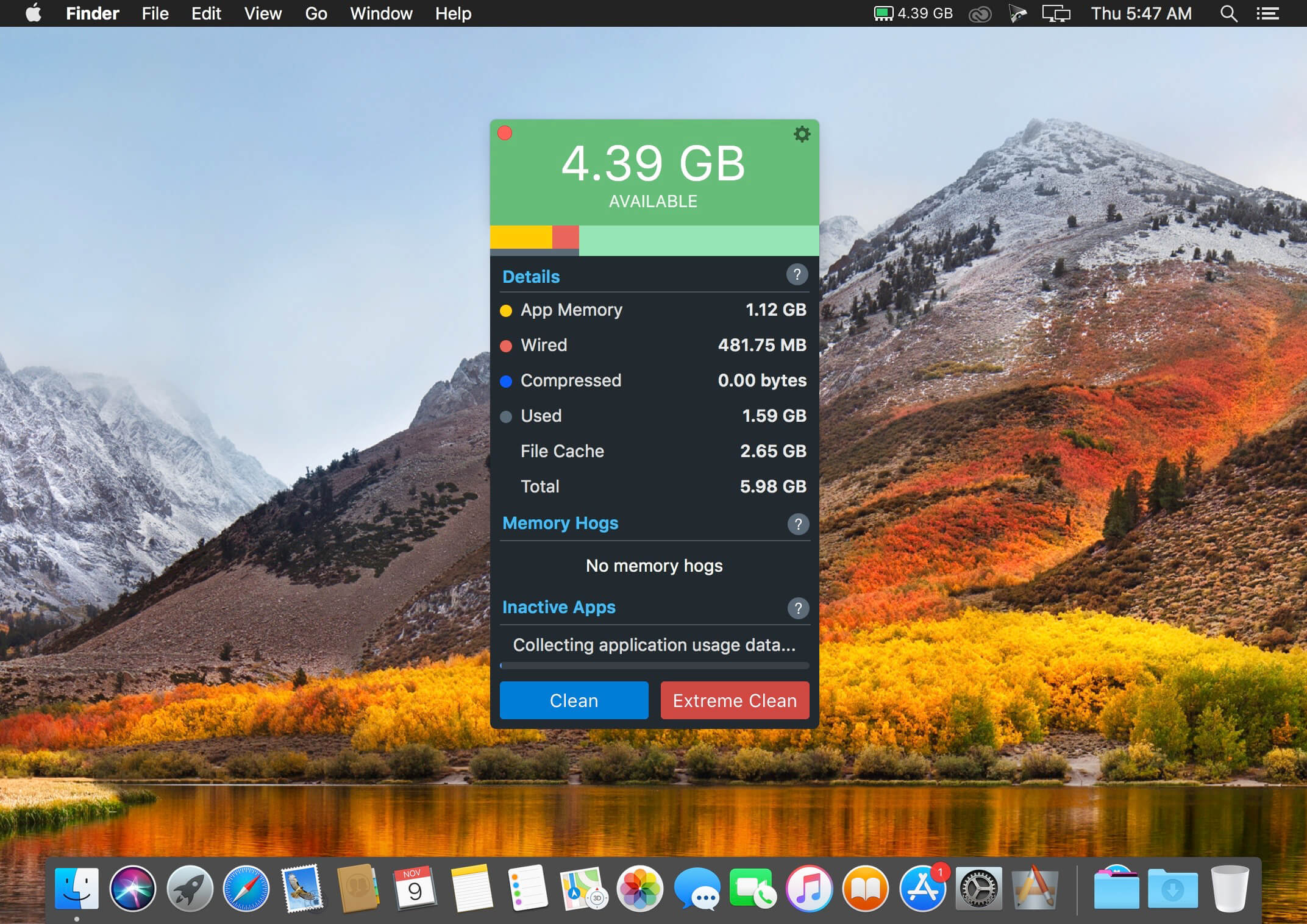
Memory Clean 3 is an absolutely gorgeous, extremely powerful and super slick app for optimizing your Mac’s memory. The app replicates the feeling of a fresh system restart and helps to keep your Mac running smoothly.
How It Works The app works by purging your Mac’s inactive memory and is best used when you close a memory hogging app that you won’t be using again soon. By freeing up unneeded memory, you can make available more memory for other apps to take advantage of.
Discover Memory Hogs Memory Clean 3 lets you know which apps are using up the most memory on your Mac and can automatically recover memory when you close them.
Inactive App Notifications You can enable Memory Clean 3 to notify you of opened apps that have not been used for a period of time. You can close these inactive apps to reduce memory usage.
What’s New:
Version 1.0.22:
Bug fixes
Compatibility: OS X 10.8 or later, 64-bit processor Homepagehttps://fiplab.com
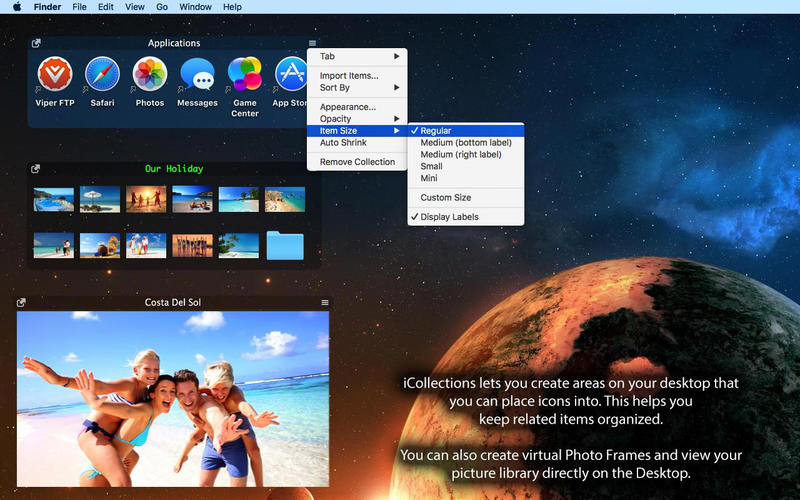
iCollections is an expertly designed application which helps you keep your desktop organized. The app’s unique features are what make it the most popular method of desktop organization for Mac users. iCollections lets you create areas on your desktop that you can place icons into. This helps you keep related items together so your files (pictures, documents, screenshot, applications, etc.) remain organized.
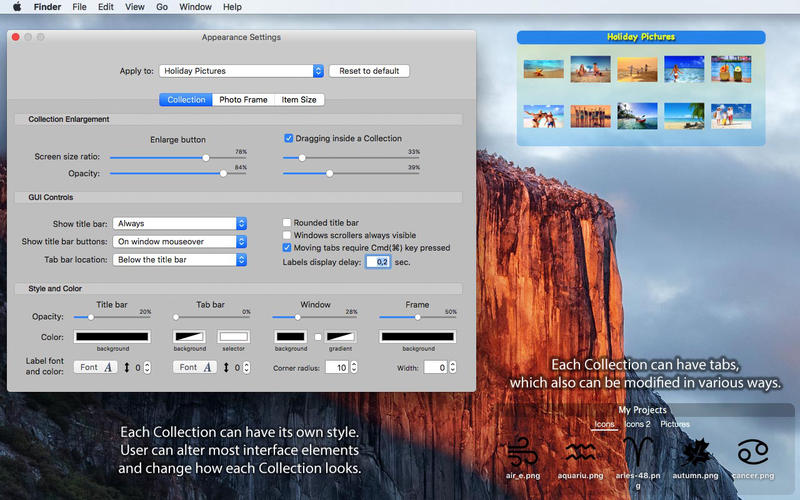
When selecting Photo Frame, a picture frame will be created at the desktop. The Photo Frame will display collection of your pictures as a slide show, eg. a new picture every day. Select your pictures folder and recall wonderful memories.
Use View Settings to define a slide show: window design and details to show. You can also create a static picture – just select a picture instead of a folder. Quick and easy!
Welcome to djay Pro AI! Algoriddim’s acclaimed DJ software and winner of multiple Apple Design Awards has been rebuilt from the ground up using groundbreaking AI technology – NEURAL MIX™.
NEURAL MIX™ allows you to isolate instrumentals and acappellas of your favorite tracks in real-time and redefines the boundaries of creative mixing. You can crossfade drums, bass lines, and melodies of two songs independently, apply audio effects to individual components of music, and even loop the beat while the melody of the same track continues playing.
djay Pro’s all-new, modern interface is built around a sophisticated integration with your music library, giving you instant access to millions of tracks. Pristine sound quality and a powerful set of features including live production tools, four decks, high-definition waveforms, video mixing and hardware integration give you endless creative flexibility to reinvent your DJ sets.
NEURAL MIX™
Isolate vocals, drums, bass lines, and instrumentals in real-time
FX routing: apply audio effects to individual components of music (Vocal Echo, Harmonic Filter, Drum Reverb, and more)
Loop routing: Loop the beat while the melody of the same song continues playing, and vice versa
AI crossfades: seamlessly blend and swap drums, bass lines, or vocals of two tracks
AI waveforms: see vocals, drums, and harmonic waveforms per track side by side
MUSIC PRODUCTION TOOLS
Sequencer: create instant beats on top of music
Looper: remix music with up to 48 loops per track
Beat-matched sequencing of drums and samples
Extensive content library with 1000+ loops and samples
STREAMING INTEGRATIONS
TIDAL: Millions of tracks, music videos, high quality sound /TIDAL Premium or HiFi)
SoundCloud: Millions of underground and premium tracks SoundCloud Go+)
Beatport: Millions of electronic music tracks (Beatport LINK)
Beatsource: Millions of open-format music tracks (Beatport LINK)
AWARD-WINNING USER INTERFACE
2- and 4-Deck views
Single Deck preparation view
Video and Automix views
ADVANCED LIBRARY MANAGEMENT
Create your own custom and smart playlists
Powerful track filtering
Finder Integration
AUTOMIX
Automatic, beat-matched mixes based on artificial intelligence
Queue and Playlist automation
VIDEOS, VISUALS, and PHOTOS
Mix videos, visuals, and photos
Music video streaming through TIDAL
Beat-matched photo slideshows
POWERFUL AUDIO ENGINE
Revolutionary AI audio engine
Real-time music source separation
High-quality mixer, filter, EQ, isolator, and limiter
Advanced time-stretching and pitch shifting
Over 40 built-in audio effects
Master output effects through Audio Unit plug-ins
Live recording
Ableton Link integration
ADVANCED AUDIO ANALYSIS
BPM and beat detection
Key detection
Multi color waveformsBPM
Auto-Gain
HARDWARE INTEGRATION
Native support for over 100 MIDI controllers
Pioneer DJ CDJ Integration
RANE Twelve integration
Advanced MIDI Learn
External Mixer Mode
Support for multi-channel USB audio interfaces
Support for external audio input and microphones
In-App Purchases: Full Version – included
Language: English, Spanish, Italian, German and others. Compatibility: OS X 10.14 or later 64-bit Homepagehttps://www.noteburner.com/
In a single operation, Antidote’s corrector flags a wide variety of errors: from capitalization and verb agreement to unwelcome commas and redundancies. Hover over an error to see suggested corrections and see their explanations pop up in a tooltip, then click to confirm them. After correcting spelling and grammar, move on to typography and style, where you will be warned about any repeated words or commonplace verbs. Even dates and numbers can be flagged thanks to the 200 smart filters that highlight relevant passages. No software has ever given you so much power to refine your writing.Multiple Dictionaries with Powerful Search Tools
Read a word’s full definition and any expressions or proverbs that feature it; see its plural form, how to pronounce it, its rhyming words and its etymology. With a single click, see a list of its synonyms and words from the same family. Discover its semantic field, quotations, word combinations, complete conjugation information, and see how all of these resources interact intelligently. With its incomparable depth, powerful search engines and breathtaking speed, Antidote pushes the limits of what dictionaries can do.Clear and Detailed Language Guides
From grammar to style, from lexicon to syntax, the guides cover all aspects of writing. Quickly access a clear and concise description of the rules and their exceptions. Learn it all thanks to tips and carefully selected examples. Easily browse through related material or through all 485 articles, printing whenever you need to. With Antidote’s guides, it has never been so easy and enjoyable to write well.What’s New in Antidote 10:120 new features in interface, functions and content
Amongst some 120 new features for English and French, the corrector now helps in writing more inclusively and more legibly. The dictionaries bring together both languages by offering the translation of 2.5 million words and expressions. Users may now also take advantage of a new optional service allowing them to synchronize their personal dictionaries on multiple devices.Let yourself be amazed by the new French Module
Purchase the French Module for Antidote 10 (with the Premium Upgrade, for example) and see your definitions dictionary display over 800,000 translations of all words, expressions and proverbs. Even better, our linguists have translated 1,700,000 combinations going both ways, with examples to support them all.
Two eagerly-awaited new filters – Readability and Gender Neutrality
The readability filter underlines long words and sentences, rare or foreign words, abbreviations and nested phrases. It even includes the new Antidote readability index, from zero (hardly readable) to 100 (very readable). The gender neutrality filter points out ways to ensure an equal representation of men and women in your text, for example where names of professions are used.
New words
Over 8,000 new words and expressions have been added, such as binge-watch, facticide and hoverboard, along with 117,000 new synonyms and 26,000 combinations.
Smart synonyms
The synonym lists are now sorted by proximity with the headword, giving you quick access to the most relevant alternatives. This applies not only to the synonyms dictionary, but also to the corrector, where Antidote suggests synonyms to help you avoid repetitions.
Recommended Configuration:
– Operating system : 10.12 (Sierra), 10.13 (High Sierra), 10.14 (Mojave), 10.15 (Catalina) or 11.0 to 11.2 (Big Sur)
– RAM : 4 GB Memory
– Processor : Intel and Apple M1
– Disk space : 2.5 GB (1 language); 4 GB (2 languages); SSD Drive
Language Modules:
– American English, Canadian English, French.
How to Crack:
1) Mount the DMG “Antidote_10.6.1_F_43_T_Mac.dmg”
2) Install the app
3) Block the applications access to the Internet with Little Snitch or equivalent
4) Open Antidote, first insert a serial with any name then use the activation code to fully activate it. For English use, close it.
5) Close the application and go to the Finder, in your Applications> Antidote folder, right-click on “Antidote 10” then click on “Display the contents of the package”
6) Replace the “LibLingEN.framework” folder located in Contents > Frameworks by the one provided in the folder.
7) Re-launch and click Antitode / Preferences menu. Change French to English from the menu and apply it.
Rhino – Versatile 3D modeler. Rhinoceros can create, edit, analyze, document, render, animate, and translate NURBS* curves, surfaces, and solids, point clouds, and polygon meshes. There are no limits on complexity, degree, or size beyond those of your hardware.
Special features include:
Uninhibited free-form 3-D modeling tools like those found only in products costing 20 to 50 times more. Model any shape you can imagine.
Accuracy needed to design, prototype, engineer, analyze, and manufacture anything from an airplane to jewelry.
Compatibility with all your other design, drafting, CAM, engineering, analysis, rendering, animation, and illustration software.
Read and repair meshes and extremely challenging IGES files.
Accessible. So easy to learn and use that you can focus on design and visualization without being distracted by the software.
Fast, even on an ordinary laptop computer. No special hardware is needed.
Affordable. Ordinary hardware. Short learning curve. Affordable purchase price. No maintenance fees.