Category Archives: Graphics & Design

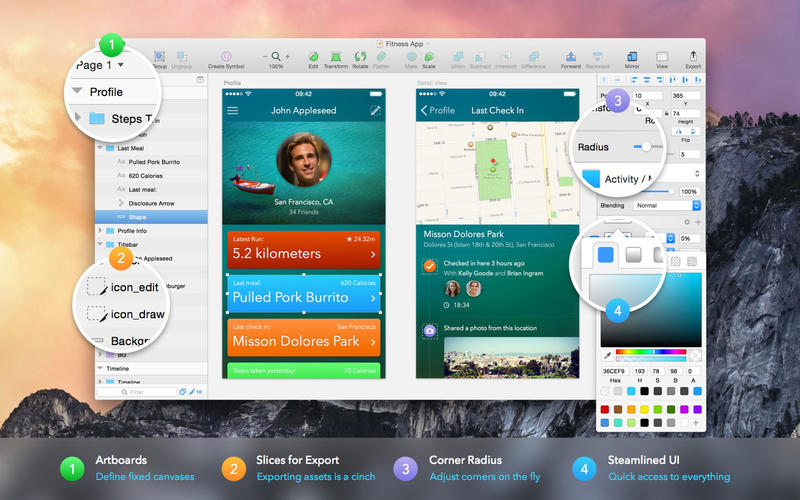
Sketch 84

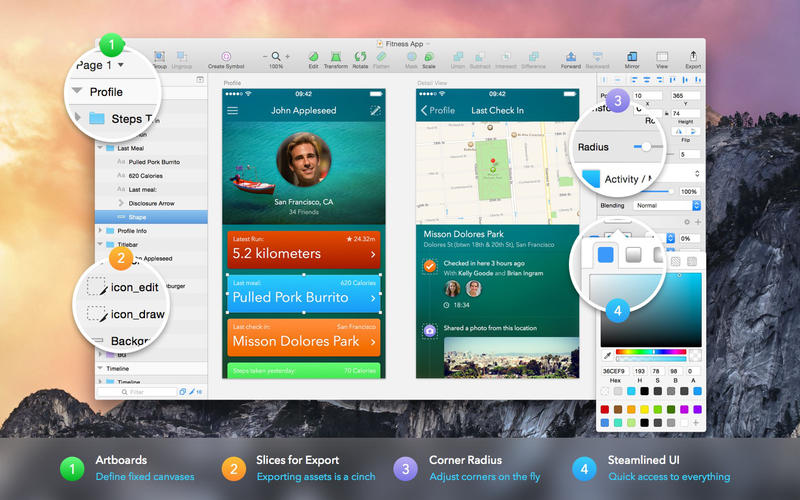
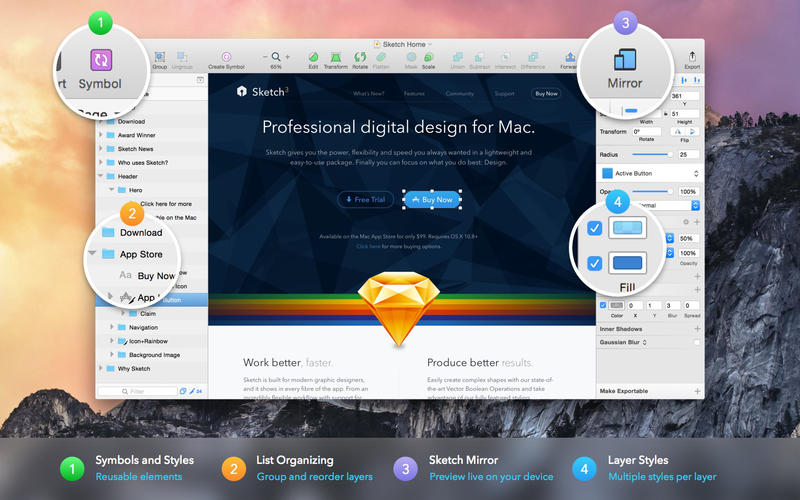
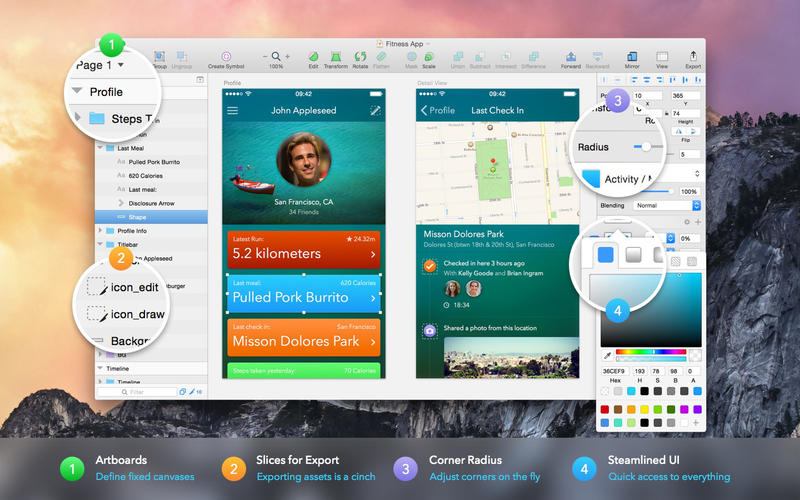
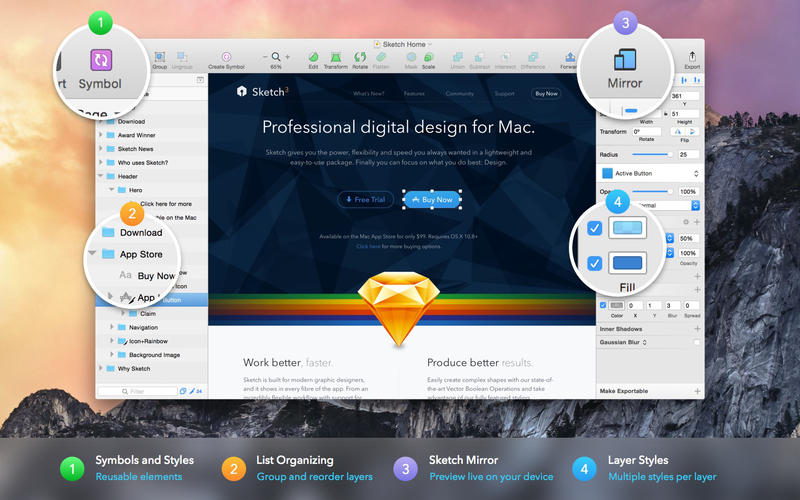
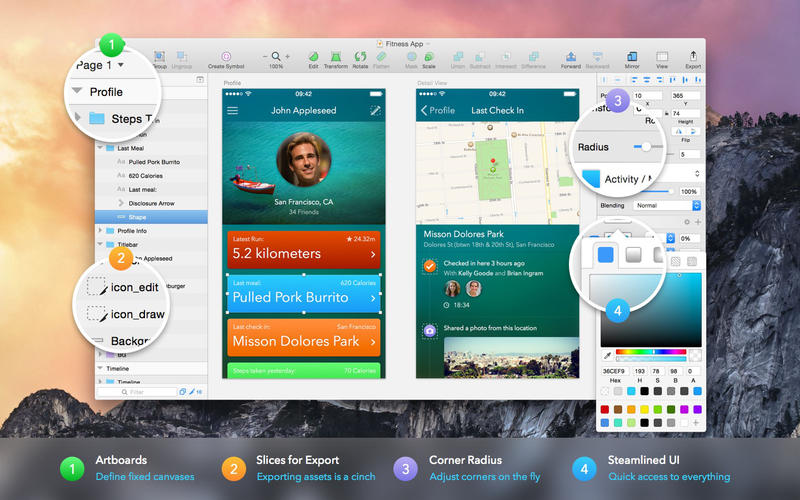
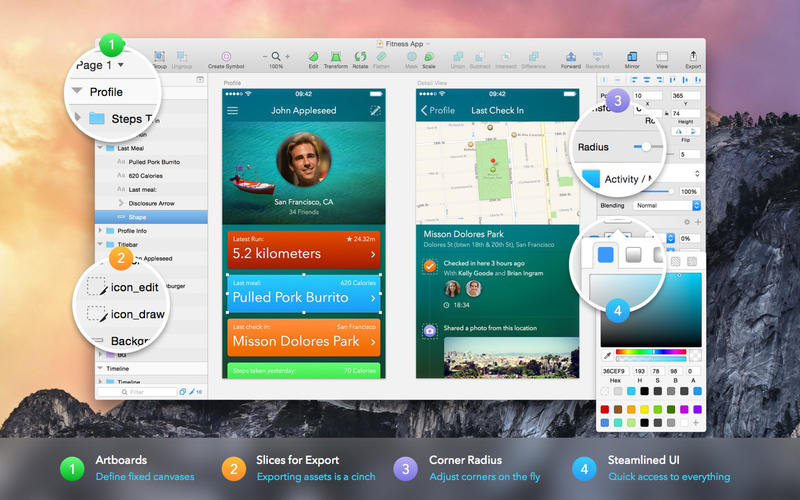
Sketch: graphic design for a digital world. Powerful tools and an elegant interface, in a single award-winning package. Because making beautiful things should be a joy, not a burden.

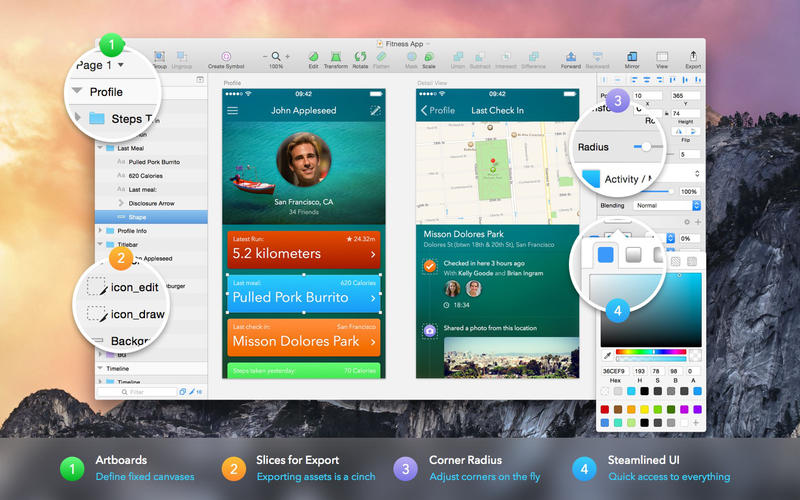
Sketch supports multiple fills, borders and shadows per layer; has powerful non-destructive boolean operations; smart pixel alignment; and makes exporting a breeze with automatic slicing and multiple resolution export.

Vector tools and basic shapes are the foundation; whether you are designing icons, websites, interfaces or anything else. Combine these into complex shapes with non-destructive boolean operations, leaving you free to edit them in the future, then apply advanced layer style options like multiple shadows, fills, gradients, noise, blending, background blurring, and more.

Sketch doesn’t just do shapes, of course. Imported images can be rotated, scaled, cropped and masked. The best-in-class text tool lets you add beautiful typography to your designs, using native font rendering, so you can be sure that text always looks 100% accurate!

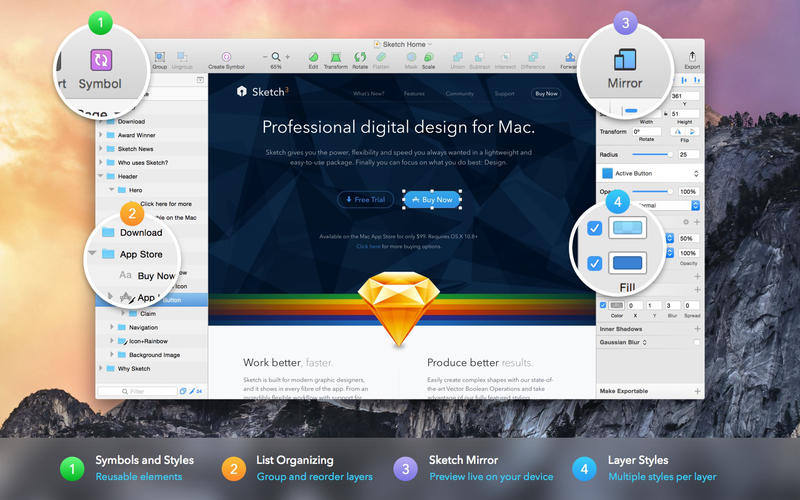
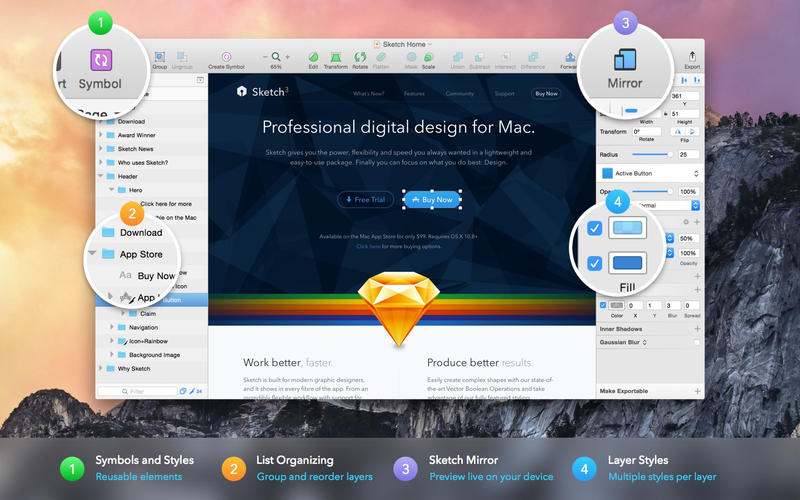
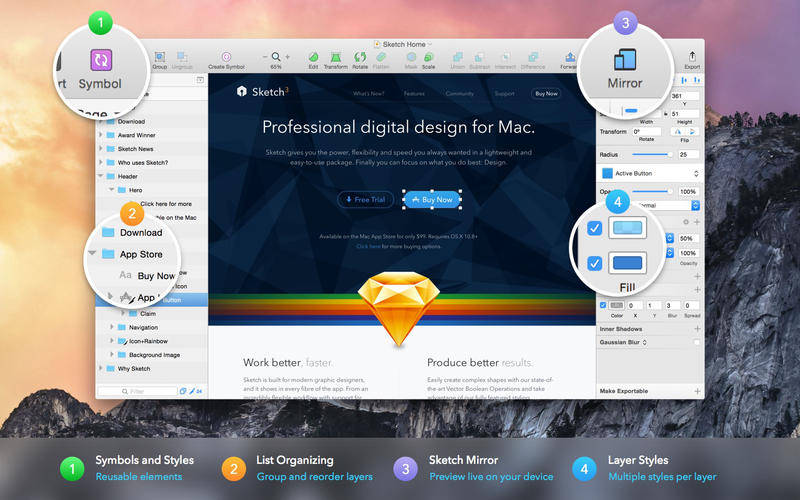
Brand new to Sketch 3, Symbols allow you to reuse entire groups of content in multiple places in your design. Think of interface elements such as buttons, headers and footers. Change them once, and they update everywhere in your document.

Built for the Mac, Sketch supports OS X’s Versions and Auto Save, letting you focus on your work instead of hitting CMD+S. Keep your work safely in sync across multiple Mac computers with iCloud. And take Sketch full screen to maximise the size of your canvas.

All this power is deliciously baked into Sketch’s single-window interface. Everything is there, tucked away until you need it. A simple interface with powerful tools.

Compatibility: macOS 11.0 or later (Apple M1 compatible)
Homepage https://www.sketch.com/updates/

Screenshots

Name: Sketch_84__TNT_Mactorrents.io.dmg
Size: 72 MB
Files Sketch_84__TNT_Mactorrents.io.dmg[72 MB]

   Download

Boxy SVG 3.78.0

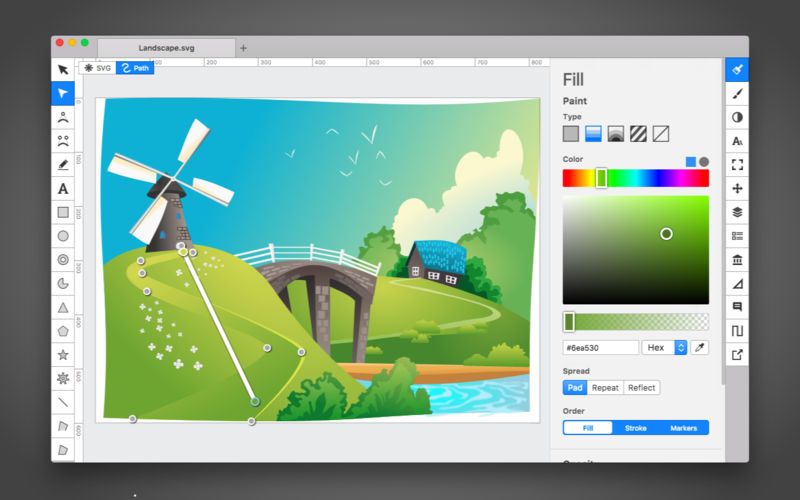
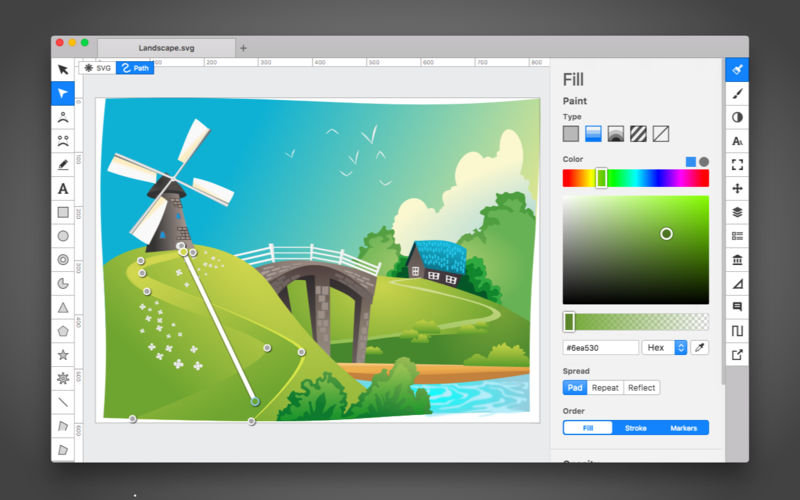
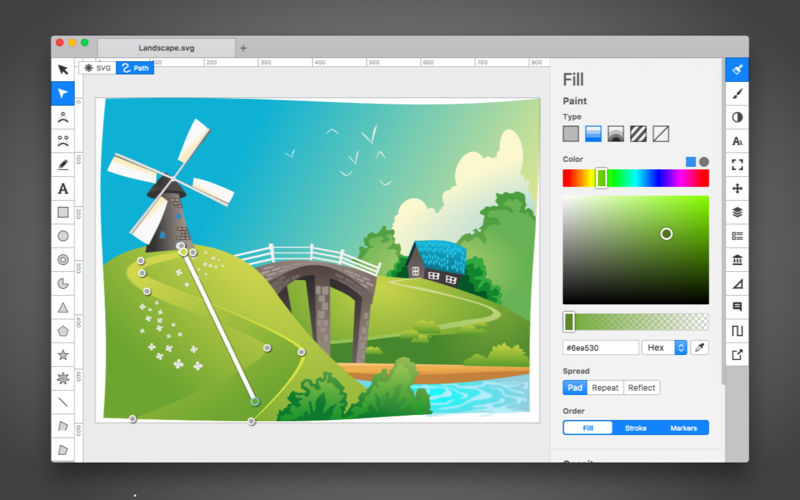
Boxy SVG project goal is to create the best SVG editor for non-technical users as well as for professional designers and developers.

SVG is the standard format for storing vector graphics such as icons, banners, charts and illustrations.

CORE FEATURES

  • Clean and intuitive UI heavily inspired by Inkscape, Sketch and Adobe Illustrator
  • Extensive support for on-canvas editing of object geometry, transform, paint and other properties
  • Save to SVG and SVGZ formats, export to PNG, JPG, WebP, PDF and HTML5
  • Open Clip Art Library integration with thousands of free stock vector arts
  • Google Fonts integration with hundreds of free fonts
  • Configurable keyboard shortcuts for over 100 commands
  • Manual guides, smart guides and grid
  • Path operations (unite, intersect, subtract, exclude, close, reverse, etc.)
  • Arrangement operations (align to, rotate, flip, order, group, etc.)

FOR WEB DEVELOPERS

  • Chromium-based rendering engine
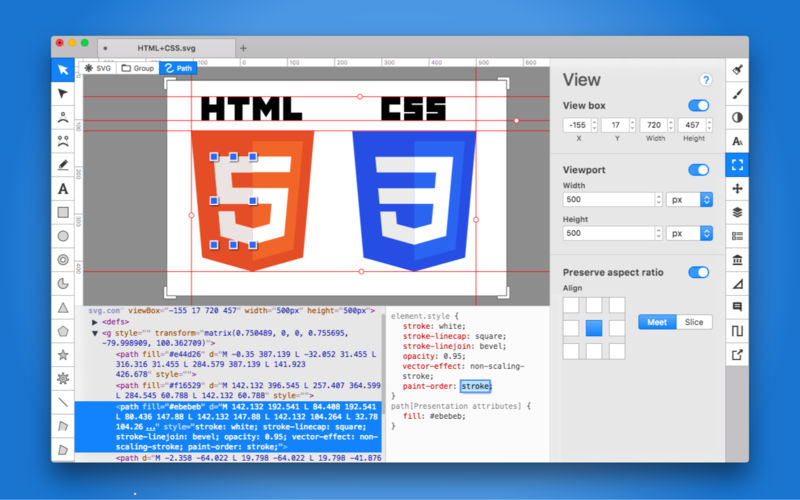
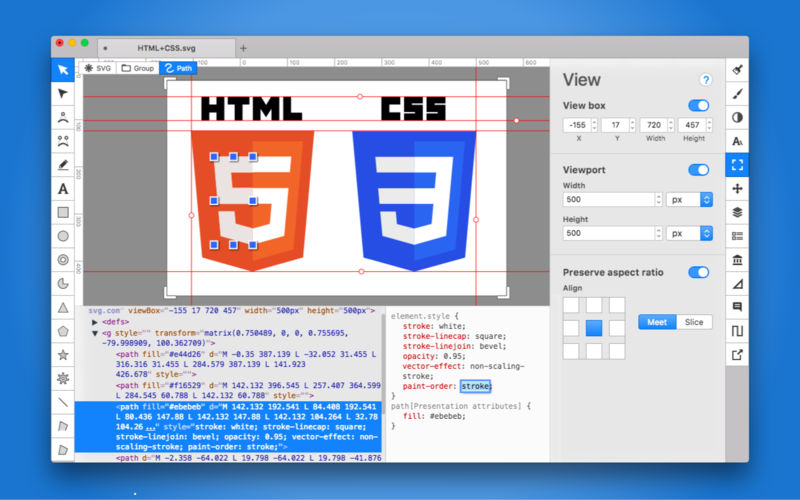
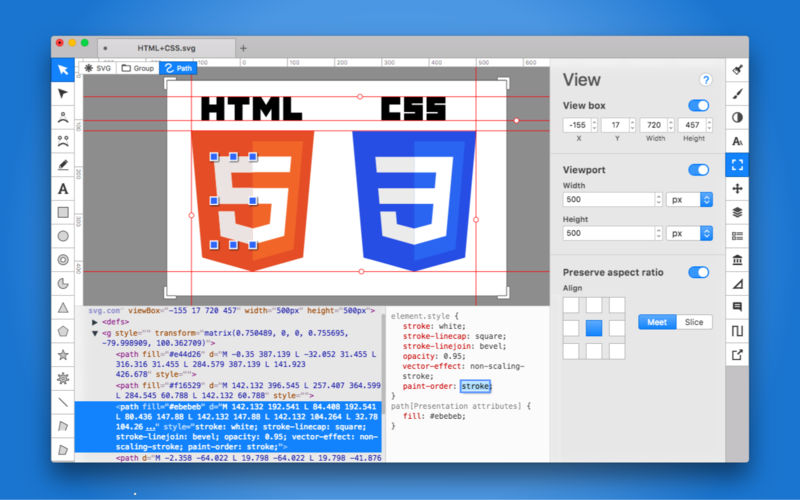
  • SVG and CSS code inspector similar to Chrome Dev Tools
  • Clean SVG output that preserves IDs, classes, titles and other metadata
  • SVG sprites editing support

Compatibility: macOS 10.15.0 or later (Apple M1 compatible)
Homepage https://geo.itunes.apple.com/app/id611658502

Screenshots


Name: Boxy_SVG_3.78.0_MAS__TNT_Mactorrents.io.dmg
Size: 165 MB
Files Boxy_SVG_3.78.0_MAS__TNT_Mactorrents.io.dmg[165 MB]

   Download

SketchUp Pro 2022 v22.0.353

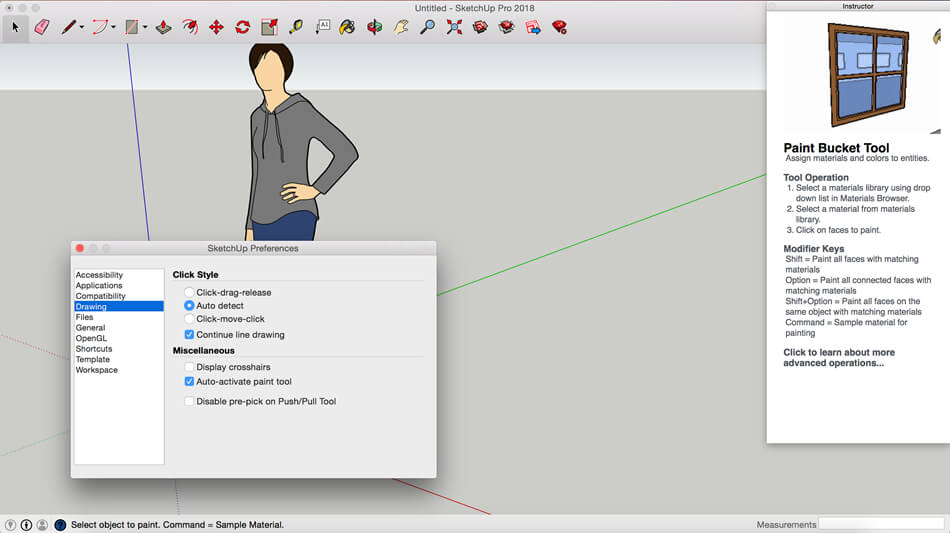
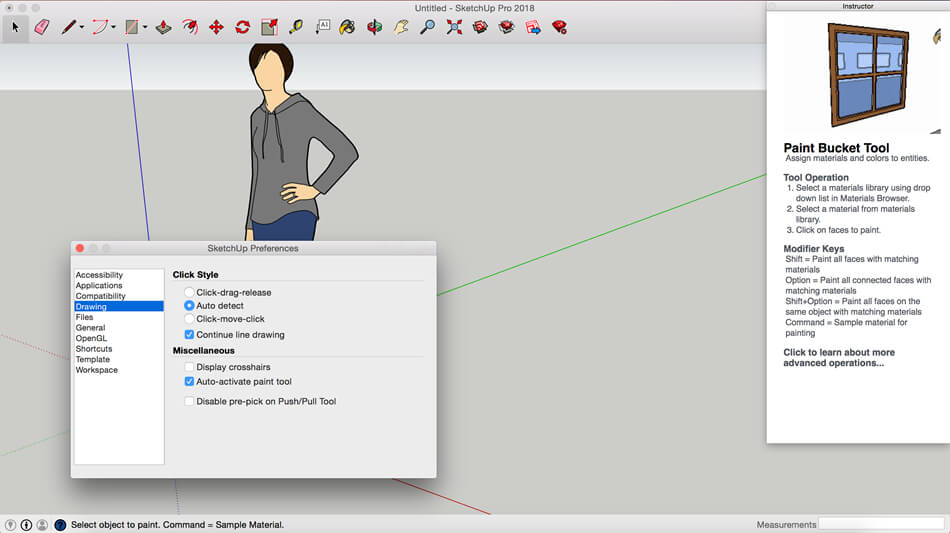
SketchUp is an easy-to-learn 3D modeling program that enables you to explore the world in 3D. With just a few simple tools, you can create 3D models of houses, sheds, decks, home additions, woodworking projects – even space ships.

Programming, diagramming, design development, detailing, documentation, RFIs—wherever you need drawings, you need SketchUp Pro.
A great mix of our classic desktop software, our shiny new SketchUp for Web modeler, and all sorts of things you’ve been asking for over the years — including the ability to publish, share, and store projects in the cloud with Trimble Connect.

Tools for your 3D modeling toolbox:
SketchUp Pro for Desktop
Fast, easy 3D modeling for anything you can imagine.

SketchUp for Web
Our powerful web modeler, with all the features you need to turn your designs into real things.

Unlimited cloud storage
Share, collaborate, and store your projects in the cloud. Gain flexibility and peace of mind.

2D design documentation
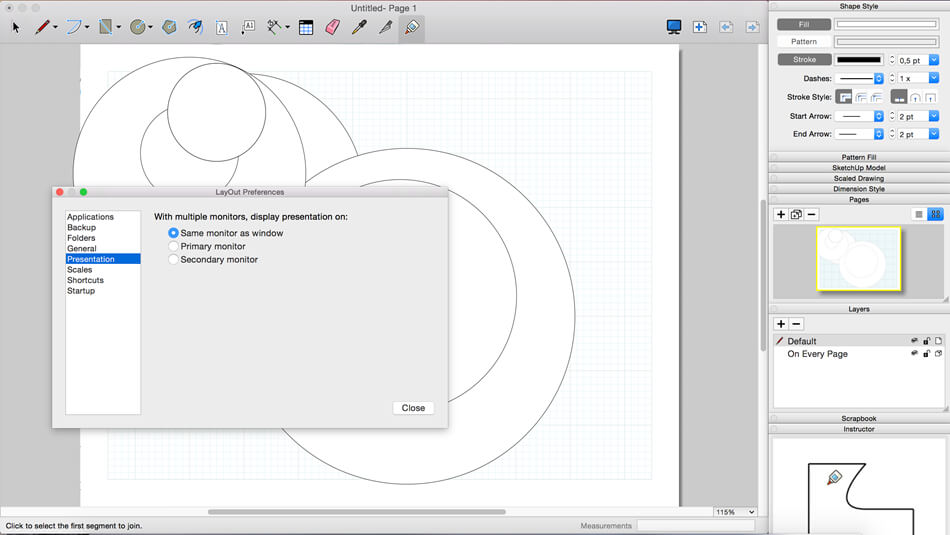
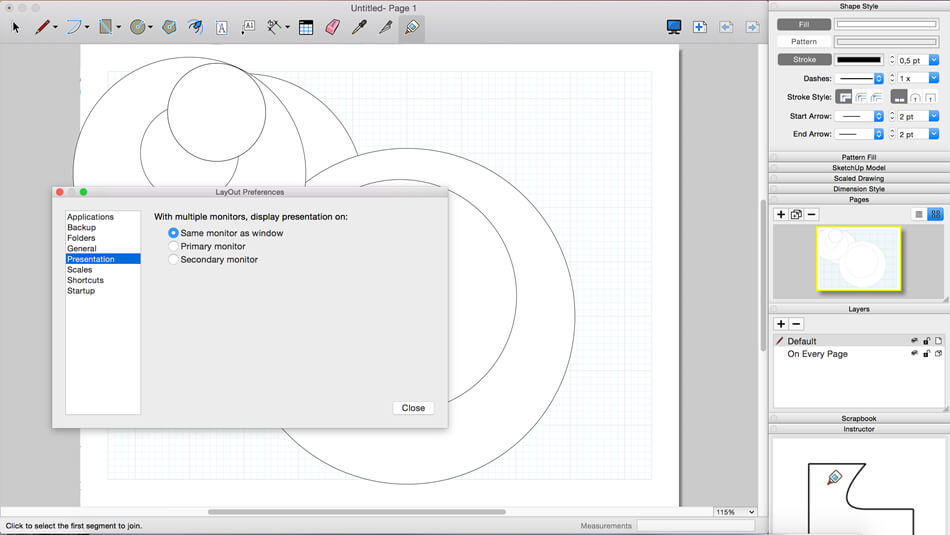
Create scaled drawing sets in 2D with LayOut.

VR model viewing
Wow your clients with a walkthrough of their project on Microsoft HoloLens, HTC Vive, or Oculus, on your phone or tablet.

Features that make your projects yours
Make your project look like only you can with custom Styles, Materials, and Outliner. And, make that work smooth and easy with Dynamic Components.

CR2 included (for macOS Monterey)
[Fix] launch for macOS Monterey
[Fix] LayOut Trial is Over

Compatibility: macOS 10.13 or later, 64-bit processor
Homepage https://www.sketchup.com/

Screenshots


Name: SketchUp_Pro_2022_v22.0.353__TNT_Mactorrents.io.dmg
Size: 864 MB
Files SketchUp_Pro_2022_v22.0.353__TNT_Mactorrents.io.dmg[864 MB]

   Download

Live Home 3D Pro Edition 4.3.1

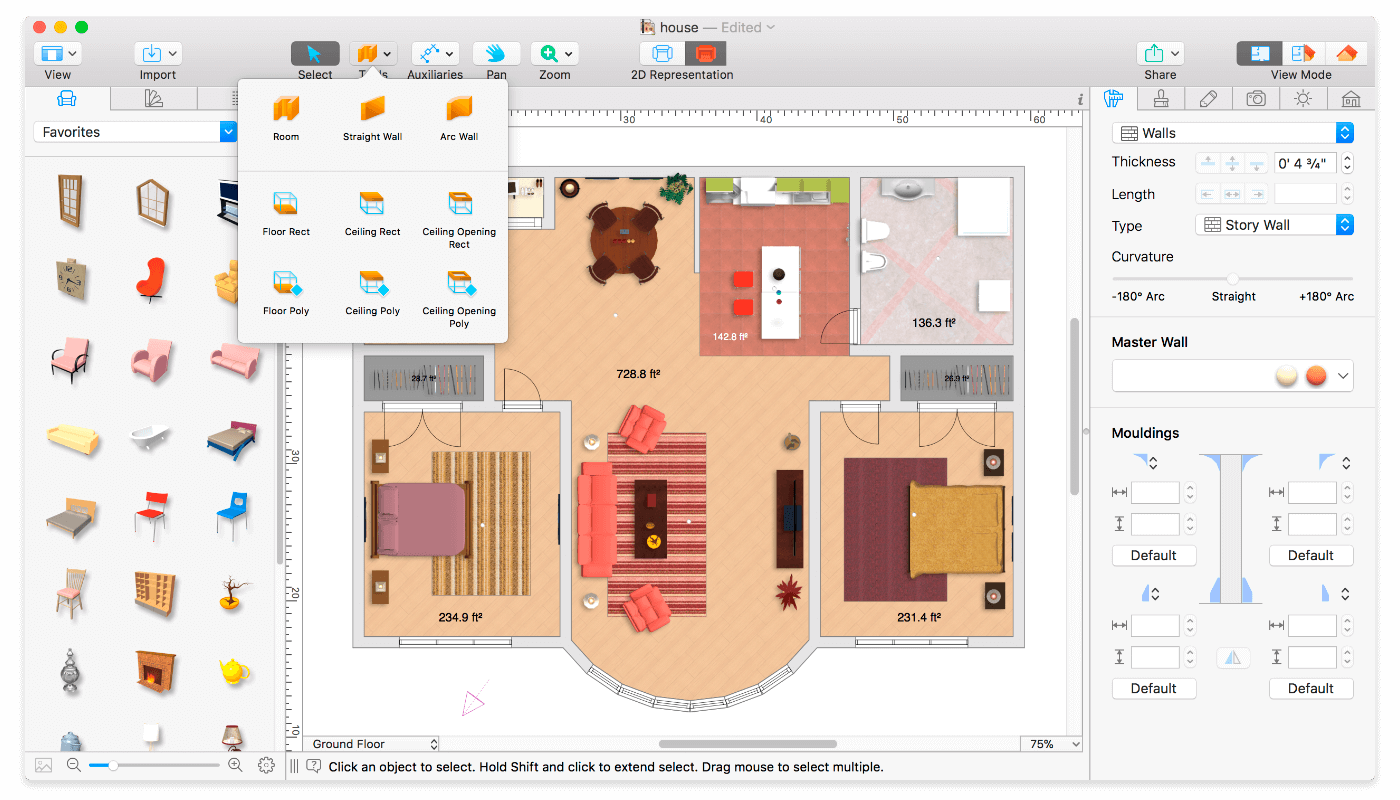
Live Home 3D Pro is the most intuitive and feature packed home design app suitable for homeowners and professional designers, a successor of Live Interior 3D. Besides offering advanced home design tools, Pro edition provides superior export quality and Elevation View mode.

General

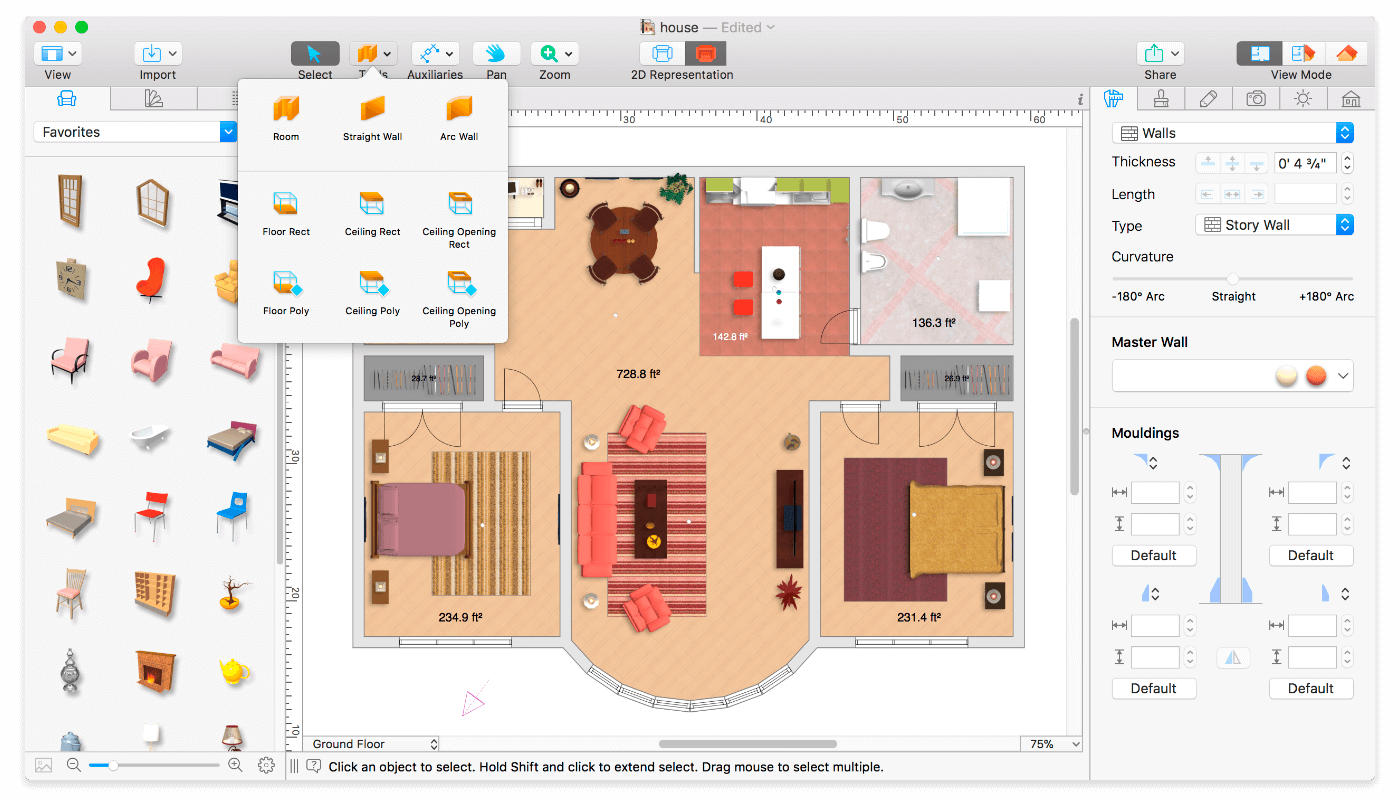
  • Create detailed 2D floor plans.
  • Beautiful real-time 3D rendering.
  • Unlimited floor levels. (Pro edition only)
  • A collection of in-depth video tutorials.
  • Built-in Help Assistant and free, quick tech support service.
  • Project Gallery with house projects and sample rooms.
  • Native Support for Live Interior 3D Projects.

Floor Plan Tools

  • Draw complete rooms using Room tool.
  • Use Arc and Straight Wall tools for drawing walls.
  • Elevation view. (Pro edition only)
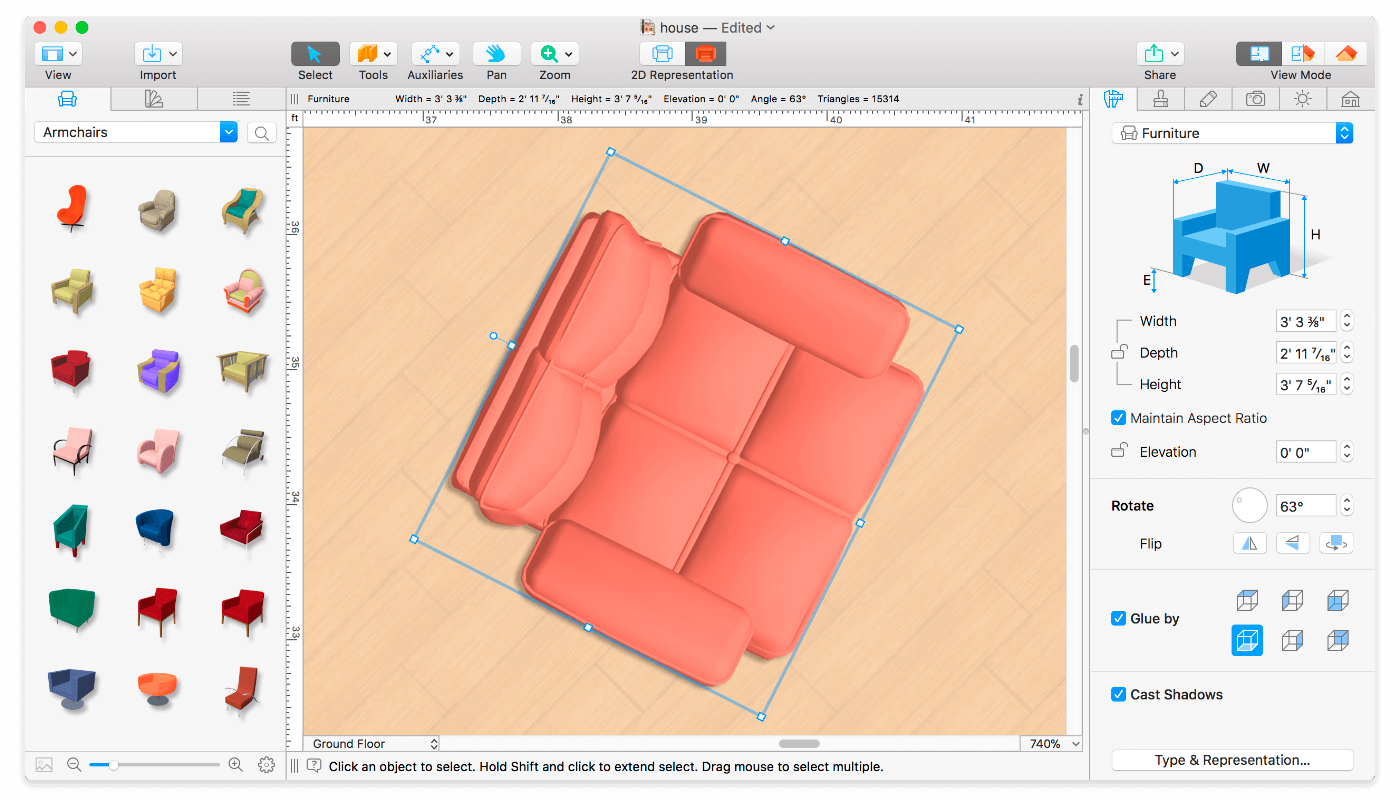
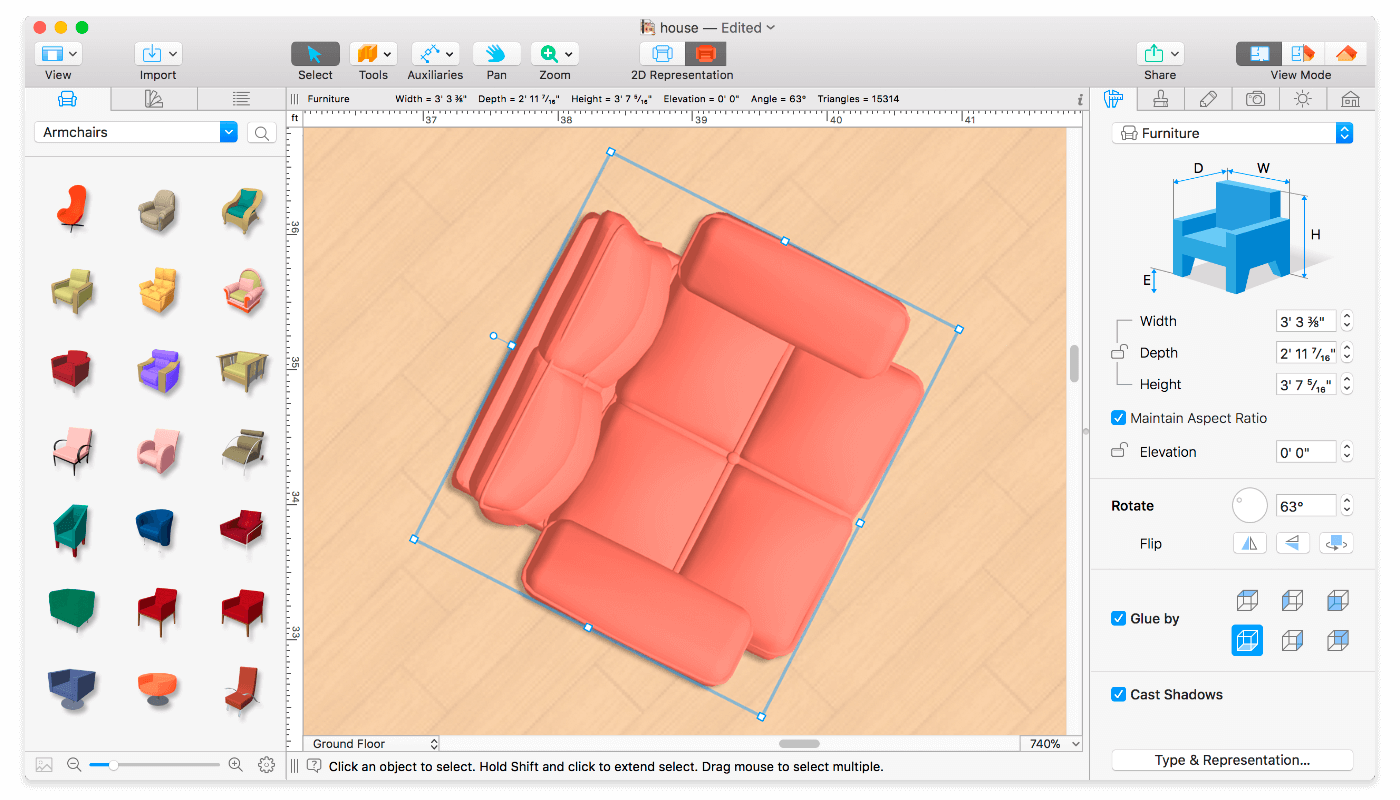
  • ‘Auto outline’ vector-based 2D representation for furniture.
  • View real-time measurements for walls, ceilings, and floors when drawing in 2D Plan view.
  • Select the necessary measurement units (inches, feet, meters, etc).
  • Use smart Dimension tool to set the distance between underlying objects or walls.
  • Precise positioning thanks to smart guides and object snapping.

Real-Time 3D Environment

  • Adjust the lighting, add and move objects, apply materials, and more right in 3D.
  • All changes, made in 3D or 2D, are rendered in 3D in real time.
  • Walk through your 3D interior.
  • FOV (field of view) and parallel camera projection. (Pro edition only)
  • Set multiple cameras to see the house from different point of views.
  • Achieve natural lighting by setting up true Geo position, daytime and overcast.
  • Adjust light fixtures throughout your project to get realistic lighting scene.
  • Light editor helps to add a light source to an imported objects. (Pro edition only)
  • Create corner windows and complex openings using the program advanced technology.
  • Level of details tool allows to optimize 3D object and speed up the project.
  • Professional Shadow Map technique makes shadows look soft and natural.

3D Models and Materials

  • 2,000+ furniture and other models.
  • Import models seamlessly from Trimble 3D Warehouse™ (previously Google 3D Warehouse™).
  • Edit furniture in SketchUp. (Pro edition only)
  • 2,100+ supplied materials.
  • Drag and drop any image from the Finder to apply it to any surface as custom material.
  • Advanced material editor. (Pro edition only)
  • Set the exact size of a material tile to know how much of the material is needed for your house renovation project.
  • Import objects in SketchUp, COLLADA, KMZ, FBX, OBJ or 3DS formats by simply dragging and dropping them into your project.
  • Polygonal-based Block tool for drawing balconies, porches, and more. (Pro edition only)

Roofs and Dormers

  • Roof Assistant with 12 customizable roof templates.
  • Custom shaped roofs. (Pro edition only)
  • Add custom segments to fully customize your roof.
  • 16 customizable dormers.

Export and Share the Result

  • Share the result to Facebook, Twitter, Vimeo or YouTube.
  • Export 3D views to JPEG, TIFF, PNG, and BMP (up to 16000 x 16000).
  • Share 360° Panorama JPEG images (up to Ultra HD) to Facebook.
  • Render a realistic video walkthrough (up to Ultra HD).
  • Create Stereo 3D Video, 360° Video and even Stereo 3D 360° Video.
  • Quickly send a copy of your project via Mail, Messages or AirDrop.
  • Export the entire project or selected objects to COLLADA, Trimble SketchUp™, VRML Version 2.0 or X3D format.
  • Export to 3DS, FBX, USDZ and OBJ formats. (Pro edition only)

Compatibility: macOS 10.14 or later, 64-bit processor
Homepage https://www.livehome3d.com/

Screenshots


Name: Live_Home_3D_Pro_4.3.1__TNT_Mactorrents.io.dmg
Size: 462 MB
Files Live_Home_3D_Pro_4.3.1__TNT_Mactorrents.io.dmg[462 MB]

   Download

Chaotica 2.2.2

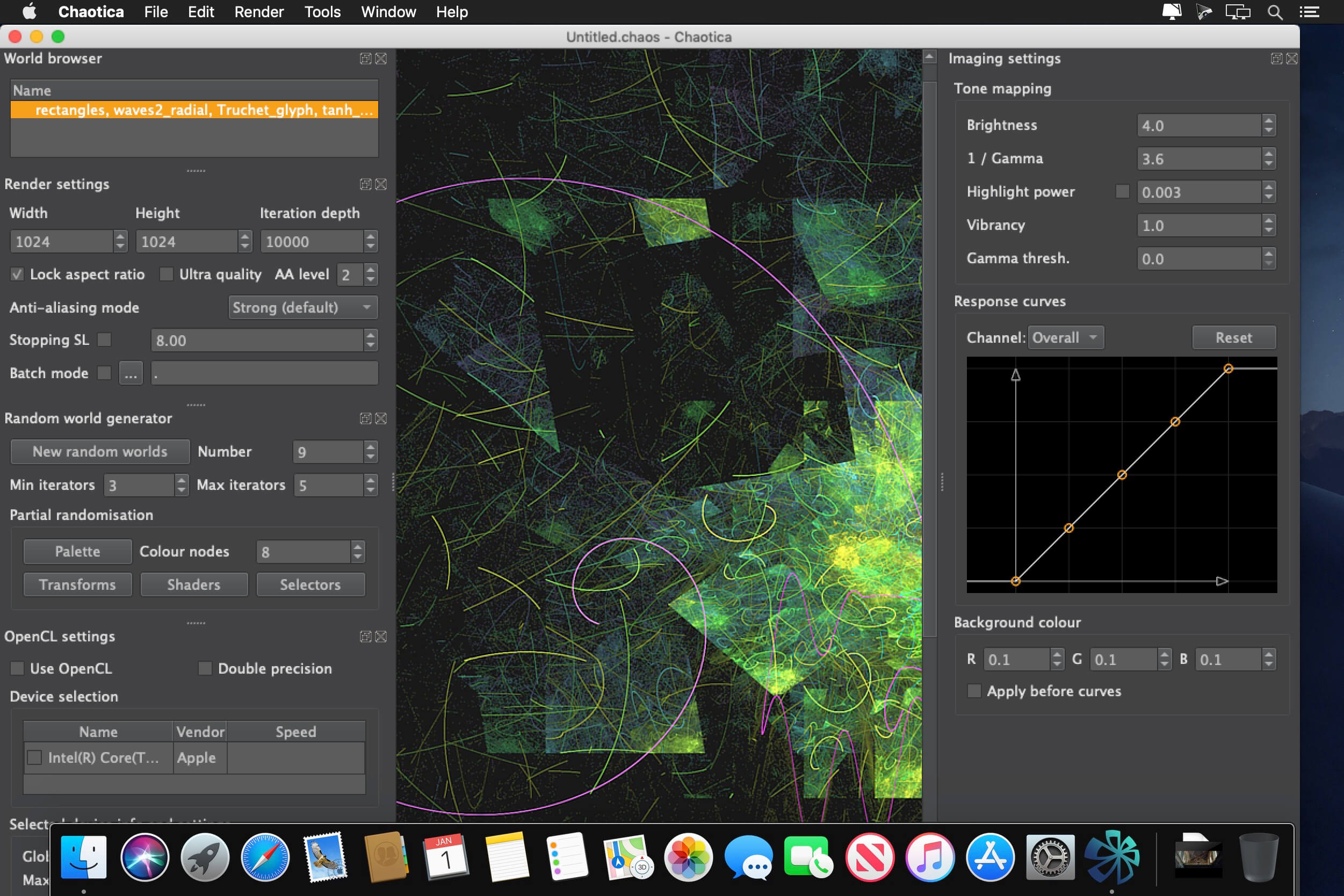
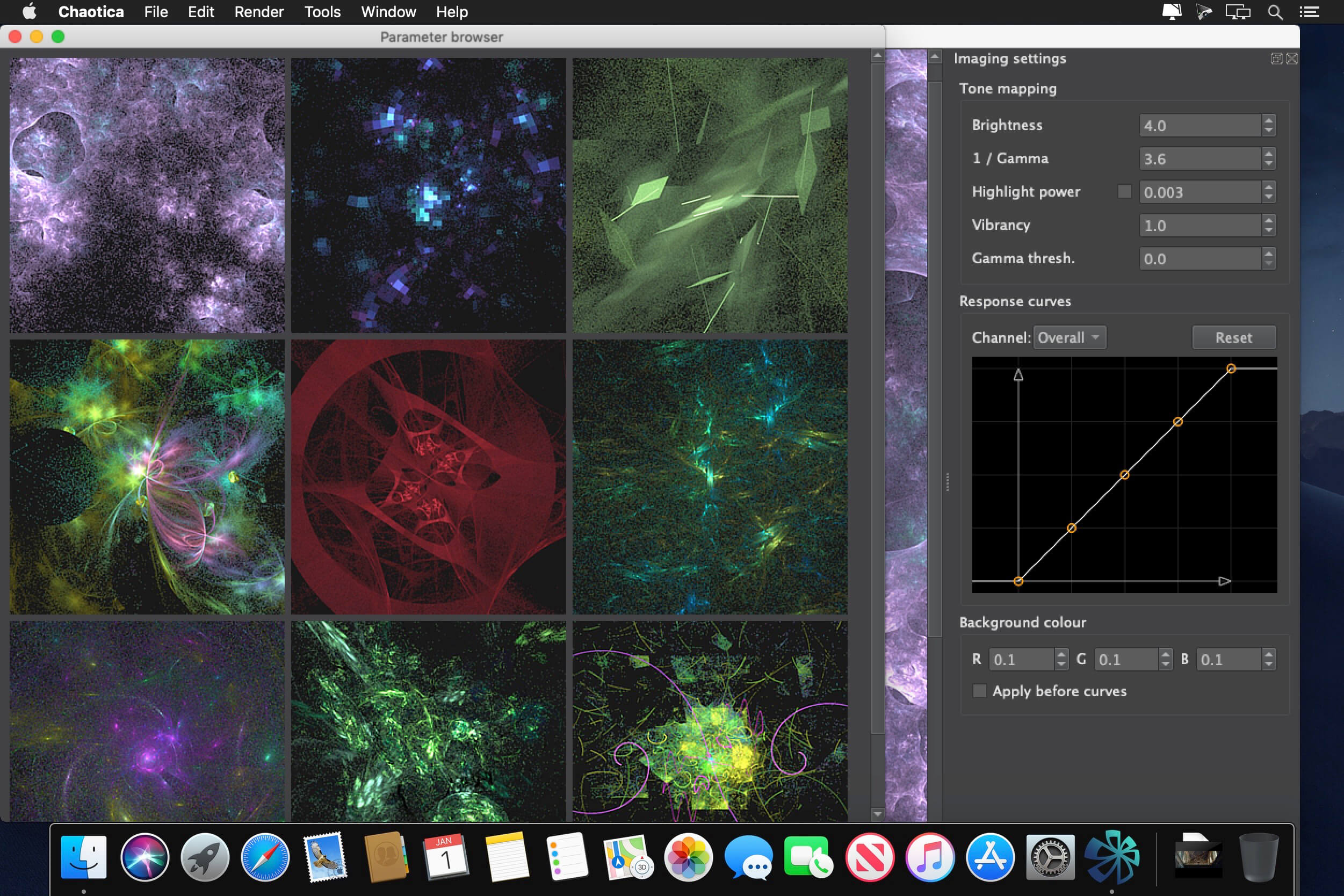
Chaotica is a next-generation fractal art application, designed for both novices and professional artists. Novice users can enjoy editing randomised fractals to produce stunning HD wallpapers and animations. Professional users will particularly value the fast, modern rendering engine. High quality animations and huge images for print are easily produced, with real-time imaging controls that will dramatically accelerate your workflow.

Features include:

  • Easily generate an enormous variety of stunning random fractals.
  • Powerful built-in editor for ultimate control and artistic expression.
  • Keyframe animation support to easily create amazing motion-blurred videos.
  • Apophysis / Flam3 compatibility – Turbocharge your existing flames!
  • Unrivaled image quality – Gorgeous images out of the box!
  • Modern rendering engine – No special hardware required, leaves other renderers in the dust.
  • Real-time imaging controls – Tweak your render to perfection without losing time.

Compatibility: macOS 10.13.6 or later
Homepage https://www.chaoticafractals.com

Screenshots


Name: Chaotica_v2.2.2__TNT__Mactorrents.io.dmg
Size: 28 MB
Files Chaotica_v2.2.2__TNT__Mactorrents.io.dmg[28 MB]

   Download

Amadine 1.2.8

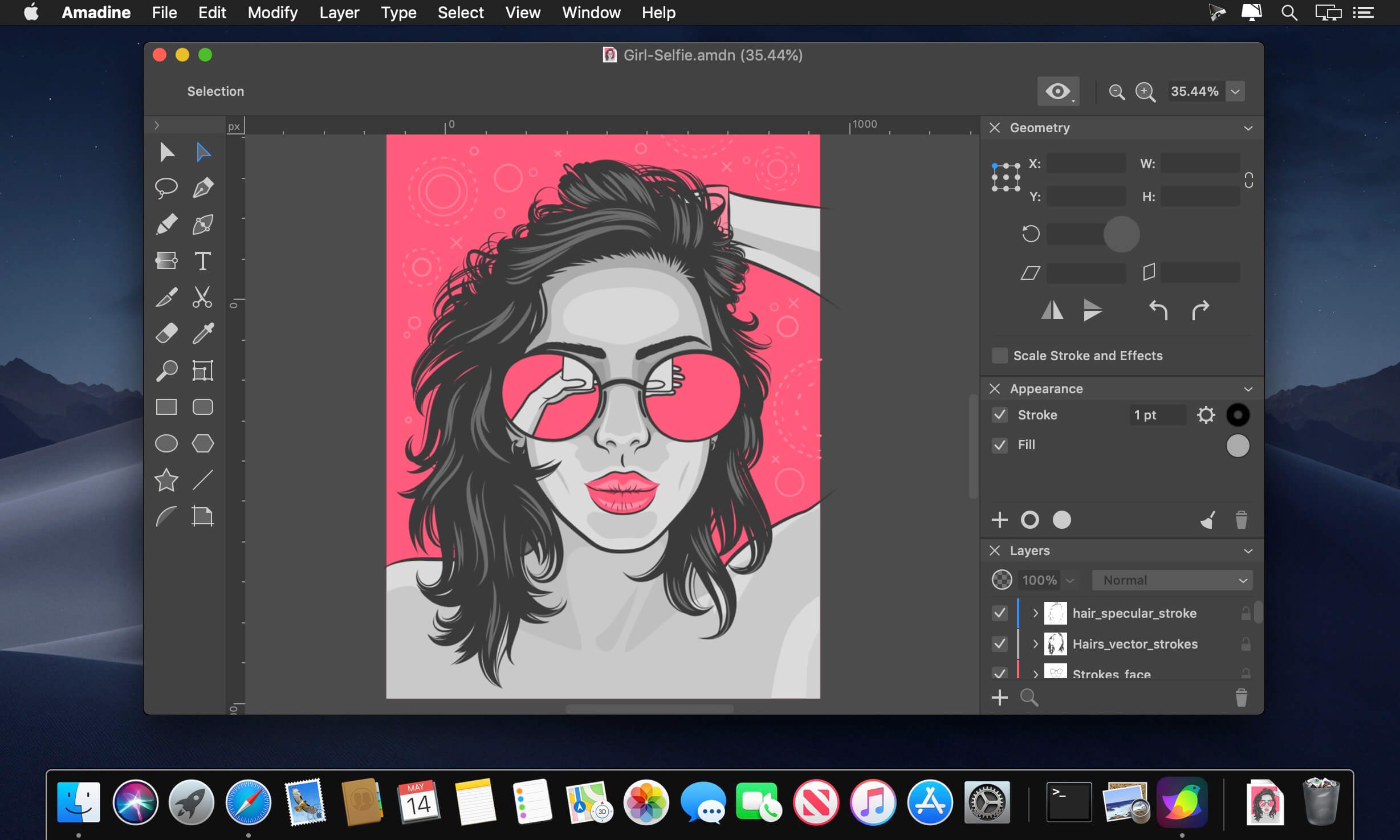
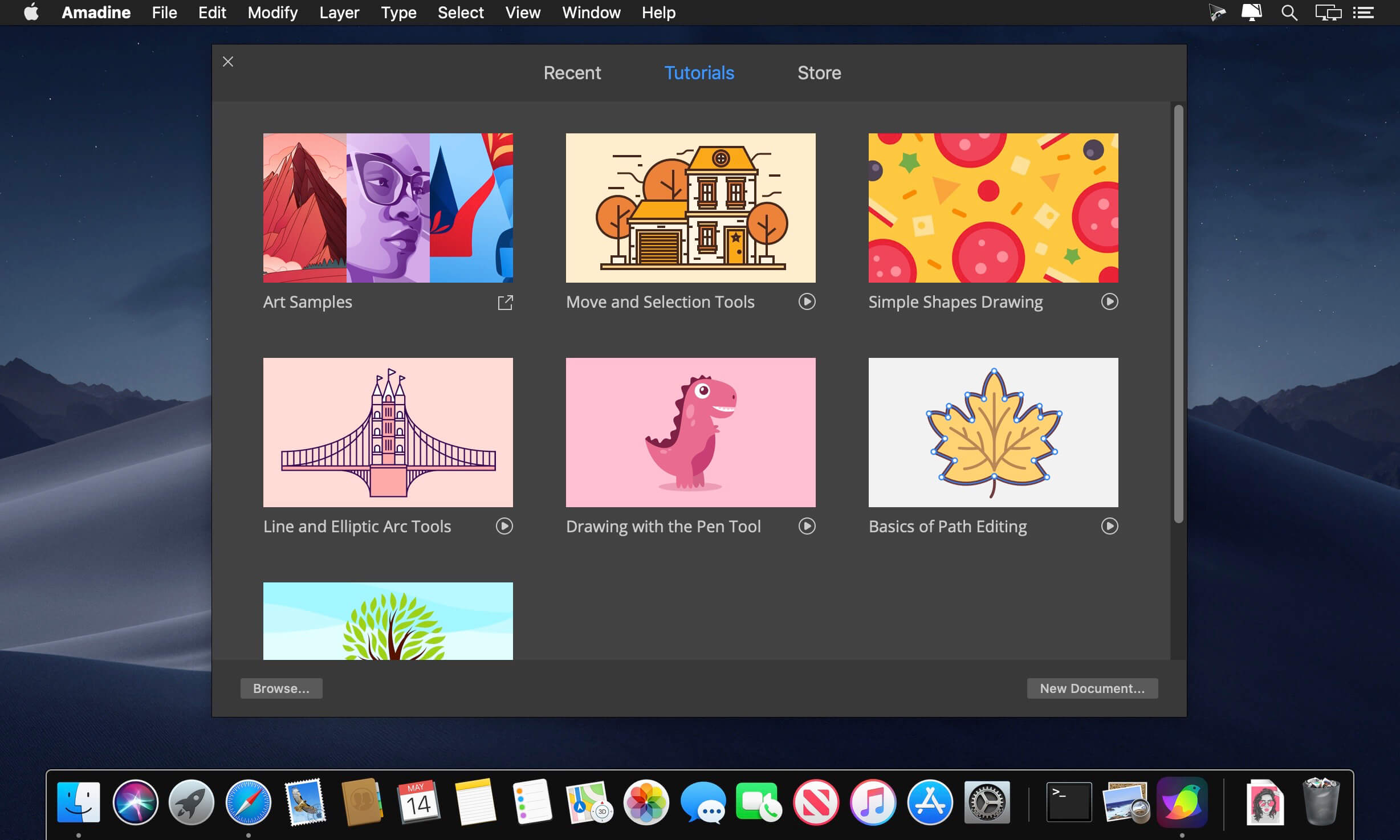
Amadine is a vector drawing software with perfectly balanced UI that guarantees smooth workflow and quick learning. The app is perfect for illustrations, designing websites, user interface, laying out flyers and brochures, creating logos and icons.

Developed with precision and attention to what users need, Amadine offers everything you may require to bring the craziest illustration ideas to life.

Tools:

  • Use more that 30 tools for selecting, drawing, editing, slicing and typing.
  • Select and modify objects: Move, Selection, Lasso, Eyedropper, Scissors, Eraser, Zoom.
  • Draw and edit paths: Pen, Convert, Draw (combines Pencil and Brush), Width, Gradient, Rectangle, Rounded Rectangle, Ellipse, Polygon, Star, Line, Arc.
  • Transform shapes: Free Transform, Symmetrical Distortion, Free Distortion.
  • Organize artboards: Sheets.
  • Type and edit text: Text (combines text in place and text in box), Text on Path, Text in Shape.

Compatibility: macOS 10.12 or later 64-bit
Homepage https://amadine.com/

Screenshots


Name: Amadine_1.2.8__TNT_Mactorrents.io.dmg
Size: 38 MB
Files Amadine_1.2.8__TNT_Mactorrents.io.dmg[38 MB]

   Download

batchCONVERTER 1.80

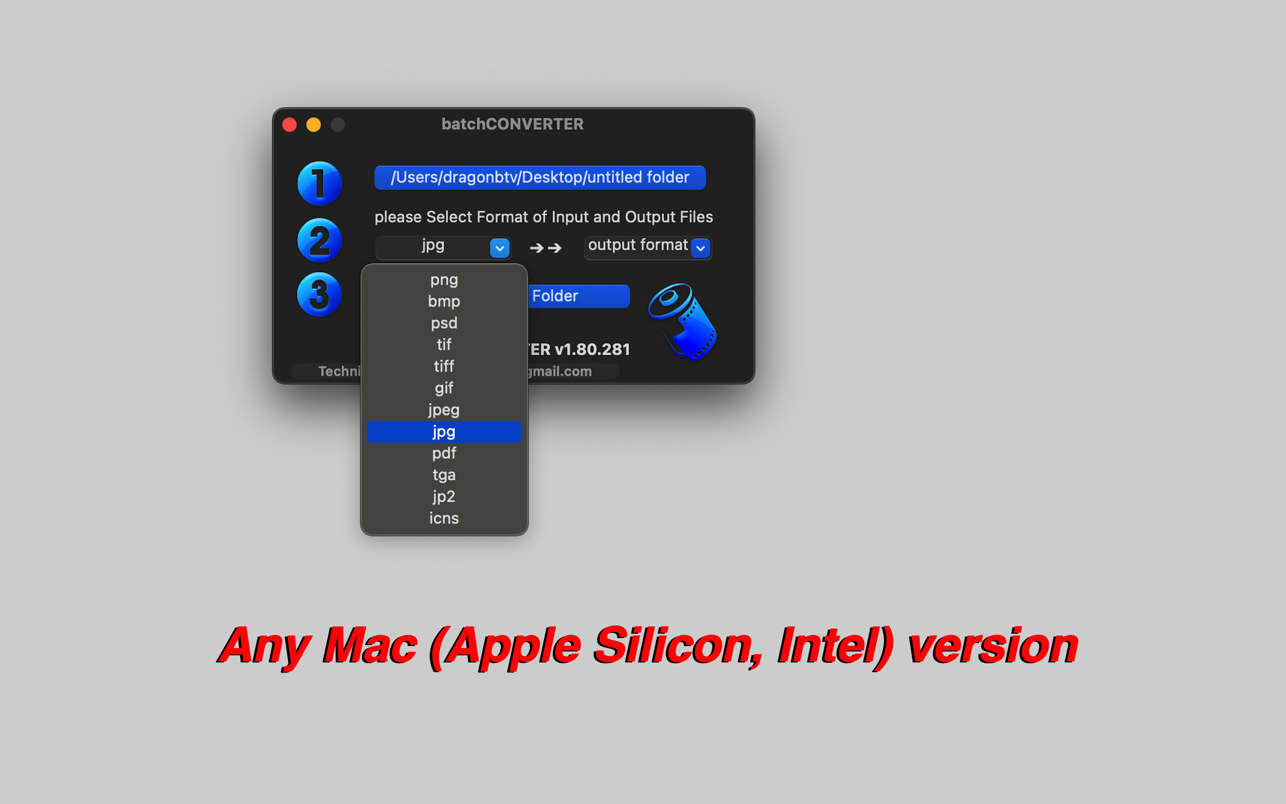
With batchCONVERTER, all the pictures in a folder of a certain format can be batch converted and copied to another folder. Ten more formats are now supported and ready for you to use, including icons (.icns) and even PDFs!

Part of dragonBTV’s batch series, batchCONVERTER surely inherited the tradition of handling original files’ security and app’s efficiency.

Convert thousands of pictures into other formats at once, as easy as one, two, three!

Features
• Batch convert thousands of pictures with three simple clicks;
• Special destination first procedure protect source folder overwrite;
• Toggleable beep after each file was processed
• Progress indicator during processing;
• Destination folder will open automatically after processing;
• Supported formats: jpg, jpeg, BMP, tiff, png, PSD, tga, gif, jp2, pdf, icons;

Tips
– Only the first page of the PDF file will be converted into a picture;
– Only square pictures with sizes of 16×16, 32×32, 48×48, 128×128, 256×256, 512×512, and 1024×1024 can be converted into .icns icon file;

Compatibility: macOS 10.15 or later • Apple Silicon or Intel Core processor
Mac App Store https://apps.apple.com/app/batchconverter/id456747336

Screenshots

Name: batchCONVERTER_1.80_MAS__HCiSO_Mactorrents.io.dmg
Size: 3.3 MB
Files batchCONVERTER_1.80_MAS__HCiSO_Mactorrents.io.dmg[3.3 MB]

   Download

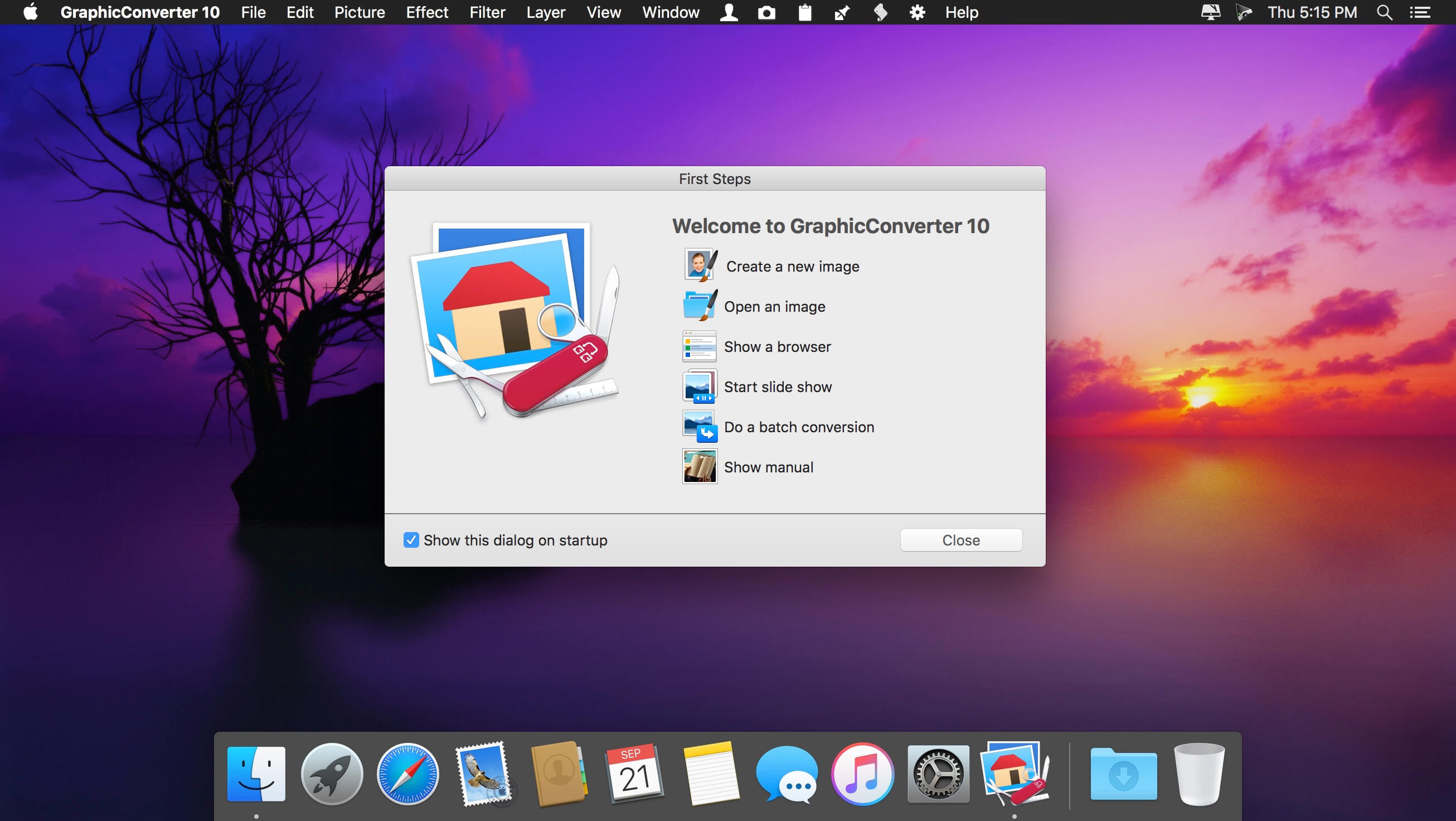
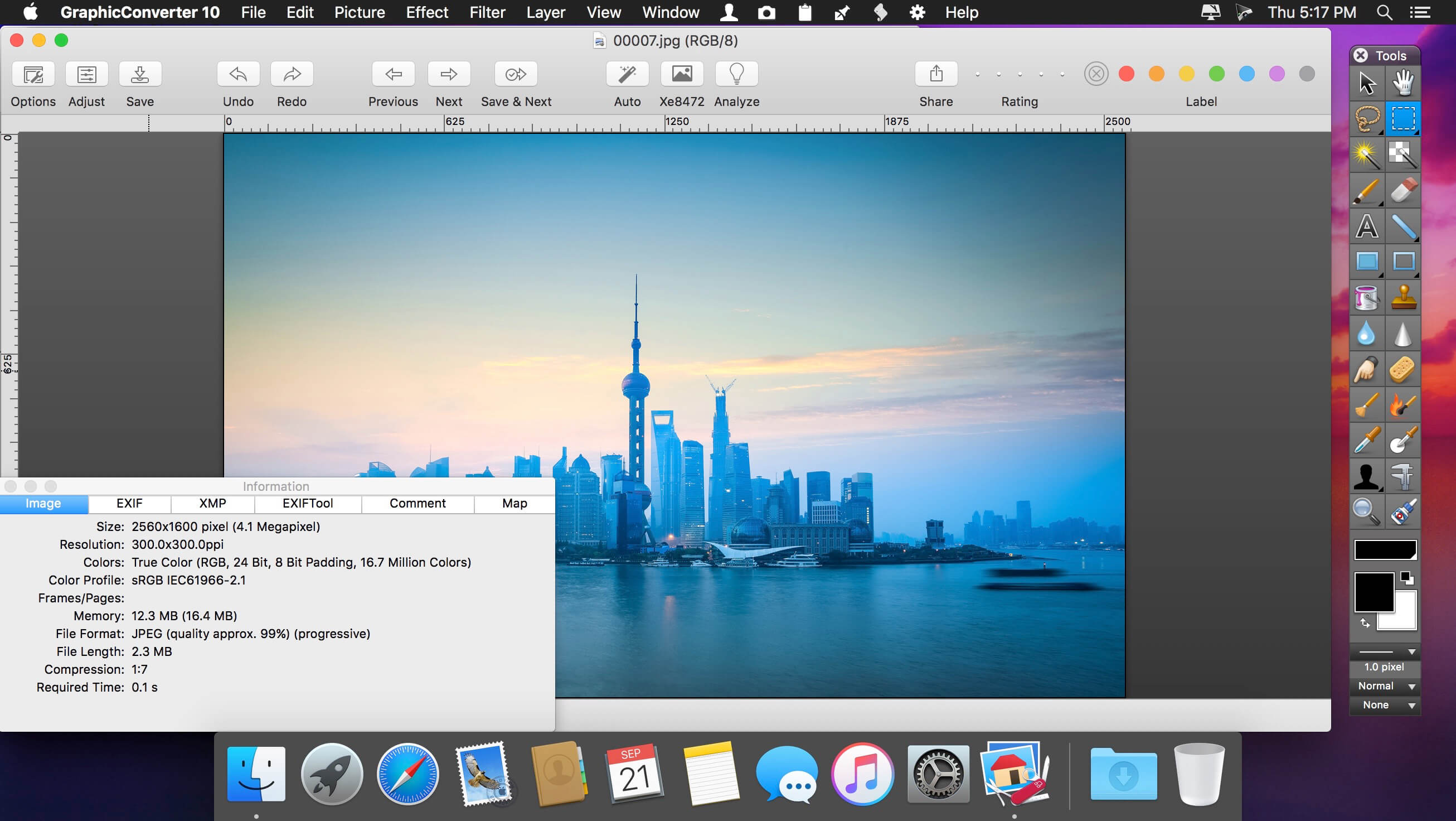
GraphicConverter 11.6

GraphicConverter is an all-purpose image-editing program that can import 200 different graphic-based formats, edit the image, and export it to any of 80 available file formats.

The high-end editing tools are perfect for graphic manipulation as well as the ability to use Photoshop-compatible plug-ins. It offers batch-conversion capabilities, a slide-show window, batch rename, batch and individual editing of metadata (EXIF, IPTC, XMP) and so much more.

GraphicConverter 11

RAW Developer
RAW images are much easier to edit thanks to their enormous data depth. This is particularly noticeable when brightening images with the Exposure slider. The picture remains clear, there is no gray haze as with many JPG images. GraphicConverter now offers a full-screen dialog when opening RAW files with controls for Exposure, Contrast, and Color Corrections. The picture noise can be reduced even with 6 controllers.

Unpack Archives
You want to know which pictures and documents are in an archive file? Then double-click is enough: GraphicConverter temporarily shows you the content or secures the content permanently. In addition to the Zip format, there are 12 additional formats supported, such as the TAR and TGZ formats.

Wide Equalization
In wide-angle shooting, faces and objects on the left and right edges of the image are often heavily distorted in width. With the new wide-angle equalization in GraphicConverter 11, you can now reduce this distortion.

Gradients
You need a gradient, e.g. as a background for a collage? No problem. Easily create color gradients with up to 10 colors via the new dialog.

Duo-Tone
Color your shots with two colors to duo-tone images. In this impressive technique, the lighter shades are colored with the color 1 and the darker ones with the color 2. The result is an effect that enchants your pictures.

Apple Finder Tags
Do you organize your work with Finder Tags from Apple? Then your work will be even easier, because in the browser you can now use the context menu to directly display and change these tags.

Compatibility: macOS 10.9 up to 10.12, 64-bit processor
Homepage https://www.lemkesoft.de

Screenshots


Name: GraphicConverter_11_11.6__TNT_Mactorrents.io.dmg
Size: 286 MB
Files GraphicConverter_11_11.6__TNT_Mactorrents.io.dmg[286 MB]

   Download

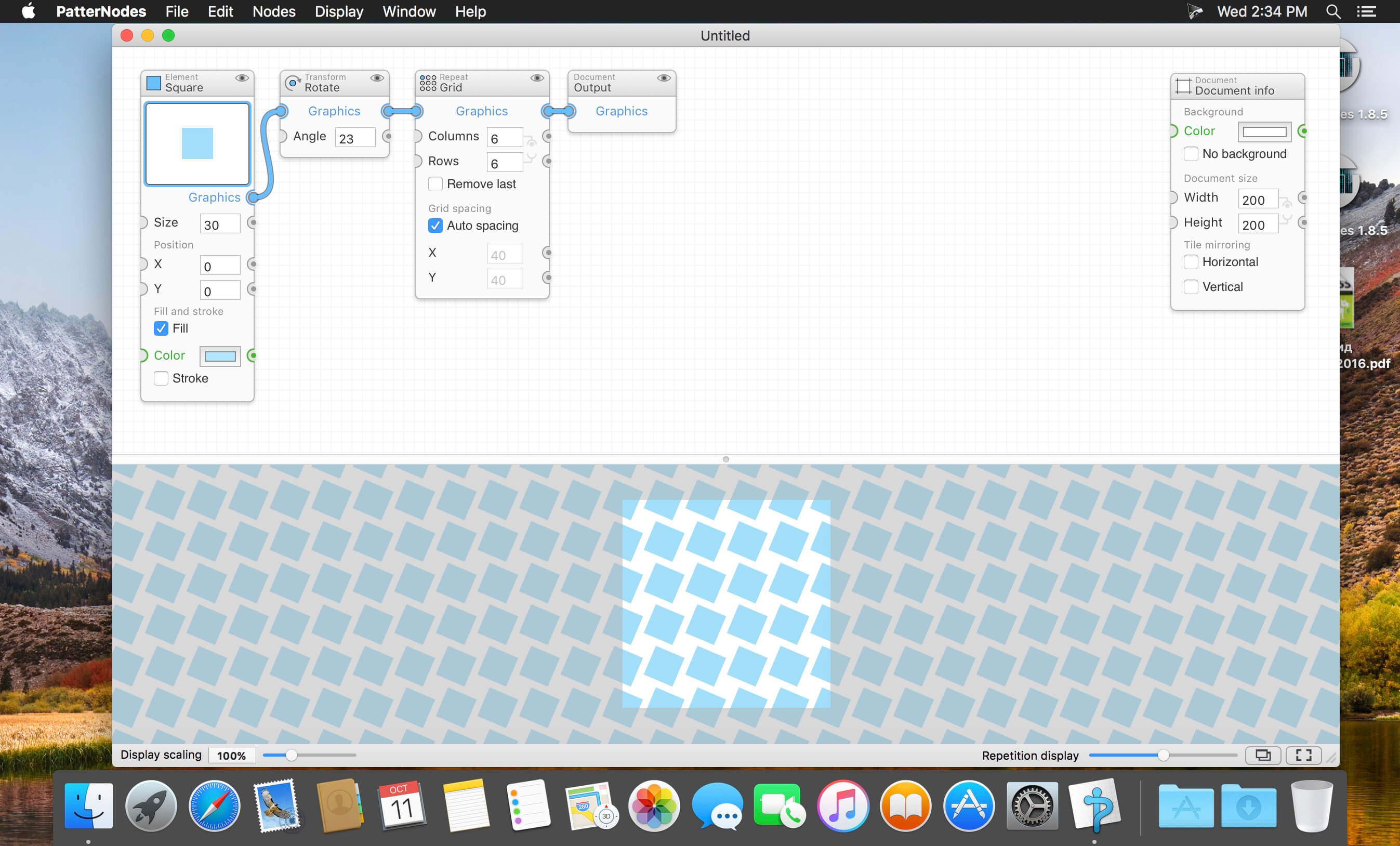
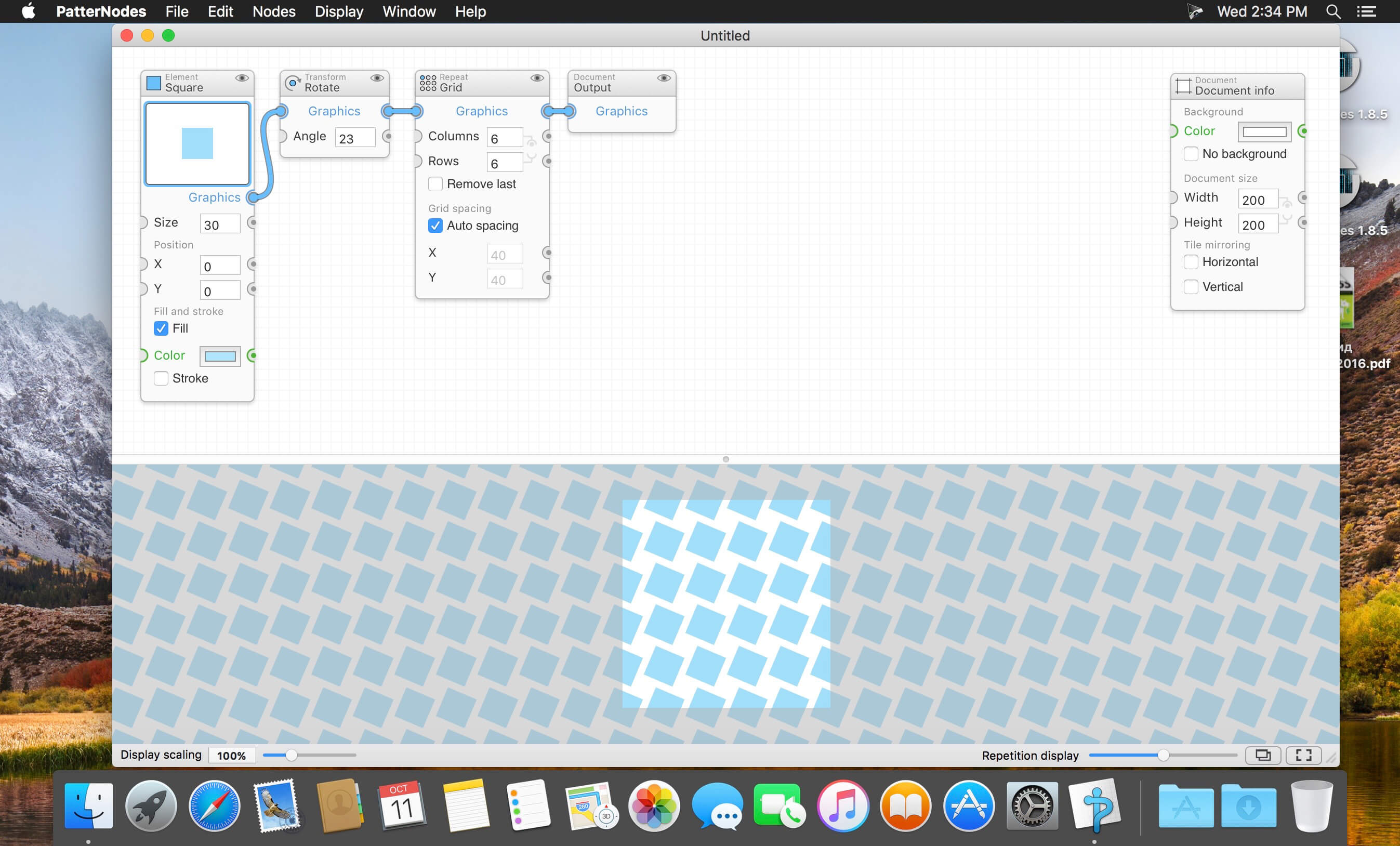
PatterNodes 3.0.2

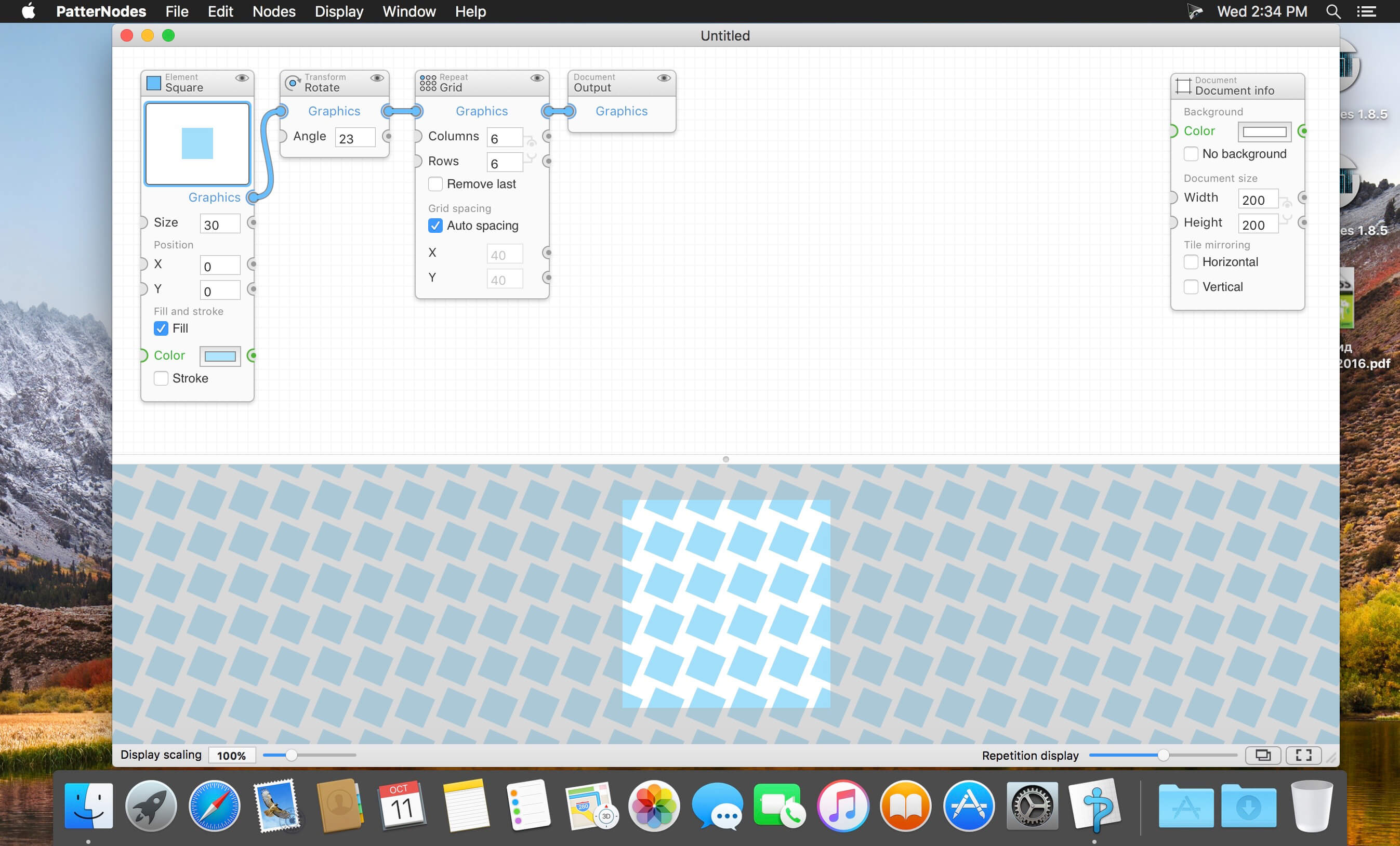
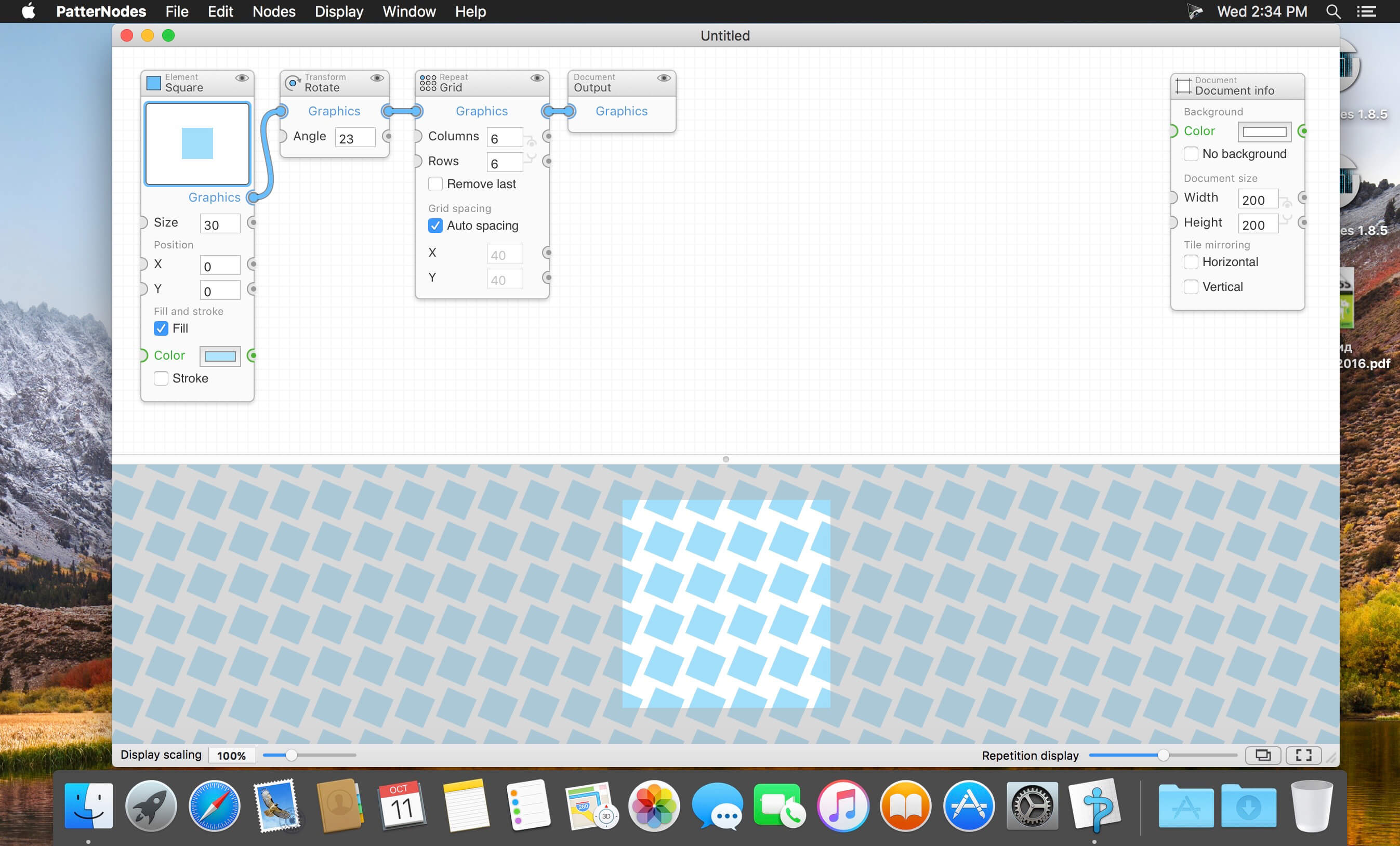
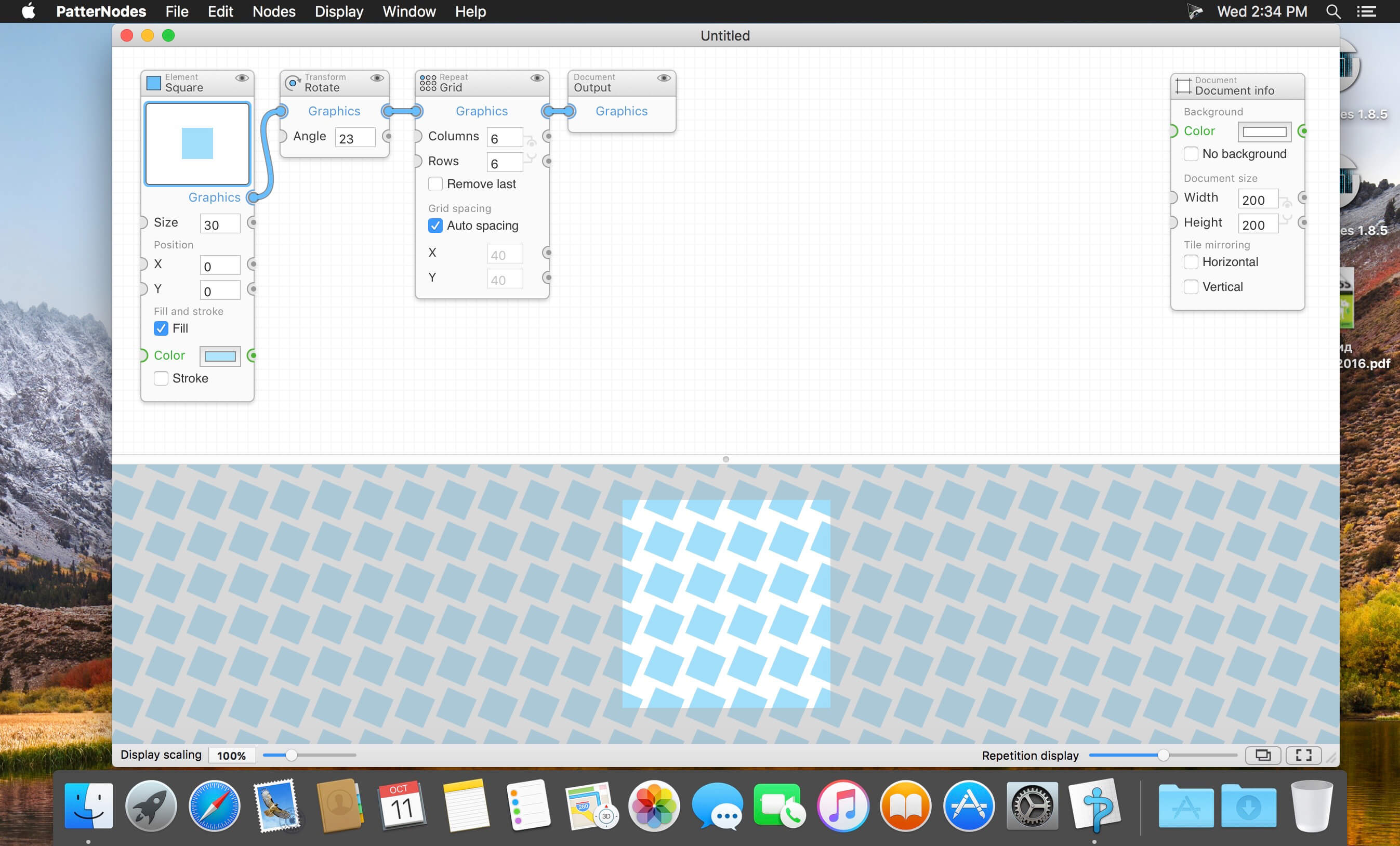
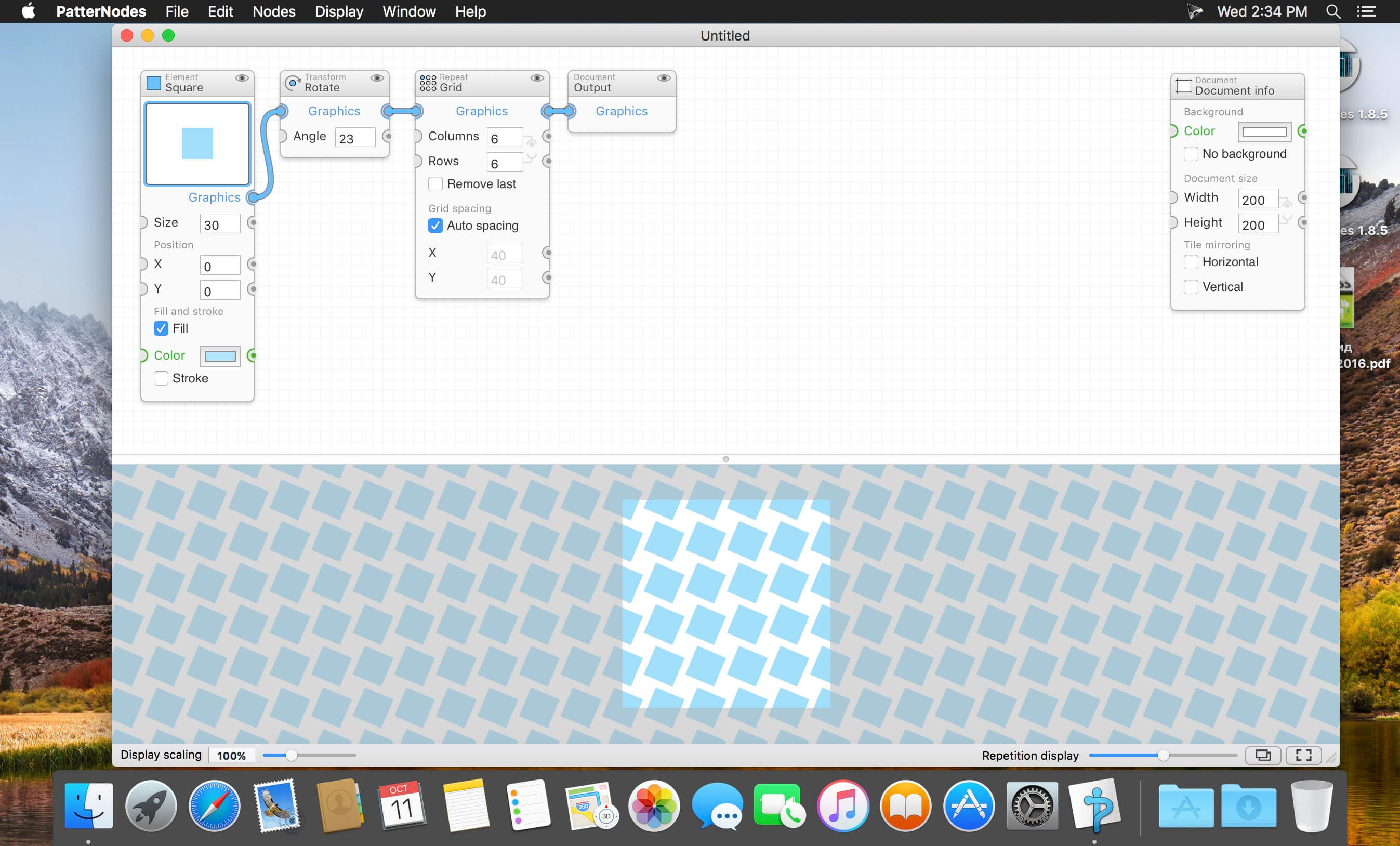
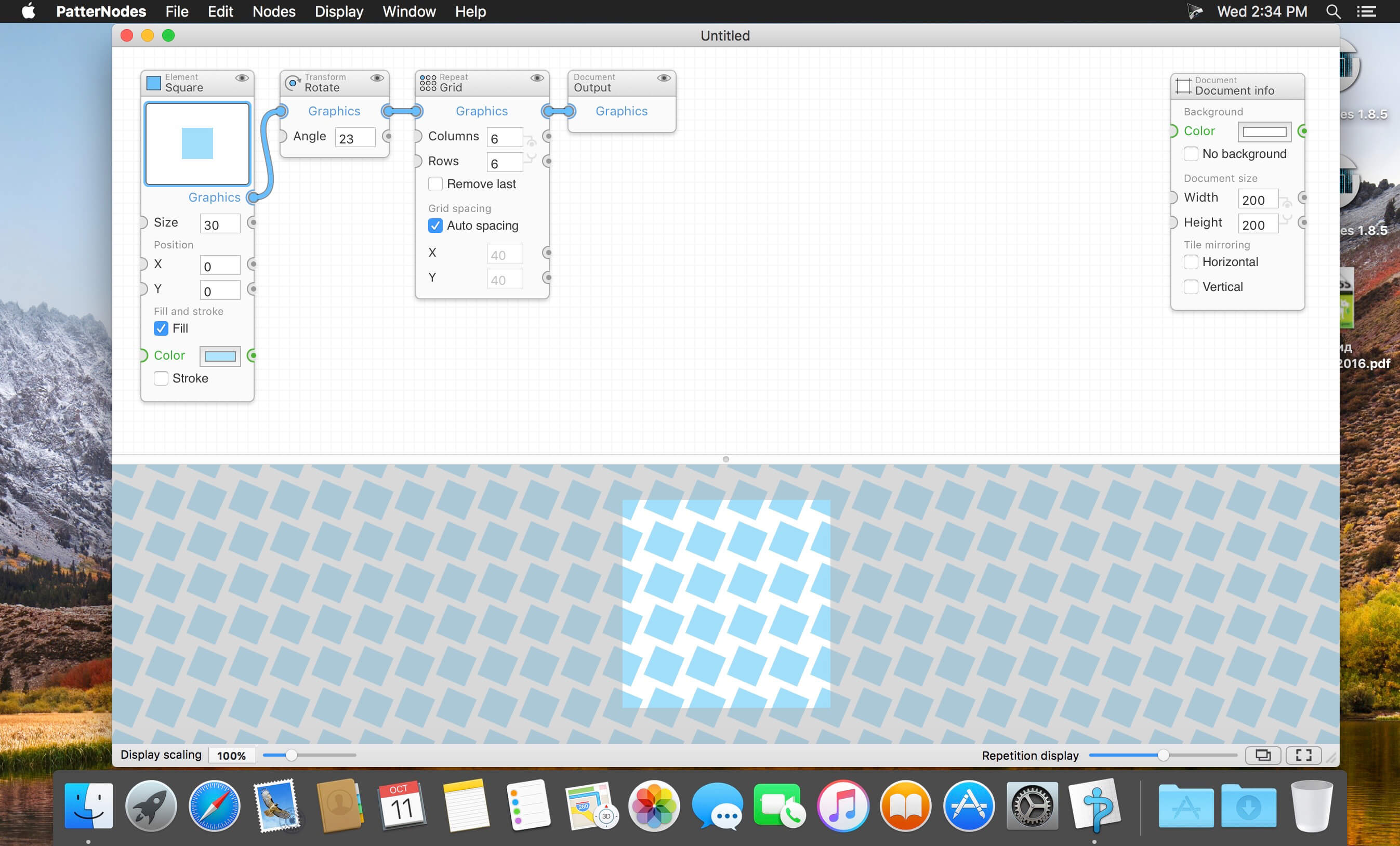
PatterNodes is a tool for creating graphical patterns, animations, gradients, or illustrations based on repetitions. This is done by defining a sequence of steps, a recipe of sorts, that describes the pattern. Each pattern element or operation is represented by a little panel called a node, and the nodes are then linked by connections drawn between them. As the nodes can be freely combined and connected, this gives you a very flexible and powerful interface.

While this interface requires a different way of thinking, it also offers a lot of benefits compared to traditional Illustrator-type editors. Most importantly it enables you to use sliders to instantly change any aspect, like color, spacing, scaling, rotation or repetition count of any part of the pattern without having to undo/redo any steps. You can also specify animation value ranges for any of these parameters.

The resulting pattern tile is always shown in the bottom preview view, repeated and updating in real time with any changes, giving you instant feedback of what the end result will be. To make pattern creation easier PatterNodes also includes a lot of nodes that automatically perform common tedious tasks like repeating elements at the tile edges to make the pattern seamless, or randomizing different aspects (like color, position, rotation, etc.) of the elements in a pattern to give it a little more life. Finally, when you’re done you can simply copy the pattern tile into whatever illustration or graphics application you use, or export it either as vector graphics or a bitmap image file. Animations can be exported as GIF, QuickTime MOV or numbered PNG or JPG files

Compatibility: OS X 10.10 or later, 64-bit processor
Homepage http://www.lostminds.com/content/product.php?patternodes

Screenshots

Name: Patternodes_3.0.2__TNT_Mactorrents.io.dmg
Size: 14 MB
Files Patternodes_3.0.2__TNT_Mactorrents.io.dmg[14 MB]

   Download

NCH DreamPlan Home Design Software Pro 6.78

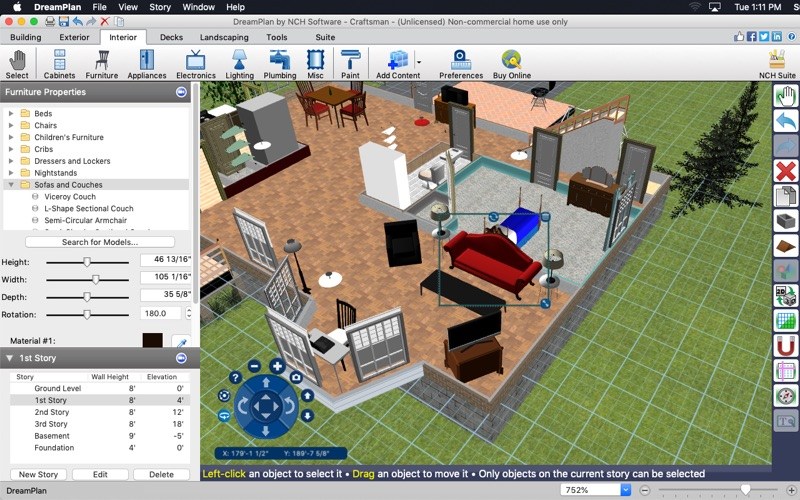
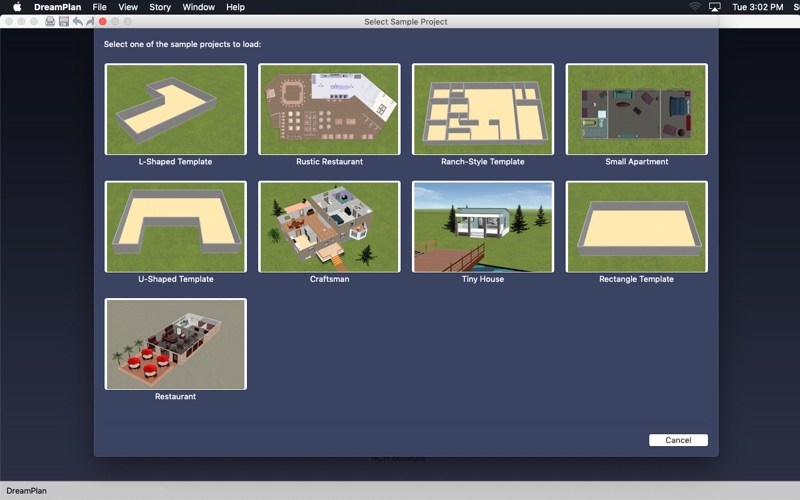
DreamPlan Plus is the advanced home and landscape design software that can design in 3D, 2D, or floor plan view. To start your project, you can choose from a pre-made sample, trace a blueprint, or start on a blank plot of land. Create multiple stories, design decks, and customize your roof. DreamPlan can view it all in seamless 360 degrees.

When the layout is ready, add objects fully visualize your new bedroom, kitchen, bathroom, and more. Make your perfect backyard by building up or lowering your yard’s terrain for outdoor landscaping. Upload 3D models and download additional content to explore even more designs. DreamPlan is the perfect product to begin working on a new house or a home improvement project.

Home & Floor Plan Design

  • Switch between 3D, 2D Rendered, and 2D Blueprint view modes
  • Easily design floor plans of your new home
  • Easy-to-use interface for simple house planning creation and customization
  • Use trace mode to import existing floor plans

Landscape & Garden Design

  • Plant trees and gardens
  • Reshape the terrain of outdoor landscaping areas
  • Visualize your new outdoor swimming pool design
  • Download additional content to spruce up your outdoor living space
  • Import 3D models for content unique to your design
  • Design front gardens & plan backyard sanctuaries

Interior & Room Design

  • Include every detail in your kitchen design
  • Explore bathroom design ideas prior to building
  • Plan home decor with 3D furniture, fixtures, appliances and other decorations
  • Lay out and design your unfinished basement
  • Experiment with furniture placement before buying or rearranging

Remodeling, Additions & Redesigning

  • Create walls, multiple stories, decks and roofs
  • Try colors and textures before you commit
  • Transform existing rooms
  • Import image files to create custom textures for wallpaper, floors & more

What’s New:

Version 6.78:

  • Release notes were unavailable when this listing was updated.

Compatibility: OS X 10.9.0 or later
Homepage https://www.nchsoftware.com/design/index.html?ref=subsite

Screenshots


Name: DreamPlan_Home_Design_Software_Pro_6.78_MAS_In-App__TNT_Mactorrents.io.dmg
Size: 12 MB
Files DreamPlan_Home_Design_Software_Pro_6.78_MAS_In-App__TNT_Mactorrents.io.dmg[12 MB]

   Download

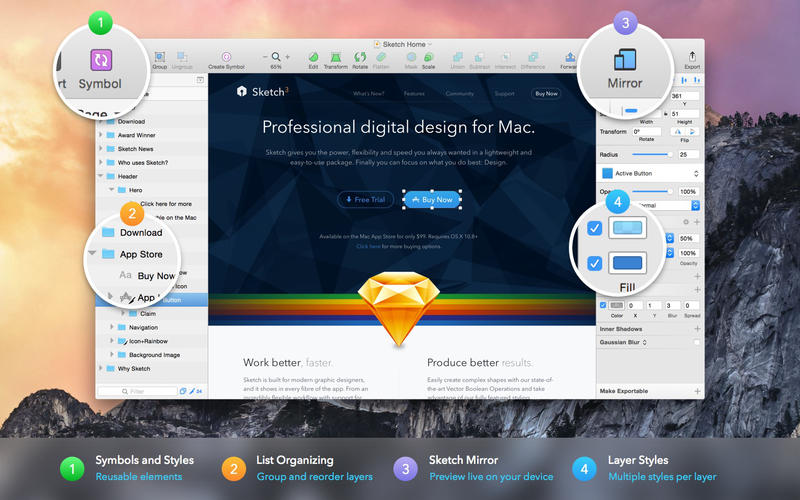
Sketch 83.2

Sketch: graphic design for a digital world. Powerful tools and an elegant interface, in a single award-winning package. Because making beautiful things should be a joy, not a burden.

Sketch supports multiple fills, borders and shadows per layer; has powerful non-destructive boolean operations; smart pixel alignment; and makes exporting a breeze with automatic slicing and multiple resolution export.

Vector tools and basic shapes are the foundation; whether you are designing icons, websites, interfaces or anything else. Combine these into complex shapes with non-destructive boolean operations, leaving you free to edit them in the future, then apply advanced layer style options like multiple shadows, fills, gradients, noise, blending, background blurring, and more.

Sketch doesn’t just do shapes, of course. Imported images can be rotated, scaled, cropped and masked. The best-in-class text tool lets you add beautiful typography to your designs, using native font rendering, so you can be sure that text always looks 100% accurate!

Brand new to Sketch 3, Symbols allow you to reuse entire groups of content in multiple places in your design. Think of interface elements such as buttons, headers and footers. Change them once, and they update everywhere in your document.

Built for the Mac, Sketch supports OS X’s Versions and Auto Save, letting you focus on your work instead of hitting CMD+S. Keep your work safely in sync across multiple Mac computers with iCloud. And take Sketch full screen to maximise the size of your canvas.

All this power is deliciously baked into Sketch’s single-window interface. Everything is there, tucked away until you need it. A simple interface with powerful tools.

Compatibility: macOS 10.14.4 or later 64 bit
Homepage https://www.sketch.com/updates/

Screenshots

Name: Sketch_83.2__TNT_Mactorrents.io.dmg
Size: 69 MB
Files Sketch_83.2__TNT_Mactorrents.io.dmg[69 MB]

   Download

Pixologic ZBrush 2022.0.5

ZBrush sets the industry standard for digital sculpting and painting. Its features enable you to use customizable brushes to shape, texture and paint virtual clay in a real-time environment that provides instant feedback. When you use ZBrush you’ll be empowered by the same tools employed by film studios, game developers, toy/collectible makers, jewelry designers, automotive/aviation designers, illustrators, advertisers, scientists and other artists the world over. In fact, we have even received an Academy Award for the technology that powers ZBrush. In short, ZBrush is an art tool created by artists, for artists. It allows you to create models and illustrations limited only by your imagination, at a speed that allows you to stand out in today’s fast paced industry.

Base Mesh Generation
As with anything else in life, where you can go is usually determined by where you begin. Having a great finished model requires a quality base mesh. ZBrush provides an arsenal of tools to assist with this task, ensuring that no matter what you have in mind, there is a way to get the perfect base to then take to the next level. The best known of these systems are explained here.

Sculptris Pro
Ignore the constraints of polygon distribution and simply – sculpt! Sculptris Pro will dynamically add (tesselate) and remove (decimate) polygons wherever and whenever needed. It does this during your brush stroke in a real-time process called Tessimation. This frees you to focus entirely on the look you’re trying to achieve.

Dynamesh
DynaMesh is a perfect solution for free-form sculpting because it removes all need for focusing on topological constraints. Change the overall shape of the model by pushing or pulling, adding various pieces of geometry to combine into one, or even remove geometry in a manner similar to what can be done with Boolean operations. Where Sculptris Pro dynamically adjusts the triangles in your mesh as you sculpt, DynaMesh redistributes the model’s polygons as quads on command.

Mesh Detailing
Whether created in ZBrush or imported from elsewhere, once you have your base mesh it is time to start detailing. ZBrush features a robust suite of tools to accomplish this. Those listed below are just the tip of the iceberg.

Sculpting Brushes
The main workflow for creating with ZBrush is based on a system of brushes which can also be modulated using pen pressure from a graphics tablet. ZBrush will reproduce the natural feeling of a real paint brush or sculpting tool, using the pressure applied to the pen tip to transform your digital stroke in a variety of ways. There are brushes to pinch, move, build up the surface, chisel into it, slice through the model and much more. You can even use other 3D models as brushes, inserting their geometry into your surface.

Noisemaker
In addition to being able to add detail by hand, ZBrush provides a system for procedurally generating surface detail through noise patterns. Choose a detail type, adjust a few simple parameters, then apply that pattern to your model in its entirety or by restricting it to a certain region. You can even combine different noise types to create highly complex effects. The Noise system is ideal for both hard surface work and organic details.

PolyPaint
Because ZBrush works with tens of millions of polygons in real-time, you can paint directly on the surface of the model without first assigning a texture map or UV’s. This offers significant advantages compared to a standard workflow. The resolution of the texture map does not need to be decided in advance. This is particularly valuable if you find you need more detailing on an area than you thought you would. Instead of repainting a new, larger texture map you can simply transfer the existing surface detail to that larger map without any reworking. You don’t even need to do UV unwrapping before you begin this painting. In fact, thanks to the way that ZBrush can project details (both sculpted and painted) from one model to another you can have a fully painted model before you even have a finalized animation mesh. Instead, you can copy everything to the final base mesh once it has been signed off on.

UV Master
In order create or use a texture map, a model first needs UV’s. These are 2D coordinates that tell all 3D applications how to apply a texture to your model. With most programs, creating those UV’s has been a time consuming challenge that requires a high level of technical expertise and has little room for creativity. With UV Master you are able to create very efficient UV’s for your model – in most cases with a single click. If you need more control over this automatic process there are features that refine where seams will be placed or increase the amount of pixel space given to certain regions of your model. It’s both intuitive and fast, letting you get back to being creative with minimal fuss.

Rendering
Whether you are using ZBrush by itself as an illustration tool or as part of a production pipeline for animation, you will at some point want to show your work to others. ZBrush makes this possible through a powerful rendering system called BPR (Best Preview Render).

Highly Recommended Specifications:
– OS: macOS
– CPU: Intel i5/i7/Xeon technology or AMD equivalent.
– RAM: 8 GB required for working with multi-million poly models. (16+ GB preferred.)
– HDD: 100 GB of free hard drive space for ZBrush and its scratch disk. (SSD drive highly recommended.)
– Pen Tablet: Wacom or Wacom compatible. (WinTab API.)
– Monitor: 1920×1080 monitor resolution or higher with 32-bit color.
– Video card: Most cards manufactured 2008 or newer. Must support OpenGL 3.3 or higher.

Homepage http://pixologic.com/

Name: Pixologic_ZBrush_2022.0.5_macOs_Mactorrents.io.rar
Size: 1.7 GB
Files Pixologic_ZBrush_2022.0.5_macOs_Mactorrents.io.rar[1.7 GB]

   Download

PatterNodes 3.0.1

PatterNodes is a tool for creating graphical patterns, animations, gradients, or illustrations based on repetitions. This is done by defining a sequence of steps, a recipe of sorts, that describes the pattern. Each pattern element or operation is represented by a little panel called a node, and the nodes are then linked by connections drawn between them. As the nodes can be freely combined and connected, this gives you a very flexible and powerful interface.

While this interface requires a different way of thinking, it also offers a lot of benefits compared to traditional Illustrator-type editors. Most importantly it enables you to use sliders to instantly change any aspect, like color, spacing, scaling, rotation or repetition count of any part of the pattern without having to undo/redo any steps. You can also specify animation value ranges for any of these parameters.

The resulting pattern tile is always shown in the bottom preview view, repeated and updating in real time with any changes, giving you instant feedback of what the end result will be. To make pattern creation easier PatterNodes also includes a lot of nodes that automatically perform common tedious tasks like repeating elements at the tile edges to make the pattern seamless, or randomizing different aspects (like color, position, rotation, etc.) of the elements in a pattern to give it a little more life. Finally, when you’re done you can simply copy the pattern tile into whatever illustration or graphics application you use, or export it either as vector graphics or a bitmap image file. Animations can be exported as GIF, QuickTime MOV or numbered PNG or JPG files

Compatibility: OS X 10.10 or later, 64-bit processor
Homepage http://www.lostminds.com/content/product.php?patternodes

Screenshots

Name: Patternodes_3.0.1__TNT_Mactorrents.io.dmg
Size: 14 MB
Files Patternodes_3.0.1__TNT_Mactorrents.io.dmg[14 MB]

   Download

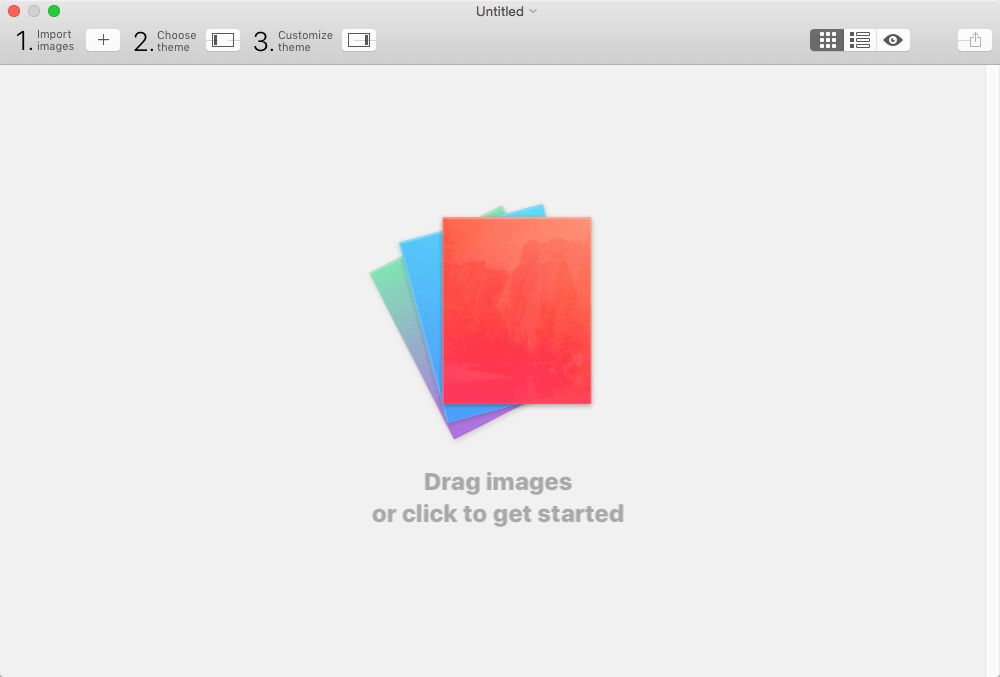
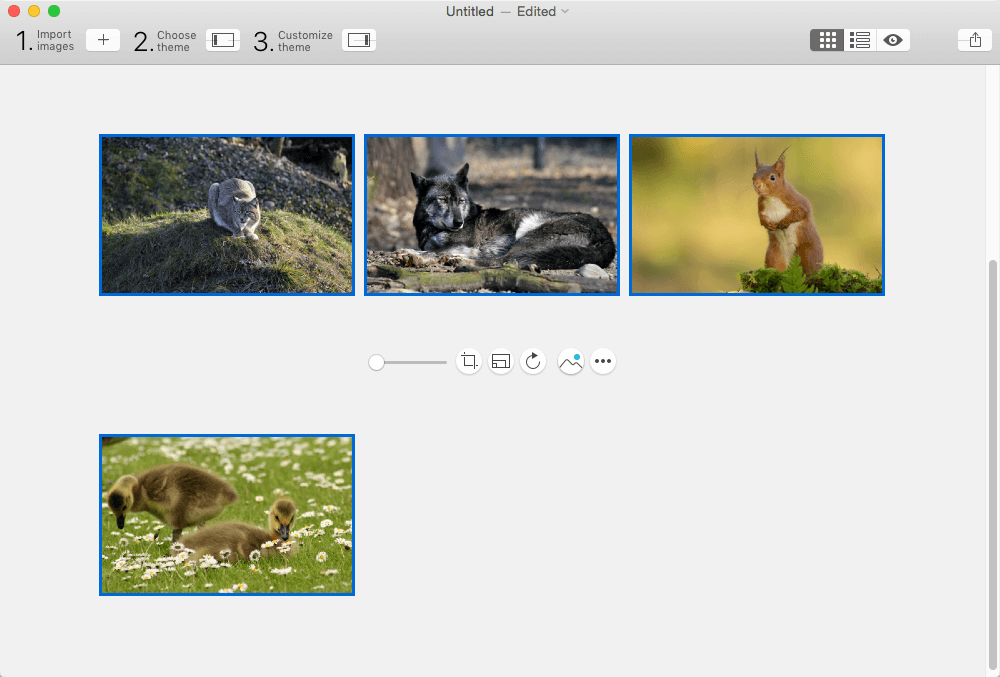
Exhibeo 2.0.10

Exhibeo puts your images front and center, doing it with flair and style. Make your site stand out – and do it beautifully. With seven themes included, there’s a gallery for almost anything: displaying artwork, showcasing products, or keeping your group updated.

What’s New:

Version 2.0.10:

  • Release notes were unavailable when this listing was updated.

Compatibility: OS X 10.10 or later, 64-bit processor
Homepage http://exhibeoapp.com/

Screenshots


Name: Exhibeo_2_2.0.10__TNT_Mactorrents.io.dmg
Size: 16 MB
Files Exhibeo_2_2.0.10__TNT_Mactorrents.io.dmg[16 MB]

   Download

Sketch 83.1

Sketch: graphic design for a digital world. Powerful tools and an elegant interface, in a single award-winning package. Because making beautiful things should be a joy, not a burden.

Sketch supports multiple fills, borders and shadows per layer; has powerful non-destructive boolean operations; smart pixel alignment; and makes exporting a breeze with automatic slicing and multiple resolution export.

Vector tools and basic shapes are the foundation; whether you are designing icons, websites, interfaces or anything else. Combine these into complex shapes with non-destructive boolean operations, leaving you free to edit them in the future, then apply advanced layer style options like multiple shadows, fills, gradients, noise, blending, background blurring, and more.

Sketch doesn’t just do shapes, of course. Imported images can be rotated, scaled, cropped and masked. The best-in-class text tool lets you add beautiful typography to your designs, using native font rendering, so you can be sure that text always looks 100% accurate!

Brand new to Sketch 3, Symbols allow you to reuse entire groups of content in multiple places in your design. Think of interface elements such as buttons, headers and footers. Change them once, and they update everywhere in your document.

Built for the Mac, Sketch supports OS X’s Versions and Auto Save, letting you focus on your work instead of hitting CMD+S. Keep your work safely in sync across multiple Mac computers with iCloud. And take Sketch full screen to maximise the size of your canvas.

All this power is deliciously baked into Sketch’s single-window interface. Everything is there, tucked away until you need it. A simple interface with powerful tools.

Compatibility: macOS 10.14.4 or later 64 bit
Homepage https://www.sketch.com/updates/

Screenshots


Name: Sketch_83.1__TNT_Mactorrents.io.dmg
Size: 70 MB
Files Sketch_83.1__TNT_Mactorrents.io.dmg[70 MB]

   Download

Rhino 7 v7.15.22039.13002

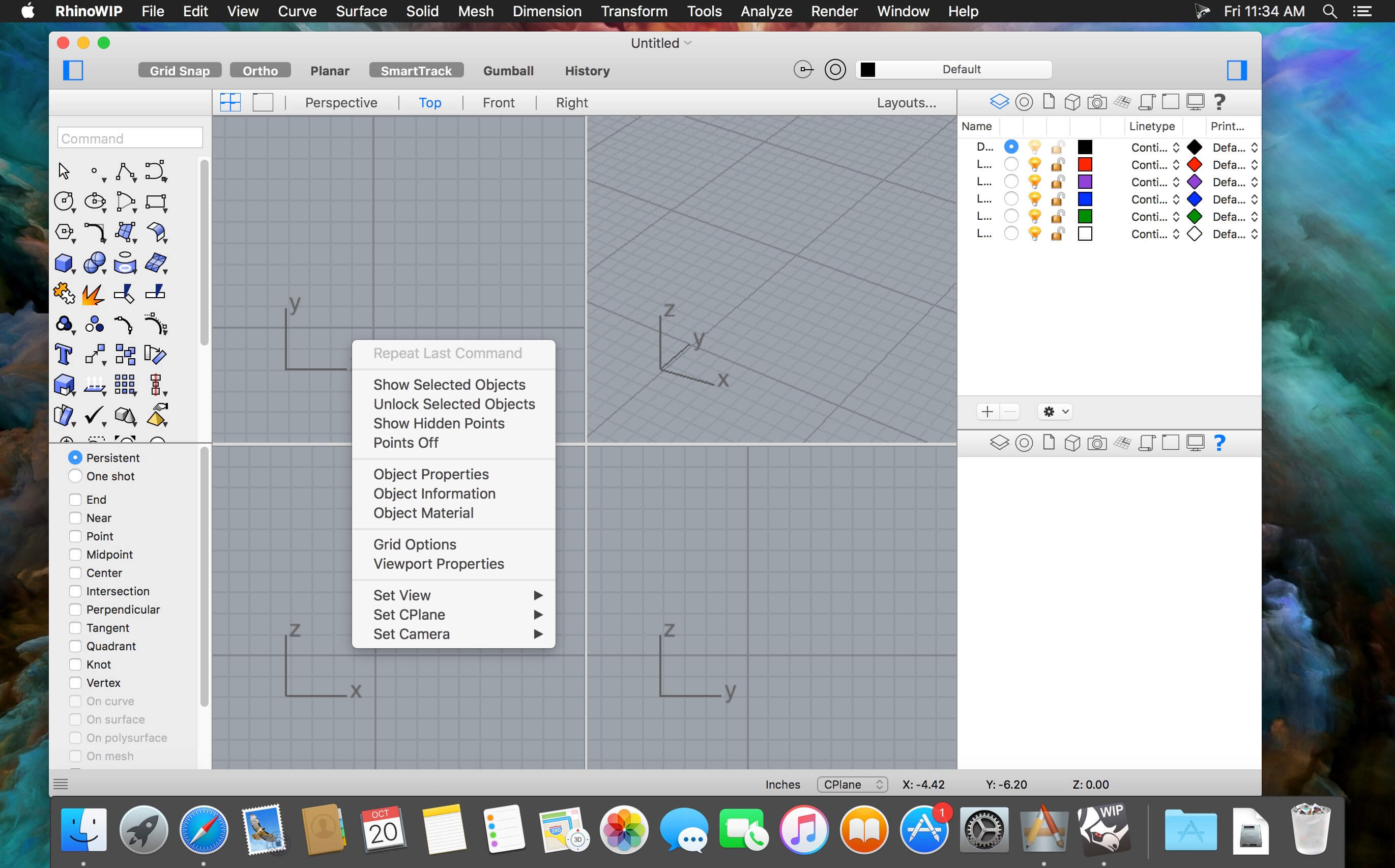
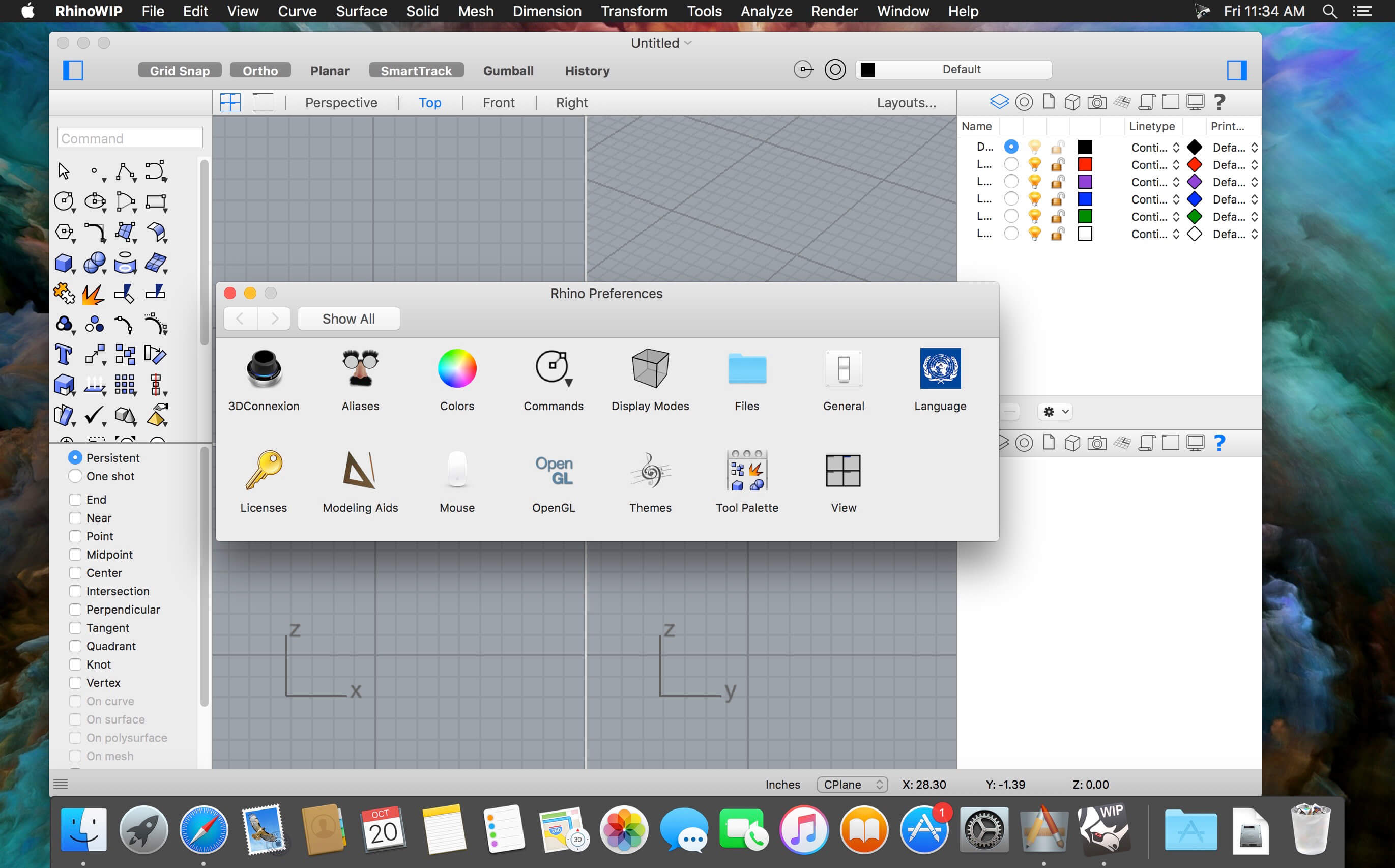
Rhino – Versatile 3D modeler. Rhinoceros can create, edit, analyze, document, render, animate, and translate NURBS* curves, surfaces, and solids, point clouds, and polygon meshes. There are no limits on complexity, degree, or size beyond those of your hardware.

Special features include:

  • Uninhibited free-form 3-D modeling tools like those found only in products costing 20 to 50 times more. Model any shape you can imagine.
  • Accuracy needed to design, prototype, engineer, analyze, and manufacture anything from an airplane to jewelry.
  • Compatibility with all your other design, drafting, CAM, engineering, analysis, rendering, animation, and illustration software.
  • Read and repair meshes and extremely challenging IGES files.
  • Accessible. So easy to learn and use that you can focus on design and visualization without being distracted by the software.
  • Fast, even on an ordinary laptop computer. No special hardware is needed.
  • Affordable. Ordinary hardware. Short learning curve. Affordable purchase price. No maintenance fees.

Compatibility: macOS 10.14 or later 64-bit
Homepage https://www.rhino3d.com

Screenshots


Name: Rhino_7_7.15.22039.13002__TNT_Mactorrents.io.dmg
Size: 423 MB
Files Rhino_7_7.15.22039.13002__TNT_Mactorrents.io.dmg[423 MB]

   Download

Acorn 7.1.3

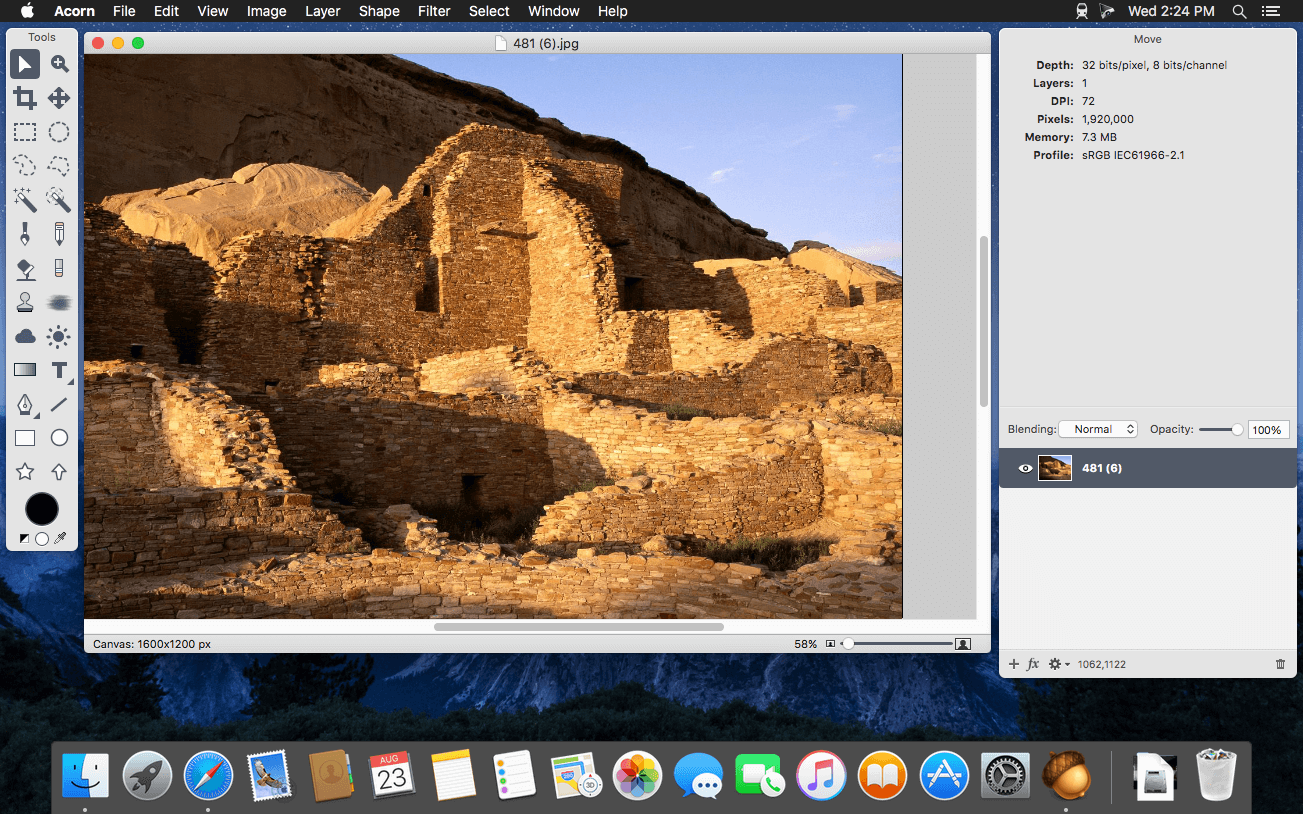
Acorn is a new image editor built with one goal in mind – simplicity. Fast, easy, and fluid, Acorn provides the options you’ll need without any overhead. Acorn feels right, and won’t drain your bank account.

  • Take screenshots using Acorn and edit them right away.
  • Chain together image filters to create stunning effects.
  • Layer based image editing, an industry standard.
  • Make new images and layers using your built-in iSight.
  • Easy image and canvas resizing, just by changing the size of your window.
  • Take advantage of every pixel of your monitor with full screen image editing.
  • Tablet sensitive for pressure strokes and using the tablet’s eraser.
  • Vector shape and text layers.
  • Freeform, elliptical, rectangular, and magic wand selections.
  • Gradients.
  • Create and apply custom text styles.
  • Control opacity and blending modes for each layer.
  • Write plugins using the Python scripting language, as well as in Objective-C.
  • GPU powered. The same graphics card that makes your gaming experience smooth, helps Acorn fly through the toughest of graphics operations.

Compatibility: macOS 10.14 or later
Homepage https://flyingmeat.com/acorn/

Screenshots


Name: Acorn_7.1.3__TNT_Mactorrents.io.dmg
Size: 18 MB
Files Acorn_7.1.3__TNT_Mactorrents.io.dmg[18 MB]

   Download

Sketch 83

Sketch: graphic design for a digital world. Powerful tools and an elegant interface, in a single award-winning package. Because making beautiful things should be a joy, not a burden.

Sketch supports multiple fills, borders and shadows per layer; has powerful non-destructive boolean operations; smart pixel alignment; and makes exporting a breeze with automatic slicing and multiple resolution export.

Vector tools and basic shapes are the foundation; whether you are designing icons, websites, interfaces or anything else. Combine these into complex shapes with non-destructive boolean operations, leaving you free to edit them in the future, then apply advanced layer style options like multiple shadows, fills, gradients, noise, blending, background blurring, and more.

Sketch doesn’t just do shapes, of course. Imported images can be rotated, scaled, cropped and masked. The best-in-class text tool lets you add beautiful typography to your designs, using native font rendering, so you can be sure that text always looks 100% accurate!

Brand new to Sketch 3, Symbols allow you to reuse entire groups of content in multiple places in your design. Think of interface elements such as buttons, headers and footers. Change them once, and they update everywhere in your document.

Built for the Mac, Sketch supports OS X’s Versions and Auto Save, letting you focus on your work instead of hitting CMD+S. Keep your work safely in sync across multiple Mac computers with iCloud. And take Sketch full screen to maximise the size of your canvas.

All this power is deliciously baked into Sketch’s single-window interface. Everything is there, tucked away until you need it. A simple interface with powerful tools.

Compatibility: macOS 10.14.4 or later 64 bit
Homepage https://www.sketch.com/updates/

Screenshots


Name: Sketch_83__TNT_Mactorrents.io.dmg
Size: 70 MB
Files Sketch_83__TNT_Mactorrents.io.dmg[70 MB]

   Download

PatterNodes 3.0.0

PatterNodes is a tool for creating graphical patterns, animations, gradients, or illustrations based on repetitions. This is done by defining a sequence of steps, a recipe of sorts, that describes the pattern. Each pattern element or operation is represented by a little panel called a node, and the nodes are then linked by connections drawn between them. As the nodes can be freely combined and connected, this gives you a very flexible and powerful interface.

While this interface requires a different way of thinking, it also offers a lot of benefits compared to traditional Illustrator-type editors. Most importantly it enables you to use sliders to instantly change any aspect, like color, spacing, scaling, rotation or repetition count of any part of the pattern without having to undo/redo any steps. You can also specify animation value ranges for any of these parameters.

The resulting pattern tile is always shown in the bottom preview view, repeated and updating in real time with any changes, giving you instant feedback of what the end result will be. To make pattern creation easier PatterNodes also includes a lot of nodes that automatically perform common tedious tasks like repeating elements at the tile edges to make the pattern seamless, or randomizing different aspects (like color, position, rotation, etc.) of the elements in a pattern to give it a little more life. Finally, when you’re done you can simply copy the pattern tile into whatever illustration or graphics application you use, or export it either as vector graphics or a bitmap image file. Animations can be exported as GIF, QuickTime MOV or numbered PNG or JPG files

Compatibility: OS X 10.10 or later, 64-bit processor
Homepage http://www.lostminds.com/content/product.php?patternodes

Screenshots

Name: Patternodes_3.0.0__TNT_Mactorrents.io.dmg
Size: 14 MB
Files Patternodes_3.0.0__TNT_Mactorrents.io.dmg[14 MB]

   Download

Corel Painter 2022 v22.1.121

Painting software custom-built for serious artists. Why not try the original, time-tested, digital painting software built by artists, for artists? Our virtual art studio has exceeded the creative expectations of illustrators, concept, fine, photo and manga artists for over 25 years! We know that Painter® 2020 will make you a passionate artist too.

Digital art & painting software

NEW Brush Accelerator™

NEW Interface advancements

NEW Improved Brush Selector

NEW Color Harmonies

NEW GPU enhanced brushing

Make a natural transition from traditional to digital
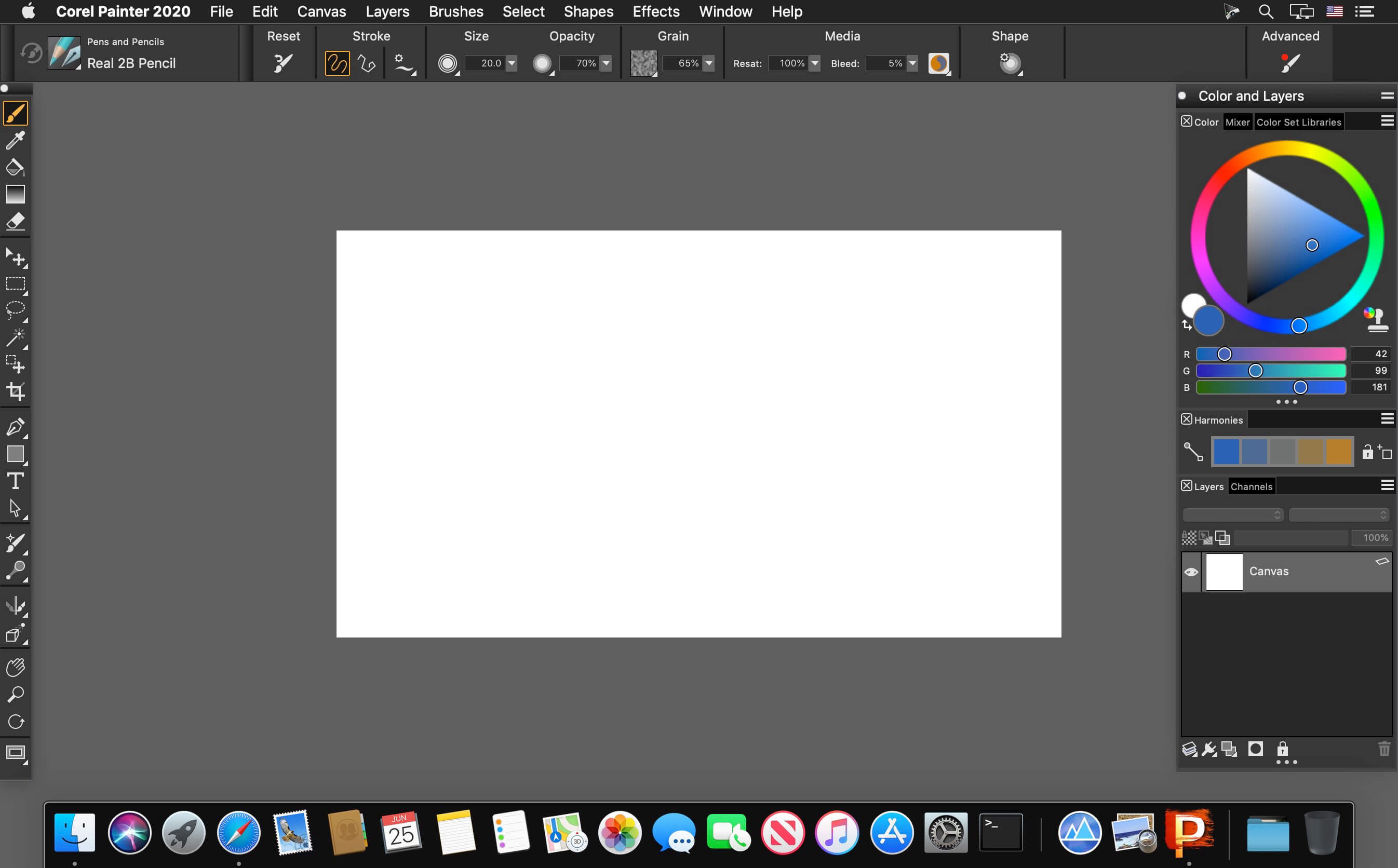
Painter 2020 offers realistic Natural-Media® and unique digital art brushes that dynamically respond to stylus movements and canvas textures, resulting in magnificently authentic brushstrokes. Best of all, there’s no waiting for paint to dry, no limit to media mixing, no running out of supplies, no toxins and no mess!

An unparalleled photo art experience
Let the intuitive tools within Painter guide you through the transformation from a photo to a painted masterpiece. Rapidly paint a photo using the technology of SmartStroke™ Auto-Painting. Or grab a brush and hand paint the canvas using your photo as a clone source, while Painter magically pulls the photo colors through the bristles. Whatever your approach, the result will be momentous.

Vast amounts of brushes and customization capabilities
Unleash your creativity with 900+ brushes! Create with Painter’s revered traditional media and experience proprietary Dab Stencils, Dynamic Speckles, Particles and Pattern Pens brushes, plus so much more. Bring that extra special something to your artwork. Don’t stop there! You can also import brushes from other artists and create your own brush variations that produce a singular result.

Time-saving performance
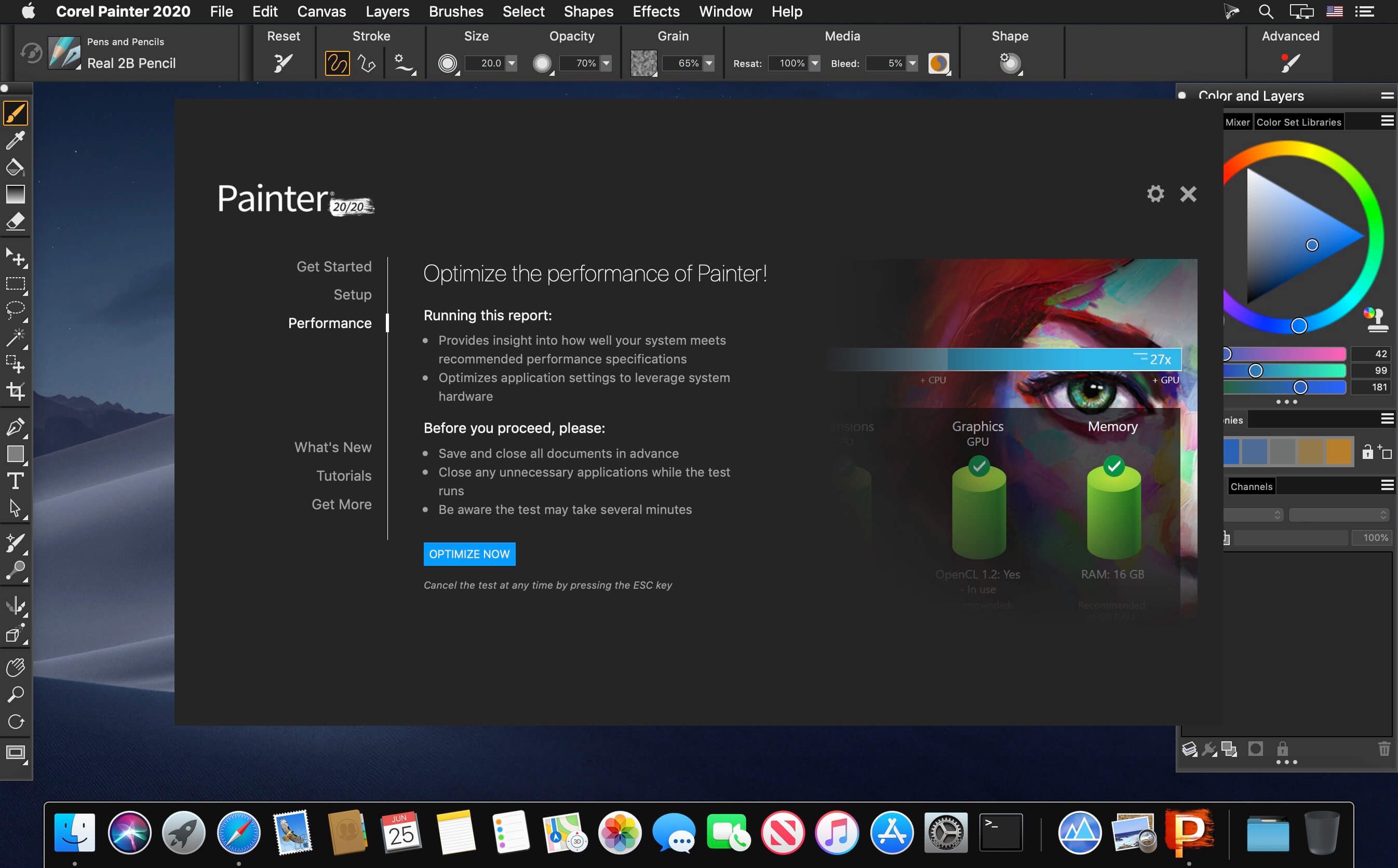
Painter will keep up with every brushstroke, saving you valuable time! The Brush Accelerator™ utility scores your system and automatically applies the optimal Painter performance settings allowing GPU and CPU to ensure Painter can move at lightning speed. Benefit from the bonus functionality that tells you how to strategically upgrade your system to further improve Painter’s performance.

Screenshots


Name: Corel_Painter_22.1.121__22.0.2___TNT_Mactorrents.io.dmg
Size: 789 MB
Files Corel_Painter_22.1.121__22.0.2___TNT_Mactorrents.io.dmg[789 MB]

   Download

Resume Templates – DesiGN 3.2

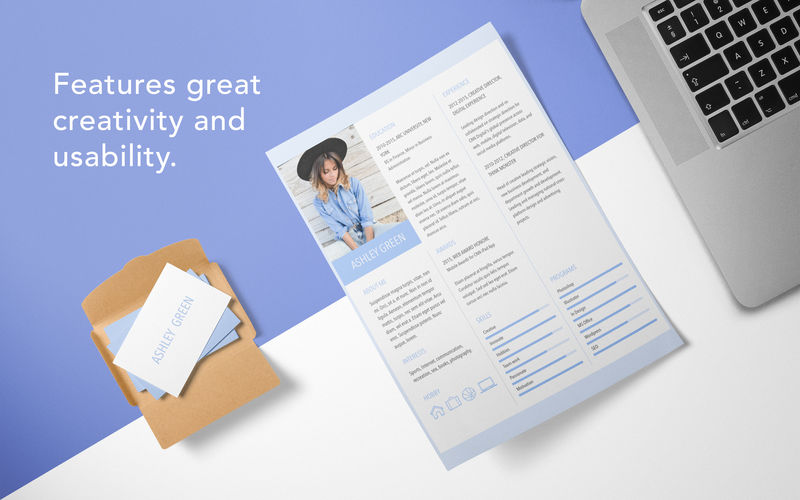
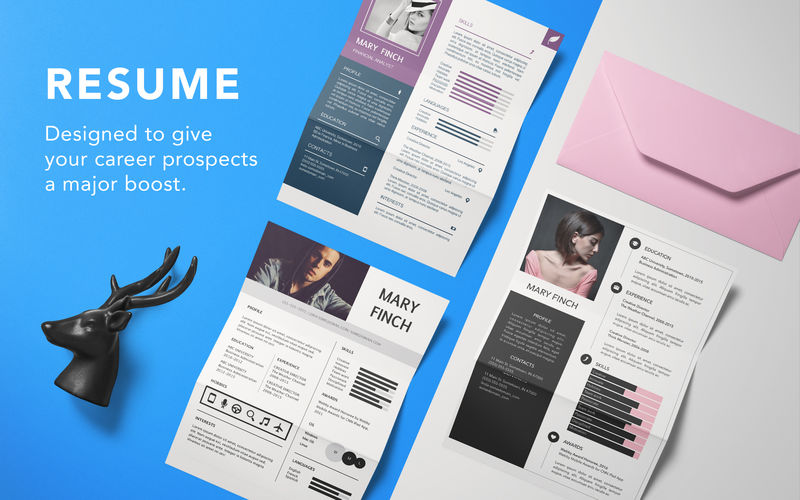
Resume Templates is a high-quality collection of 145 original Pages templates designed to give your career prospects a major boost. Present your educational background, experience, and skills in a way that will catch any recruitment manager’s attention.

Every object in Resume Templates can be easily recolored, reshaped, moved, or removed. Type or paste your own text, add or remove text boxes, and change the font if you want to. Add your photos to replace the stock images. Every layout – from the understated elegance of the traditional career descriptions to the buoyant colors of the resumes for creative professionals – features quality design and great usability.

The templates are available in the US and international page sizes.

* Requires the latest version of Pages.

Compatibility: macOS 10.12 or later, 64-bit processor
Homepage https://apps.apple.com/us/app/resume-templates/id1103224543

Screenshots


Name: Resume_Templates_-_Design_3.2_MAS__TNT_Mactorrents.io.dmg
Size: 18 MB
Files Resume_Templates_-_Design_3.2_MAS__TNT_Mactorrents.io.dmg[18 MB]

   Download

Canvas X Draw 7.0.2 (7075) fix

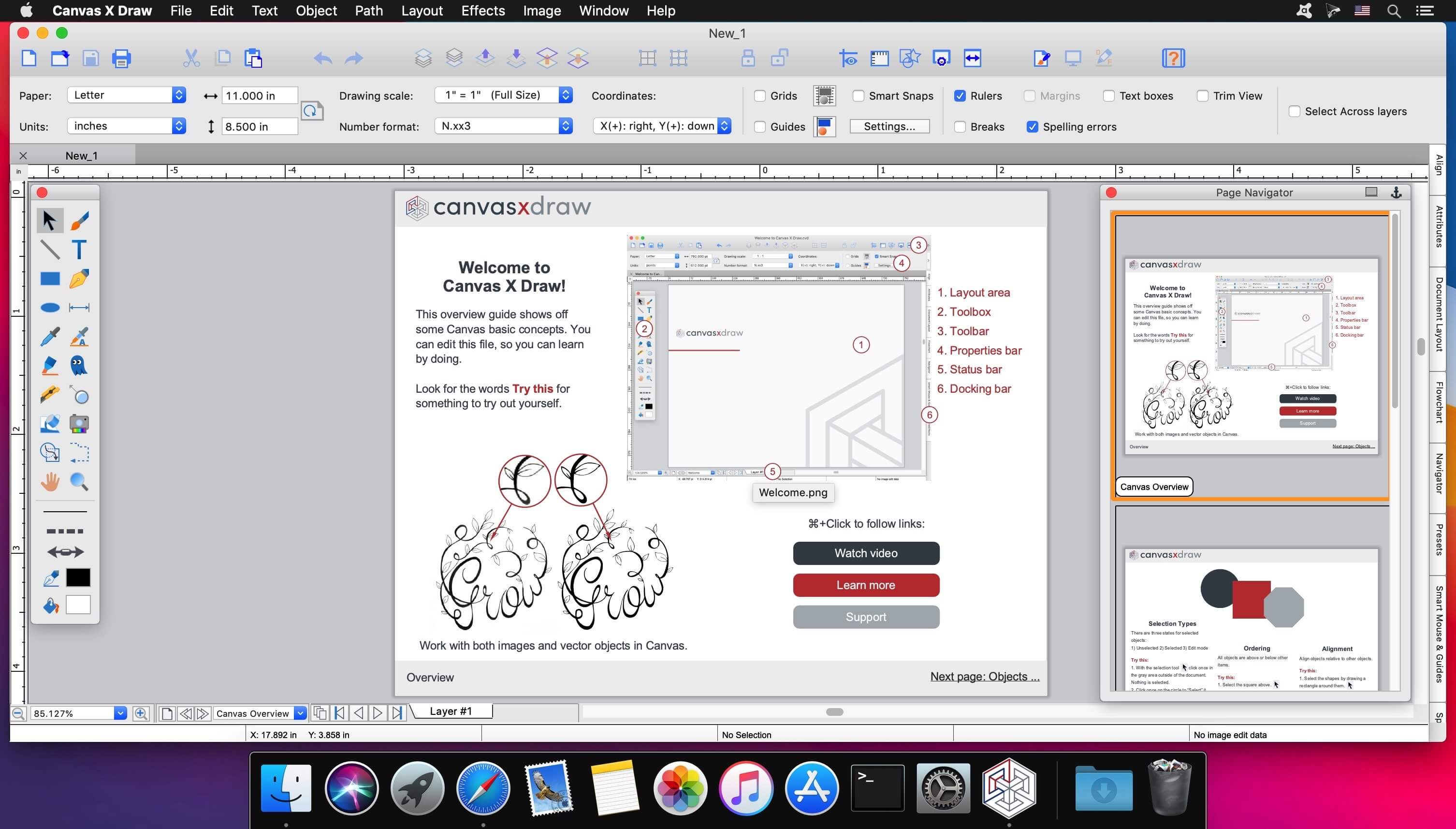
Canvas X Draw is a powerful software specifically designed to make it possible for small business owners, designers, illustrators, and professionals to advertise and communicate with confidence.

When your audience depends on pinpoint accuracy, minute detail, and high-impact data visualization, you need a special kind of illustration software.

With Canvas you can drive high impact visual communication right across your organization, putting powerful data in the hands of the people who need it.

  • Work with both raster and vector files
  • Import and visualize huge volumes of geospatial data
  • Manipulate and display intricate 3D models

What’s New:

Version 7.0.2 (7075):

  • Release notes were unavailable when this listing was updated.

[Fix] launch for macOS Monterey

Compatibility: macOS 10.13 or later 64-bit
Homepage https://www.canvasgfx.com/

Screenshots

Name: Canvas_X_Draw_7.0.2__7075__f__TNT_Mactorrents.io.dmg
Size: 189 MB
Files Canvas_X_Draw_7.0.2__7075__f__TNT_Mactorrents.io.dmg[189 MB]

   Download

Debut Professional 8.00

Debut is designed to be very easy and intuitive to use, giving you the ability to record essentially anything from capturing video from a webcam, your screen, or video input devices such as a VHS recorder within minutes of downloading.

Video Capture Features

Record videos as avi, wmv, flv, mpg, mp4, mov and more video formats
Capture video from a webcam, network IP camera or video input device (e.g., VHS recorder)
Screen capture software records the entire screen, a single window or any selected portion
Mouse highlighting spotlights the location of the cursor when using screen recorder
Record audio from your microphone and speakers with your video; ideal for recording video conferences and webinars
Laptop camera recording and video capture
Record video alone or video and audio simultaneously
Add your own text captions or time stamp your video
Change color settings and video effects before recording
Adjust the video resolution, size and frame rate for capture
Use video overlay to record your screen and webcam simultaneously
Burn recordings directly to DVD with Express Burn Disc Burner
Time lapse video recording
Create photo snapshots of a video at any time
Edit your recorded video with VideoPad Video Editor Software

Compatibility: Mac OS X 10.4.4 or above (Intel CPU).
Homepage http://www.nchsoftware.com/

Name: Debut.Professional.8.00.macOS_Mactorrents.io.zip
Size: 8 MB
Files Debut.Professional.8.00.macOS_Mactorrents.io.dmg[8 MB]

   Download

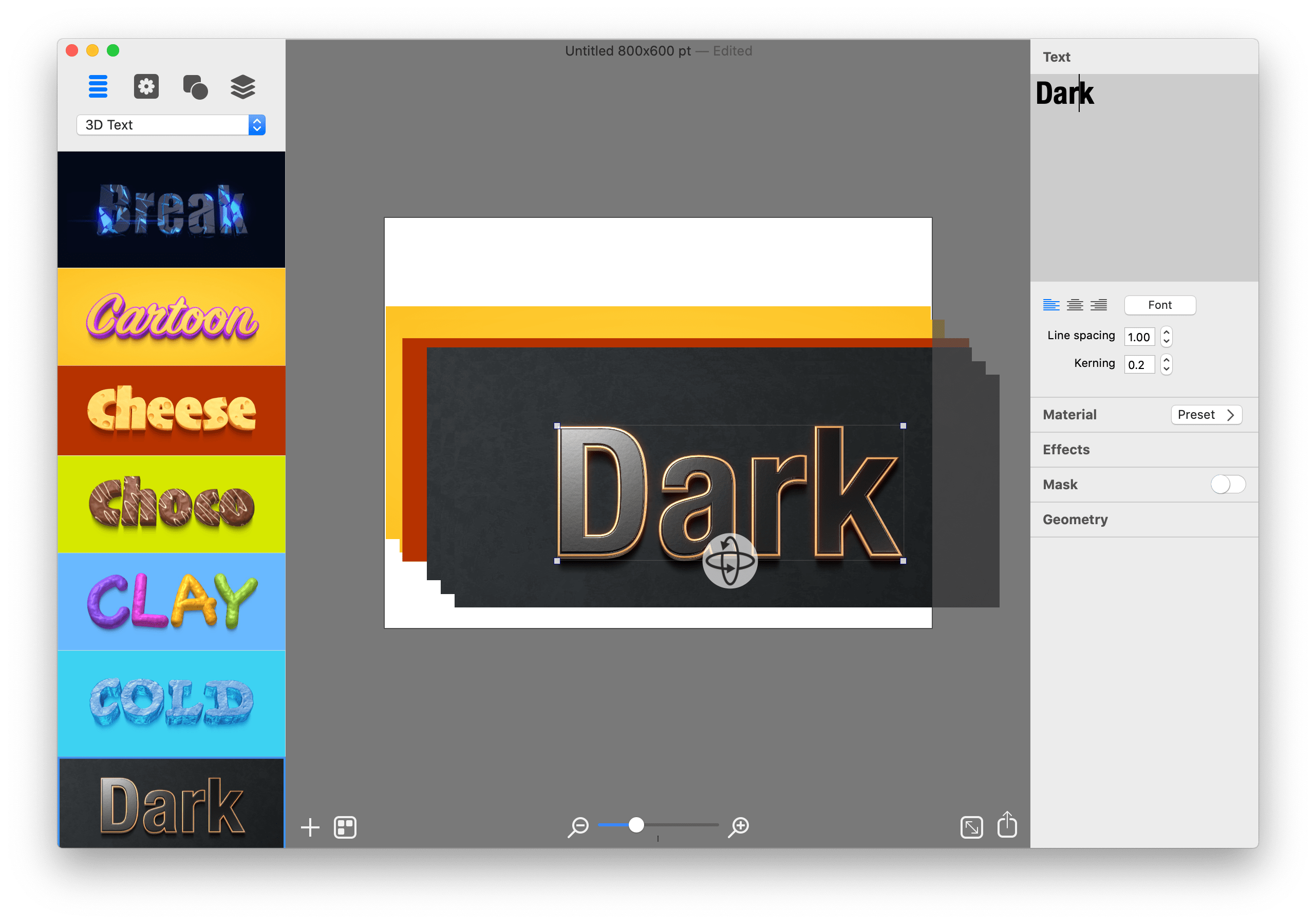
BeLight Art Text 4.1.2

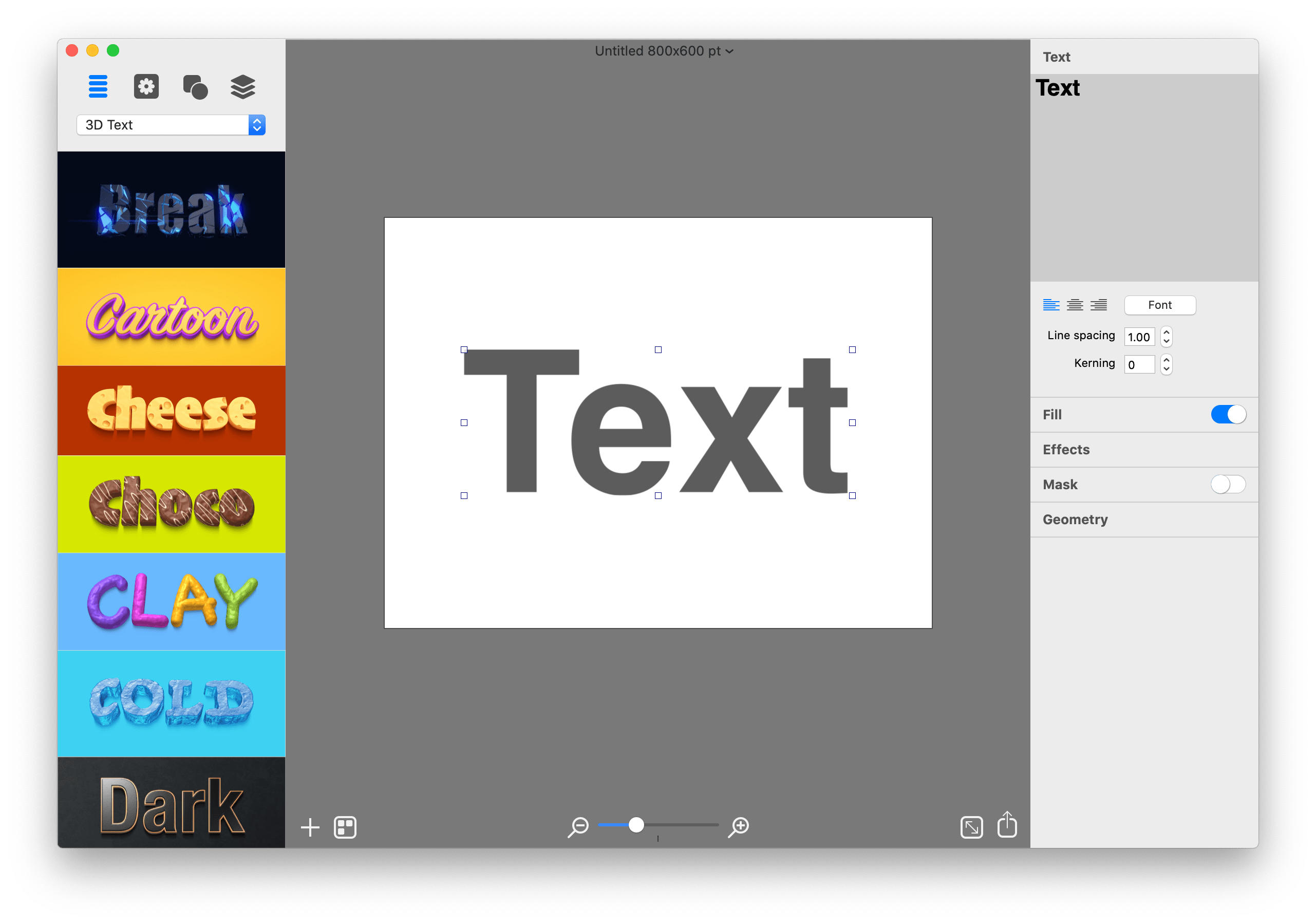
Graphic Design Software for Everyone. Art Text is graphic design software specifically tuned for lettering, typography, text mockups and various artistic text effects. Supplied with a great variety of ready to use styles and materials, selection of textures, icons, fonts and backgrounds, special designed effects and shape transformations, Art Text guarantees striking appearance of your badges, logos, cards, flyers and presentations.

Graphics that you create in Art Text will be a perfect fit for various document types, such as presentations, flyers, brochures, business cards, and can even spice up photos or create picture captions before uploading to Facebook.

Styles and Materials
Art Text comes equipped with a wide selection of text styles, surface materials and effects. Unrestricted by any presets, your creativity will take flight with easily adjustable textures, surface bump maps, environment textures, light spots and shadows, and other settings to come up with new materials.

Spray Fill
Beautifully lay out words with coffee beans, color balls, leaves, Lego pieces and even clouds using the supplied collection or import your own fill images. Experiment with lettering design from highly random to a very structured layout and fill sizes.

Mask Effects
Tweak text finishing with a variety of masks to render an aged text or a scratched look. You may also want to add a stamped effect with just one click. Easily experiment with settings, and combine masks with other effects, to get a somewhat unexpected but impressive result.

Distortion Effects
Heavily alter the font shape beyond standard typeface options. Effortlessly wear out text sides with Side Distortion, create random holes in the body with Erosion, partially dim text with Blur distortion, and more.

Shading Materials
Special 2D materials open the door to an array of visual effects, such as bumping or embossing. You may also apply a glass, plastic or gold finish, make the surface glossy, matte, bright or faded, or give your graphic a fascinating watercolor, oil paint or pencil drawing look. The most demanding users will find the material editor handy for creating custom Shading Materials.

Real 3D Text
Art Text implements a 3D modeling engine that helps to convert any text, symbol or pictogram to 3D. Our graphic design software embeds 3D renderer together with tons of customizable 3D materials to ensure super realistic results every time.

Paint Lettering
Art Text comes with a great variety of fills, distortion effects and object content to design highly realistic, hand painted, ink written and watercolor lettering art.

What’s New:

What’s New in Version 4
Spray Fill
New fill effect that populates the text shape with coffee beans, nuts, stones, glitter and other preset image fills.

Text Designs Store
Regularly updated gallery of free and paid text design templates.

Realistic 3D Materials
Materials have dramatically improved with Reflection Masks.

Facebook 3D Photo
Create catchy phrase graphics and share on Facebook as a 3D photo.

Multi-Purpose Distortion
Achieve diverse 2D visual effects with Erosion, Roundness, Side Distortion, Blur and other shape distortion effects.

Shading Materials
2D shading materials become more sophisticated with 150 fully adjustable Bump Map masks.

Compatibility: OS X 10.14 or later 64-bit
Homepage https://text.design/art-text/

Screenshots


Name: Art_Text_4_4.1.2__TNT_Mactorrents.io.dmg
Size: 764 MB
Files Art_Text_4_4.1.2__TNT_Mactorrents.io.dmg[764 MB]

   Download

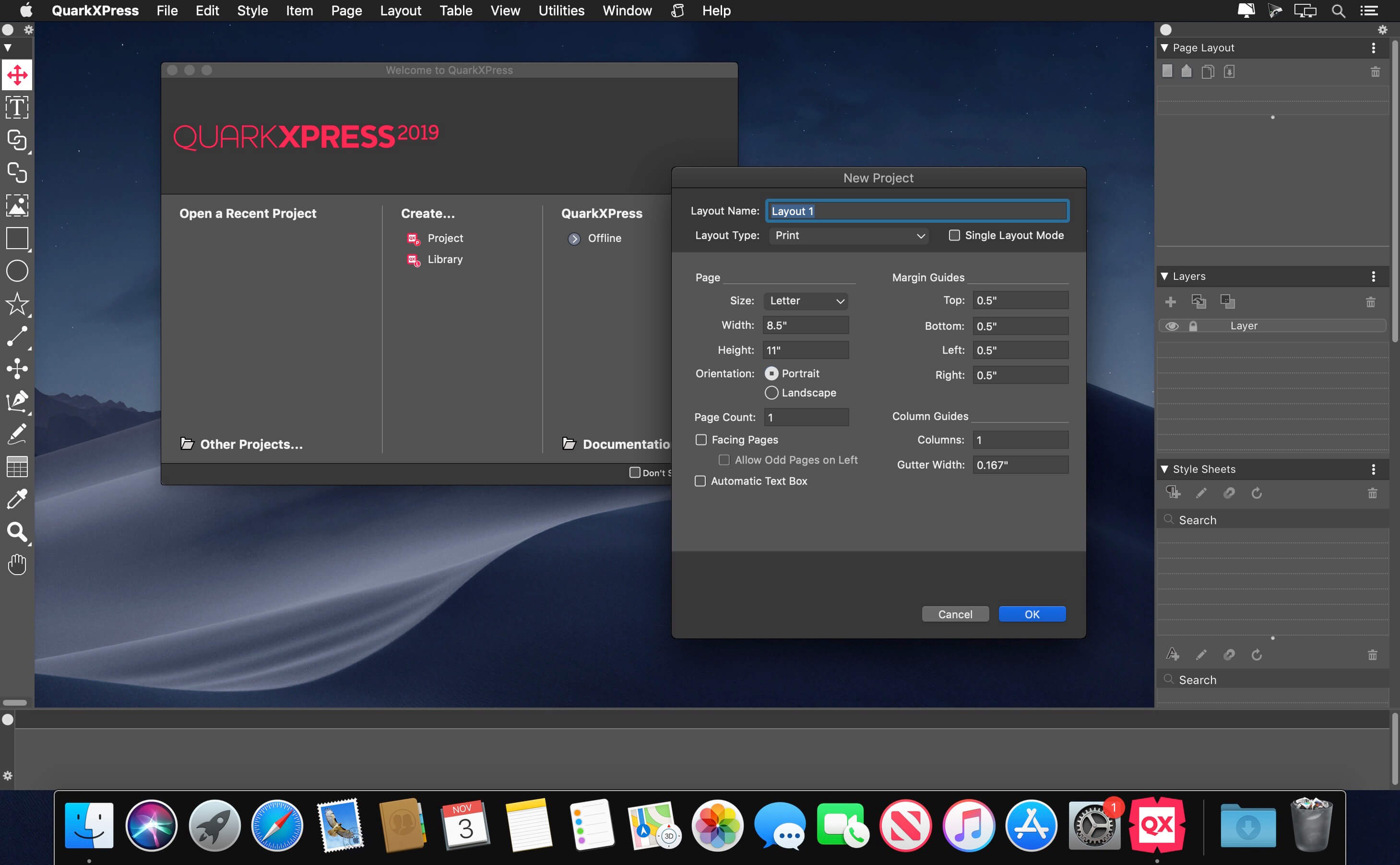
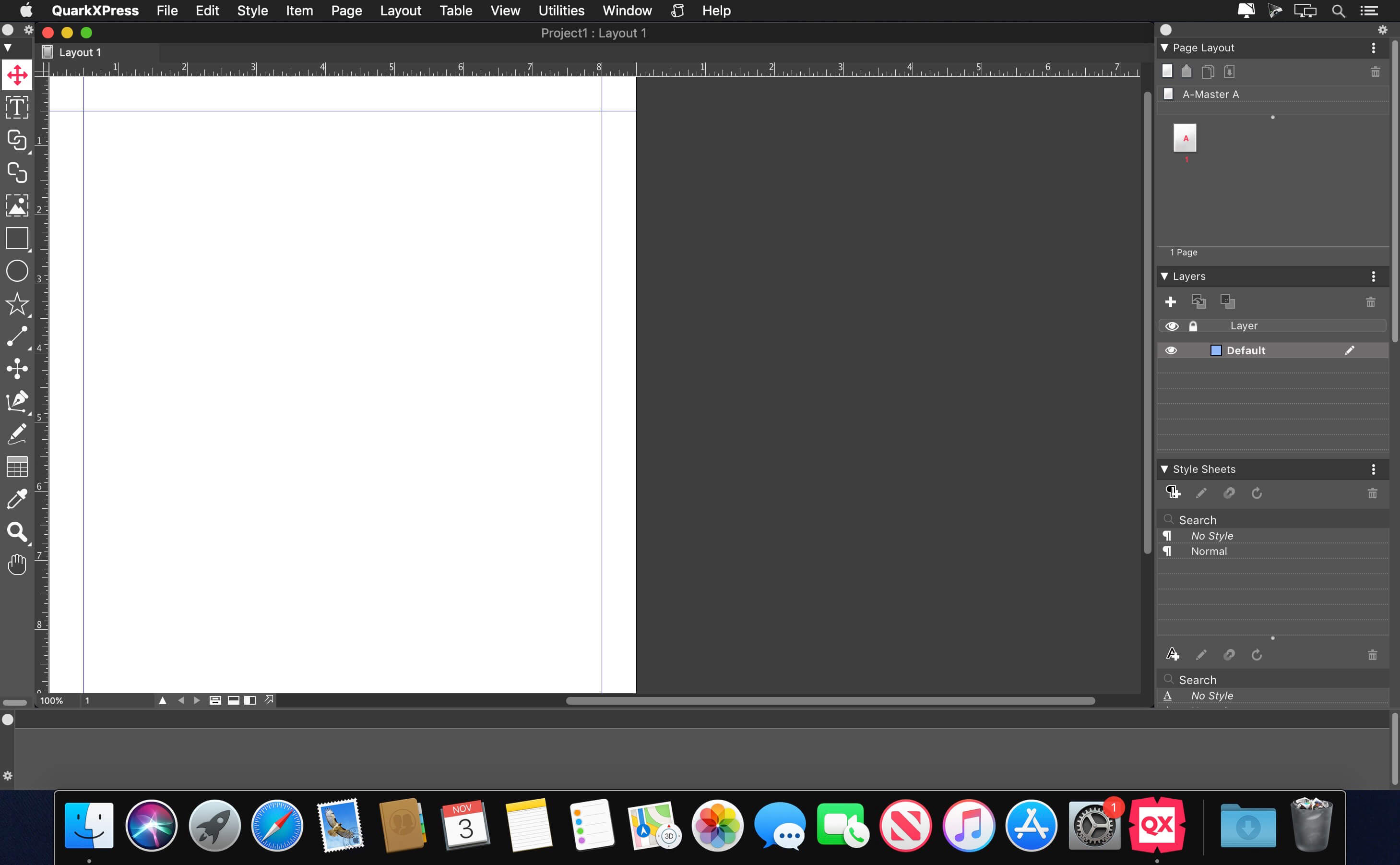
QuarkXPress 2022 18.0.0

Graphic design and desktop publishing processes were long overdue for innovation and disruption. QuarkXPress is the smart solution for every creative professional who wants to leverage the most modern and efficient design software in the market.

FEATURES
Page Layout Match the brilliance of your layout, with powerful Typography that lets you achieve your design flair effortlessly. Import and export to all major raster and vector files.
Graphics & Illustrations Create gorgeous Illustrations, design color blends with Multi-Color Gradients, control color channels and apply non-destructive image editing that allows you to Bring your Creativity ALIVE!
Photo Editing Create Artifacts which can be Aesthetic and/or Dramatic to Propel your Business Branding, with Superior Image Editing Capabilities.
Web Publication Groundbreaking, modern responsive web design where you can effortlessly generate rich interactive digital publications for truly, responsive experience.
Mobile App Publication Switch seamlessly and transition your design from Print to Digital, create Mobile Apps for iOS and Android which carry the flair of Print Design.

Compatibility: macOS 10.13 or later, 64-bit processor
Homepage http://www.quark.com/Products/QuarkXPress/

Screenshots


Name: QuarkXPress_2022_18.0.0__TNT_Mactorrents.io.dmg
Size: 1.1 GB
Files QuarkXPress_2022_18.0.0__TNT_Mactorrents.io.dmg[1.1 GB]

   Download

xScope 4.5.2

Created specifically for designers & developers, xScope is a powerful set of tools that are ideal for measuring, inspecting & testing on-screen graphics and layouts. xScope’s tools float above your desktop windows and can be accessed via a toolbar, menubar and/or hot keys.

The ten tools that will help you do your job faster and more accurately include:
Mirror

  • Remote Viewing – Easily view Photoshop, files or windows on your iOS device, AirPlay, or your wrist.
  • Templates – Automatically shows icon or wallpaper mockup on iOS
  • Chromeless UI – No overlaid chrome to get in the way while you work
  • Security – Toggle user authentication requests on/off via Preferences
  • Download the xScope Mirror App for iOS at http://xscopeapp.com/ios

Text – New!

  • Powerful Search – For name or tag in any of the 100,000+ Unicode characters
  • Decipher Text – Deciphers text entities, encodings, constants, and more!
  • Convert Format – Output text as a string, entities, URL encoding, and more!
  • Measure Glyphs – Shows line, character or web layout: including font metrics & CSS
  • Character Palette – A handy place to collect commonly used Unicode characters

Dimensions

  • Find the dimensions of anything on screen instantly
  • Find distance between objects quickly & easily
  • Create screen shots of any measured element

Rulers

  • Powerful on-screen rulers for pixel measurements
  • Two rulers with synchronization for easy on-screen comparison
  • Hold down control to snap to edges of onscreen content
  • Fully adjustable horizontal & vertical lengths
  • Full 360 degree rotation range
  • Displays deltas for rotated rulers

Overlay – New!

  • Enhances Your Web Browser – Attaches to window to make development easier
  • Alignment Marks – Check positioning & distances in px/em/pt and percentages
  • Mockup Image – A transparent design comp over your HTML and CSS code
  • Grids with Breakpoints – Grid systems that stay in sync with your media queries
  • Cycle Breakpoints – Quickly check your design at all sizes used in your CSS
  • Full-page Screenshot – Get a picture of your whole web page
  • Works with iOS Simulator – Great for testing in Safari or developing native apps

Screens

  • Easily see the usable real estate for any screen size
  • Organized by platform including iOS, Android, Mac, Windows & TV
  • Pre-defined screen templates or create your own
  • Displays title and game safe areas for 4:3 and 16:9 aspect ratio TVs.
  • Simulate user vision problems including color blindness & presbyopia (old age)
  • De-retinizer to simulate normal display when using Retina display
  • Define custom area settings for any OS or browser

Loupe

  • Magnify any portion of the screen under your mouse
  • Displays color under your cursor in RGB, HSB, HEX, CSS3 rgb() & HTML
  • Quick measurement of magnified image using Dimensions
  • Reference color format: work with a hex color while viewing RGB format
  • Collect a running list of color swatches with Shift-Cmd-C
  • Save out or import .ACO color swatch files for easy reference
  • Simulate user vision problems including color blindness & presbyopia (old age)
  • Displays co-ordinates of mouse cursor for reference
  • The content of the window or the mouse position can be locked

Guides

  • Vertical & horizontal guides that float on top of all else on the screen
  • Displays guide position in pixels when placed
  • Displays distance between guides in pixels
  • Save & load guide positions for later reference
  • Supports multiple monitors

Frames

  • Adjustable marker boxes float on top of the screen
  • Hold down control to snap to edges of onscreen content
  • Cmd-Shift-5 to shrink a selection around on screen content & create a frame
  • Display preset grids to help compose frame layouts
  • Create, move, duplicate & edit frames at will
  • Save & load frame positions for later reference

Crosshair

  • Reports the coordinate position of the mouse cursor
  • Change origin from the upper-left (design work) to lower-left (development work)

Compatibility: OS X 10.8 or later, 64-bit processor
Homepage https://apps.apple.com/us/app/xscope-4/id889428659

Screenshots

Name: xScope_4.5.2__TNT_Mactorrents.io.dmg
Size: 31 MB
Files xScope_4.5.2__TNT_Mactorrents.io.dmg[31 MB]

   Download

PatterNodes 3.0.0b16

PatterNodes is a tool for creating graphical patterns, animations, gradients, or illustrations based on repetitions. This is done by defining a sequence of steps, a recipe of sorts, that describes the pattern. Each pattern element or operation is represented by a little panel called a node, and the nodes are then linked by connections drawn between them. As the nodes can be freely combined and connected, this gives you a very flexible and powerful interface.

While this interface requires a different way of thinking, it also offers a lot of benefits compared to traditional Illustrator-type editors. Most importantly it enables you to use sliders to instantly change any aspect, like color, spacing, scaling, rotation or repetition count of any part of the pattern without having to undo/redo any steps. You can also specify animation value ranges for any of these parameters.

The resulting pattern tile is always shown in the bottom preview view, repeated and updating in real time with any changes, giving you instant feedback of what the end result will be. To make pattern creation easier PatterNodes also includes a lot of nodes that automatically perform common tedious tasks like repeating elements at the tile edges to make the pattern seamless, or randomizing different aspects (like color, position, rotation, etc.) of the elements in a pattern to give it a little more life. Finally, when you’re done you can simply copy the pattern tile into whatever illustration or graphics application you use, or export it either as vector graphics or a bitmap image file. Animations can be exported as GIF, QuickTime MOV or numbered PNG or JPG files

Compatibility: OS X 10.10 or later, 64-bit processor
Homepage http://www.lostminds.com/content/product.php?patternodes

Screenshots

Name: Patternodes_3.0.0b16__HCiSO_Mactorrents.io.dmg
Size: 14 MB
Files Patternodes_3.0.0b16__HCiSO_Mactorrents.io.dmg[14 MB]

   Download

Live Home 3D Pro Edition 4.3

Live Home 3D Pro is the most intuitive and feature packed home design app suitable for homeowners and professional designers, a successor of Live Interior 3D. Besides offering advanced home design tools, Pro edition provides superior export quality and Elevation View mode.

General

  • Create detailed 2D floor plans.
  • Beautiful real-time 3D rendering.
  • Unlimited floor levels. (Pro edition only)
  • A collection of in-depth video tutorials.
  • Built-in Help Assistant and free, quick tech support service.
  • Project Gallery with house projects and sample rooms.
  • Native Support for Live Interior 3D Projects.

Floor Plan Tools

  • Draw complete rooms using Room tool.
  • Use Arc and Straight Wall tools for drawing walls.
  • Elevation view. (Pro edition only)
  • ‘Auto outline’ vector-based 2D representation for furniture.
  • View real-time measurements for walls, ceilings, and floors when drawing in 2D Plan view.
  • Select the necessary measurement units (inches, feet, meters, etc).
  • Use smart Dimension tool to set the distance between underlying objects or walls.
  • Precise positioning thanks to smart guides and object snapping.

Real-Time 3D Environment

  • Adjust the lighting, add and move objects, apply materials, and more right in 3D.
  • All changes, made in 3D or 2D, are rendered in 3D in real time.
  • Walk through your 3D interior.
  • FOV (field of view) and parallel camera projection. (Pro edition only)
  • Set multiple cameras to see the house from different point of views.
  • Achieve natural lighting by setting up true Geo position, daytime and overcast.
  • Adjust light fixtures throughout your project to get realistic lighting scene.
  • Light editor helps to add a light source to an imported objects. (Pro edition only)
  • Create corner windows and complex openings using the program advanced technology.
  • Level of details tool allows to optimize 3D object and speed up the project.
  • Professional Shadow Map technique makes shadows look soft and natural.

3D Models and Materials

  • 2,000+ furniture and other models.
  • Import models seamlessly from Trimble 3D Warehouse™ (previously Google 3D Warehouse™).
  • Edit furniture in SketchUp. (Pro edition only)
  • 2,100+ supplied materials.
  • Drag and drop any image from the Finder to apply it to any surface as custom material.
  • Advanced material editor. (Pro edition only)
  • Set the exact size of a material tile to know how much of the material is needed for your house renovation project.
  • Import objects in SketchUp, COLLADA, KMZ, FBX, OBJ or 3DS formats by simply dragging and dropping them into your project.
  • Polygonal-based Block tool for drawing balconies, porches, and more. (Pro edition only)

Roofs and Dormers

  • Roof Assistant with 12 customizable roof templates.
  • Custom shaped roofs. (Pro edition only)
  • Add custom segments to fully customize your roof.
  • 16 customizable dormers.

Export and Share the Result

  • Share the result to Facebook, Twitter, Vimeo or YouTube.
  • Export 3D views to JPEG, TIFF, PNG, and BMP (up to 16000 x 16000).
  • Share 360° Panorama JPEG images (up to Ultra HD) to Facebook.
  • Render a realistic video walkthrough (up to Ultra HD).
  • Create Stereo 3D Video, 360° Video and even Stereo 3D 360° Video.
  • Quickly send a copy of your project via Mail, Messages or AirDrop.
  • Export the entire project or selected objects to COLLADA, Trimble SketchUp™, VRML Version 2.0 or X3D format.
  • Export to 3DS, FBX, USDZ and OBJ formats. (Pro edition only)

Compatibility: macOS 10.14 or later, 64-bit processor
Homepage https://www.livehome3d.com/

Screenshots


Name: Live_Home_3D_Pro_4.3__TNT_Mactorrents.io.dmg
Size: 450 MB
Files Live_Home_3D_Pro_4.3__TNT_Mactorrents.io.dmg[450 MB]

   Download

EazyDraw 10.8.1

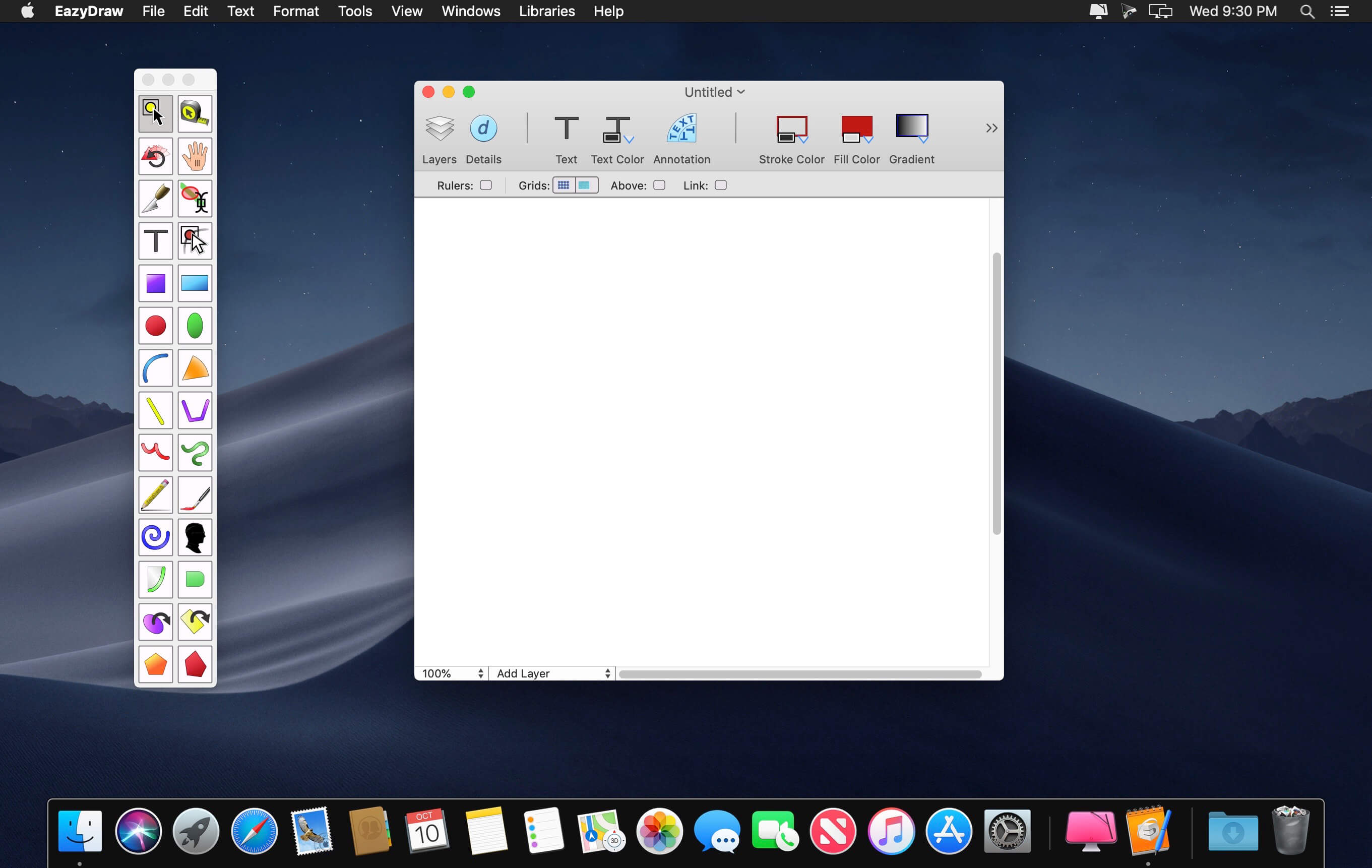
EazyDraw is a vector drawing application. For the full journey from Jaguar to El Capitan, EazyDraw has been the trail-blazing app for the new vector-drawing paradigm on the Mac.

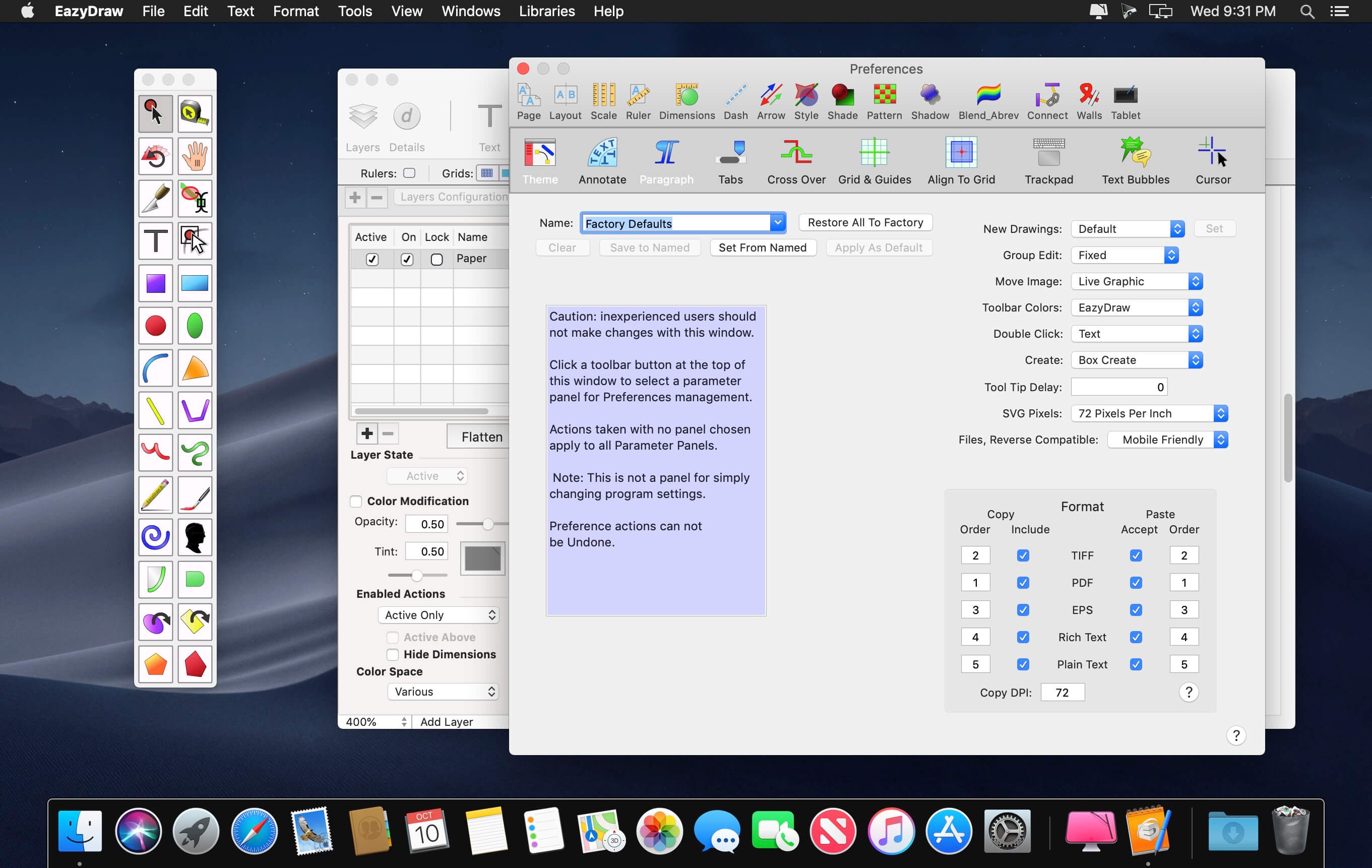
EazyDraw provides a balanced feature set that includes tools needed for technical drawing, Web and app graphic design, print publishing, logos, page – text layout and more. Easy enough for everyone, but with the depth your project will need.

Includes comprehensive support for bitmap and vector graphic formats. Import and ungroup for editing PDF and EPS. Import and export SVG and now DXF. Preview and publish to EPS and TIFF with RGB or CMYK process colors. Exchange scaled CAD drawings with DXF. Publish Web graphics. Create Mac, iPhone, and iPad app-development graphics and icons.

Compatibility: macOS 10.13 or later 64-bi
Homepage http://www.eazydraw.com/

Screenshots


Name: EazyDraw_10.8.1__4065__MAS_In-App__TNT_Mactorrents.io.dmg
Size: 147 MB
Files EazyDraw_10.8.1__4065__MAS_In-App__TNT_Mactorrents.io.dmg[147 MB]

   Download

PatterNodes 3.0.0b15

PatterNodes is a tool for creating graphical patterns, animations, gradients, or illustrations based on repetitions. This is done by defining a sequence of steps, a recipe of sorts, that describes the pattern. Each pattern element or operation is represented by a little panel called a node, and the nodes are then linked by connections drawn between them. As the nodes can be freely combined and connected, this gives you a very flexible and powerful interface.

While this interface requires a different way of thinking, it also offers a lot of benefits compared to traditional Illustrator-type editors. Most importantly it enables you to use sliders to instantly change any aspect, like color, spacing, scaling, rotation or repetition count of any part of the pattern without having to undo/redo any steps. You can also specify animation value ranges for any of these parameters.

The resulting pattern tile is always shown in the bottom preview view, repeated and updating in real time with any changes, giving you instant feedback of what the end result will be. To make pattern creation easier PatterNodes also includes a lot of nodes that automatically perform common tedious tasks like repeating elements at the tile edges to make the pattern seamless, or randomizing different aspects (like color, position, rotation, etc.) of the elements in a pattern to give it a little more life. Finally, when you’re done you can simply copy the pattern tile into whatever illustration or graphics application you use, or export it either as vector graphics or a bitmap image file. Animations can be exported as GIF, QuickTime MOV or numbered PNG or JPG files

Compatibility: OS X 10.10 or later, 64-bit processor
Homepage http://www.lostminds.com/content/product.php?patternodes

Screenshots

Name: Patternodes_3.0.0b15__HCiSO_Mactorrents.io.dmg
Size: 14 MB
Files Patternodes_3.0.0b15__HCiSO_Mactorrents.io.dmg[14 MB]

   Download

OmniGraffle Pro 7.19.4

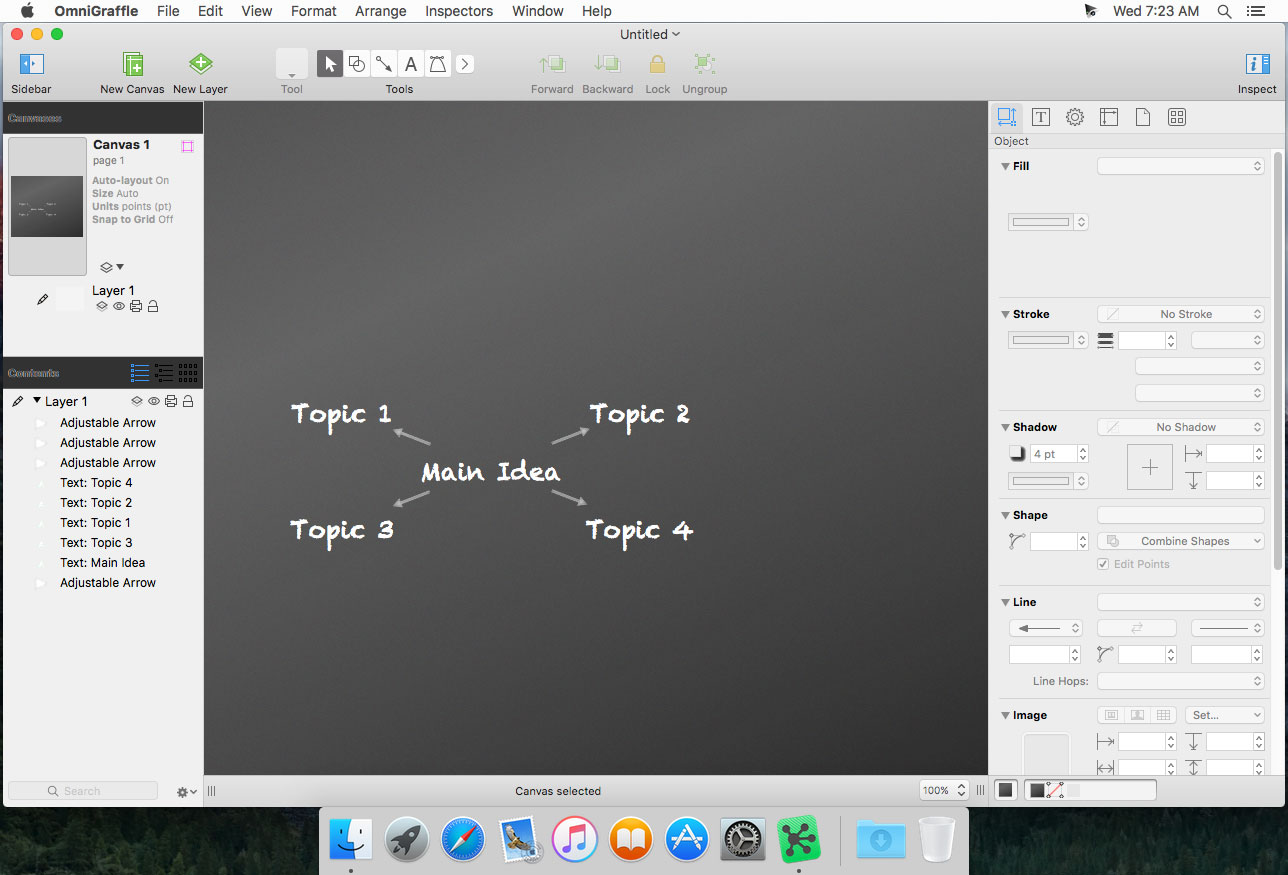
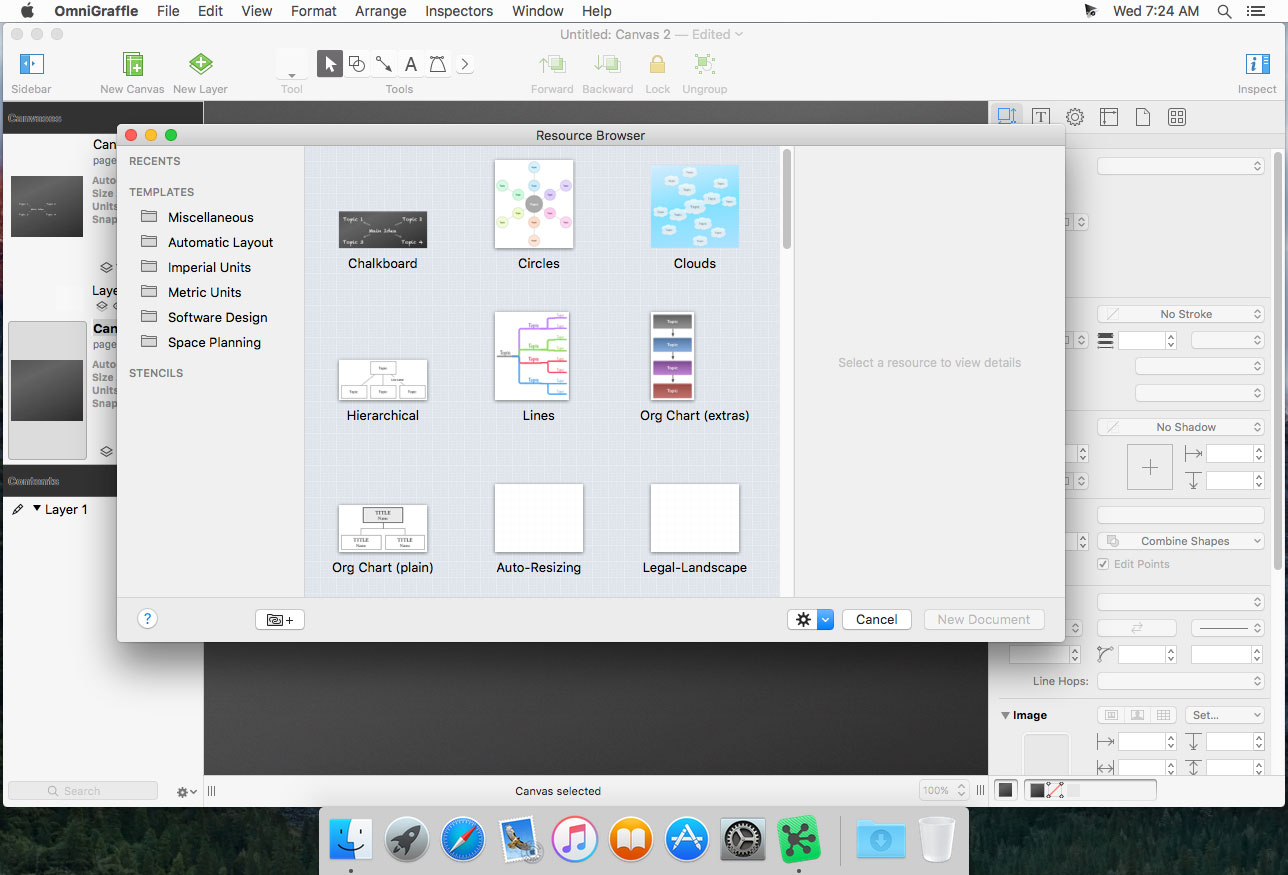
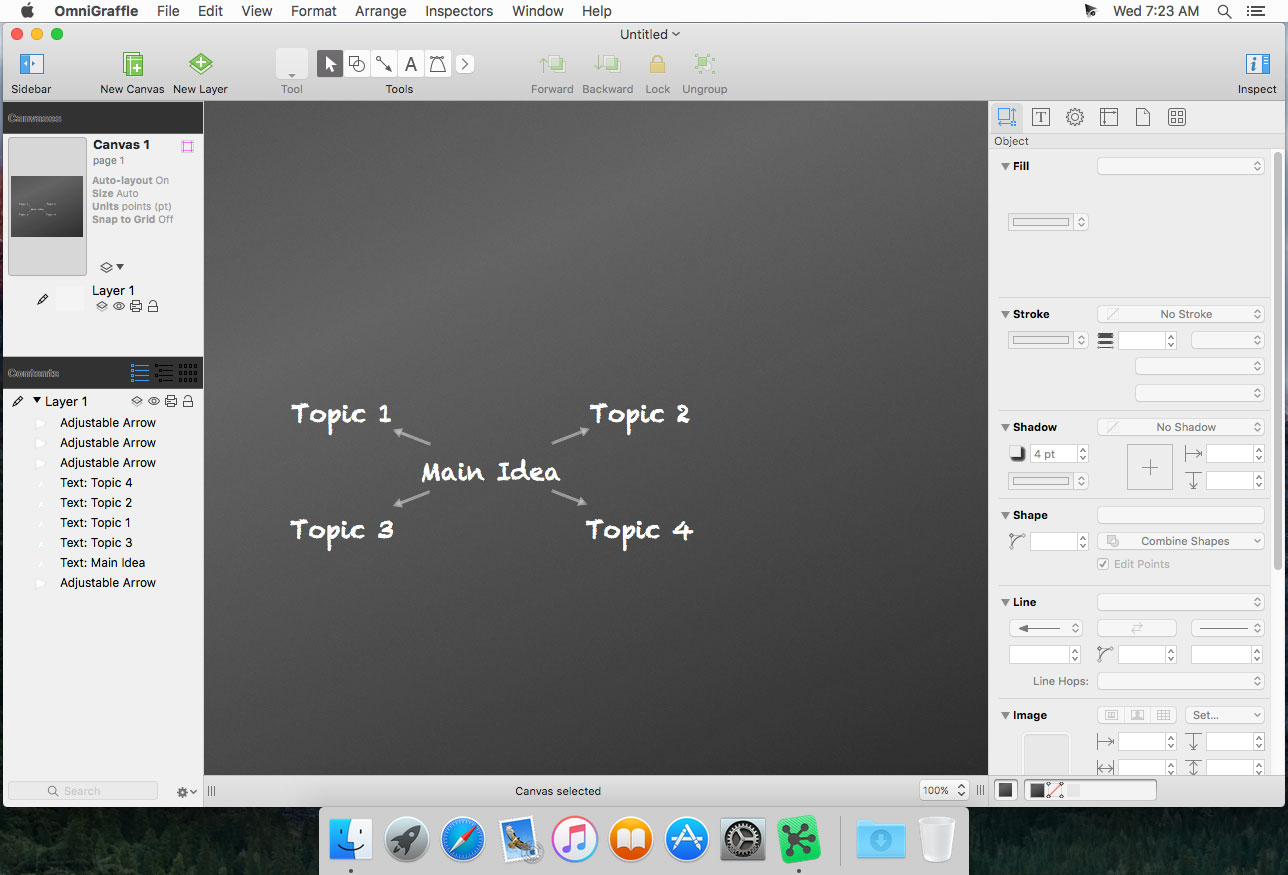
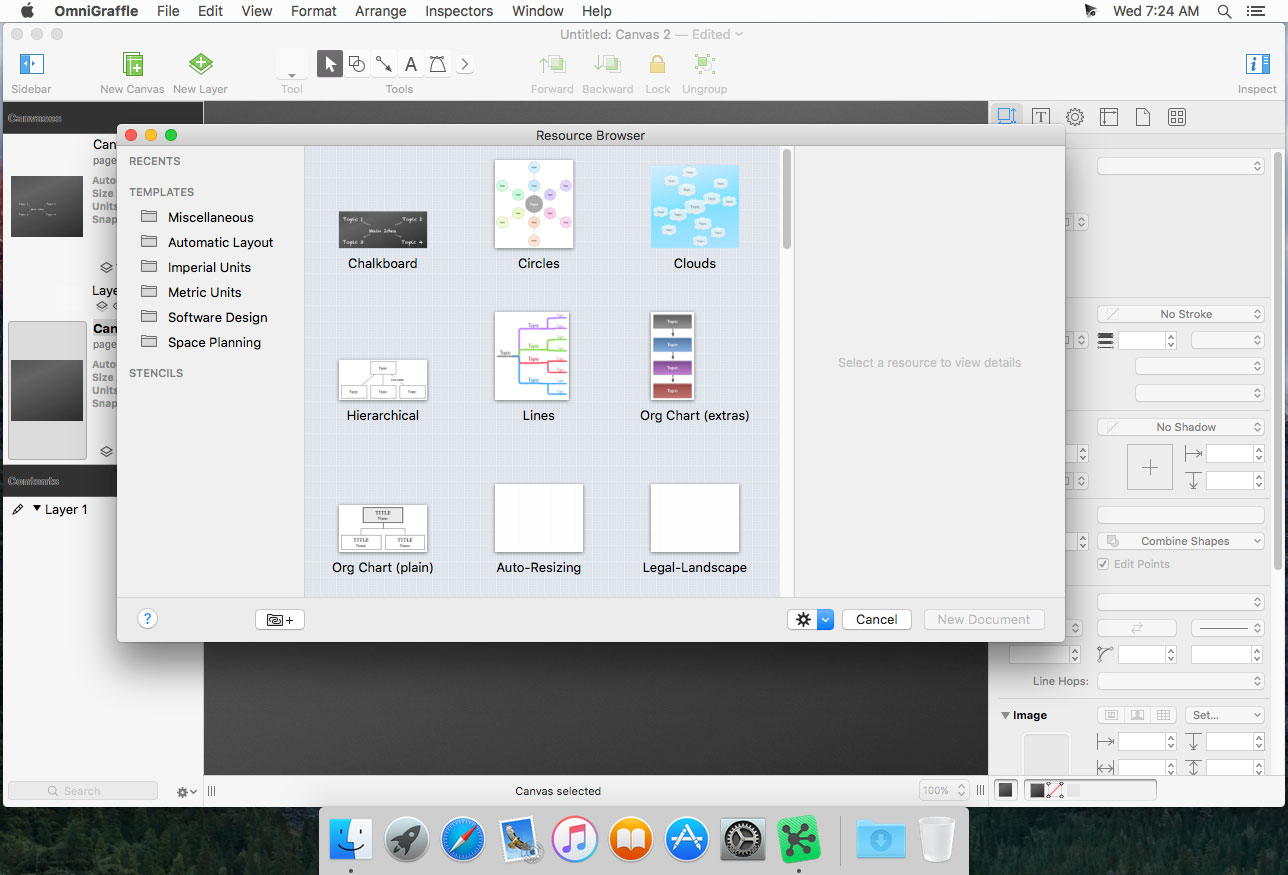
OmniGraffle Pro helps you draw beautiful diagrams, family trees, flow charts, org charts, layouts, and (mathematically speaking) any other directed or non-directed graphs. We’ve had people use Graffle to plan plotlines for a story, make an overview of an operating system, show the evolution of computers, and even show how diseases can spread in a closed population. If you want to organize your thoughts, your projects, or even your friends graphically, using boxes and lines, OmniGraffle is your tool.

OmiGraffle Professional has all of the great features in 6.0, plus a powerful toolset for advanced document creation and editing options. For the pro user who’s looking for an in-depth diagramming application that’s still priced below the competition, you’ve come to the right place.

Compatibility: macOS 10.14 or later, 64-bit processor
Homepage https://www.omnigroup.com/omnigraffle

Screenshots


Name: Omni.Group.OmniGraffle.Pro.v7.19.4.MacOS_Mactorrents.io.zip
Size: 67 MB
Files Omni.Group.OmniGraffle.Pro.v7.19.4.MacOS_Mactorrents.io.dmg[67 MB]

   Download

Glyphs 3.0.5

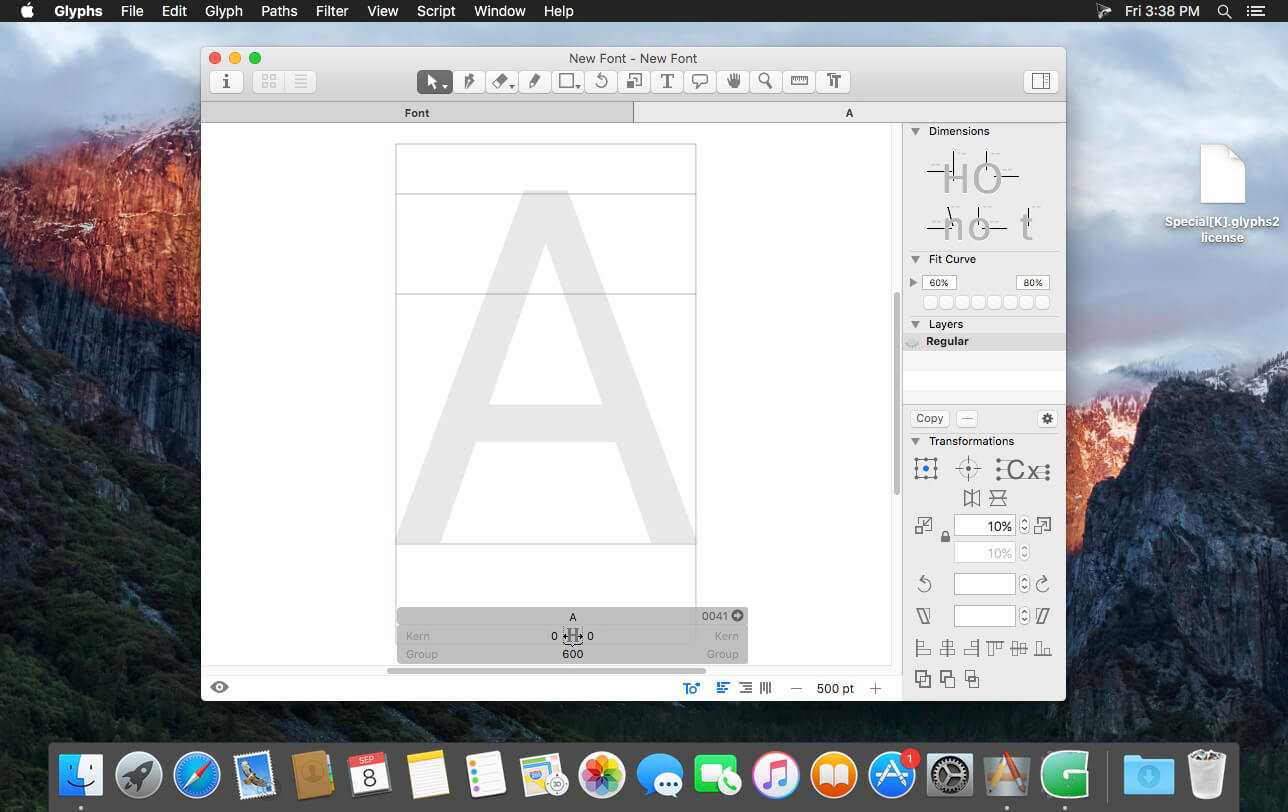
Glyphs is a simple to use Mac OS X app designed to allow anyone to create new fonts and modify letterforms with ease.

Glyphs’ main focus lays on streamlining the workflow.

Glyphs also comes with support for scripting. Scripts can help with a lot of repetitive tasks and will allow you to access all internal data and methods.

Create Stunning Fonts
From dingbat webfonts to full-fledged text typefaces

Sketch your font
Take a pencil and sketch a few letters. With a few tricks, you can easily digitize your sketches, and, step by step, create a full-fledged OpenType font.

Tools for type
The smart vector tools are optimised for the design of typefaces. Interpolated nudging, curvature control, dragging multiple handles at once, adding extrema and inflections, batch editing: all supported straight out of the box.

All languages covered
Human-readable glyph names, combined with smart component placement, automatic alignment of diacritics, mark positioning, and Unicode 7 support, make Glyphs the number one choice for multilingual font development.

Isolation no more
Watch your words take shape in high resolution: The edit view doubles as a text editor, allowing you to draw, edit, space and kern your glyphs in a word context rather than isolated in windows.

Colors everywhere
Why stay monochromatic? Add color to your typographical life with the built-in multi-layer preview and specialized editing tools. Glyphs can export layer fonts, Microsoft-style color webfonts or Apple-style emoji fonts.

Effortless OpenType
Enjoy automatic OpenType features: Glyphs analyzes your glyph names and shapes, and can auto-build feature code for ligatures, figure sets, positional forms, localizations, fractions, stylistic sets, small caps, and many more.

What’s New:

Version 3.0.5:

  • Release notes were unavailable when this listing was updated.

Language: English, French, Italian, German, Spanish
Compatibility: OS X 10.9.5 or later, 64-bit processor
Homepage https://glyphsapp.com/

Screenshots


Name: Glyphs_3_3.0.5__TNT_Mactorrents.io.dmg
Size: 23 MB
Files Glyphs_3_3.0.5__TNT_Mactorrents.io.dmg[23 MB]

   Download

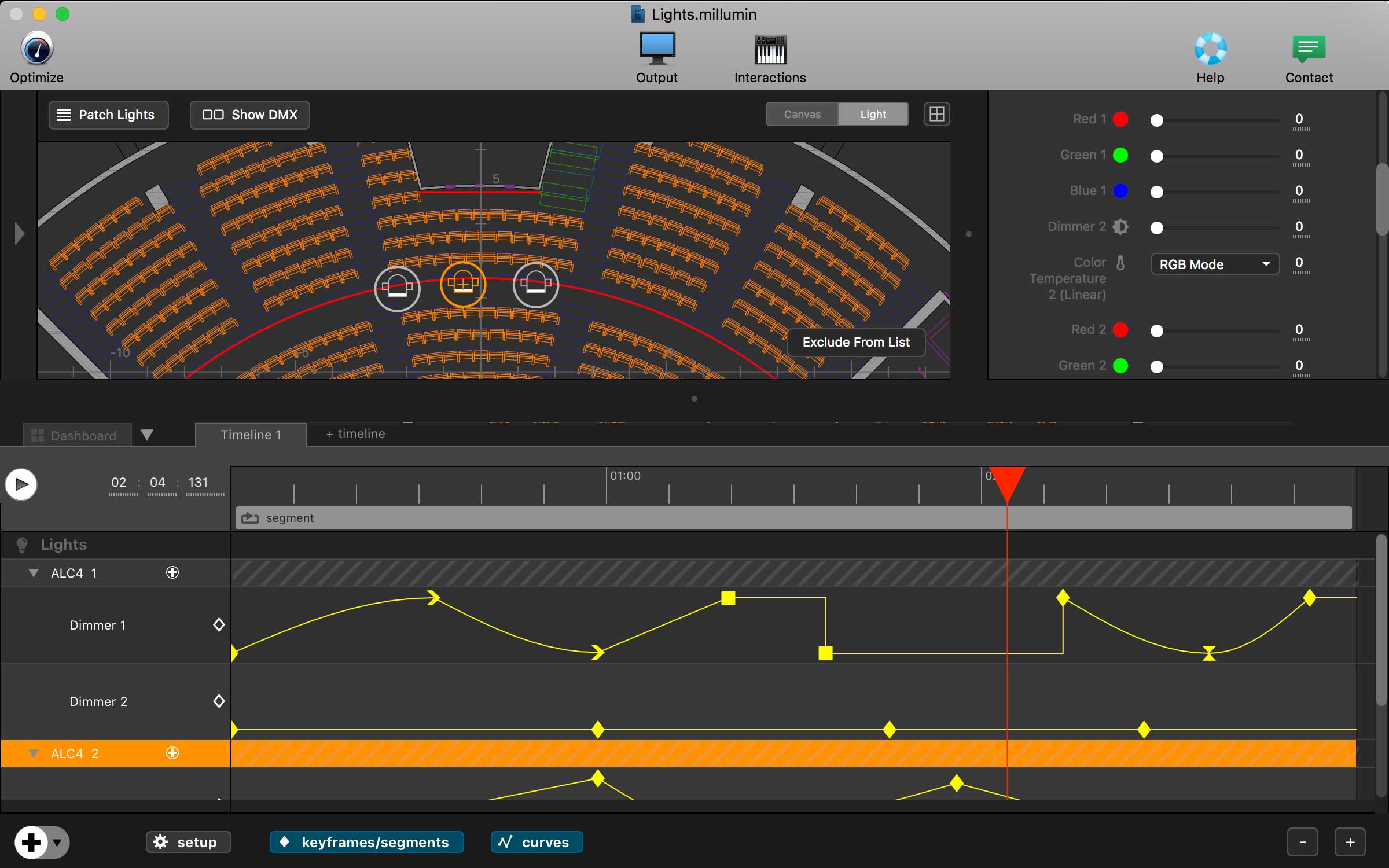
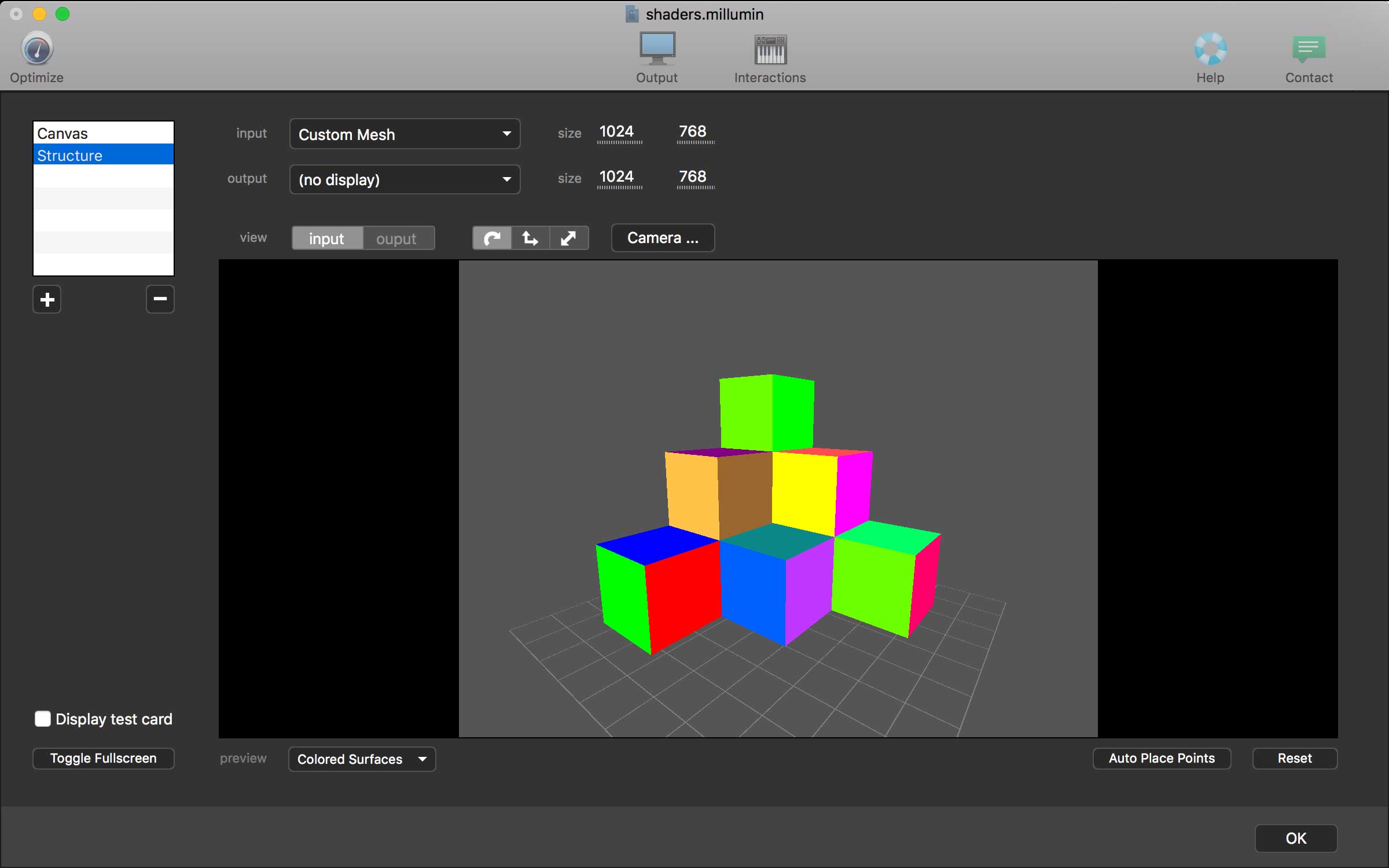
Millumin 4 v4.12.e

Millumin – create audiovisual and interactive shows, Theater, Dance, Videomapping, Interactive installation. Millumin is a creative solution to bring your ideas to life. It is tailored to play your live show and tell your story.

What’s New:

Version 4 v4.12.e:

  • Release notes were unavailable when this listing was updated.

Compatibility: macOS 10.11 or later 64-bit
Homepage https://www.millumin.com/v3/index.php

Screenshots


Name: Millumin4_4.12.e__TNT_Mactorrents.io.dmg
Size: 80 MB
Files Millumin4_4.12.e__TNT_Mactorrents.io.dmg[80 MB]

   Download

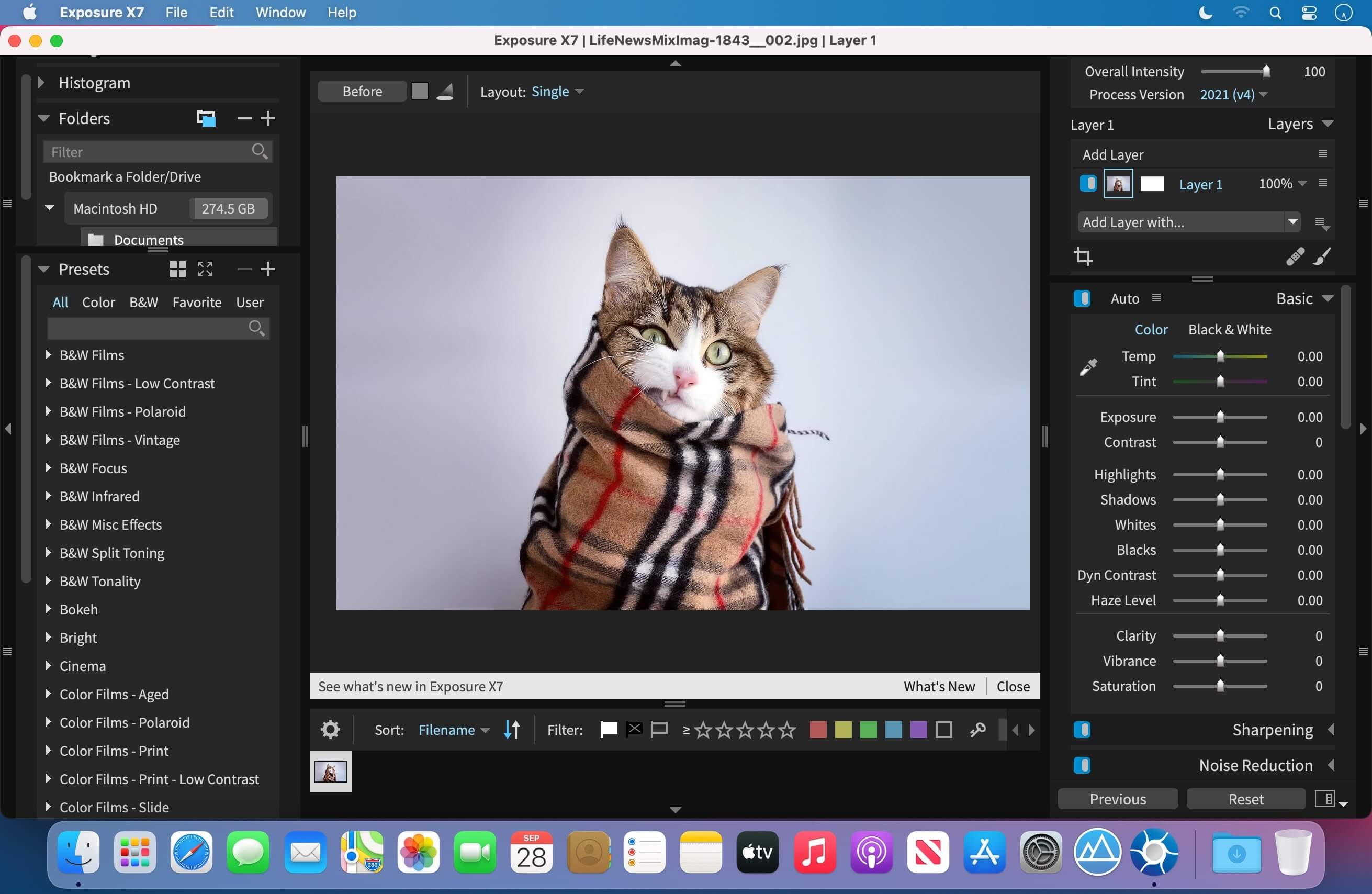
Exposure X7 Bundle 7.1.1.89

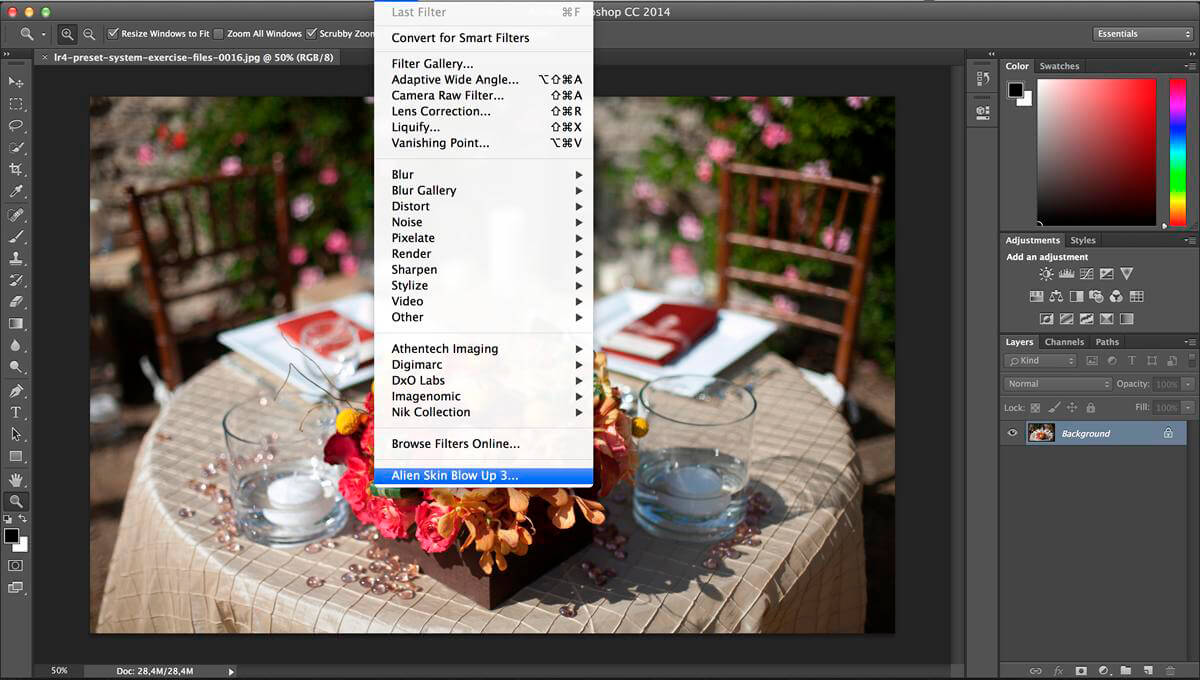
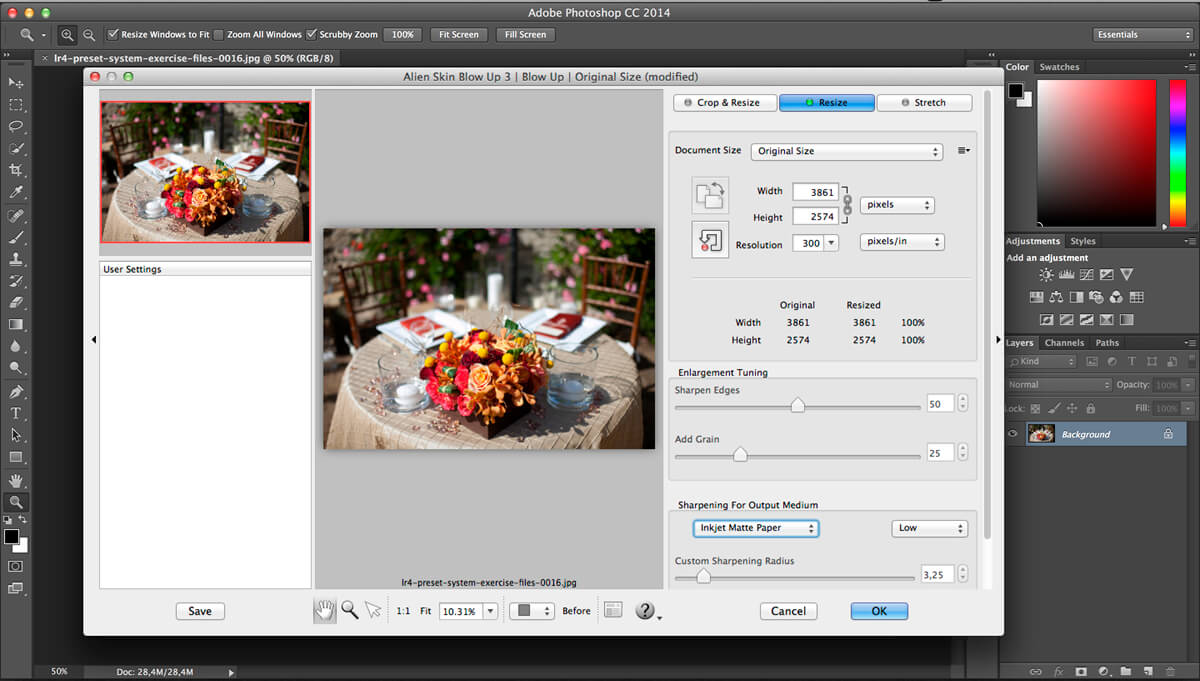
The Exposure X Bundle is a photo editor and organizer that integrates all of Alien Skin’s award-winning photo editing apps into a single product.. The centerpiece of the bundle is Exposure X, the editing app that streamlines your workflow and provides a rich set of creative tools. Two additional apps expand the creative possibilities: Blow Up 3 enlarges your photos into large prints with the sharpest resizing technology available, and Snap Art 4 transforms your photos into gorgeous, handcrafted paintings.

  • Exposure X7 non-destructive RAW photo editor
  • Integrated Snap Art natural media
  • Integrated Blow Up high-quality photo enlargement
  • Exposure X7, Snap Art, and Blow Up plug-ins for Lightroom and Photoshop

Exposure X is a complete photo editing and organizing solution. It can also be used as a creative editing plug-in. The plug-in requirements are as follows:

  • Adobe Photoshop CS6 or Adobe Photoshop CC 2015 or newer
  • Adobe Lightroom 6 or Adobe Lightroom CC 2015 or newer

Compatibility: OS X 10.11 or later
Homepage https://exposure.software

Screenshots

Name: Exposure_X7__Bundle_7.1.1.89__TNT_Mactorrents.io.dmg
Size: 655 MB
Files Exposure_X7__Bundle_7.1.1.89__TNT_Mactorrents.io.dmg[655 MB]

   Download

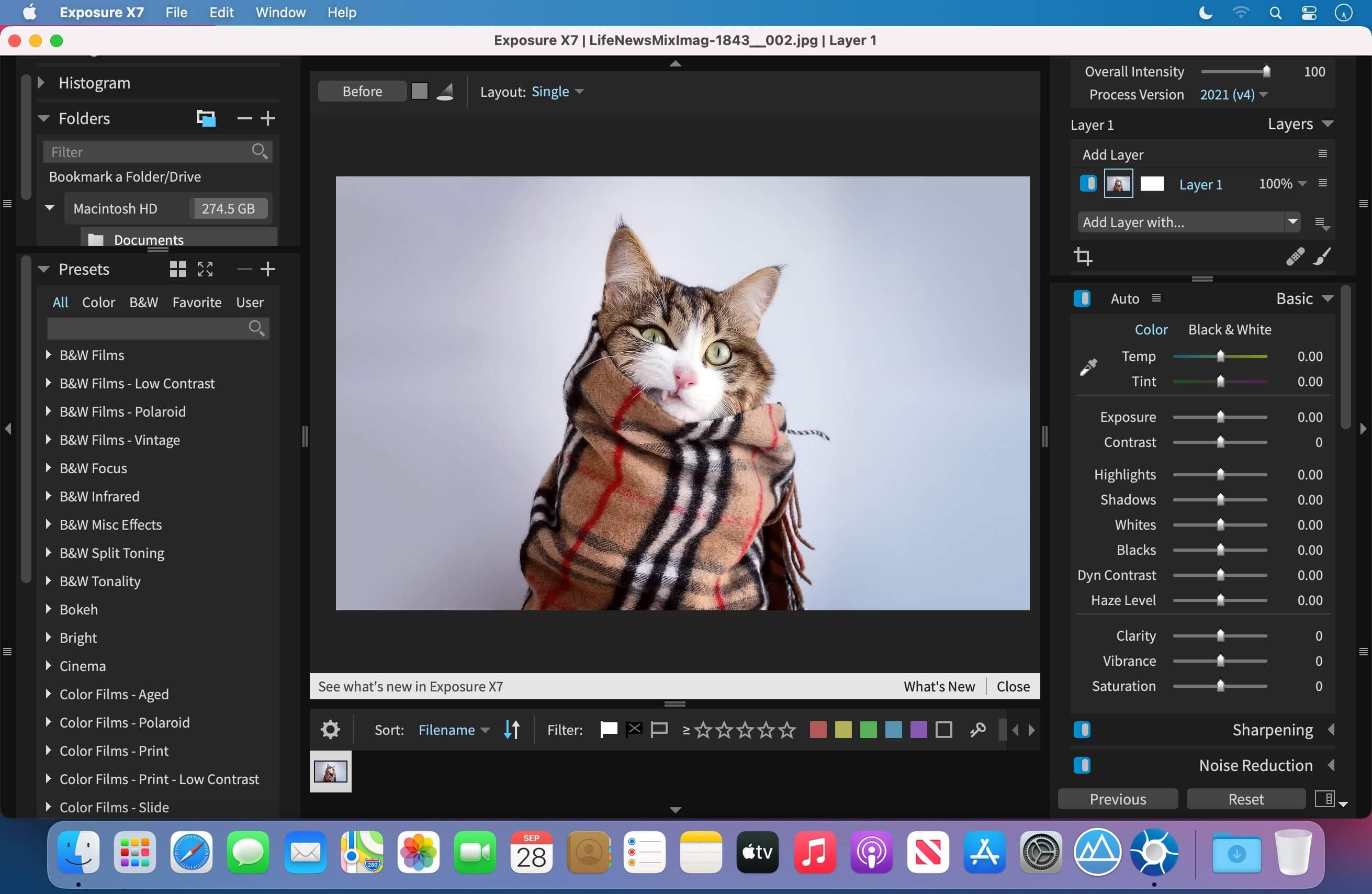
Exposure X7 7.1.1.159

Exposure is the best photo editor for creative photographers who want to create artistic images. Its large library of gorgeous looks provides inspiring starting points that you can customize. Unique creative tools not found in other photo editors help your photos stand out. And Exposure’s efficient workflow keeps you in the creative zone. Use Exposure as a complete photo editor to master your full workflow, or as a Lightroom or Photoshop plug-in for your creative edits.

Additional enhancements include the following:

  • New masking tool that makes it easy to separate a subject from the background. Draw a rough border in just a few clicks to indicate the selected area and Exposure’s intelligent algorithm creates a precise mask
  • Selectable workspaces organize the panels needed for a particular task. Use the built-in layouts for culling, editing, and retouching, or create your own customized workspaces.
  • The crop and transform panels have been unified into a single easy-to-use interface.
  • New composition guides – golden ratio, golden spiral, golden triangle, and diagonal.
  • Defective pixel removal for raw photos.
  • More faithful color reproduction when using custom DCP color profiles.
  • Improved color fidelity with DNG files.
  • Fine texture noise can be added to recover detail with aggressive noise reduction.

Exposure X7 is a complete photo editing and organizing solution. It can also be used as a creative editing plug-in. The plug-in requirements are as follows:
Adobe Photoshop CS6 or Adobe Photoshop CC 2015 or newer
Adobe Lightroom 6 or Adobe Lightroom CC 2015 or newer

Compatibility: OS X 10.11 or later
Homepage https://exposure.software

Screenshots

Name: Exposure_X7_7.1.1.159__TNT_Mactorrents.io.dmg
Size: 545 MB
Files Exposure_X7_7.1.1.159__TNT_Mactorrents.io.dmg[545 MB]

   Download

Exposure Software Blow Up 3.1.4.399

Blow Up keeps photos crystal clear during enlargement. Especially in large prints hung on a wall, the difference between Blow Up and Photoshop is astounding. Version 3 makes pictures even sharper without computer artifacts.
If you understand Photoshop’s resize command then you already know how to use Blow Up. Our large library of standard paper sizes makes it even easier. With Lightroom and CMYK support, Blow Up fits into a professional workflow.

We thoroughly test and support this product on the systems listed below. This product may also work in other configurations, but we do not guarantee it.

Host Requirements
Blow Up 3 is a plug-in and requires one of the following host applications:

  • Alien Skin Exposure X or newer
  • Adobe Photoshop CS6 or Adobe Photoshop CC 2015 or newer
  • Adobe Lightroom 6 or Adobe Lightroom CC 2015 or newer

Fix: Launch for M1

What’s New:

Version 3.1.4.399:

  • Release notes were unavailable when this listing was updated.

Language: English
Compatibility: OS X 10.10 or later, 64-bit processor
Homepage https://www.alienskin.com/blowup/

Screenshots


Name: Exposure_Software_Blow_Up_3.1.4.399__TNT_Mactorrents.io.dmg
Size: 67 MB
Files Exposure_Software_Blow_Up_3.1.4.399__TNT_Mactorrents.io.dmg[67 MB]

   Download

SketchUp Pro 2022 v22.0.315

SketchUp is an easy-to-learn 3D modeling program that enables you to explore the world in 3D. With just a few simple tools, you can create 3D models of houses, sheds, decks, home additions, woodworking projects – even space ships.

Programming, diagramming, design development, detailing, documentation, RFIs—wherever you need drawings, you need SketchUp Pro.
A great mix of our classic desktop software, our shiny new SketchUp for Web modeler, and all sorts of things you’ve been asking for over the years — including the ability to publish, share, and store projects in the cloud with Trimble Connect.

Tools for your 3D modeling toolbox:
SketchUp Pro for Desktop
Fast, easy 3D modeling for anything you can imagine.

SketchUp for Web
Our powerful web modeler, with all the features you need to turn your designs into real things.

Unlimited cloud storage
Share, collaborate, and store your projects in the cloud. Gain flexibility and peace of mind.

2D design documentation
Create scaled drawing sets in 2D with LayOut.

VR model viewing
Wow your clients with a walkthrough of their project on Microsoft HoloLens, HTC Vive, or Oculus, on your phone or tablet.

Features that make your projects yours
Make your project look like only you can with custom Styles, Materials, and Outliner. And, make that work smooth and easy with Dynamic Components.

CR2 included (for macOS Monterey)
[Fix] launch for macOS Monterey
[Fix] LayOut Trial is Over

Compatibility: macOS 10.13 or later, 64-bit processor
Homepage https://www.sketchup.com/

Screenshots


Name: SketchUp_Pro_2022_v22.0.315__TNT_Mactorrents.io.dmg
Size: 904 MB
Files SketchUp_Pro_2022_v22.0.315__TNT_Mactorrents.io.dmg[904 MB]

   Download

PatterNodes 3.0.0b12

PatterNodes is a tool for creating graphical patterns, animations, gradients, or illustrations based on repetitions. This is done by defining a sequence of steps, a recipe of sorts, that describes the pattern. Each pattern element or operation is represented by a little panel called a node, and the nodes are then linked by connections drawn between them. As the nodes can be freely combined and connected, this gives you a very flexible and powerful interface.

While this interface requires a different way of thinking, it also offers a lot of benefits compared to traditional Illustrator-type editors. Most importantly it enables you to use sliders to instantly change any aspect, like color, spacing, scaling, rotation or repetition count of any part of the pattern without having to undo/redo any steps. You can also specify animation value ranges for any of these parameters.

The resulting pattern tile is always shown in the bottom preview view, repeated and updating in real time with any changes, giving you instant feedback of what the end result will be. To make pattern creation easier PatterNodes also includes a lot of nodes that automatically perform common tedious tasks like repeating elements at the tile edges to make the pattern seamless, or randomizing different aspects (like color, position, rotation, etc.) of the elements in a pattern to give it a little more life. Finally, when you’re done you can simply copy the pattern tile into whatever illustration or graphics application you use, or export it either as vector graphics or a bitmap image file. Animations can be exported as GIF, QuickTime MOV or numbered PNG or JPG files

Compatibility: OS X 10.10 or later, 64-bit processor
Homepage http://www.lostminds.com/content/product.php?patternodes

Screenshots

Name: Patternodes_3.0.0b12__TNT_Mactorrents.io.dmg
Size: 14 MB
Files Patternodes_3.0.0b12__TNT_Mactorrents.io.dmg[14 MB]

   Download

Image Exif Editor 5.2.1

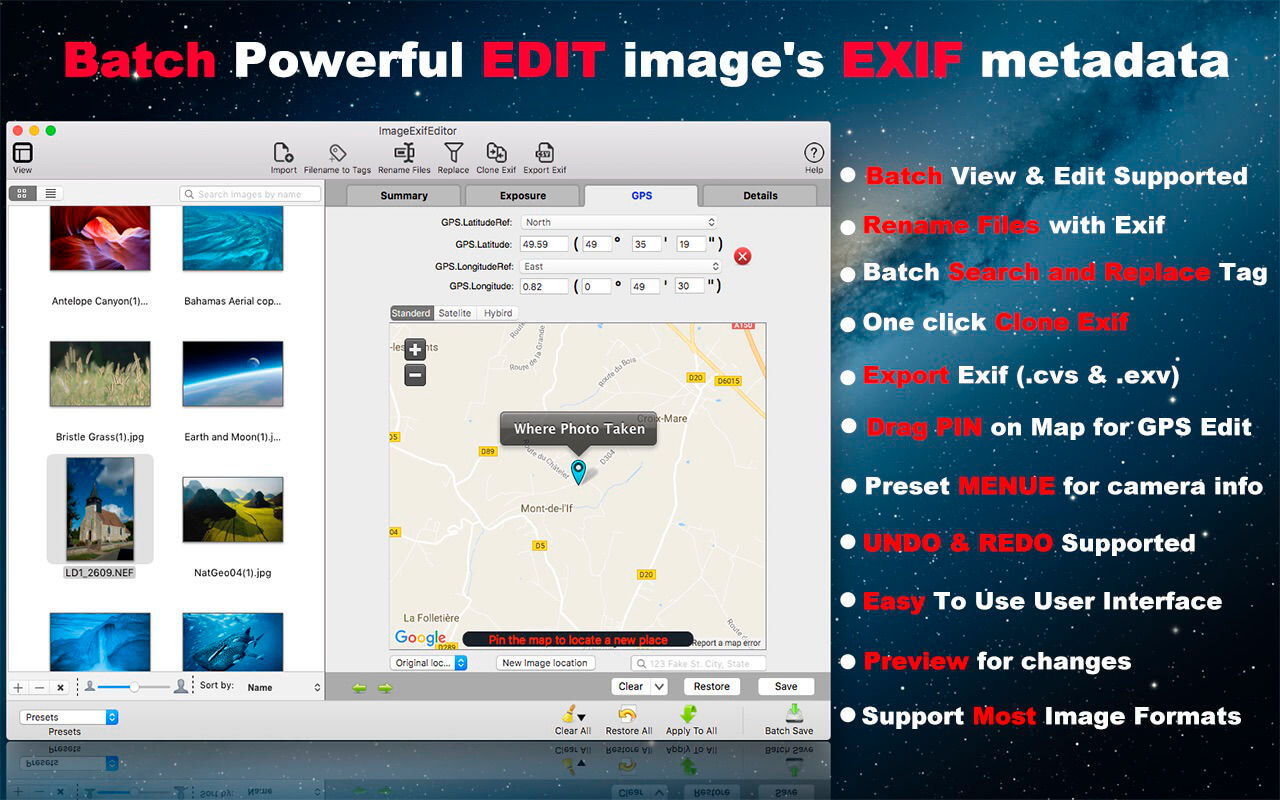
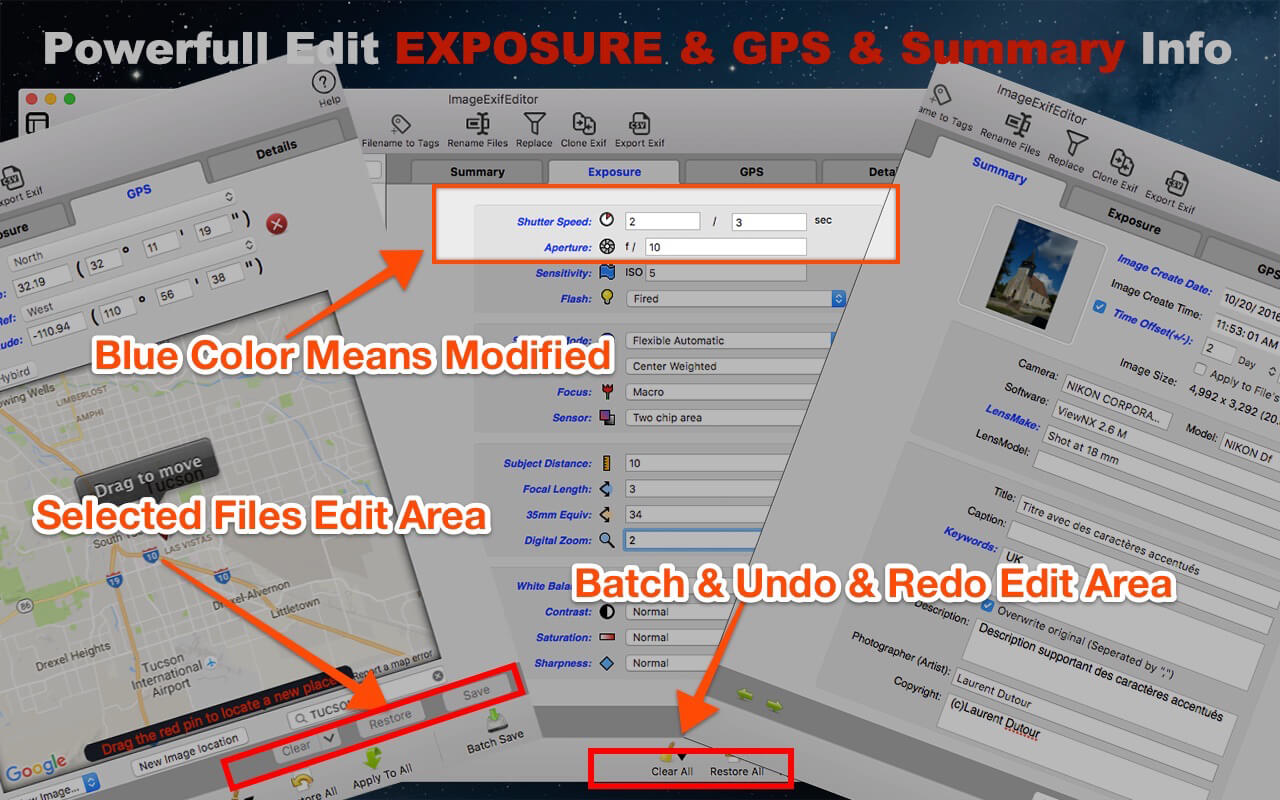
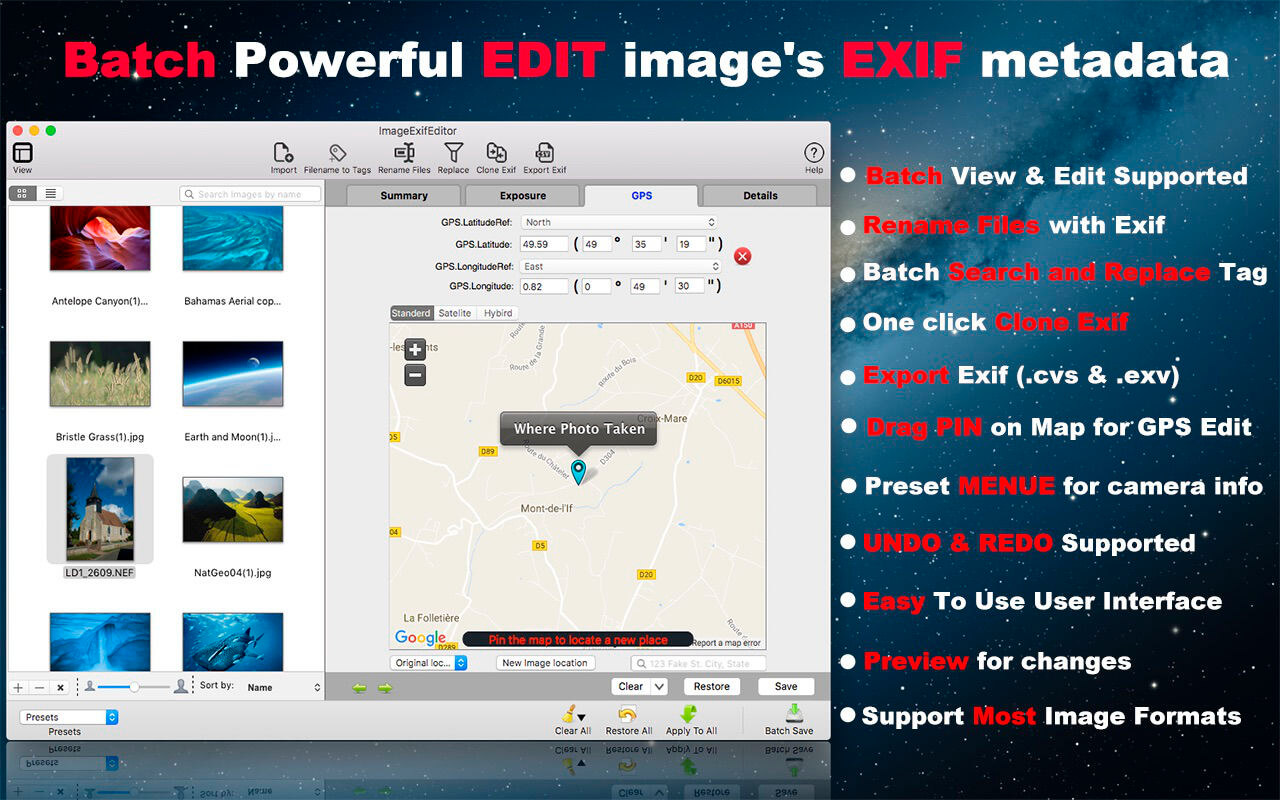
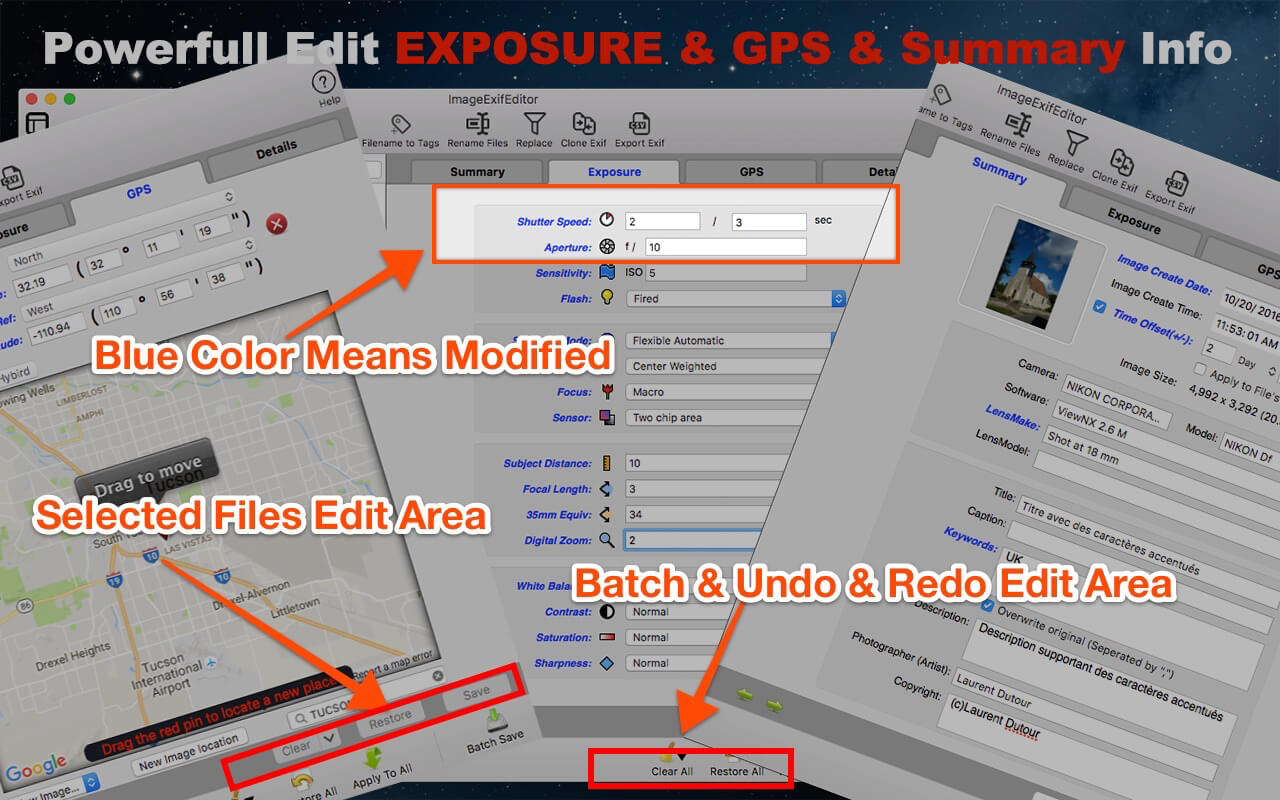
Image Exif Editor was designed to present as many details about how a photo was taken in a clear and easy to understand format with powerful EXIF metadata editing capabilities. It’s the most powerful tool to handle the EXIF information in your favorite images.

New Version Added Main functions:
FUNTION

  • Batch copy filename to Title field.
  • Batch rename image files.
  • Batch search and replace EXIF information.
  • One click to clone the image’s EXIF data.
  • Export Image’s EXIF data to .cvs or .exv.

IMPROVMENT

  • Fixed DNG File import crash.
  • Support for Nikon/AutoFocus and Sony/FocusPosition Metadata
  • Bug and security fixes.

MAIN FEATURES:
1. The Easiest Way To Edit Exif Data
you do not need to know more detail for change the image’s metadata, Image Exif Editor gives you many visible pre-set value for choice, So you just chose one for edit; It’s so easy!

2. Batch Image Exif Data Edit Supported
Image Exif Editor support Batch images edit, you can apply one image modify to others, and you can batch modify or clear Exif metadata

3. Visible GPS Geolocation And Camera Information Edit
you can see the place where your photo was taken on a map, and you can easily drag a pin to change a new place for your photo taken.

4. Enhanced GPS Geolocation Edit
GPS Geolocation Edit is so commonly used, so Image Exif Editor enhanced GPS geolocation, you can search a palace and drag the pin to change to the destination, also you can input the latitude and longitude value to re-locate your images. Other amazing features you can find when you use this function.

5. Batch Rename Files
Now, you can rename image files use the Exif data of the images, addition with other fantastic rename functions.

6. Export Exif Data
if you want to save the image’s EXIF data or share them with others, you can export the EXIF data of images with .cvs or .edu EXIF data formate.

7. Clone Exif data
you just need one click to clone an image’s EXIF data to other images. Cool!

8. Batch find and replace the image’s EXIF data
the most convenient function for you just wants to search all the EXIF data and replace some image’s EXIF data with other words.

9. Quick Search Allows You To Easily Find And Edit The Image’s Exif Metadata
you can quickly find the image you want to edit by typing the name to search in a large number of images;

10. Undo Redo Supported For Batch Edit
one more thing, you can redo edit when you change your mind to give up your edit, and you can clear all by clicking the clear all button in the batch operation area.

11. Easy to find an edited field by a different color and identify the edited image by image state icon.

12. Easy To Use User Interface

13. Support Most Image Formats
jpeg, png,dxv, cr2, crw, mrs, tiff, dng, nef, pef, sr2, srw, orf, pgf, raf, eps, xmp, gif, psd, tga, bmp, jp2 and so on.
Compatibility: OS X 10.9 or later 64-bit
Mac App Store: https://geo.itunes.apple.com/app/id574607554

Screenshots


Name: ImageExifEditor_5.2.1_MAS__TNT_Mactorrents.io.dmg
Size: 12 MB
Files ImageExifEditor_5.2.1_MAS__TNT_Mactorrents.io.dmg[12 MB]

   Download

Image Exif Editor 5.2.0

Image Exif Editor was designed to present as many details about how a photo was taken in a clear and easy to understand format with powerful EXIF metadata editing capabilities. It’s the most powerful tool to handle the EXIF information in your favorite images.

New Version Added Main functions:
FUNTION

  • Batch copy filename to Title field.
  • Batch rename image files.
  • Batch search and replace EXIF information.
  • One click to clone the image’s EXIF data.
  • Export Image’s EXIF data to .cvs or .exv.

IMPROVMENT

  • Fixed DNG File import crash.
  • Support for Nikon/AutoFocus and Sony/FocusPosition Metadata
  • Bug and security fixes.

MAIN FEATURES:
1. The Easiest Way To Edit Exif Data
you do not need to know more detail for change the image’s metadata, Image Exif Editor gives you many visible pre-set value for choice, So you just chose one for edit; It’s so easy!

2. Batch Image Exif Data Edit Supported
Image Exif Editor support Batch images edit, you can apply one image modify to others, and you can batch modify or clear Exif metadata

3. Visible GPS Geolocation And Camera Information Edit
you can see the place where your photo was taken on a map, and you can easily drag a pin to change a new place for your photo taken.

4. Enhanced GPS Geolocation Edit
GPS Geolocation Edit is so commonly used, so Image Exif Editor enhanced GPS geolocation, you can search a palace and drag the pin to change to the destination, also you can input the latitude and longitude value to re-locate your images. Other amazing features you can find when you use this function.

5. Batch Rename Files
Now, you can rename image files use the Exif data of the images, addition with other fantastic rename functions.

6. Export Exif Data
if you want to save the image’s EXIF data or share them with others, you can export the EXIF data of images with .cvs or .edu EXIF data formate.

7. Clone Exif data
you just need one click to clone an image’s EXIF data to other images. Cool!

8. Batch find and replace the image’s EXIF data
the most convenient function for you just wants to search all the EXIF data and replace some image’s EXIF data with other words.

9. Quick Search Allows You To Easily Find And Edit The Image’s Exif Metadata
you can quickly find the image you want to edit by typing the name to search in a large number of images;

10. Undo Redo Supported For Batch Edit
one more thing, you can redo edit when you change your mind to give up your edit, and you can clear all by clicking the clear all button in the batch operation area.

11. Easy to find an edited field by a different color and identify the edited image by image state icon.

12. Easy To Use User Interface

13. Support Most Image Formats
jpeg, png,dxv, cr2, crw, mrs, tiff, dng, nef, pef, sr2, srw, orf, pgf, raf, eps, xmp, gif, psd, tga, bmp, jp2 and so on.
Compatibility: OS X 10.9 or later 64-bit
Mac App Store: https://geo.itunes.apple.com/app/id574607554

Screenshots


Name: ImageExifEditor_5.2.0_MAS__TNT_Mactorrents.io.dmg
Size: 12 MB
Files ImageExifEditor_5.2.0_MAS__TNT_Mactorrents.io.dmg[12 MB]

   Download

OmniGraffle Pro 7.19.3

OmniGraffle Pro helps you draw beautiful diagrams, family trees, flow charts, org charts, layouts, and (mathematically speaking) any other directed or non-directed graphs. We’ve had people use Graffle to plan plotlines for a story, make an overview of an operating system, show the evolution of computers, and even show how diseases can spread in a closed population. If you want to organize your thoughts, your projects, or even your friends graphically, using boxes and lines, OmniGraffle is your tool.

OmiGraffle Professional has all of the great features in 6.0, plus a powerful toolset for advanced document creation and editing options. For the pro user who’s looking for an in-depth diagramming application that’s still priced below the competition, you’ve come to the right place.

Compatibility: macOS 10.14 or later, 64-bit processor
Homepage https://www.omnigroup.com/omnigraffle

Screenshots


Name: Omni.Group.OmniGraffle.Pro.v7.19.3.MacOS.zip
Size: 67 MB
Files Omni.Group.OmniGraffle.Pro.v7.19.3.MacOS.zip [67 MB]

   Download

PatterNodes 3.0.0b11

PatterNodes is a tool for creating graphical patterns, animations, gradients, or illustrations based on repetitions. This is done by defining a sequence of steps, a recipe of sorts, that describes the pattern. Each pattern element or operation is represented by a little panel called a node, and the nodes are then linked by connections drawn between them. As the nodes can be freely combined and connected, this gives you a very flexible and powerful interface.

While this interface requires a different way of thinking, it also offers a lot of benefits compared to traditional Illustrator-type editors. Most importantly it enables you to use sliders to instantly change any aspect, like color, spacing, scaling, rotation or repetition count of any part of the pattern without having to undo/redo any steps. You can also specify animation value ranges for any of these parameters.

The resulting pattern tile is always shown in the bottom preview view, repeated and updating in real time with any changes, giving you instant feedback of what the end result will be. To make pattern creation easier PatterNodes also includes a lot of nodes that automatically perform common tedious tasks like repeating elements at the tile edges to make the pattern seamless, or randomizing different aspects (like color, position, rotation, etc.) of the elements in a pattern to give it a little more life. Finally, when you’re done you can simply copy the pattern tile into whatever illustration or graphics application you use, or export it either as vector graphics or a bitmap image file. Animations can be exported as GIF, QuickTime MOV or numbered PNG or JPG files

Compatibility: OS X 10.10 or later, 64-bit processor
Homepage http://www.lostminds.com/content/product.php?patternodes

Screenshots

Name: Patternodes_3.0.0b11__TNT_Mactorrents.io.dmg
Size: 14 MB
Files Patternodes_3.0.0b11__TNT_Mactorrents.io.dmg[14 MB]

   Download

Sketch 82.1

Sketch: graphic design for a digital world. Powerful tools and an elegant interface, in a single award-winning package. Because making beautiful things should be a joy, not a burden.

Sketch supports multiple fills, borders and shadows per layer; has powerful non-destructive boolean operations; smart pixel alignment; and makes exporting a breeze with automatic slicing and multiple resolution export.

Vector tools and basic shapes are the foundation; whether you are designing icons, websites, interfaces or anything else. Combine these into complex shapes with non-destructive boolean operations, leaving you free to edit them in the future, then apply advanced layer style options like multiple shadows, fills, gradients, noise, blending, background blurring, and more.

Sketch doesn’t just do shapes, of course. Imported images can be rotated, scaled, cropped and masked. The best-in-class text tool lets you add beautiful typography to your designs, using native font rendering, so you can be sure that text always looks 100% accurate!

Brand new to Sketch 3, Symbols allow you to reuse entire groups of content in multiple places in your design. Think of interface elements such as buttons, headers and footers. Change them once, and they update everywhere in your document.

Built for the Mac, Sketch supports OS X’s Versions and Auto Save, letting you focus on your work instead of hitting CMD+S. Keep your work safely in sync across multiple Mac computers with iCloud. And take Sketch full screen to maximise the size of your canvas.

All this power is deliciously baked into Sketch’s single-window interface. Everything is there, tucked away until you need it. A simple interface with powerful tools.

Compatibility: macOS 10.14.4 or later 64 bit
Homepage https://www.sketch.com/updates/

Screenshots


Name: Sketch_82.1__TNT_Mactorrents.io.dmg
Size: 70 MB
Files Sketch_82.1__TNT_Mactorrents.io.dmg[70 MB]

   Download

Boxy SVG 3.75.1

Boxy SVG project goal is to create the best SVG editor for non-technical users as well as for professional designers and developers.

SVG is the standard format for storing vector graphics such as icons, banners, charts and illustrations.

CORE FEATURES

  • Clean and intuitive UI heavily inspired by Inkscape, Sketch and Adobe Illustrator
  • Extensive support for on-canvas editing of object geometry, transform, paint and other properties
  • Save to SVG and SVGZ formats, export to PNG, JPG, WebP, PDF and HTML5
  • Open Clip Art Library integration with thousands of free stock vector arts
  • Google Fonts integration with hundreds of free fonts
  • Configurable keyboard shortcuts for over 100 commands
  • Manual guides, smart guides and grid
  • Path operations (unite, intersect, subtract, exclude, close, reverse, etc.)
  • Arrangement operations (align to, rotate, flip, order, group, etc.)

FOR WEB DEVELOPERS

  • Chromium-based rendering engine
  • SVG and CSS code inspector similar to Chrome Dev Tools
  • Clean SVG output that preserves IDs, classes, titles and other metadata
  • SVG sprites editing support

Compatibility: macOS 10.10.0 or later
Homepage https://geo.itunes.apple.com/app/id611658502

Screenshots


Name: Boxy_SVG_3.75.1_MAS__HCiSO_Mactorrents.io.dmg
Size: 145.5 MB
Files Boxy_SVG_3.75.1_MAS__HCiSO_Mactorrents.io.dmg[145.5 MB]

   Download

Sketch 82

Sketch: graphic design for a digital world. Powerful tools and an elegant interface, in a single award-winning package. Because making beautiful things should be a joy, not a burden.

Sketch supports multiple fills, borders and shadows per layer; has powerful non-destructive boolean operations; smart pixel alignment; and makes exporting a breeze with automatic slicing and multiple resolution export.

Vector tools and basic shapes are the foundation; whether you are designing icons, websites, interfaces or anything else. Combine these into complex shapes with non-destructive boolean operations, leaving you free to edit them in the future, then apply advanced layer style options like multiple shadows, fills, gradients, noise, blending, background blurring, and more.

Sketch doesn’t just do shapes, of course. Imported images can be rotated, scaled, cropped and masked. The best-in-class text tool lets you add beautiful typography to your designs, using native font rendering, so you can be sure that text always looks 100% accurate!

Brand new to Sketch 3, Symbols allow you to reuse entire groups of content in multiple places in your design. Think of interface elements such as buttons, headers and footers. Change them once, and they update everywhere in your document.

Built for the Mac, Sketch supports OS X’s Versions and Auto Save, letting you focus on your work instead of hitting CMD+S. Keep your work safely in sync across multiple Mac computers with iCloud. And take Sketch full screen to maximise the size of your canvas.

All this power is deliciously baked into Sketch’s single-window interface. Everything is there, tucked away until you need it. A simple interface with powerful tools.

What’s New:

New in Sketch 82

  • Introducing Components web view With Components web view, you can open up your libraries and make them easier for everyone to understand.
  • You can now browse Symbols, Color Variables, Layer Styles and Text Styles, jump or search for specific components and use the menu on the left-hand side to navigate components in more detail.

What’s improved

  • You can now send Workspace documents and projects you no longer need to Trash right from the  Workspace window.
  • We‘ve improved the rendering of text layers and complex shapes when using inside or outside borders.
  • You can now change prototyping targets directly in the Canvas by dragging the link arrow to the Artboard you want.
  • We’ve optimized the way fonts are embedded when exporting Artboards to PDF so the size of your exported PDF is smaller.
  • Embedding fonts in Workspace documents is now much easier. When you save a document to a Workspace for the first time, or after adding new custom fonts, you can quickly select which fonts you want to embed — or all at once — with a single click. Even better, the app remembers your choice for each Workspace, so you don’t have to do this for every new document. As always, make sure that you have all the necessary licenses, rights and permissions to embed and redistribute any fonts you want to use.

What’s changed

  • If you‘re using Abstract, please make sure to update to their latest version to ensure everything works smoothly.

What’s fixed

  • Fixes a bug where a rounded corner used along a curved point could cause the Mac app to hang and use too much memory.
  • Fixes a bug in vector editing mode that would align an entire layer instead of the selected points.
  • Fixes a bug that could cause the Canvas to become unresponsive when rendering shadows for complex paths.
  • Fixes a bug that could cause the Mac app to become unresponsive while rendering complex combined shapes with non-intersecting paths.
  • Fixes a bug that could cause items in the sidebar bar to not display correctly if the sidebar was hidden when changing appearance mode.
  • Fixes a bug that could cause input fields to defocus when editing overrides.
  • Fixes a bug where the export options could appear clipped or could cover the folder navigation view entirely.

Compatibility: macOS 10.14.4 or later 64 bit
Homepage https://www.sketch.com/updates/

Screenshots


Name: Sketch_82__TNT_Mactorrents.io.dmg
Size: 69.37 MB
Files Sketch_82__TNT_Mactorrents.io.dmg[69.37 MB]

   Download

Boxy SVG 3.75.0

Boxy SVG project goal is to create the best SVG editor for non-technical users as well as for professional designers and developers.

SVG is the standard format for storing vector graphics such as icons, banners, charts and illustrations.

CORE FEATURES

  • Clean and intuitive UI heavily inspired by Inkscape, Sketch and Adobe Illustrator
  • Extensive support for on-canvas editing of object geometry, transform, paint and other properties
  • Save to SVG and SVGZ formats, export to PNG, JPG, WebP, PDF and HTML5
  • Open Clip Art Library integration with thousands of free stock vector arts
  • Google Fonts integration with hundreds of free fonts
  • Configurable keyboard shortcuts for over 100 commands
  • Manual guides, smart guides and grid
  • Path operations (unite, intersect, subtract, exclude, close, reverse, etc.)
  • Arrangement operations (align to, rotate, flip, order, group, etc.)

FOR WEB DEVELOPERS

  • Chromium-based rendering engine
  • SVG and CSS code inspector similar to Chrome Dev Tools
  • Clean SVG output that preserves IDs, classes, titles and other metadata
  • SVG sprites editing support

Compatibility: macOS 10.10.0 or later
Homepage https://geo.itunes.apple.com/app/id611658502

Screenshots


Name: Boxy_SVG_3.75.0_MAS__HCiSO_Mactorrents.io.dmg
Size: 145.5 MB
Files Boxy_SVG_3.75.0_MAS__HCiSO_Mactorrents.io.dmg[145.5 MB]

   Download

Initiater 1.0.1

Initiater is an easy to use small macOS OCR (Optical Character Recognition) app that extracts and recognizes any non-editable text on your Mac computer’s screen. As an extra feature, it can turn graphic files into editable text. Capture Text and Graphics! Upgrade your productivity to the next level!

Initiater is a small app which lives in menu bar, it’s accessible whenever you need it. The app is convenient to use and makes extracting text from your images, scanned documents, or even videos easy.

If you have ever used a built-in Mac’s screen capture application or any other screenshot app before, then it’s not difficult for you to work with Iitiater. Select with a mouse any part of the image, photo, document, or anything on the screen, and the app will process and recognizes any text within this selection. Grabbed part of the screen and having any text in that area be instantly recognized and copied to clipboard or shown in a small window.

Screenshot images containing text part, convert them into editable text files or copy to clipboard where you can paste as a text. Or just save selected part as an image file.

Additionally, the application supports recognizing text from PNG, JPG, JPEG, BMP, TIFF and PSD files, and convert them into plain text. All conversion and screenshots are done securely only on your device, none of your images or texts are sent to any third-party services in the cloud.

This app’s OCR engine or any other feature doesn’t need an internet connection to process function. Secure optical character recognition or screenshot solution for those who are concerned about privacy. The application doesn’t collect any users’ data.

Features in Short
• Grab an screen area
• Recognize text – copy to clipboard or save as text file
• Save screenshot as an image file
• Recognize text from graphic files
• Ultra light app which runs as a menu bar app
• Runs natively on Apple M1 and Intel processors
• On-device OCR Technology, no internet connection is needed
• Instant text recognition. No need to upload files into the network
• Running macOS Catalina: English language is only supported

Compatibility: macOS 10.15 or later • Apple Silicon or Intel Core processor
Mac App Store https://apps.apple.com/app/initiater/id1578490291

Screenshots


Name: Initiater_1.0.1_MAS__HCiSO_Mactorrents.io.dmg
Size: 2.3 MB
Files Initiater_1.0.1_MAS__HCiSO_Mactorrents.io.dmg[2.3 MB]

   Download

JixiPix Spektrel Art 1.1.11

Spektrel Art is an extravagant otherworldly display of undulating movement that glimmers and gleams with intersecting lines of tapered light. Applied to photos, this medium of imaginative and magical art form transcends the ordinary to extraordinary creating something wild, sparkling with life and colorful spaces.

Spektrel Styles

  • Light glimmers and gleams with white tapered light
  • Dark creates a stark contrast of black intersecting lines

Spektrel Art Includes

  • Presets to start you off
  • Detail slider to increase the amount of intersecting lines
  • Glow options add colorful edges and splendrous brillance
  • Taper Length and Sharpen sliders to add twinkle
  • Lighten and Brighten sliders to make it illuminate
  • Edge Detail slider to exaggerate the lines
  • Smoothing slider to softens lines
  • Color Boost for enhanced color
  • Brushes to soften or remove effect
  • Infinite variation for illuminated twinkles, fluid lines and ethereal softness

Every JixiPix Product Features

  • Support for high-resolution images and output
  • Multiple undo
  • Randomize button
  • Quick previewing
  • Customizable settings
  • Superior customer service

JixiPix – plug-in for Photoshop, Photoshop Elements, Corel PaintShop Pro
JixiPix-App – the actual program
JixiPix-Lightroom – plug-in for Lightroom

What’s New:

Version 1.1.11:

  • Release notes were unavailable when this listing was updated.

Compatibility: OS X 10.6 or later, 64-bit processor
Homepage https://jixipix.com/spektrel-art/details.html

Screenshots


Name: JixiPix_Spektrel_Art_1.1.11__TNT_Mactorrents.io.dmg
Size: 16.53 MB
Files JixiPix_Spektrel_Art_1.1.11__TNT_Mactorrents.io.dmg[16.53 MB]

   Download