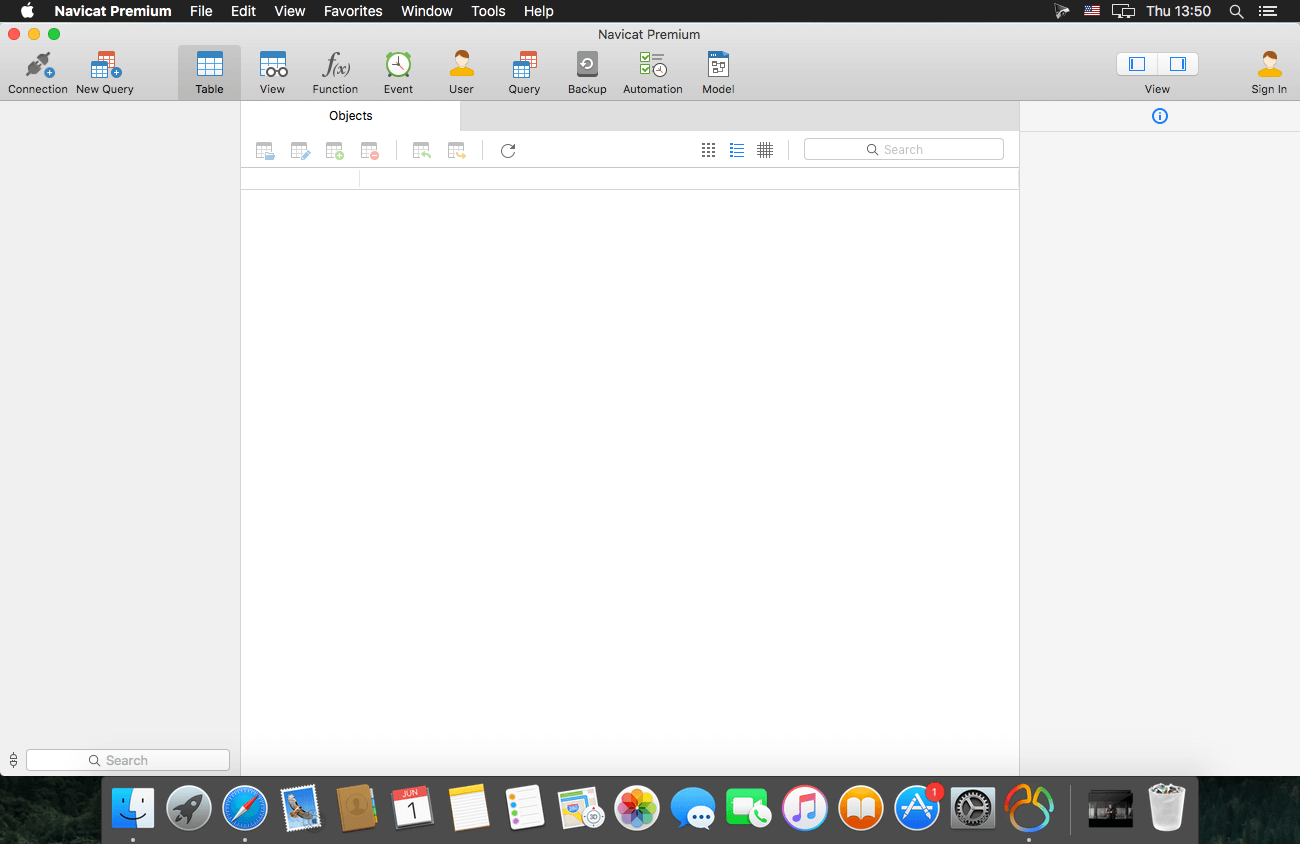
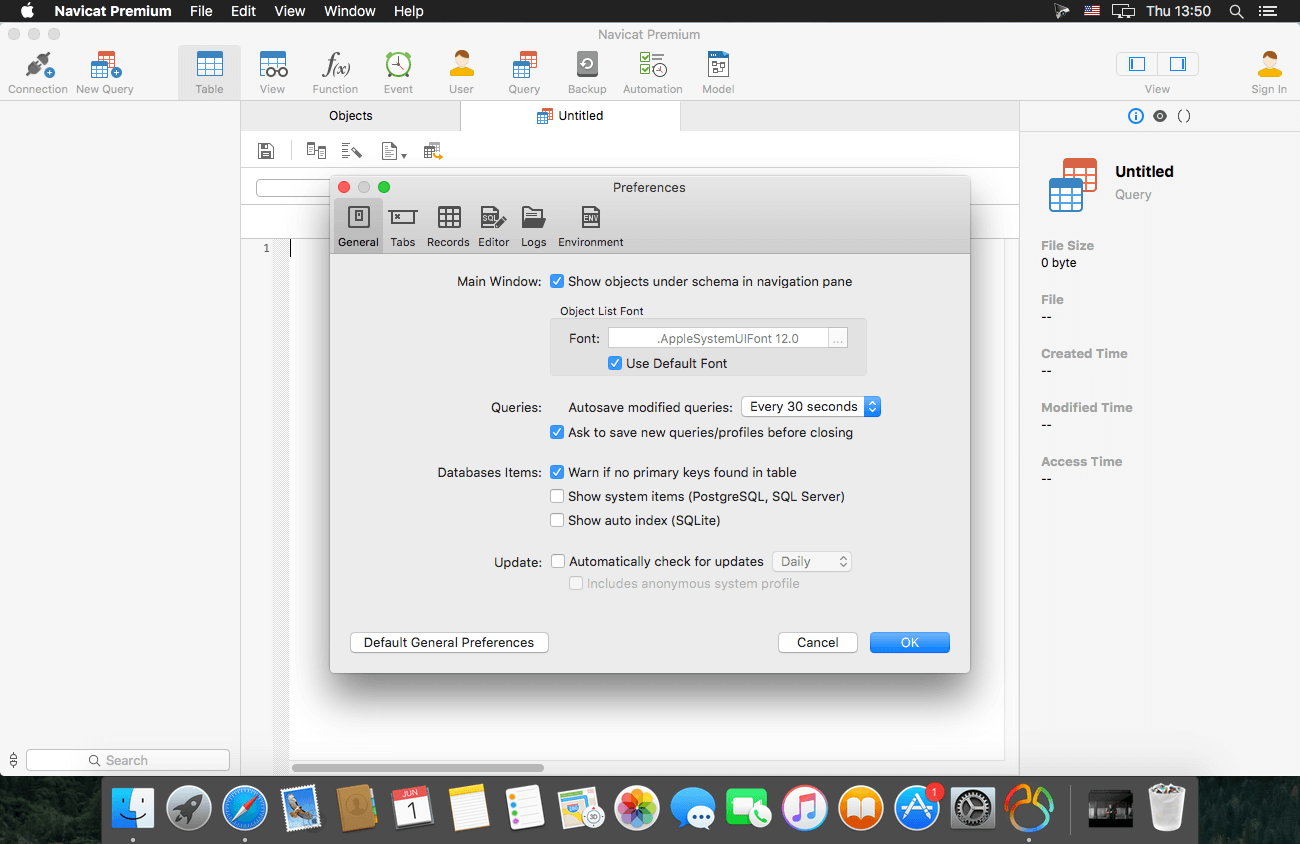
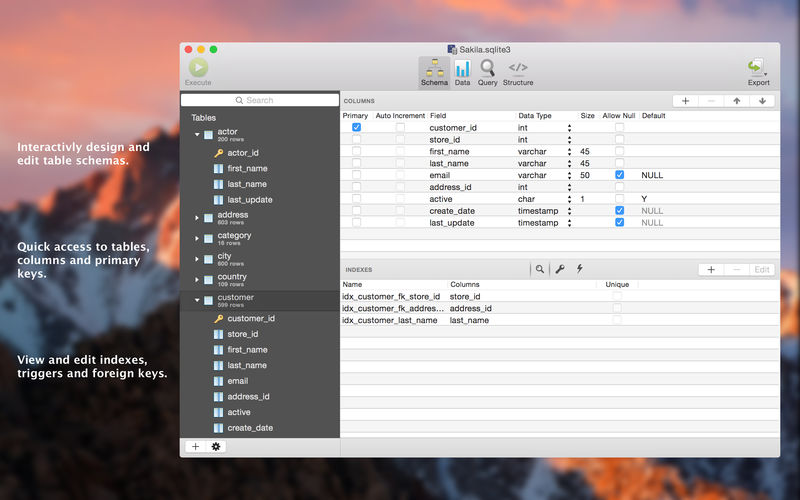
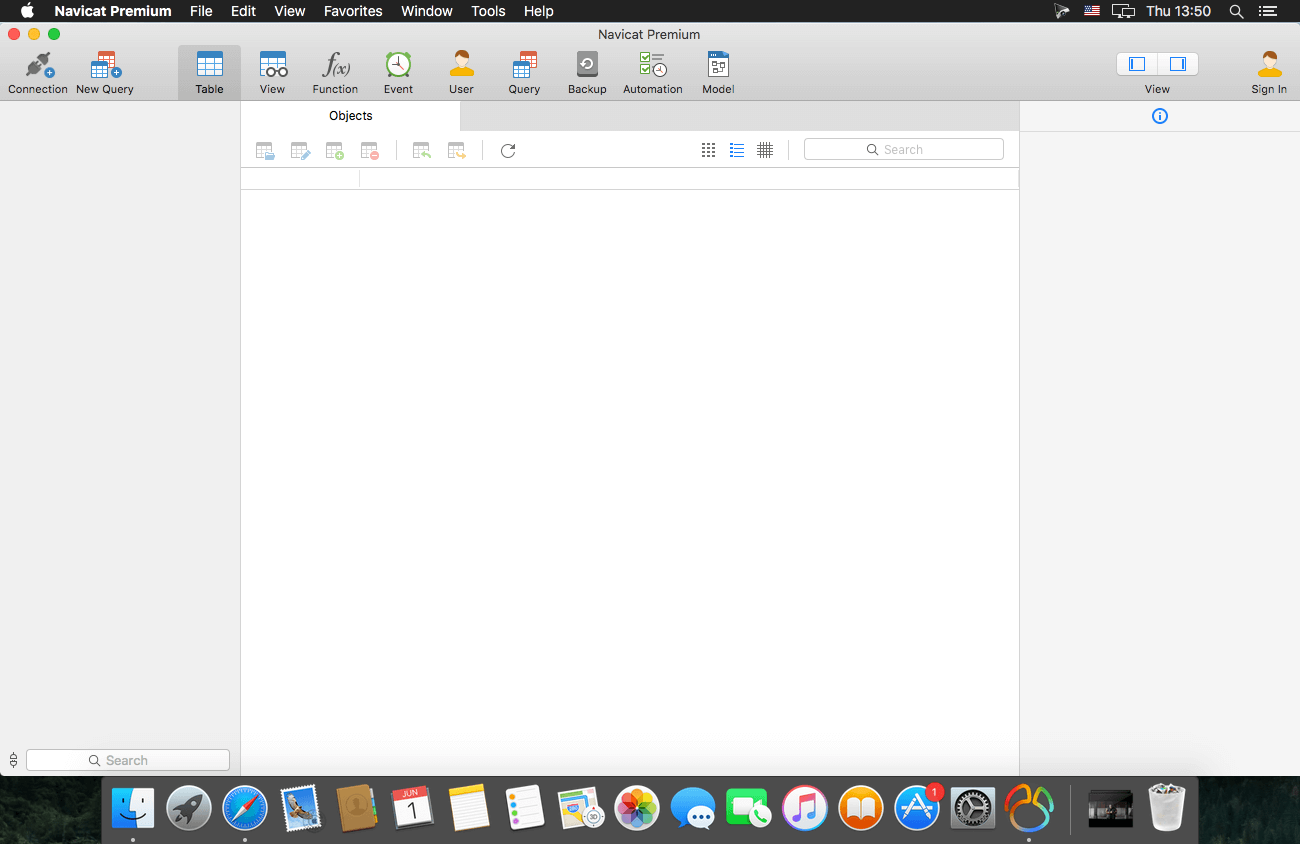
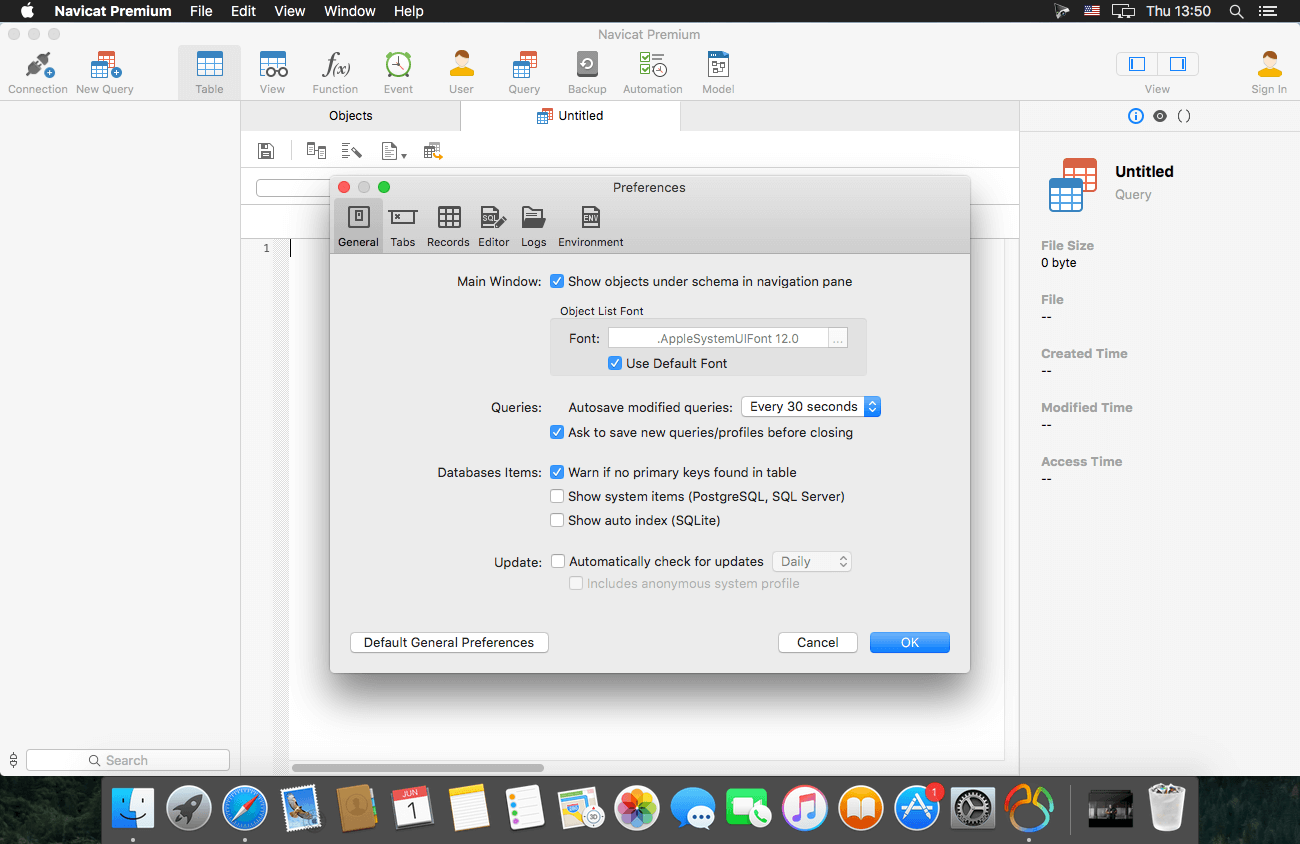
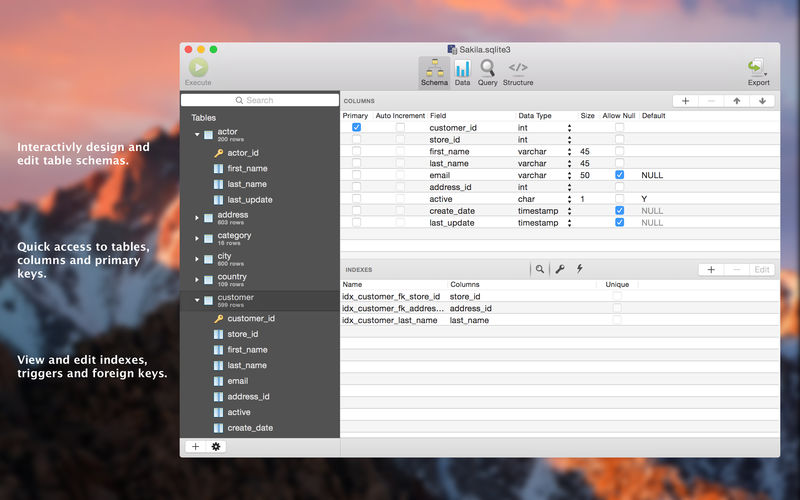
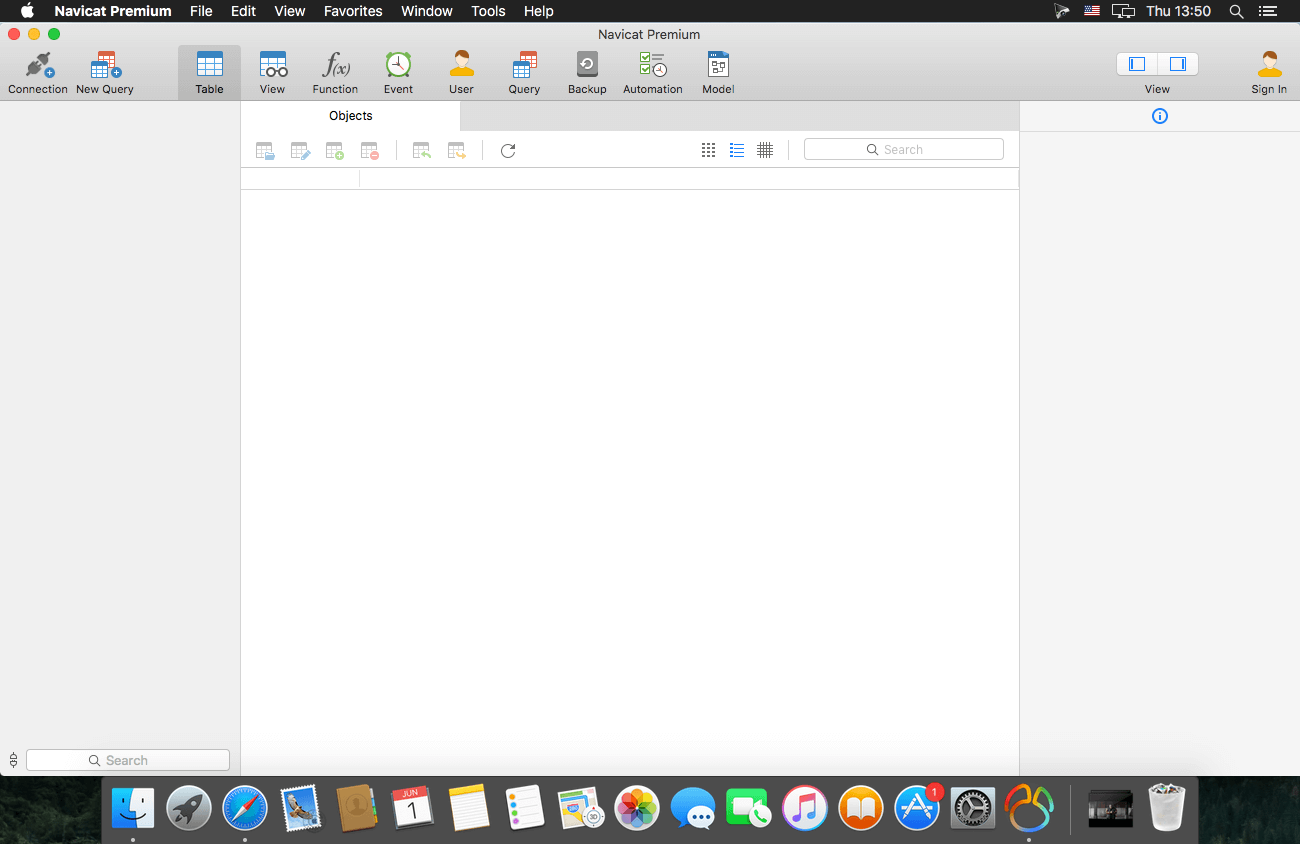
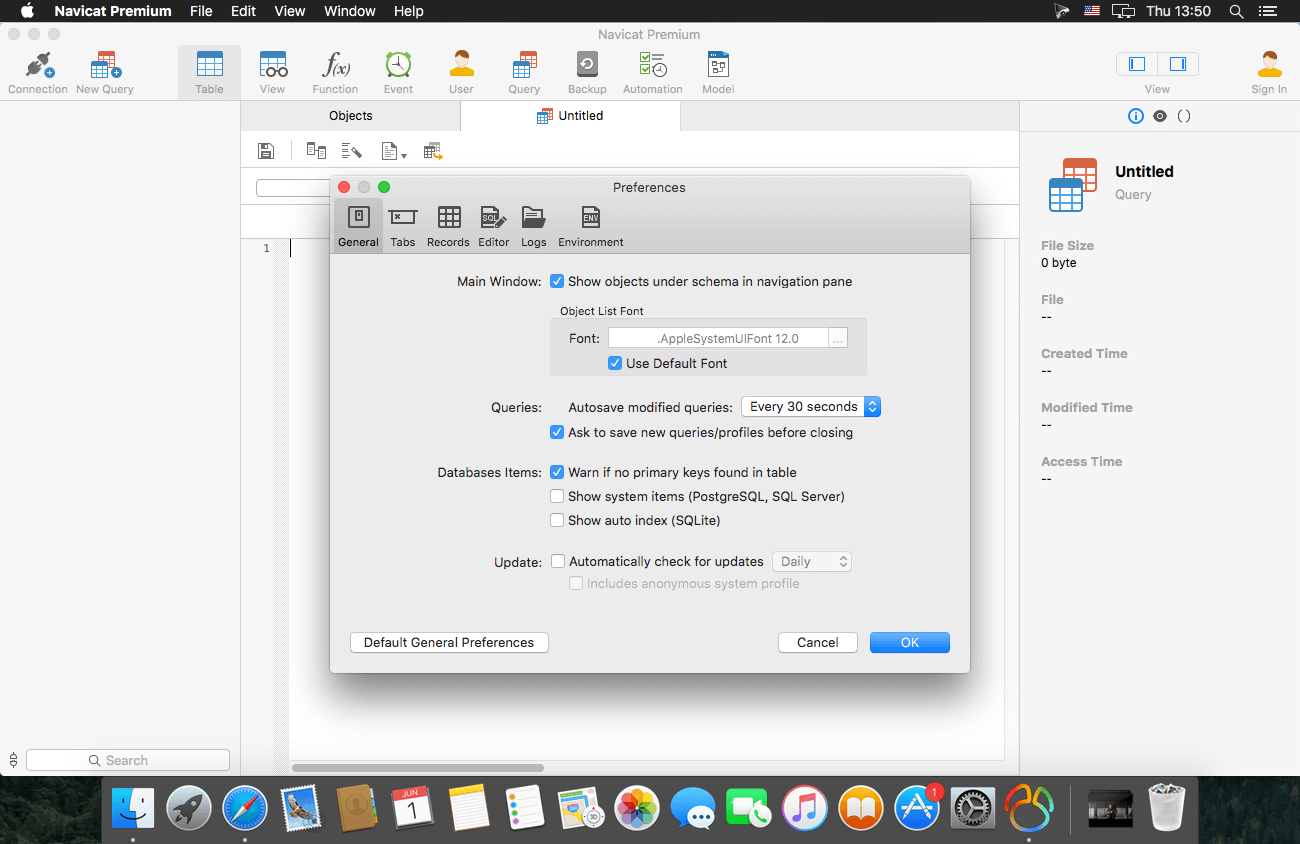
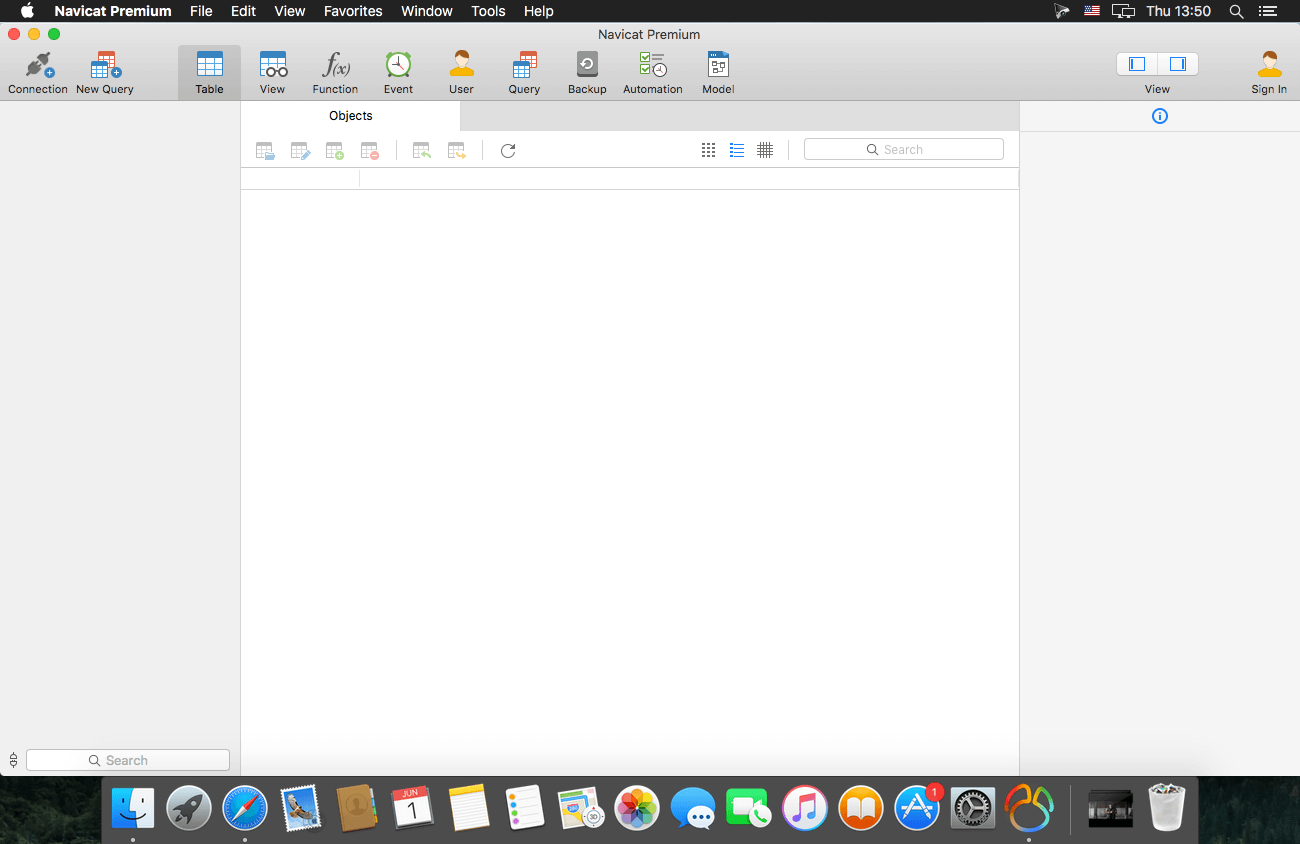
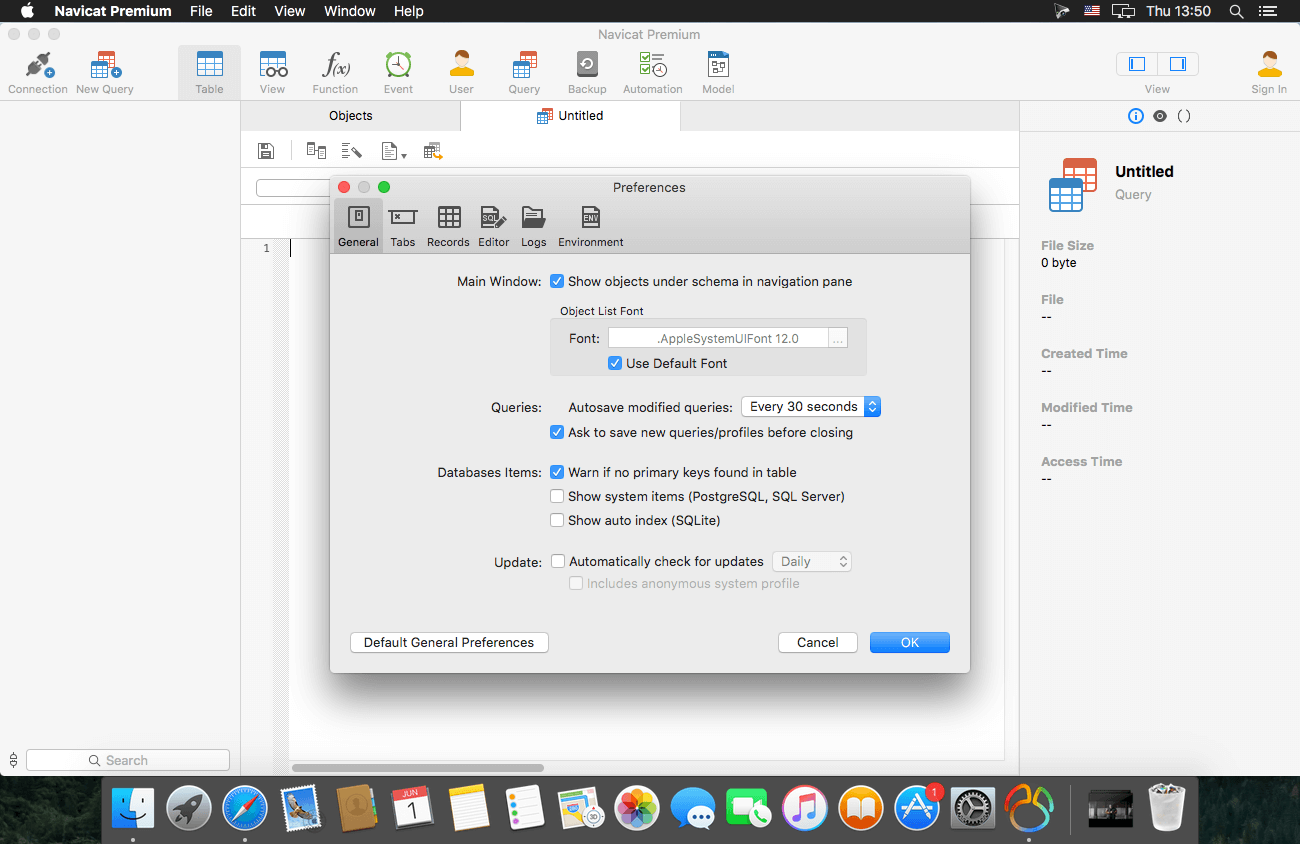
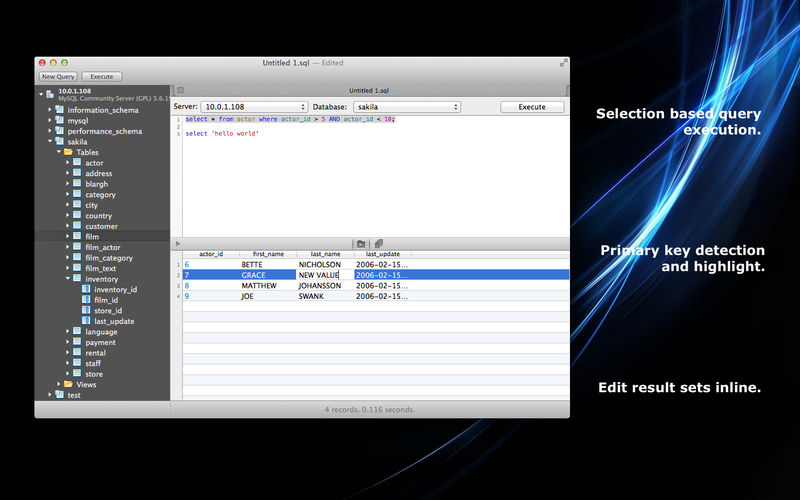
Navicat Premium is an all-in-one database admin and migration tool for MySQL, SQL Server, Oracle and PostgreSQL.
Navicat Premium combines all Navicat versions in an ultimate version and can connect MySQL, Oracle and PostgreSQL. Navicat Premium allows user to drag and drop tables and data from Oracle to MySQL, PostgreSQL to MySQL, Oracle to PostgreSQL and vice versa within a single client. Also, batch jobs for different databases such as print report in MySQL, backup data in Oracle and synchronize data in PostgreSQL can also be scheduled and automated to run at a specific time. All in all, Navicat Premium can help database users to save lots of time to manage multiple databases and perform cross database data migration at their fingertips
This Database Client tool runs on Mac OS X and features an intuitive interface. Other advanced features including Backup/ Restore, Data Import/ Export, Data Synchronization, Reporting and Remote Connection to MySQL, PostgreSQL and Oracle server, etc. This database migration tool provides a friendly step-by-step Wizard-GUI. All you want to do is: select a data source and a target output format, then submit migration!
*** You need to disable the System Integrity Protection (SIP) to perform the selected Application and Gatekeeper off!
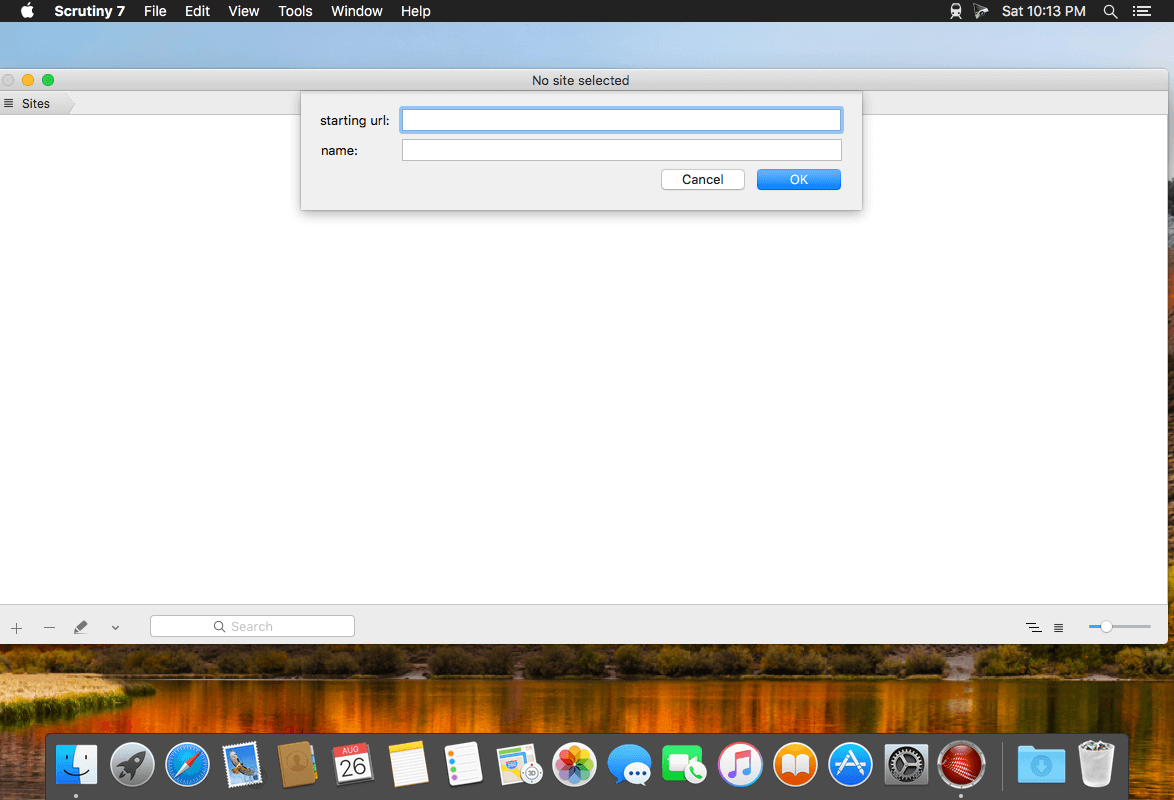
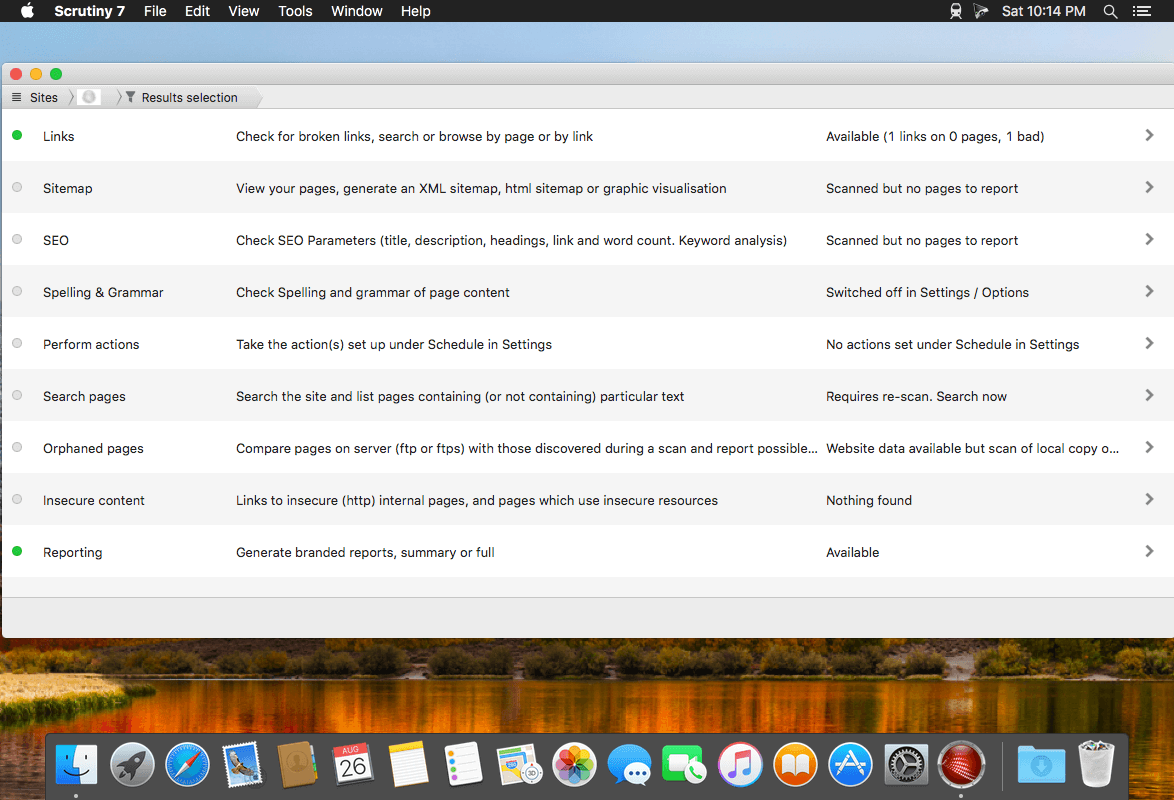
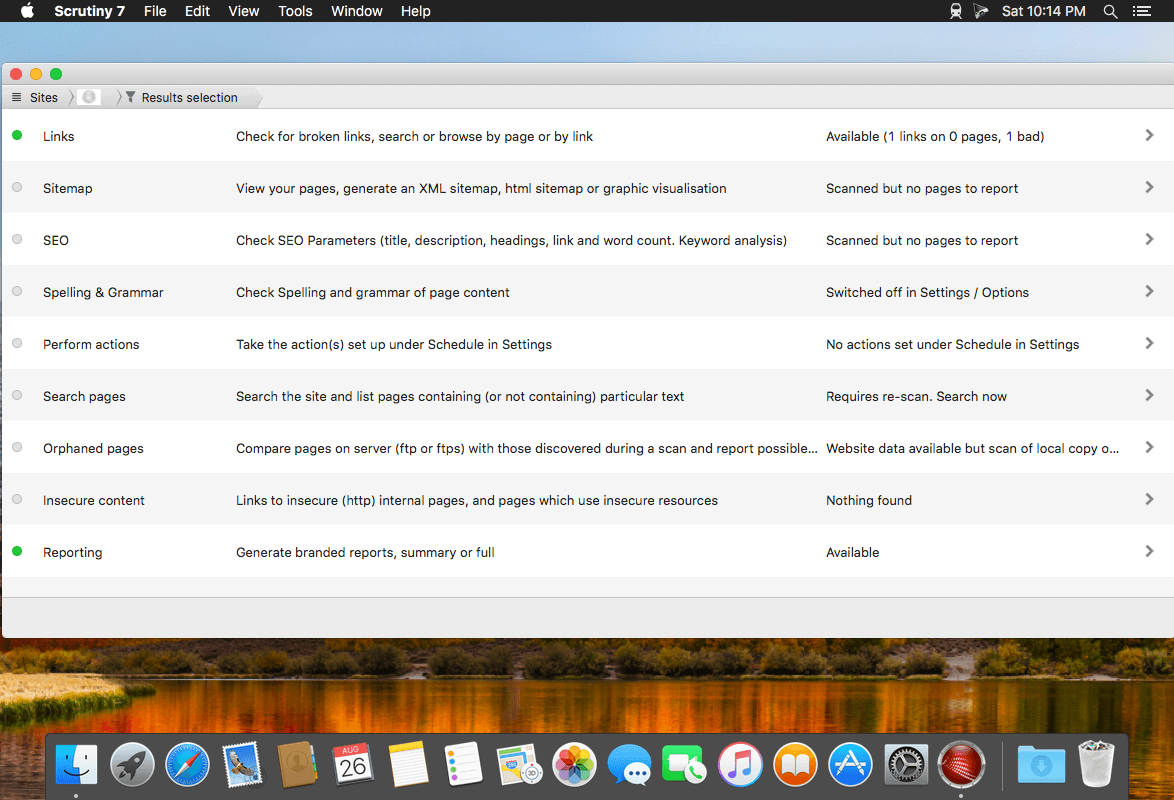
Scrutiny is a suite of web optimization tools including link checking, SEO checks, Sitemap generation, page load speed test, html validation. Version 9 is a major update and includes these new features.
Features
Link checker
SEO analysis
XML sitemap generation, optionally include images / PDF pages
Insecure / mixed content reporting
Page-load speed test
Spelling and grammar checking
Scans sites requiring authentication
Search your site (source or visible text) obtain a list of pages containing a search term or not containing a search term
Website monitoring of as many URL’s as you like with a choice of alerts and logging
Scheduling made easy with a few easy clicks
On finish, send an email, save a report, open a file or AppleScript, FTP the sitemap XML, and other actions
Opens and scans a list of links in HTML, CSV, plain text format, or XML sitemap
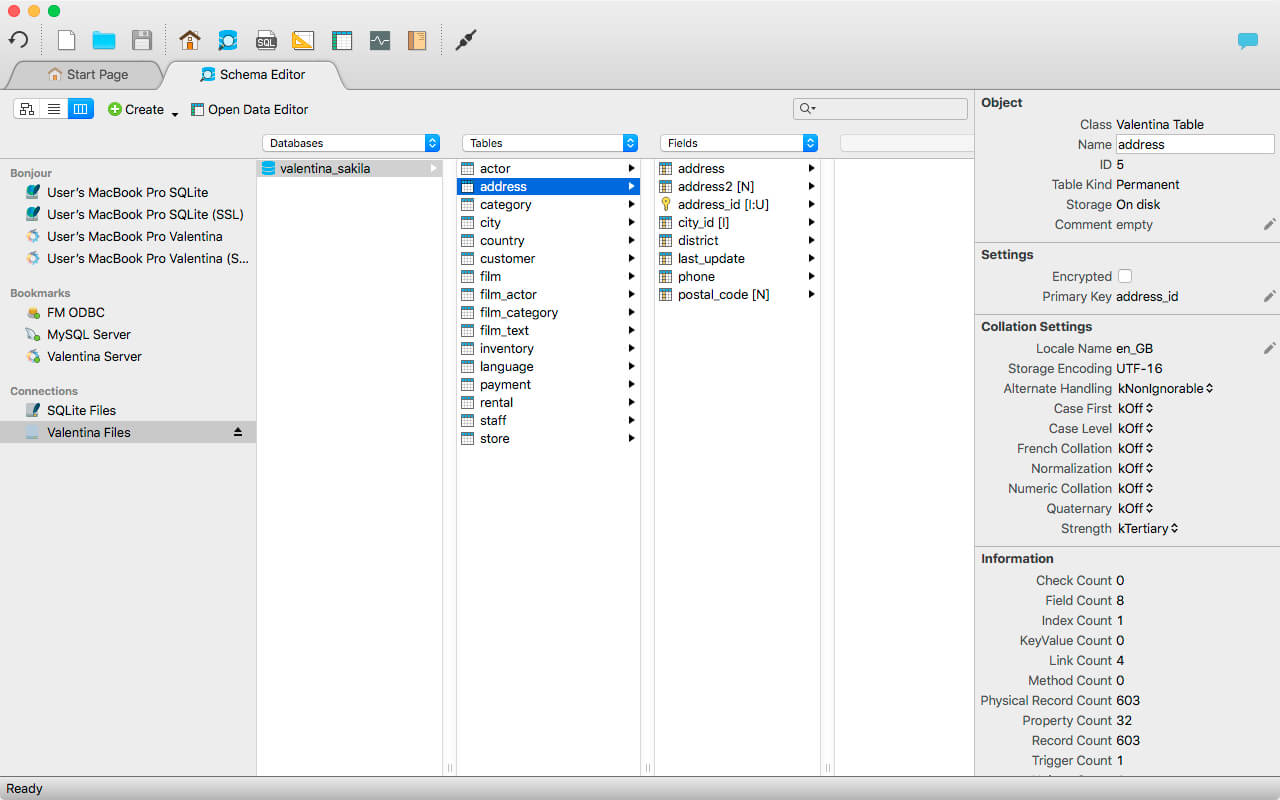
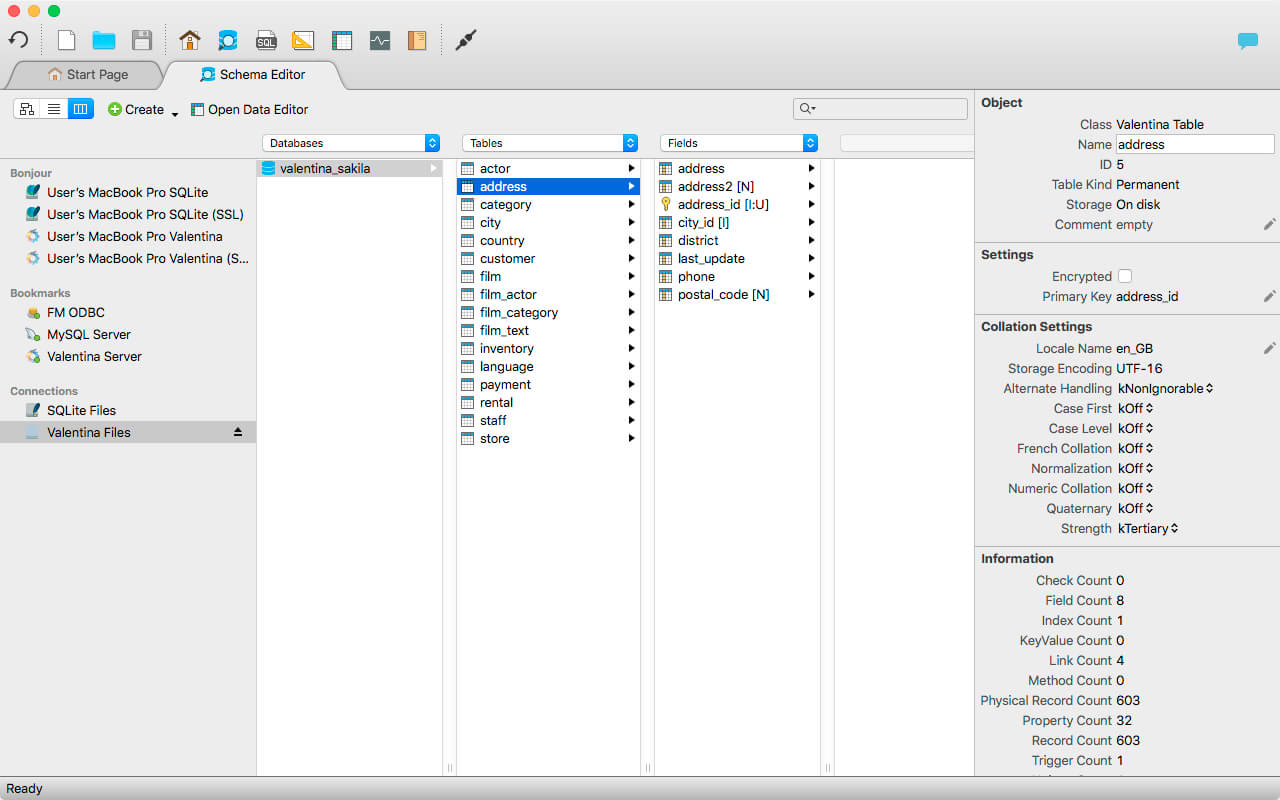
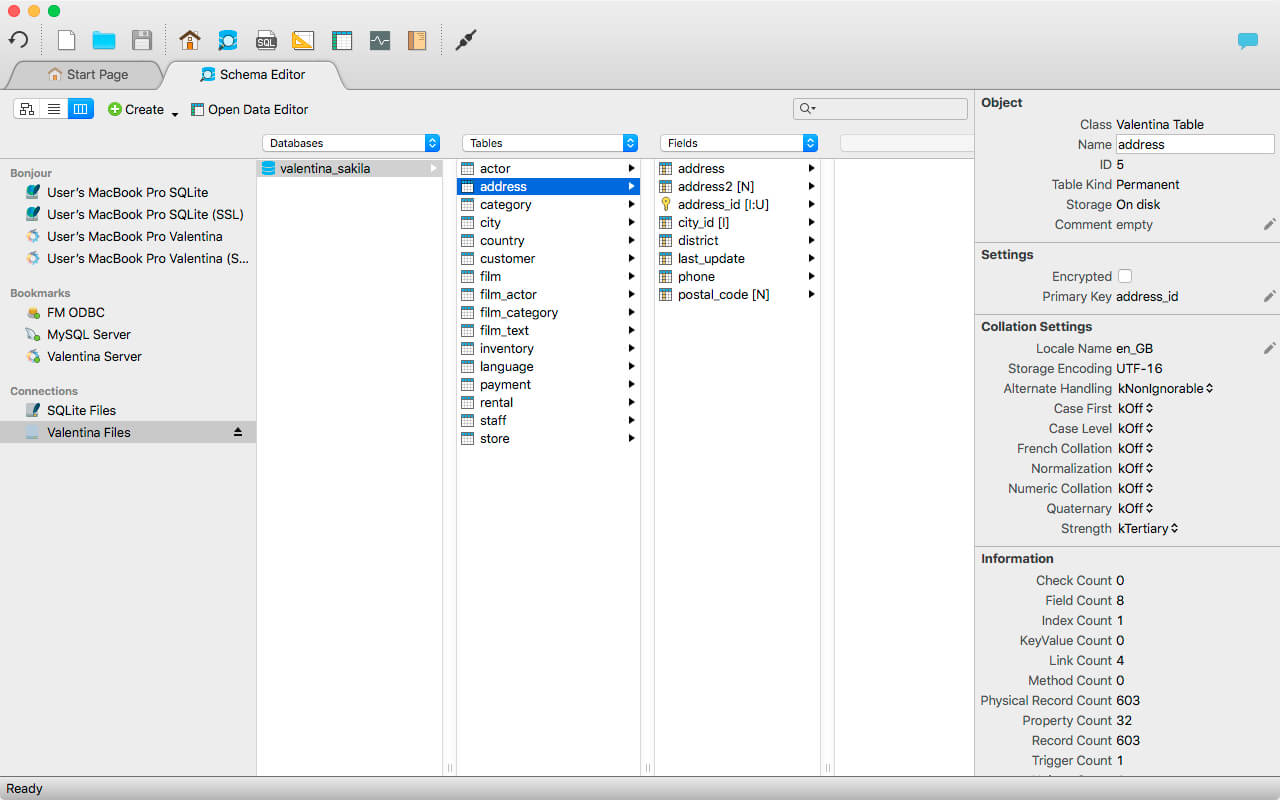
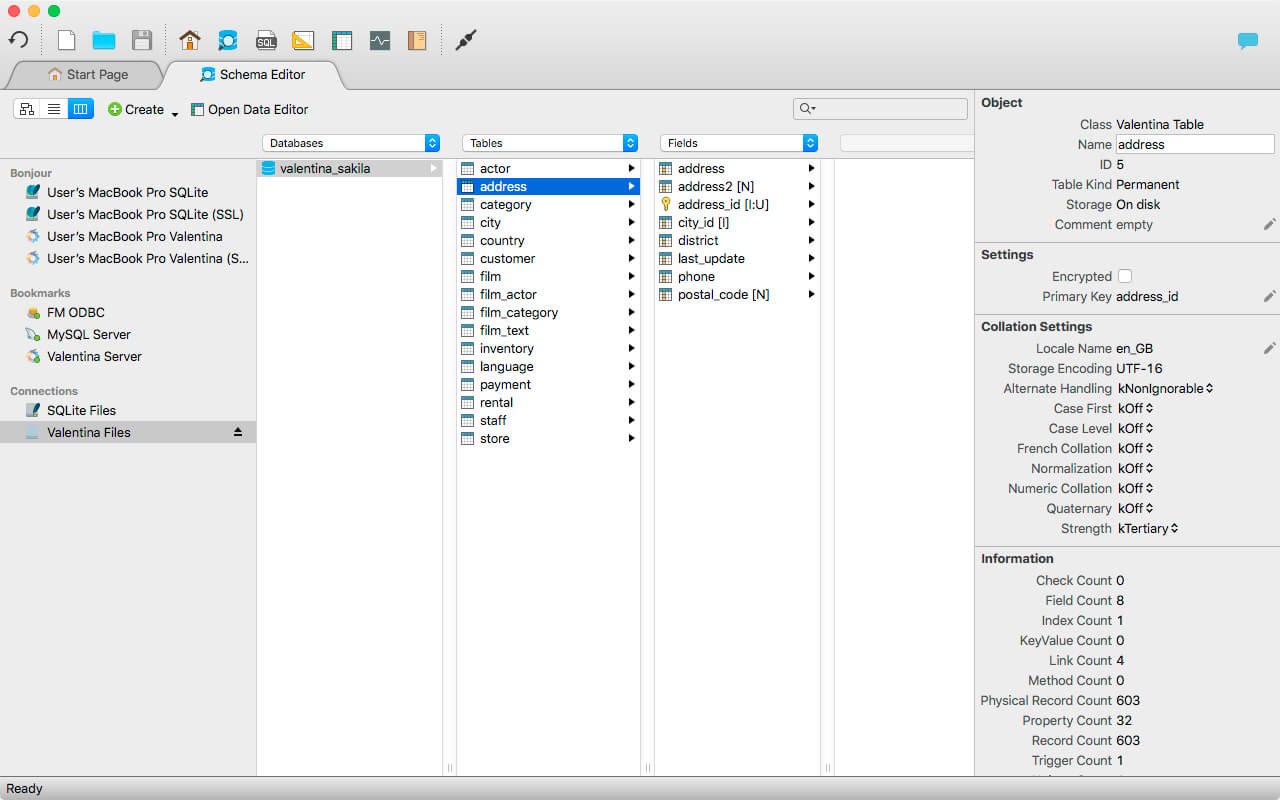
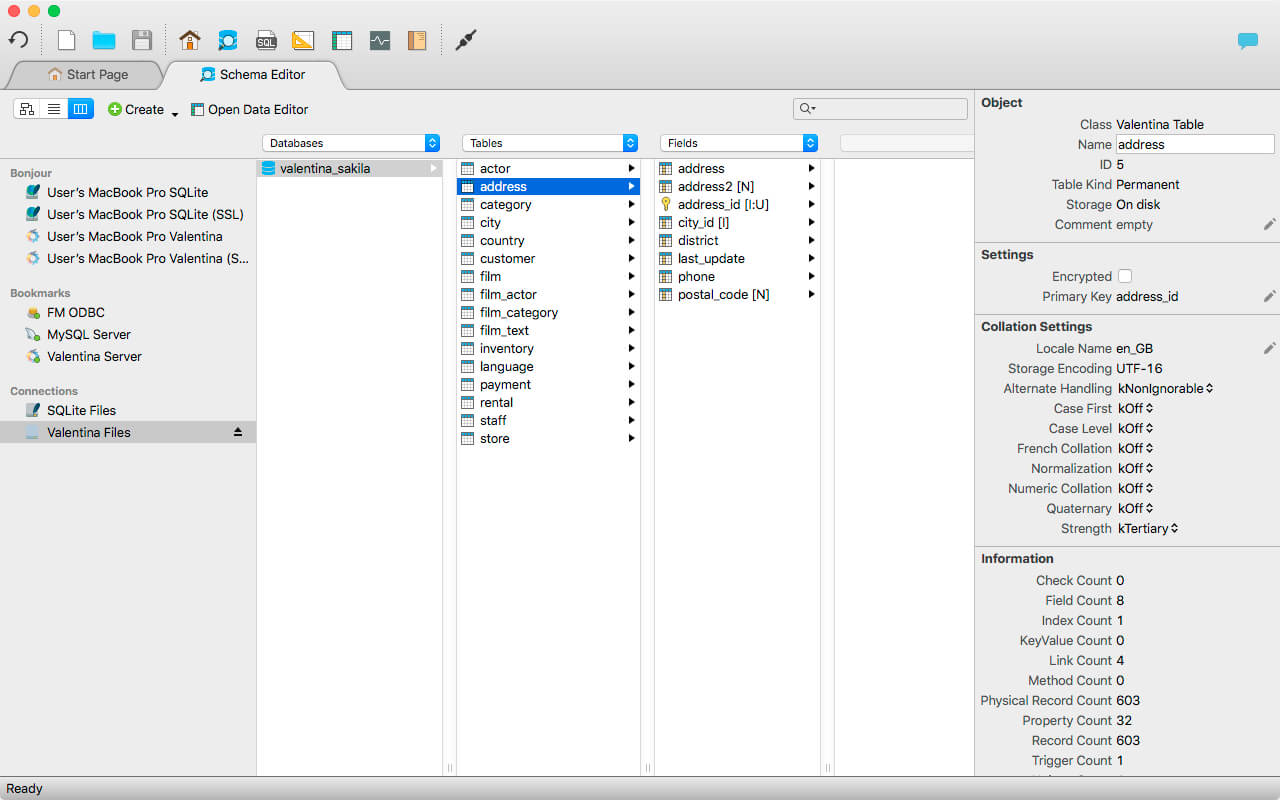
Valentina Studio is the ultimate data management tool for database administrators. Valentina Studio includes a wealth of database administration tools. Valentina Studio PRO to unlock advanced data modeling tools, report design and editing and more.
Valentina Studio brings you powerful, visual editors for your data including:
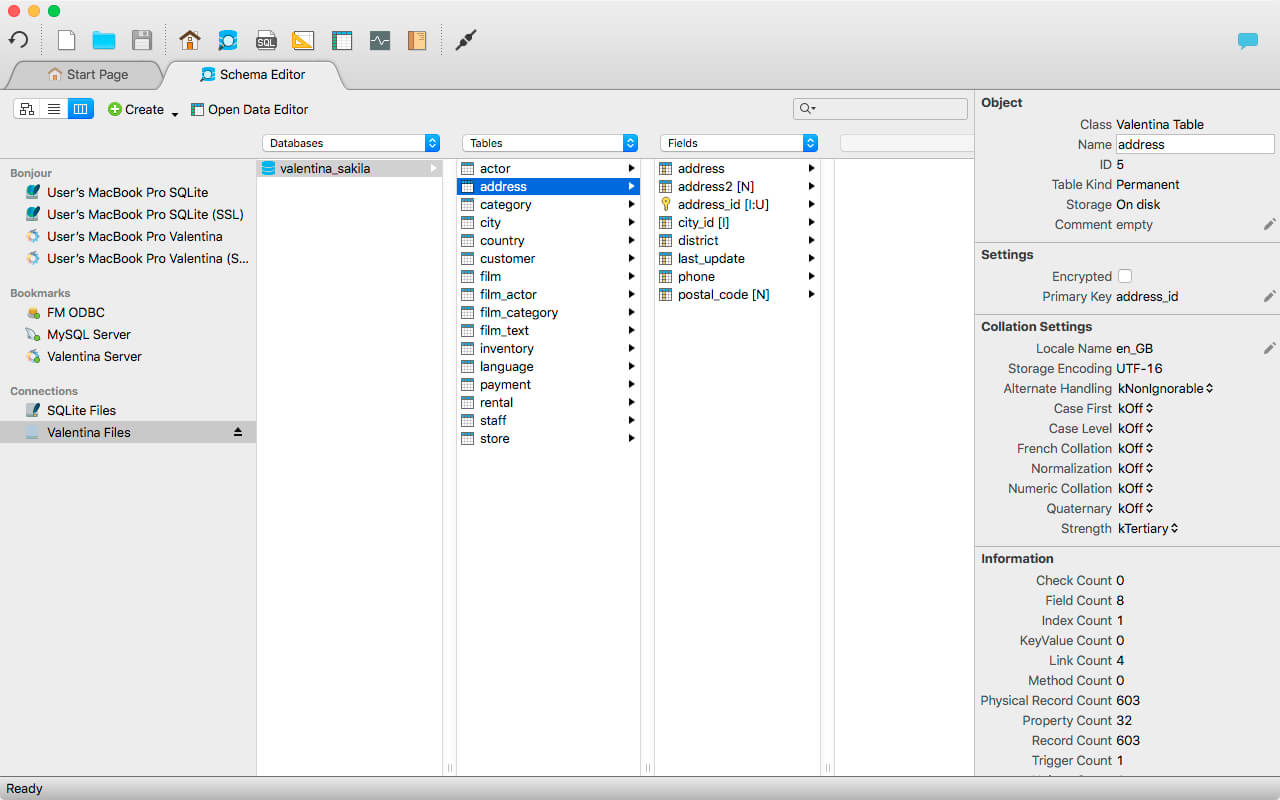
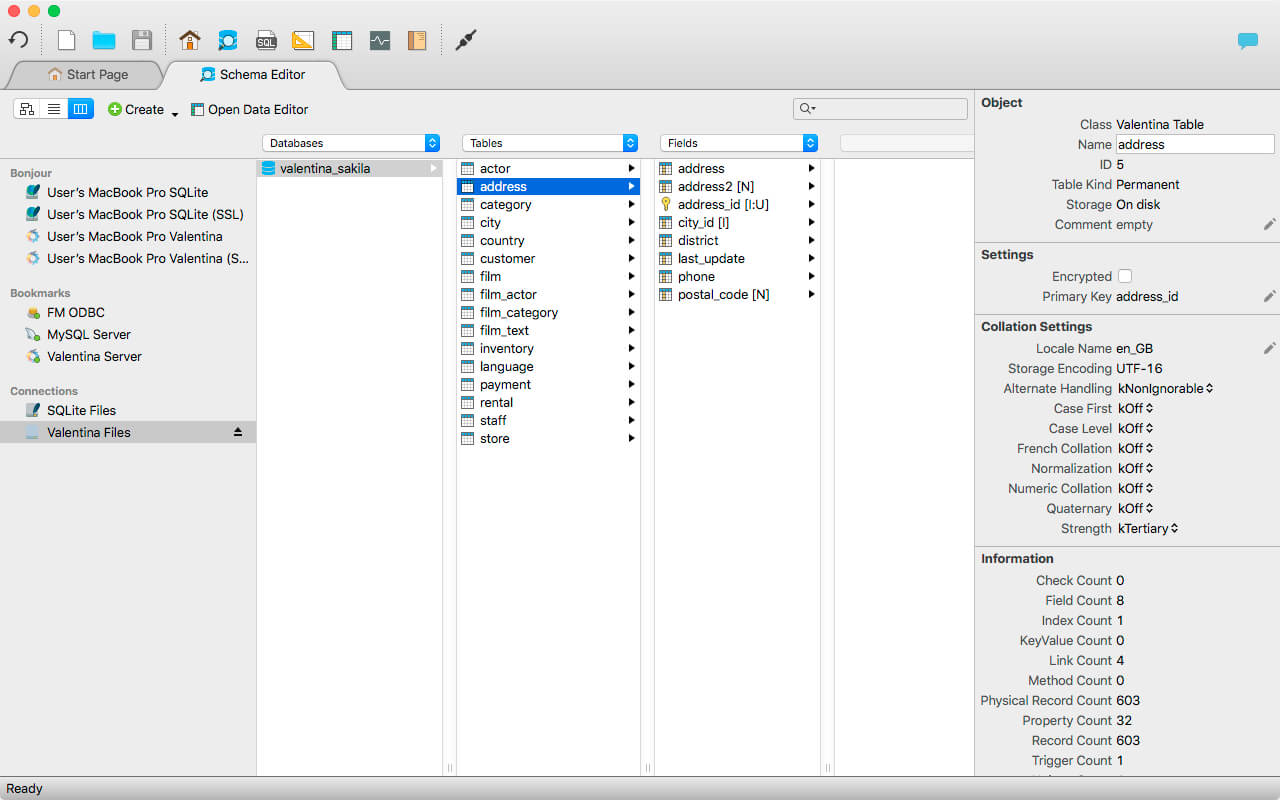
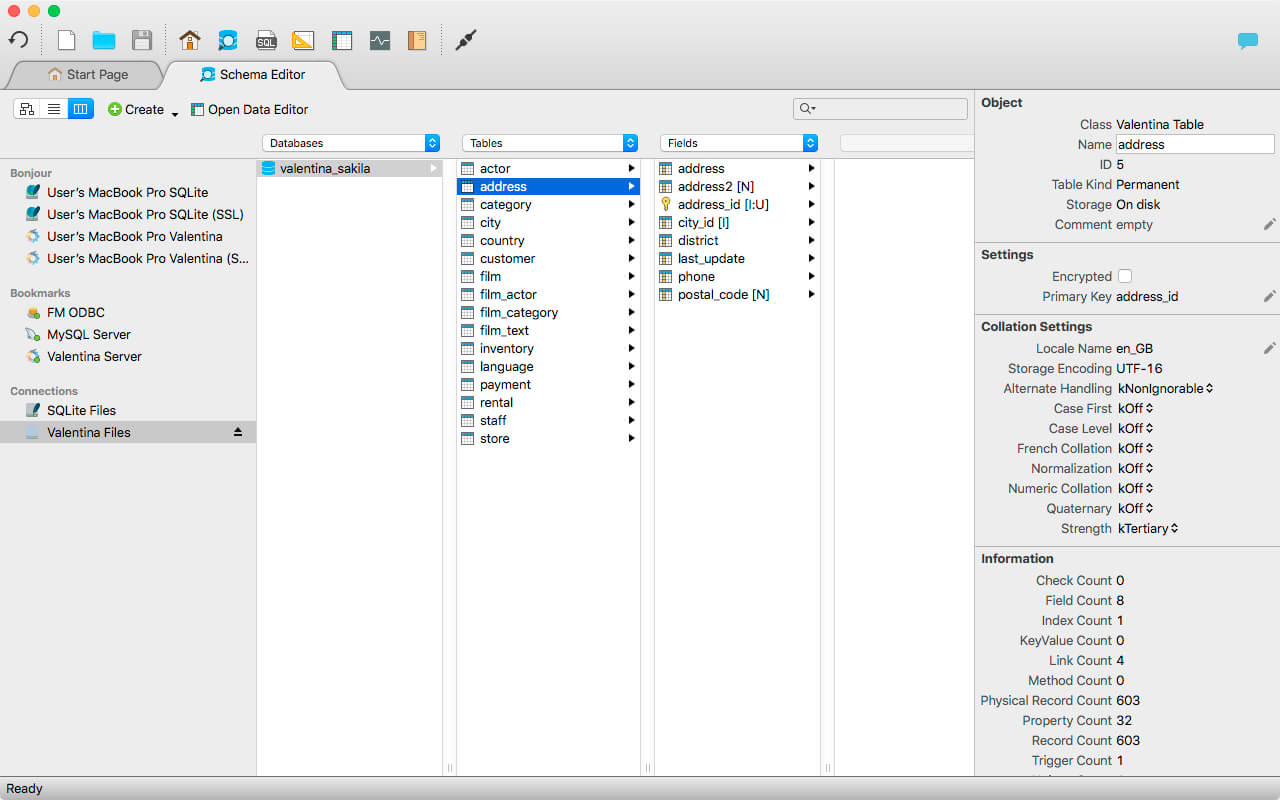
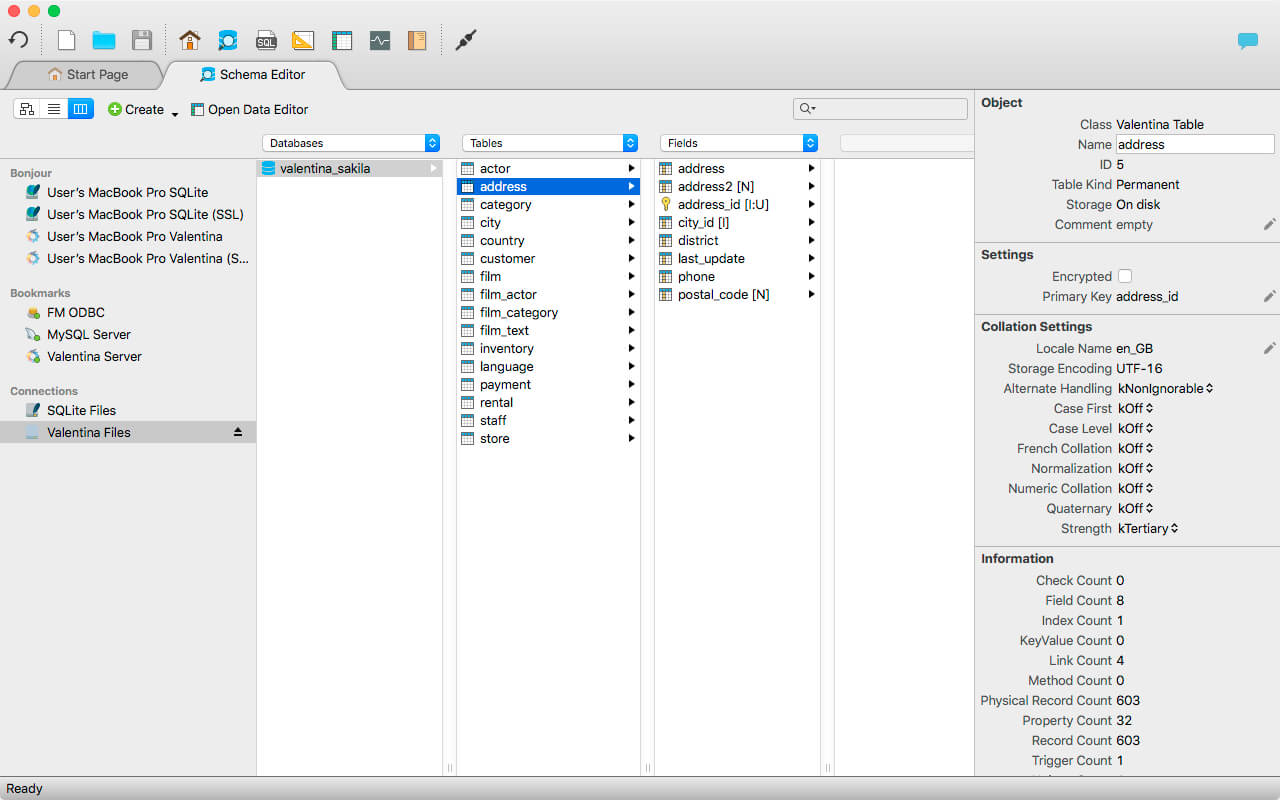
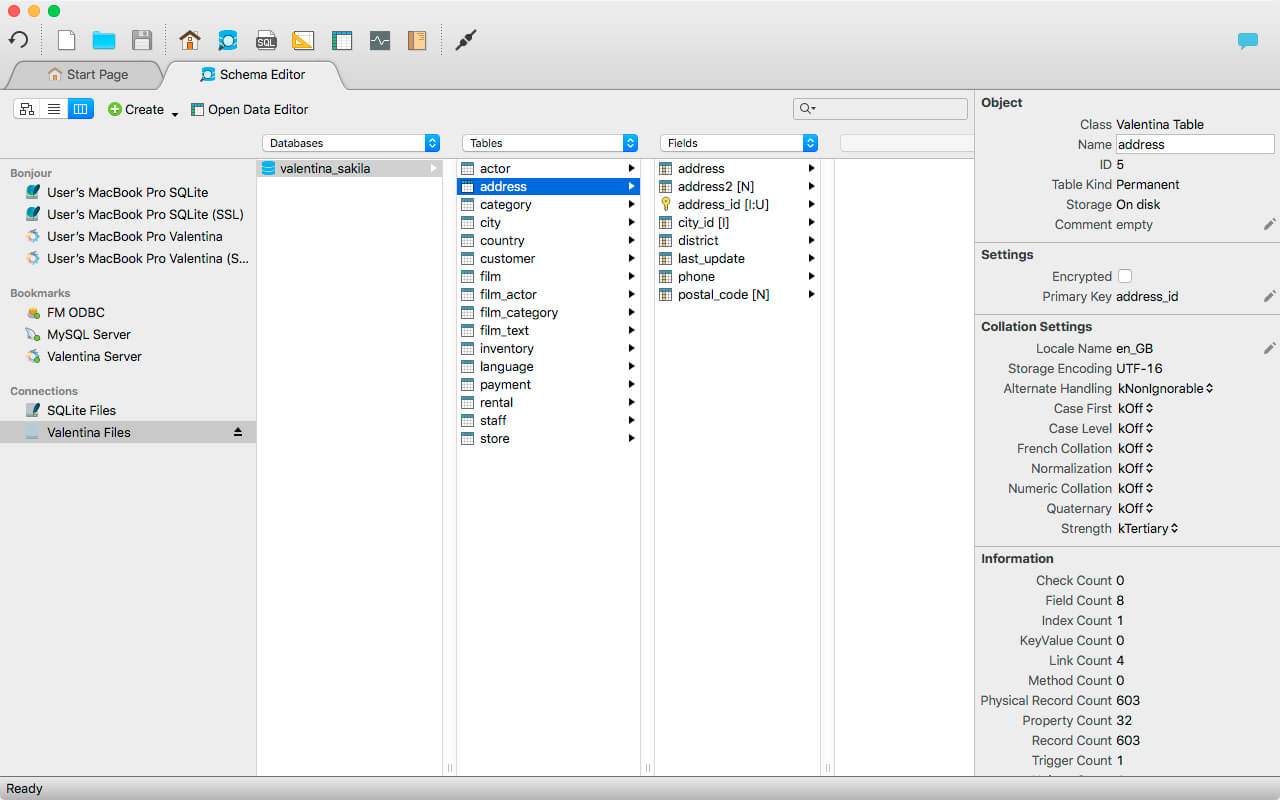
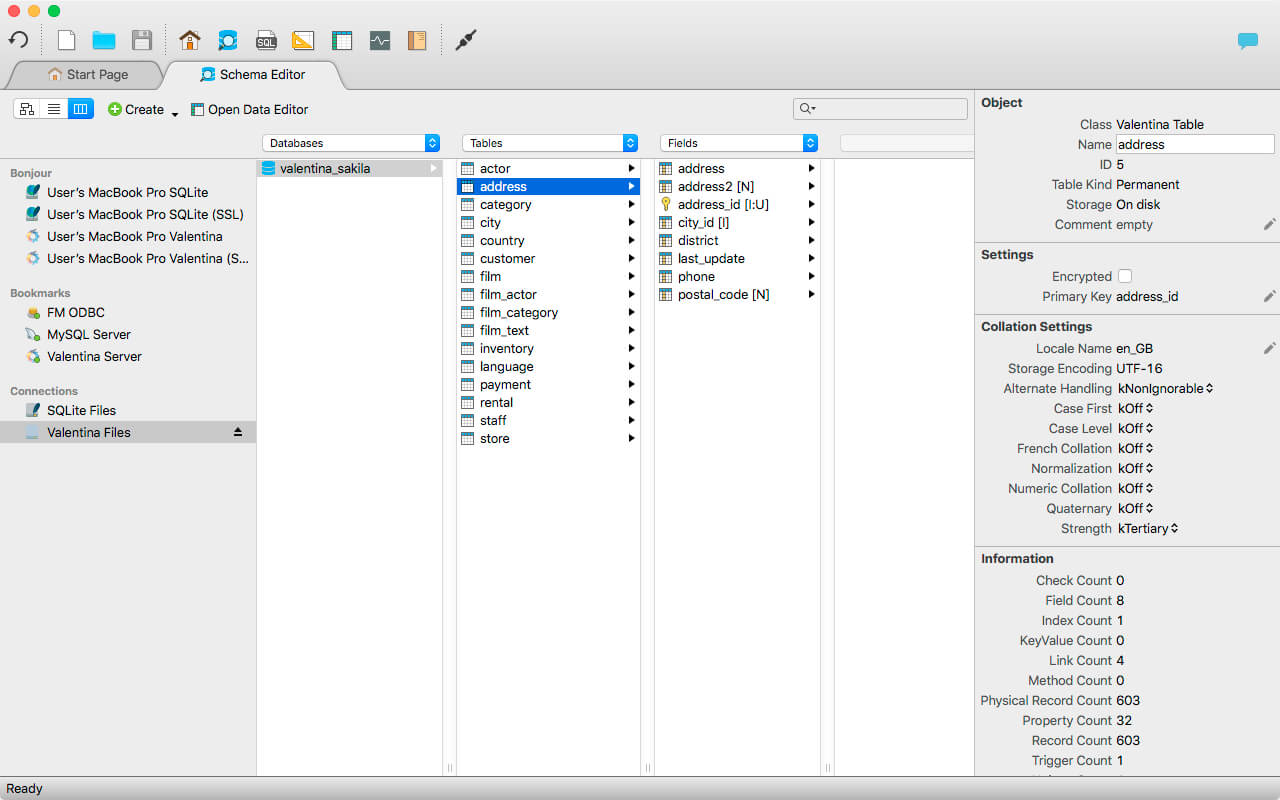
Schema Editor (tree view and column view) – create and modify all schema objects of supported databases: Tables, Views, Fields, Enums, Links, Constraints, Triggers, Indexes, Stored Procedures, …
Diagram Editor – design new diagrams or do reverse engineering, e.i explore existing databases visually.
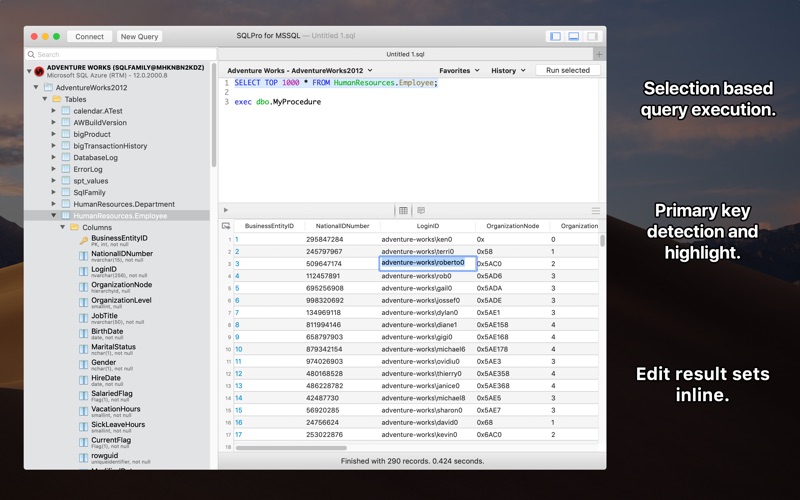
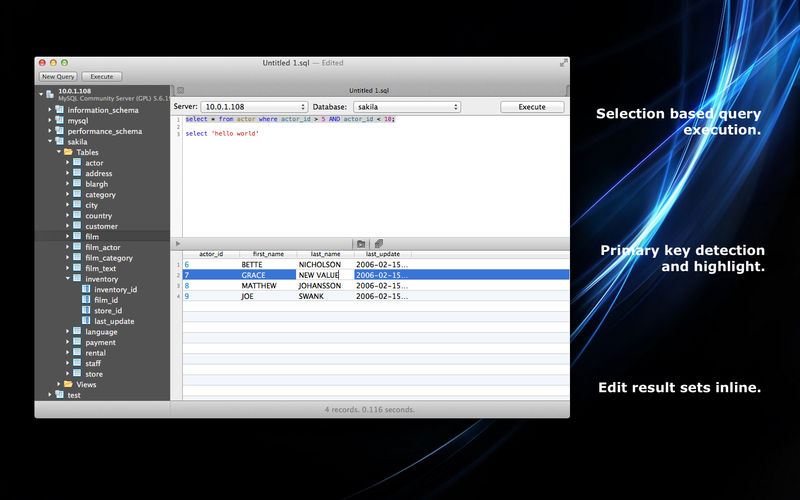
Data Editor – easily browse table records in the grid, modify records, an inline edit of values, sort, filter records and save favorite filters, preview images, hex editors for binary values, …
Related Data Editor – easily learn and manage linked records of two tables, link/unlink records by a mouse click, do set operations over linked records, …
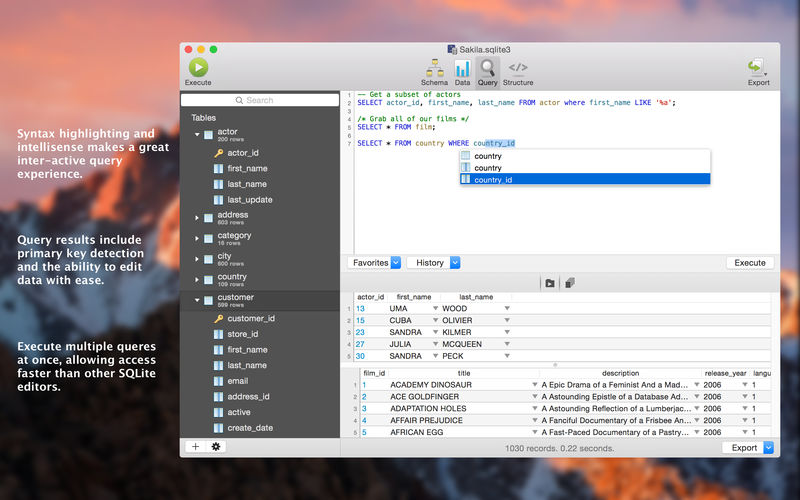
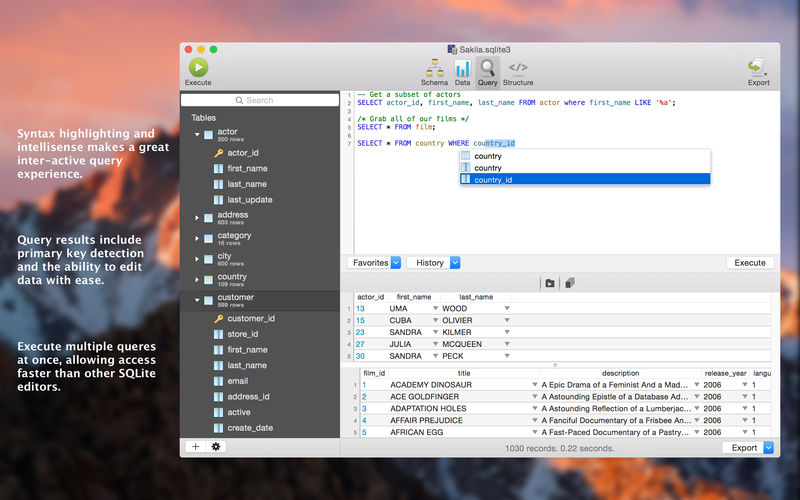
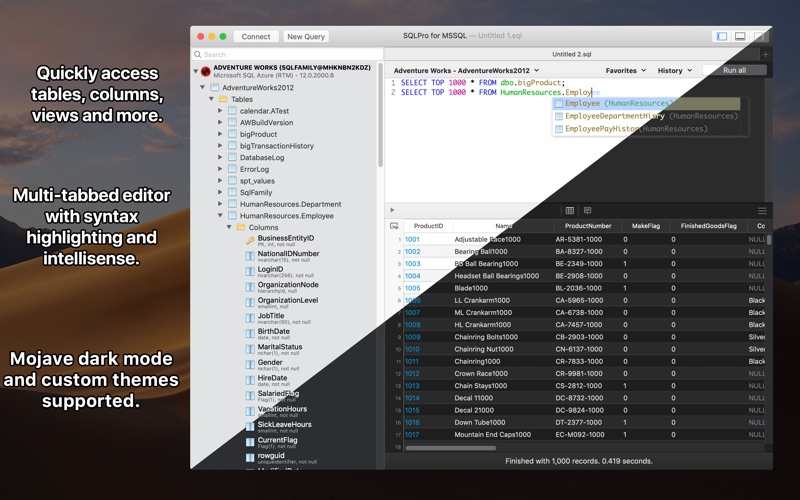
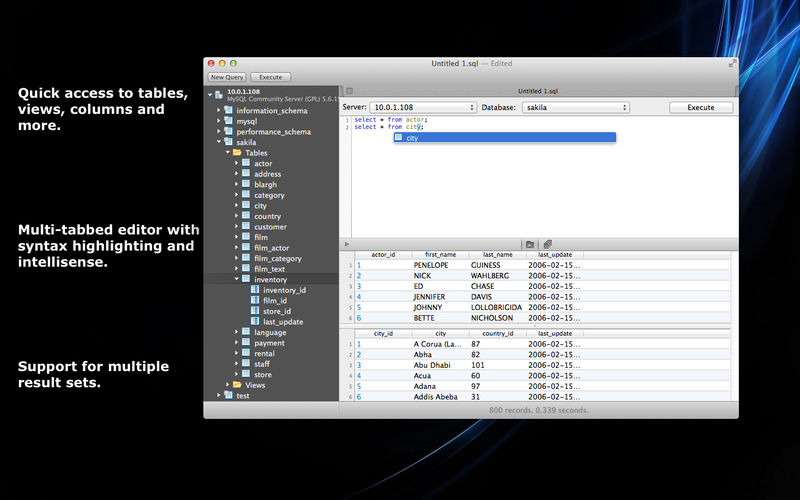
SQL Editor – with color syntax, auto-completion, recent and saved favorite queries, templates, console with error/warning reporting, …
Query Editor – build SQL queries visually using just a few mouse clicks
Server Admin – where you can manage users, learn logs and other parameters of servers.
Open as many editors as you like at the same time for different databases/servers opened in tab-panels. You also get different DB related utilities, including: Import/Export, Dumps, Diagnose, Clone, Reindex, …
MAS version of Valentina Studio uses iCloud to share bookmarks between your devices!
Valentina Studio Pro as an in-app purchase to get additional advanced pro-features such as:
Report Editor – visual editor of Valentina Reports that can be saved into Valentina Project file (.vsp). Reports can use as datasource MS SQL, MySQL, PostgreSQL, SQLite, Valentina DB, ODBC.
Form Editor – visual editor of Valentina Forms that can be saved into Valentina Project file (.vsp). Forms can use all supported databases as the datasource.
Data Editor – enables go to parent record function.
Data Editor Layouts – save columns and their order as a named layout
Data Editor Multiple Update – update few records at once.
Data Transfer – copy data between different databases
Diagram Editor – enables forward engineering – i.e. generation of SQL scripts for new/changed database objects.
Dump Wizard – enables filter for tables to select them for a dump.
Error Lookup – search for error description by its code.
Keyboard Shortcuts – enables the ability to redefine the shortcuts and create own shortcut sets.
Object Colors – enables marking objects with specific colors.
Query Editor – enables the ability to copy the generated query.
Schema Cache – save and reuse the schema cache.
Schema Editor – copy one or few schema objects using drag&drop mechanism.
Schema Editor – expanding and collapsing the tree items with subitems using OPTION + click
Schema Snapshot – save and load schema in structured format.
Source Control – develop database using any VCS.
SQLDiff – find differences between two states of a databases and generate SQL script to move between these states.
SQL Search – search of schema objects.
SQL Editor – enables autocompletion for table aliases.
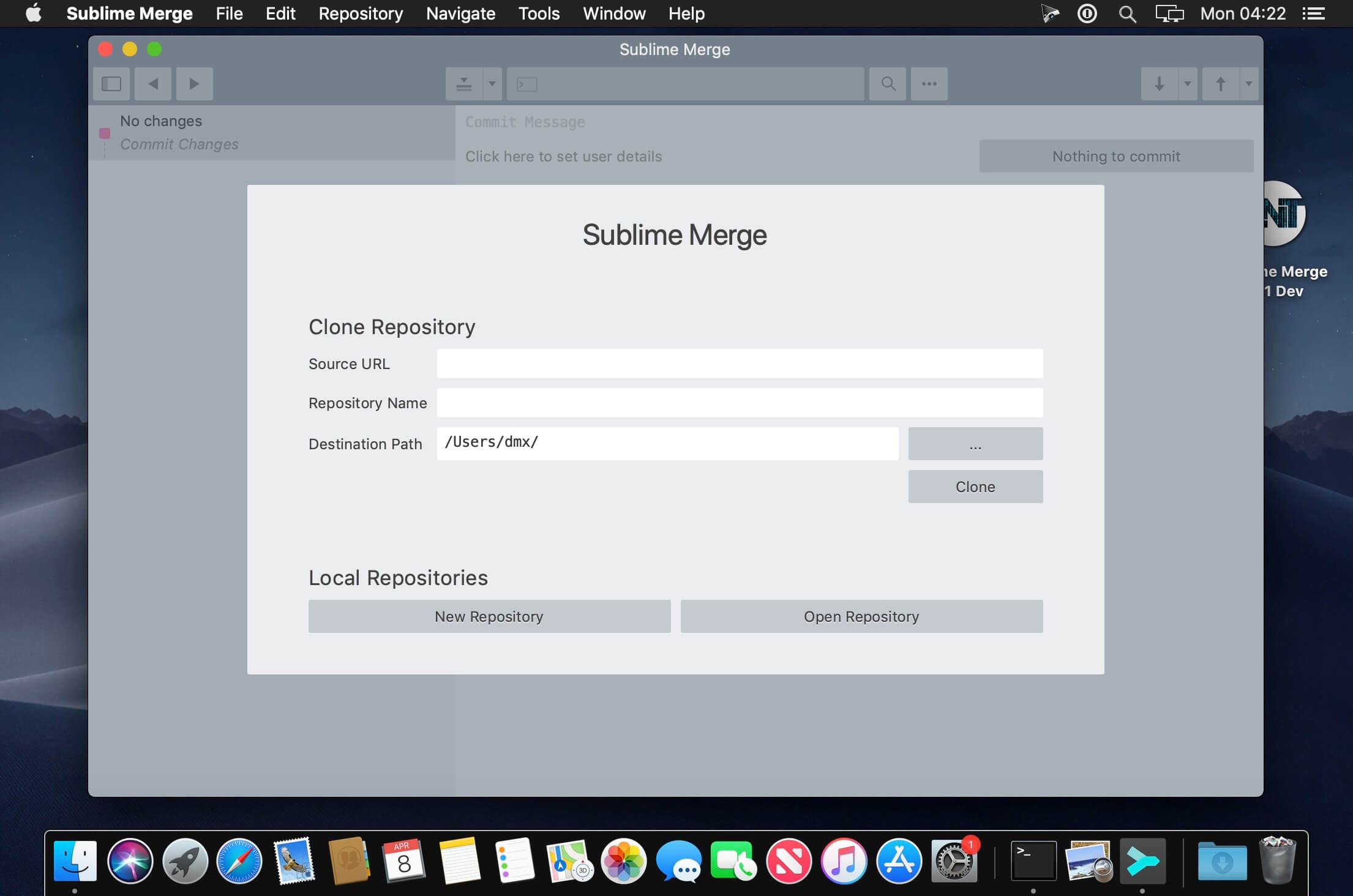
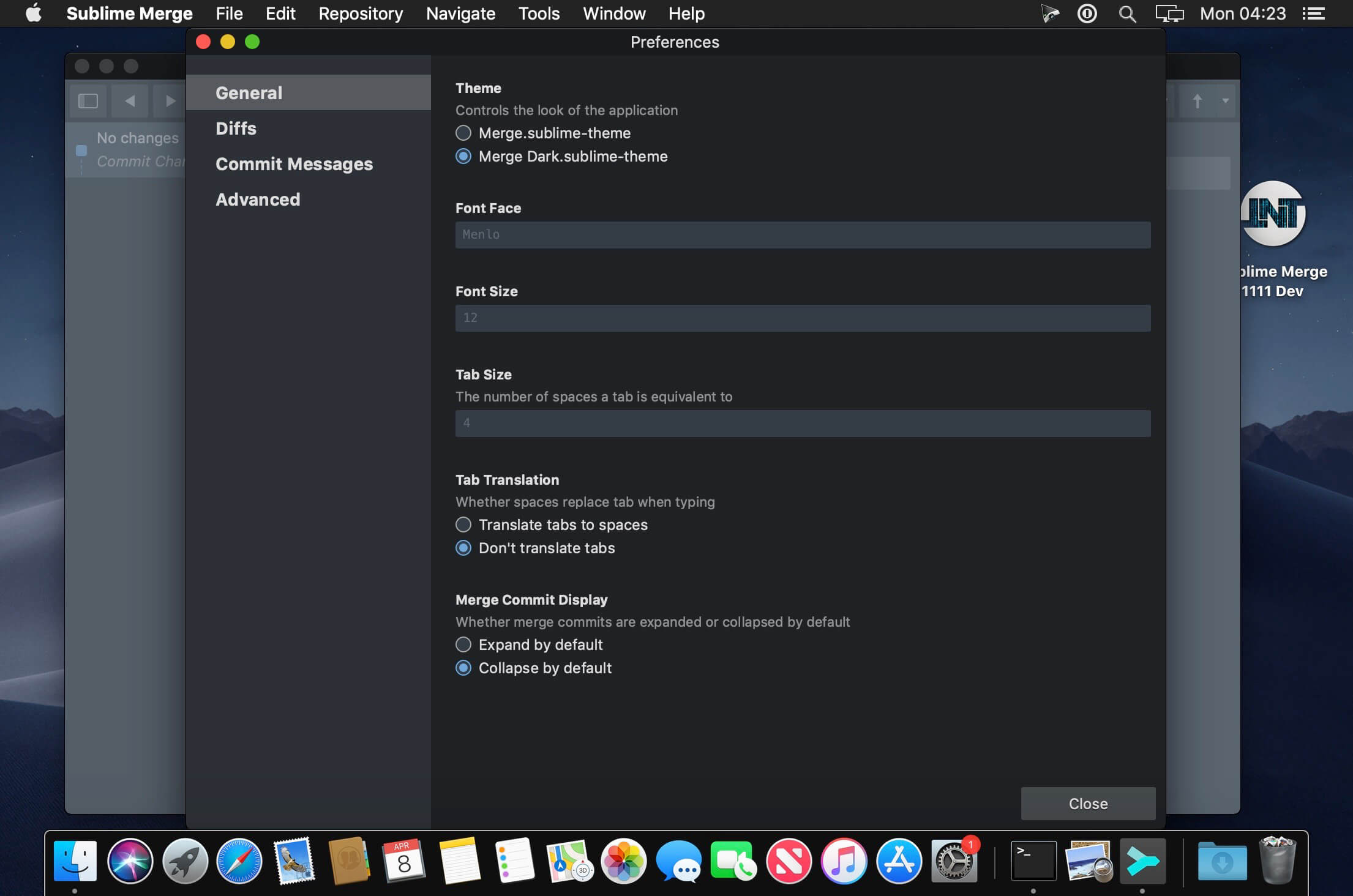
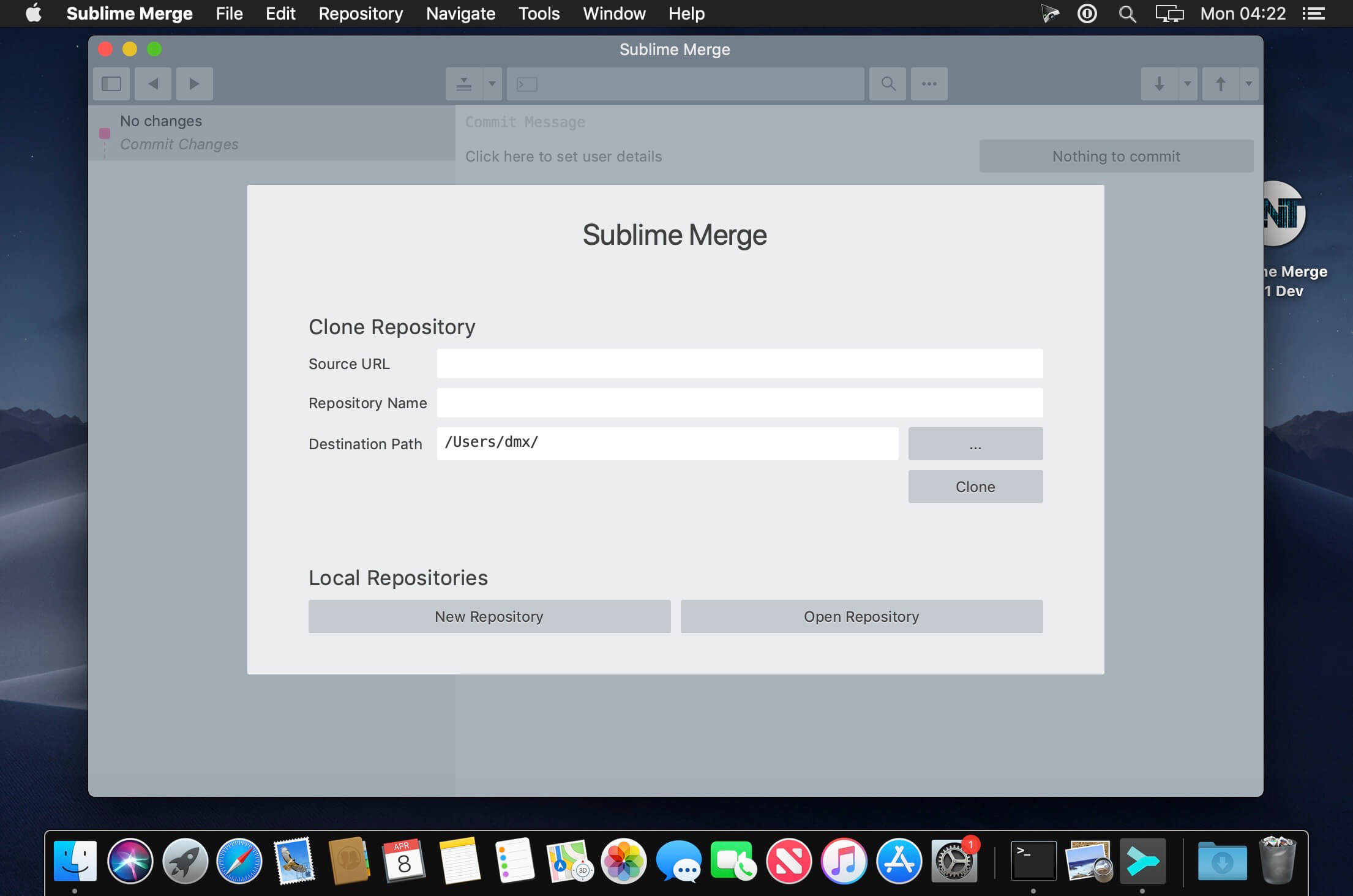
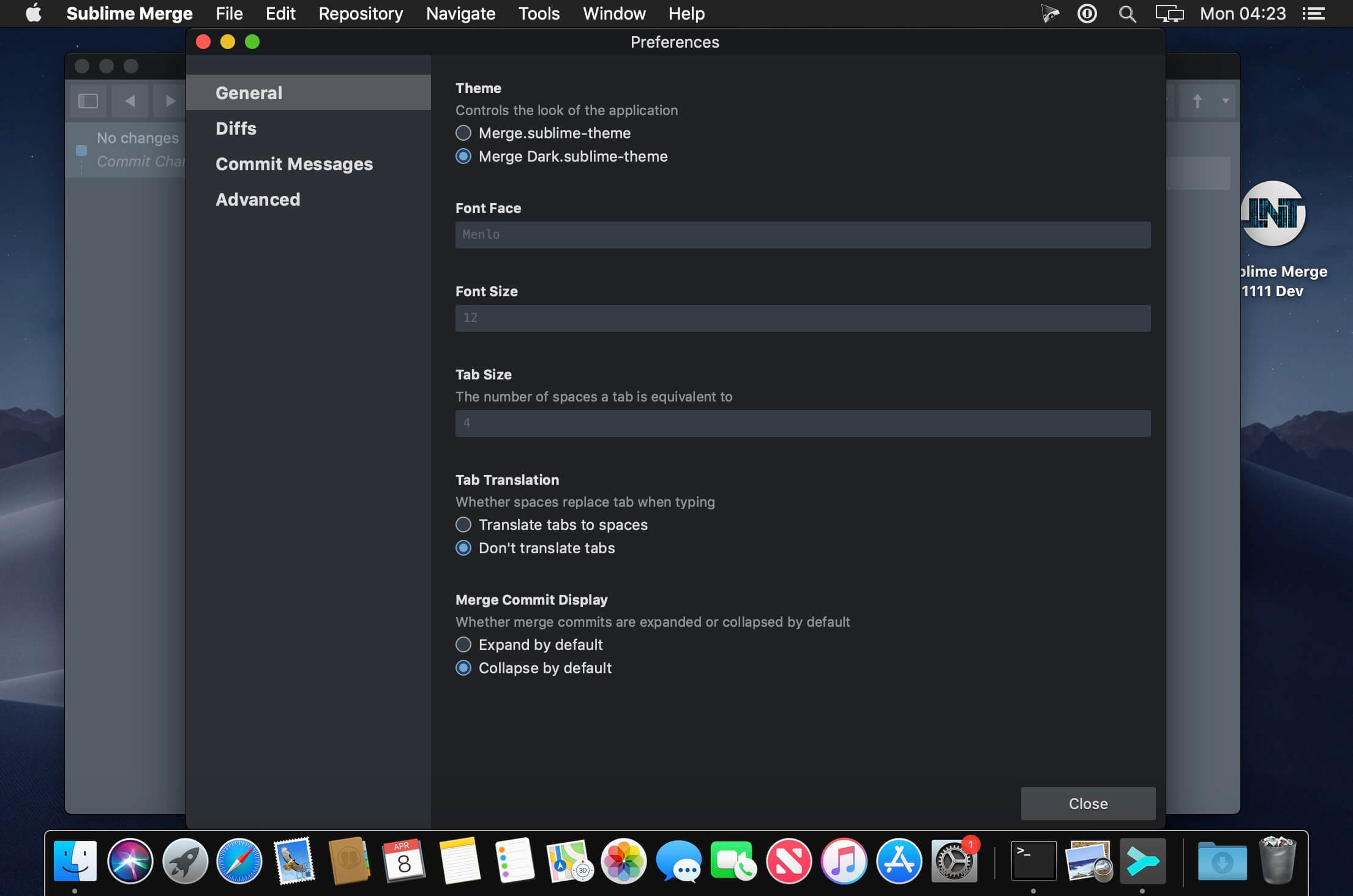
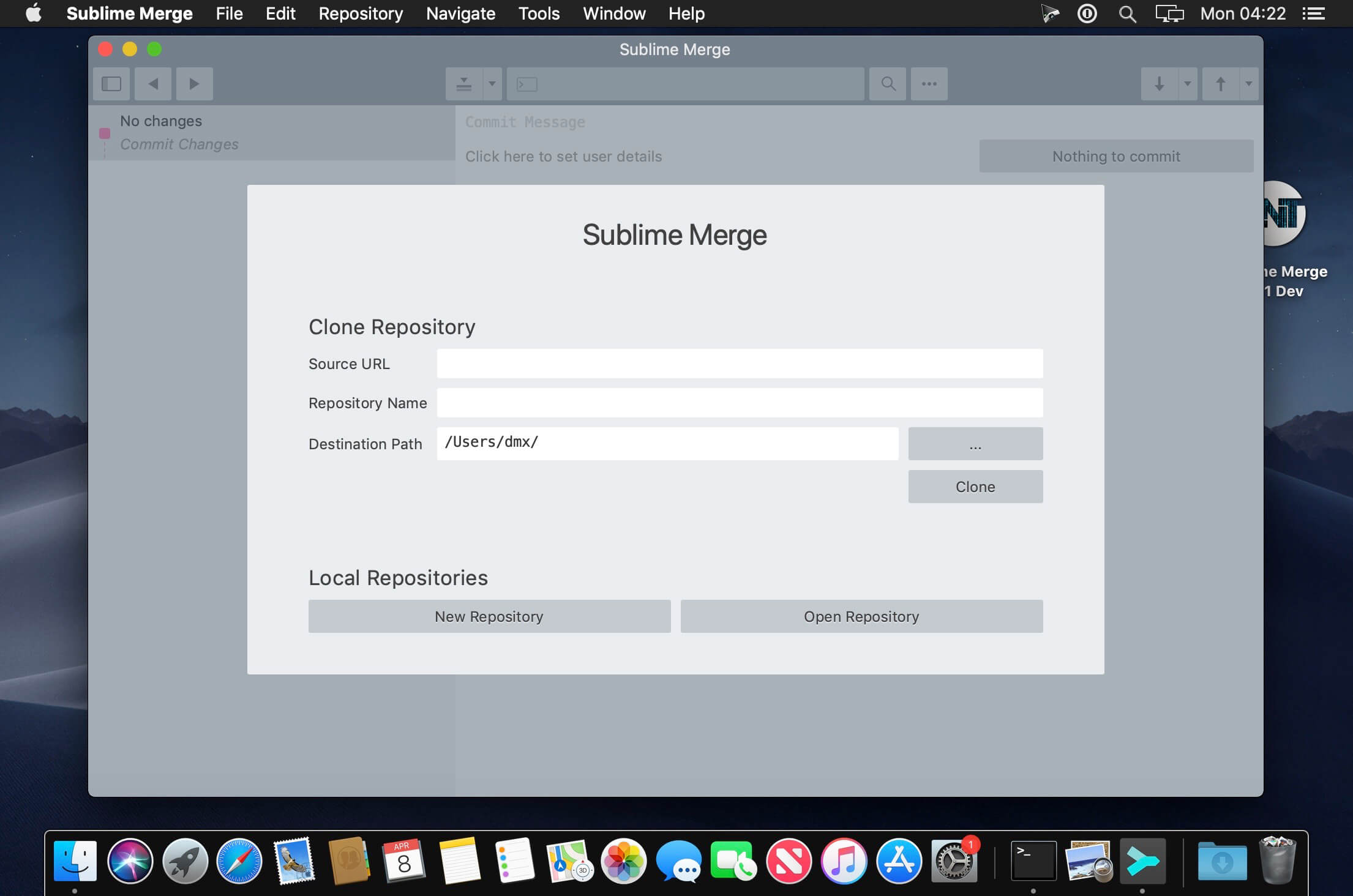
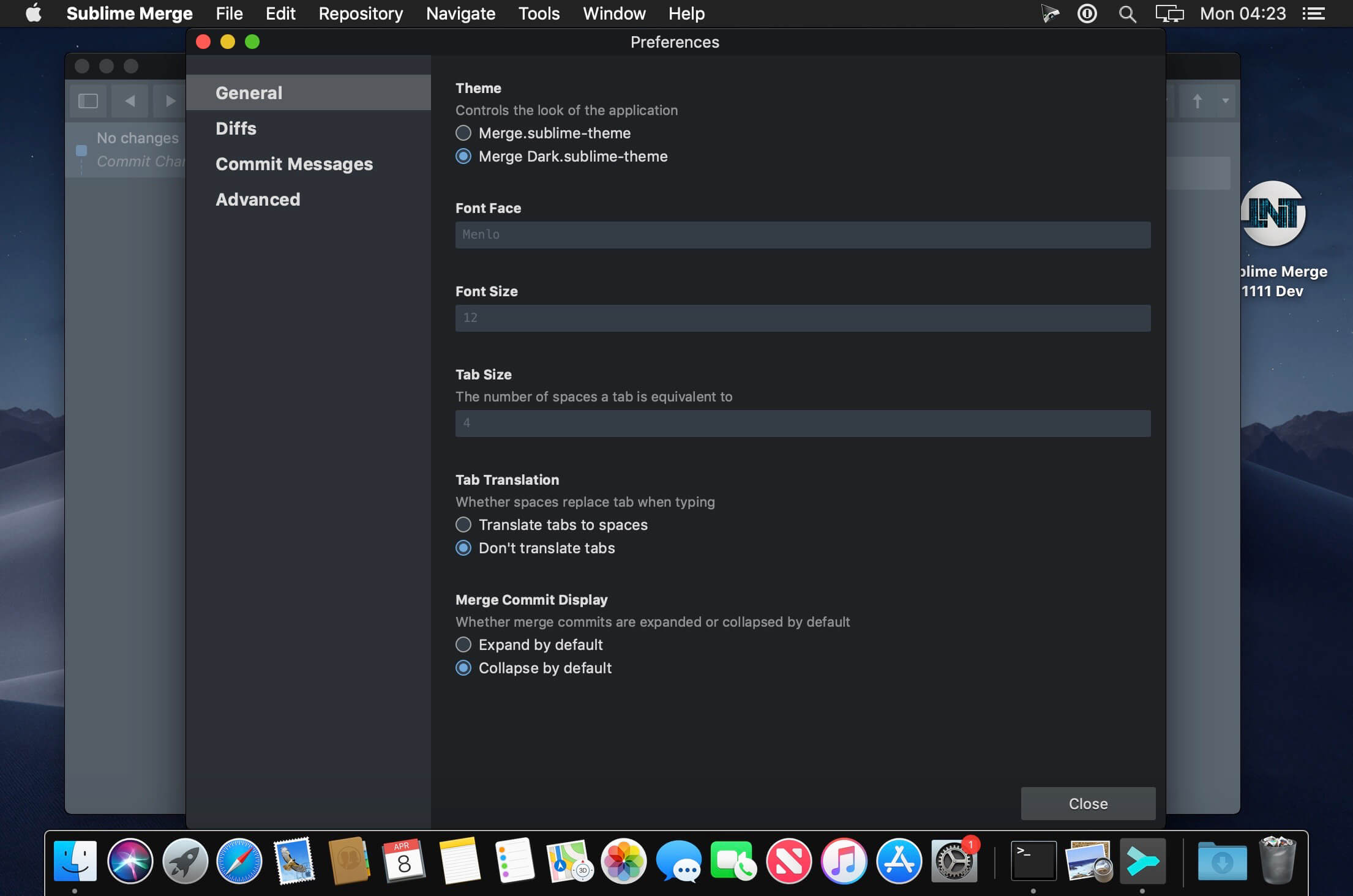
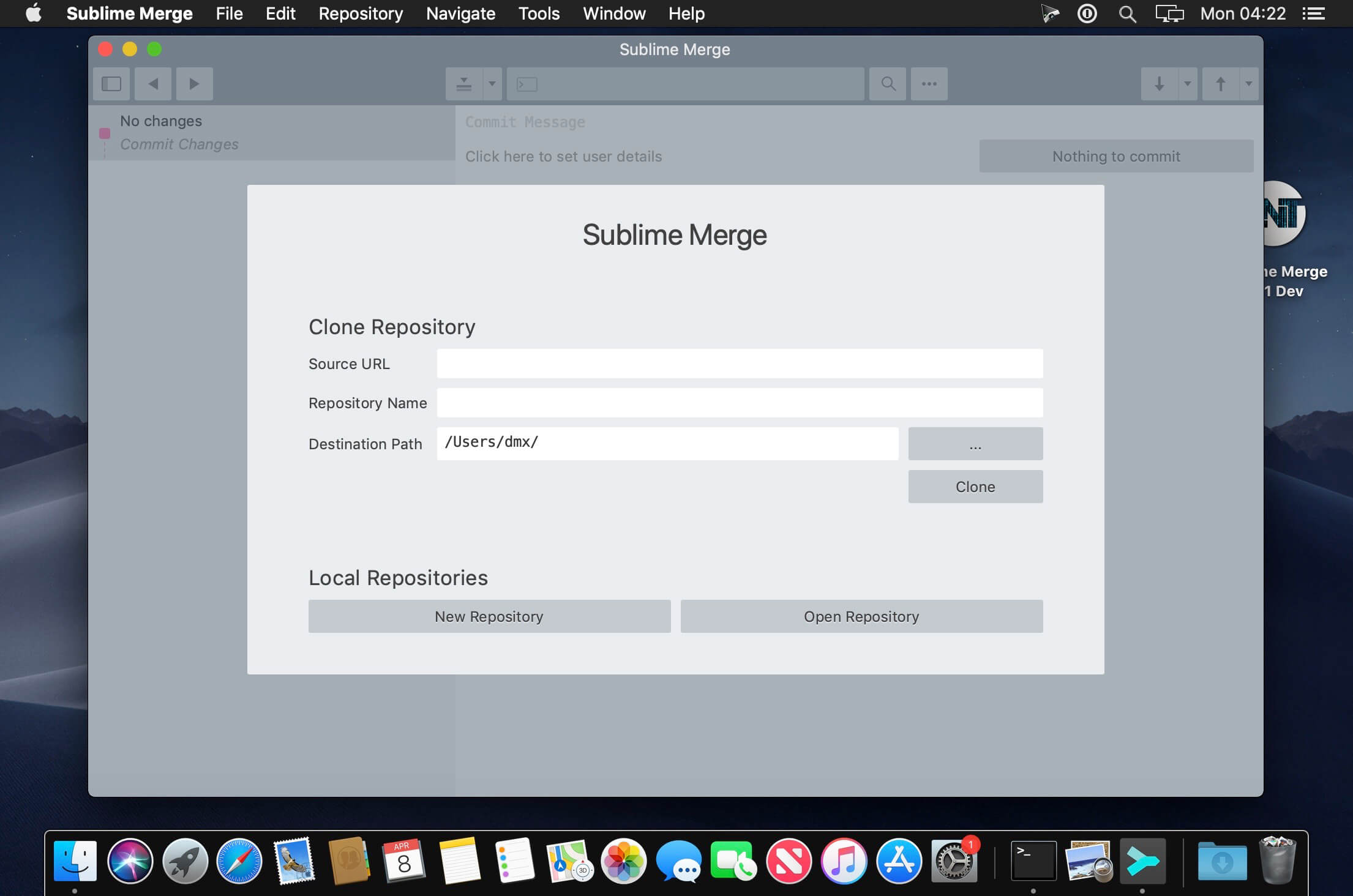
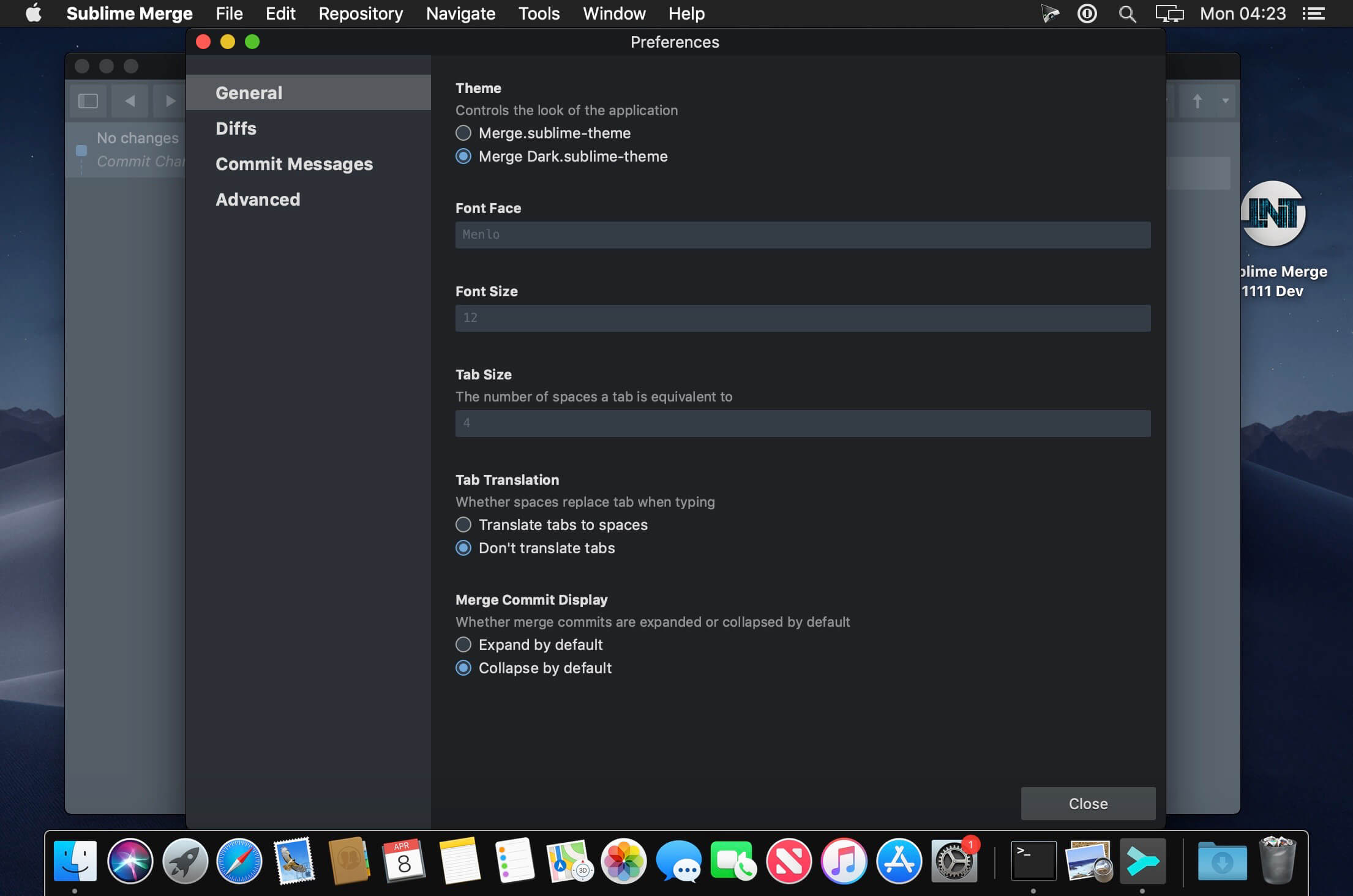
Git Client, done Sublime. Meet a new Git Client, from the makers of Sublime Text. A snappy UI, three-way merge tool, side-by-side diffs, syntax highlighting, and more. Stage Files, Hunks and Lines with no waiting – Sublime Merge is really, really fast.
Git Client, done Sublime. Meet a new Git Client, from the makers of Sublime Text. A snappy UI, three-way merge tool, side-by-side diffs, syntax highlighting, and more. Stage Files, Hunks and Lines with no waiting – Sublime Merge is really, really fast.
Valentina Studio is the ultimate data management tool for database administrators. Valentina Studio includes a wealth of database administration tools. Valentina Studio PRO to unlock advanced data modeling tools, report design and editing and more.
Valentina Studio brings you powerful, visual editors for your data including:
Schema Editor (tree view and column view) – create and modify all schema objects of supported databases: Tables, Views, Fields, Enums, Links, Constraints, Triggers, Indexes, Stored Procedures, …
Diagram Editor – design new diagrams or do reverse engineering, e.i explore existing databases visually.
Data Editor – easily browse table records in the grid, modify records, an inline edit of values, sort, filter records and save favorite filters, preview images, hex editors for binary values, …
Related Data Editor – easily learn and manage linked records of two tables, link/unlink records by a mouse click, do set operations over linked records, …
SQL Editor – with color syntax, auto-completion, recent and saved favorite queries, templates, console with error/warning reporting, …
Query Editor – build SQL queries visually using just a few mouse clicks
Server Admin – where you can manage users, learn logs and other parameters of servers.
Open as many editors as you like at the same time for different databases/servers opened in tab-panels. You also get different DB related utilities, including: Import/Export, Dumps, Diagnose, Clone, Reindex, …
MAS version of Valentina Studio uses iCloud to share bookmarks between your devices!
Valentina Studio Pro as an in-app purchase to get additional advanced pro-features such as:
Report Editor – visual editor of Valentina Reports that can be saved into Valentina Project file (.vsp). Reports can use as datasource MS SQL, MySQL, PostgreSQL, SQLite, Valentina DB, ODBC.
Form Editor – visual editor of Valentina Forms that can be saved into Valentina Project file (.vsp). Forms can use all supported databases as the datasource.
Data Editor – enables go to parent record function.
Data Editor Layouts – save columns and their order as a named layout
Data Editor Multiple Update – update few records at once.
Data Transfer – copy data between different databases
Diagram Editor – enables forward engineering – i.e. generation of SQL scripts for new/changed database objects.
Dump Wizard – enables filter for tables to select them for a dump.
Error Lookup – search for error description by its code.
Keyboard Shortcuts – enables the ability to redefine the shortcuts and create own shortcut sets.
Object Colors – enables marking objects with specific colors.
Query Editor – enables the ability to copy the generated query.
Schema Cache – save and reuse the schema cache.
Schema Editor – copy one or few schema objects using drag&drop mechanism.
Schema Editor – expanding and collapsing the tree items with subitems using OPTION + click
Schema Snapshot – save and load schema in structured format.
Source Control – develop database using any VCS.
SQLDiff – find differences between two states of a databases and generate SQL script to move between these states.
SQL Search – search of schema objects.
SQL Editor – enables autocompletion for table aliases.
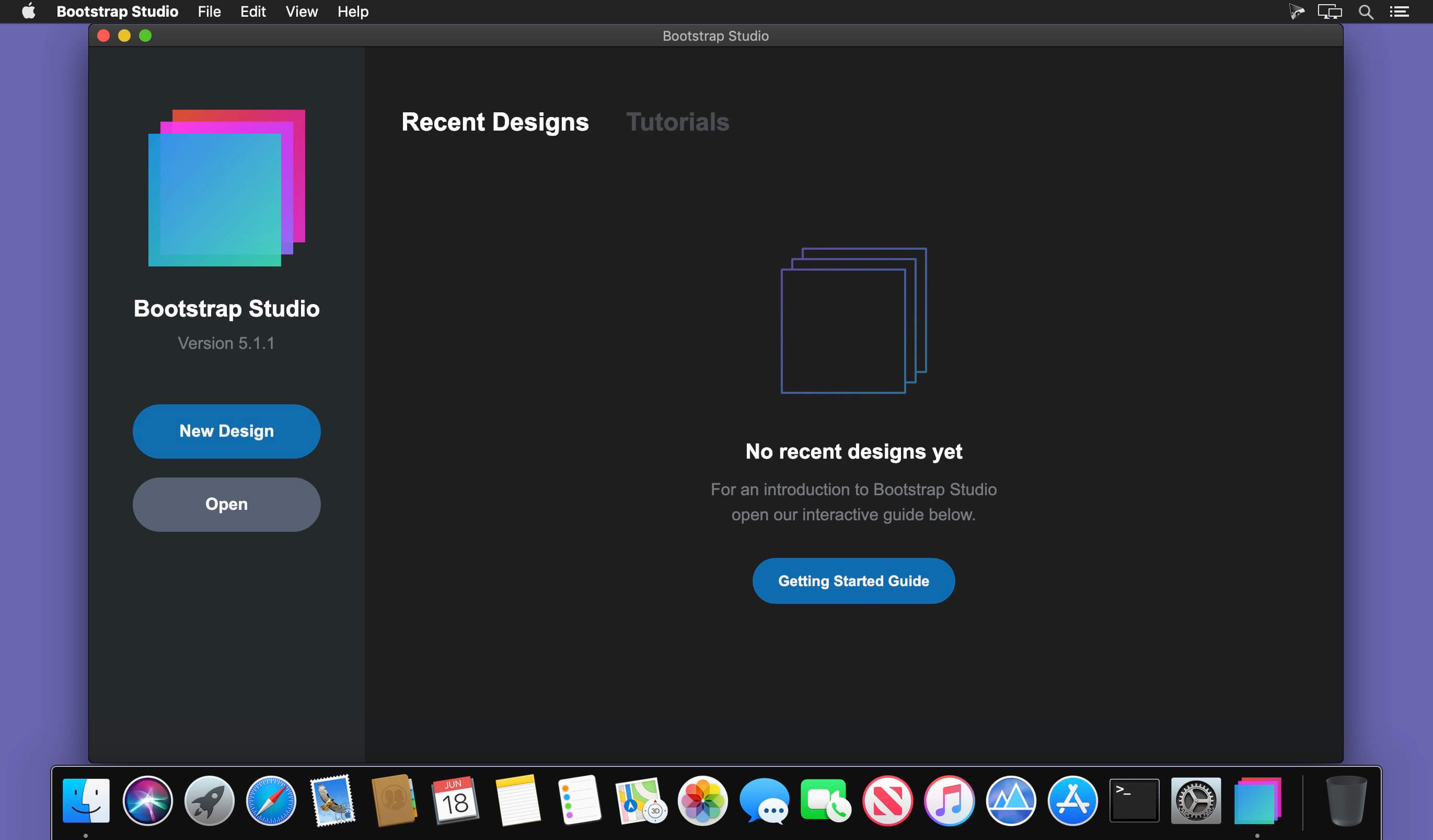
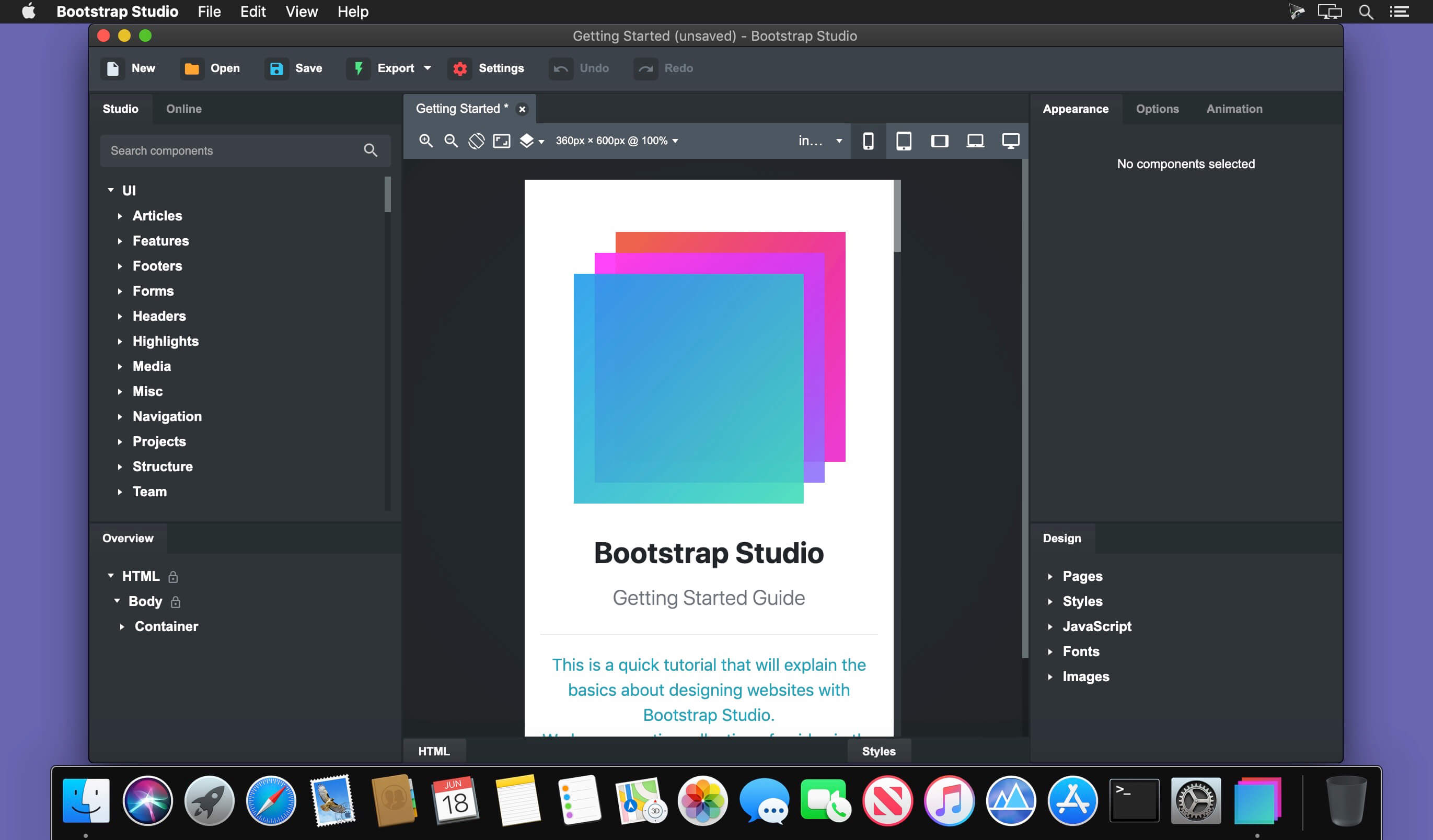
A powerful desktop app for creating responsive websites using the Bootstrap framework. Bootstrap Studio is a desktop application that helps you create beautiful websites. It comes with a large number of built-in components, which you can drag and drop to assemble responsive web pages. It is built on top of the hugely popular Bootstrap framework, and exports clean and semantic HTML. Thousands of developers and designers use it every day. We are sure you’ll love it too!
The Interface
Bootstrap Studio has a beautiful and powerful interface, which is built around the simplicity of drag and drop. This makes it the perfect tool for prototyping and designing web pages and apps.
Beautiful Built-in Components
Bootstrap Studio comes with a large number of pretty components for building responsive pages. We’ve got headers, footers, galleries, slideshows and even basic elements like spans and divs.
Smart Drag & Drop
Bootstrap Studio knows which Bootstrap components can be nested in one another and gives you suggestions. It automatically generates beautiful HTML for you, which looks as if it was written by hand by an expert.
Create Your Own Components
You can extract pieces of your designs as Custom Components, and have them ready to be dropped into any design you create. You can also export these components as files and share them.
Online Library
If you need a component which doesn’t exist in our library, just click the Online tab in the Component Panel. There you will find thousands of components built and shared by the community. You can also upload your own.
Linked Components
This is a powerful feature which allows you to synchronize components, so changing one will automatically change the other. This is especially useful for things like headers and footers which you need to update across pages.
Realtime Preview
Bootstrap Studio has a powerful feature called Preview. With it, you can open your design in multiple web browsers and devices, and every change you make within the app will be shown instantaneously everywhere.
Editing Code
For some things drag and drop isn’t enough. This is why Bootstrap Studio gives you full control over your markup when you need it. You can import and edit CSS, jаvascript and HTML in our Sublime Text-like editor.
Advanced CSS Editor
Our advanced CSS editing interface supports auto suggest and rule validation, and shows the active and inherited rules at an any given time. You will soon dread having to go back to your text editor.
jаvascript Editing
Write jаvascript in our Sublime Text-like editor. All your changes are synced with the preview, so you can write code and try it out without having to reload your browser.
HTML Editing
With our powerful Custom Code component, you can write HTML directly, without going through our drag and drop interface. You can also convert any piece of your page into Custom Code when you need it.
Import Existing Websites
If you have a website that you’ve developed previously, you can import it. Just drag and drop the HTML, CSS, JS files and images into Bootstrap Studio and they will be added to your project.
Even More Features
There is a lot more to say about our wonderful app. From productivity features to specialized Bootstrap tools, Bootstrap Studio makes designing websites and building fully working prototypes a real joy.
Built for Bootstrap
Bootstrap Studio knows how to construct a valid Bootstrap page and automatically writes the correct HTML. It supports Bootstrap 3 and will be updated to Bootstrap 4 once it’s out.
Grid Tools
The app has specialized tools for working with the Bootstrap grid. Easily create, resize and offset columns, and apply responsive visibility classes.
Google Webfonts
Bootstrap Studio is integrated with Google Webfonts and gives you an easy way to import and manage your fonts. Font family names are even auto-suggested in our css editor.
Productivity Features
Bootstrap Studio has comprehensive support for keyboard shortcuts which allow you to speed up your workflow dramatically.
Themes and Icons
The app has a number of built-in Bootstrap themes, icon fonts, templates and components, which you can combine into beautiful and unique designs.
Always Up to Date
Bootstrap Studio updates automatically, so you always have the latest version. We release updates every month, filled with new features, components and improvements.
What’s New:
Version 6.0.1
IMPROVED
Reflow components now show helpful messages in Browser Preview if no store has been configured.
FIXED
Fixed a problem which prevented some designs from exporting.
Fixed a CSS editing bug which caused the editor to lose focus.
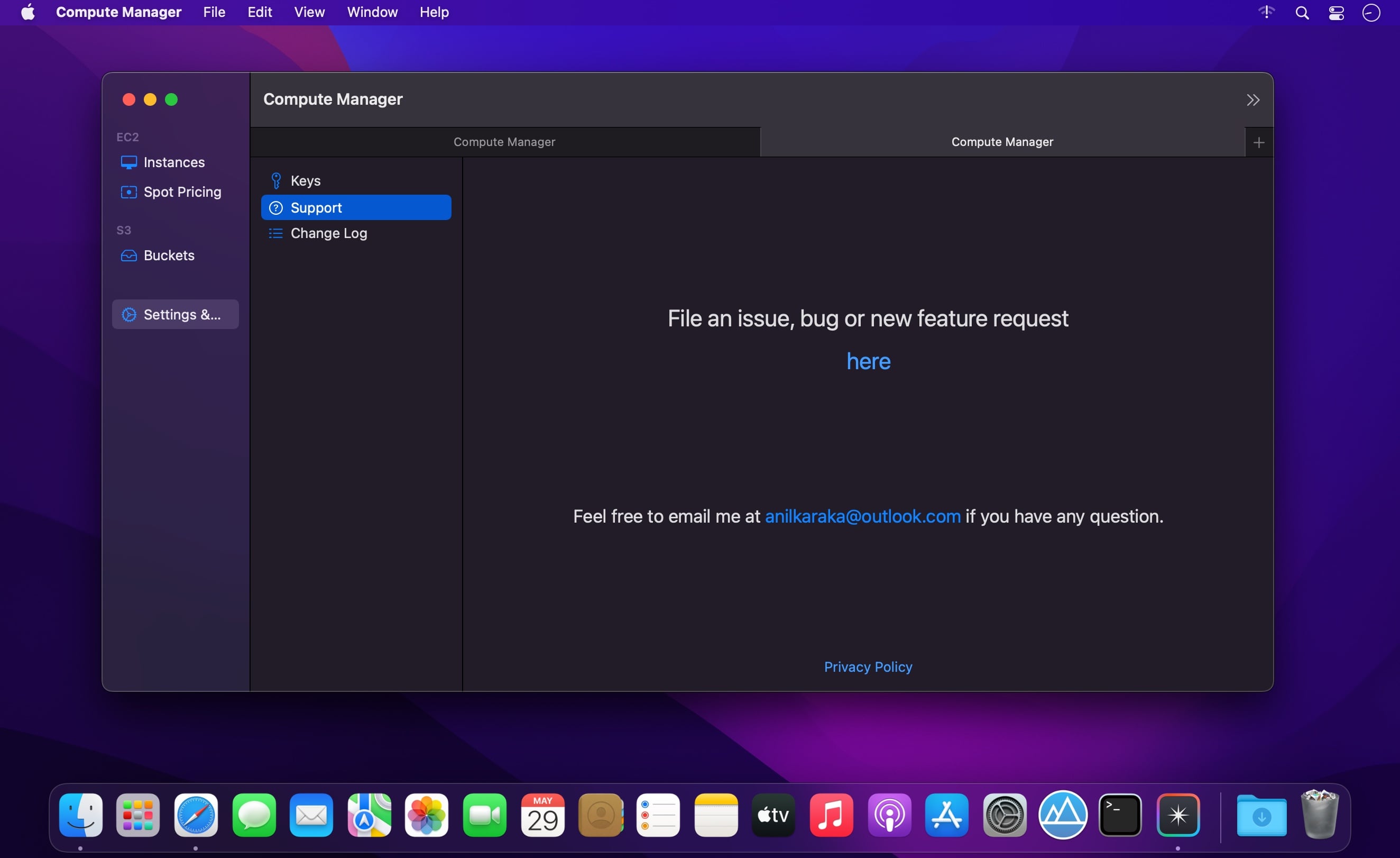
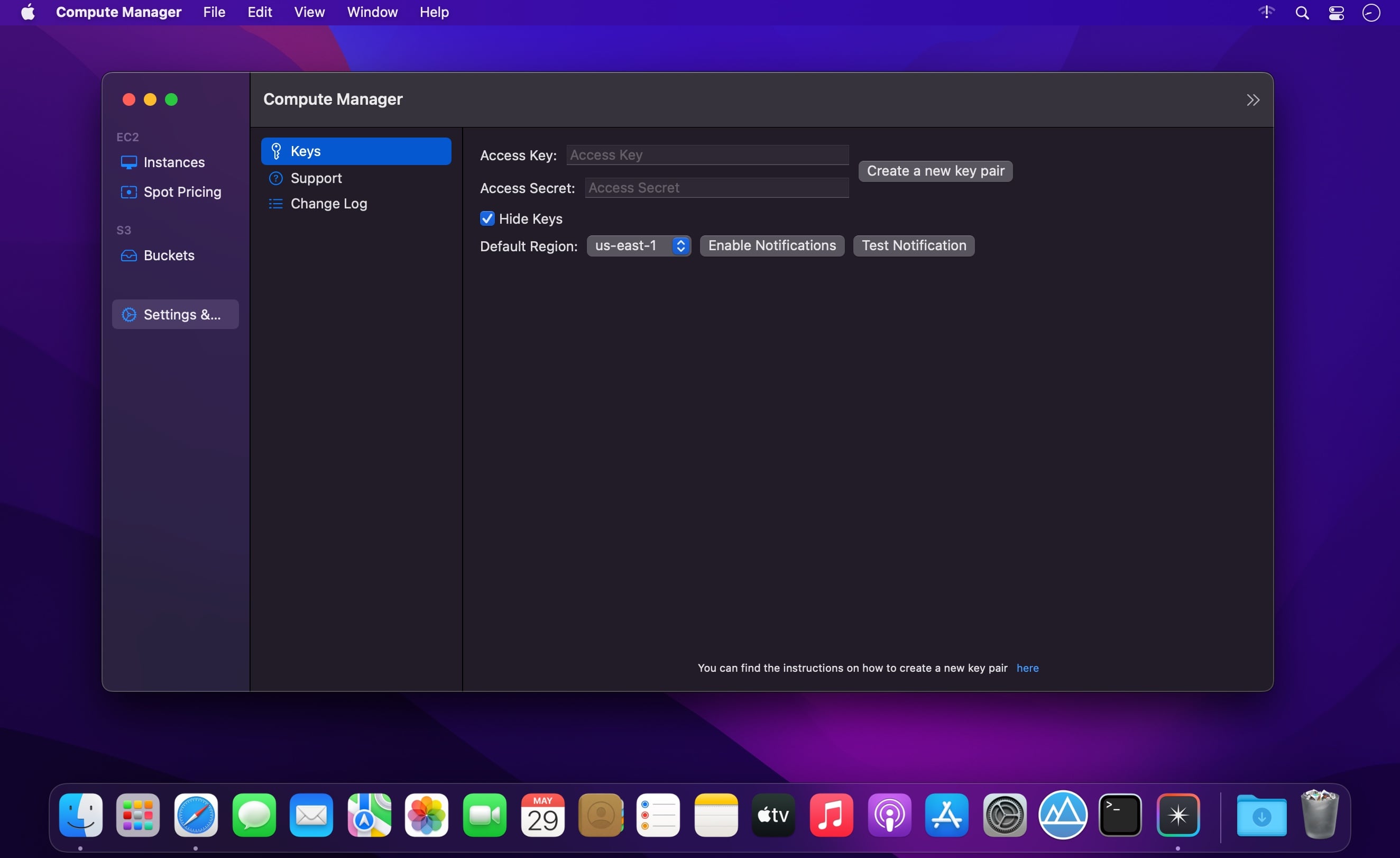
Optimise your AWS costs by knowing exact costs no matter the status, type and attachments of an instance. S3 object browser and a drag drop UI to upload files to S3.
Features
EC2 Browser.
Know exactly how much your instance costs you no matter its state, type, instance lifecycle including the EBS costs of the volumes attached including storage, iops, threshold costs.
Start, stop, terminate any instance from the app. Makes it easy to copy
Browse instance types and their current spot prices.
S3 object browser.
Easily download/delete any object by right clicking on the object.
Drag/drop UI to upload local files to S3.
Supports most of the regions
Perform most common EC2/S3 console tasks just from your app.
What’s New:
Version 1.0.2
Minor Bug Fixes:
fix App crashing when instances have no iops information.
Properly build S3 url when there are spaces in object name
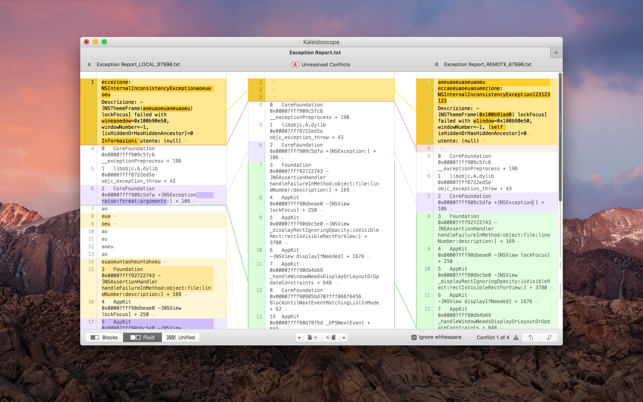
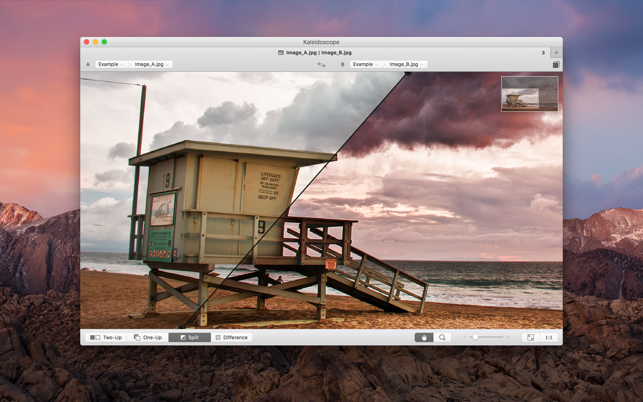
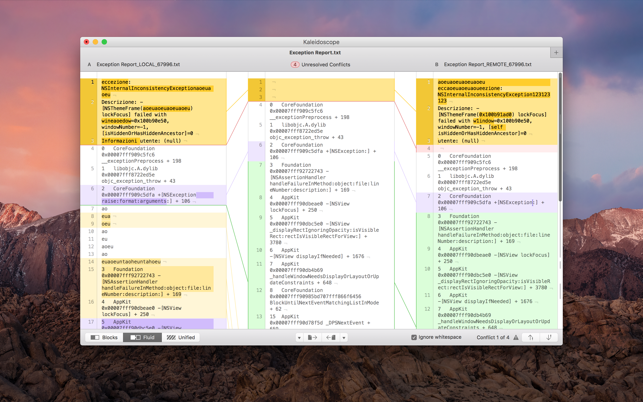
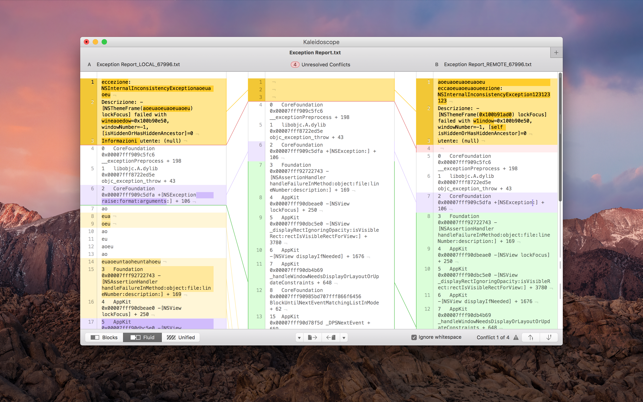
Kaleidoscope is the most powerful file comparison app. Spot the differences in text and image files, or even folders full of files. Review changes in seconds, with the world’s most advanced and beautiful file comparison app.
Kaleidoscope 3 features the first major redesign in over eight years, with support for Apple Silicon-based Macs, a redesigned interface that looks great in the latest versions of macOS, and new dark mode support, Kaleidoscope 3 marks the comeback of a longtime developer favorite for spotting changes in text, images, and folders. There is a new Reader view, and changesets have received major improvements.
WHAT’S NEW IN KALEIDOSCOPE 3?
Redesigned interface, including new dark mode and new app icon; Kaleidoscope’s design now fits macOS Big Sur and macOS Monterey
Runs natively on all Macs, including those based on Apple silicon (Apple M1 chip).
Reader view makes it easier to focus on the content
Greater control over how text layout, with better font options and display choices
Ability to ignore particular folders and files during folder compare, using powerful patterns.
Persistent top toolbar with convenient Add and Paste buttons
Redesigned Unified text comparison and File Shelf views to make it easier to review differences and keep track of files being compared
Powerful filters for comparing items in changeset windows
KALEIDOSCOPE FEATURES:
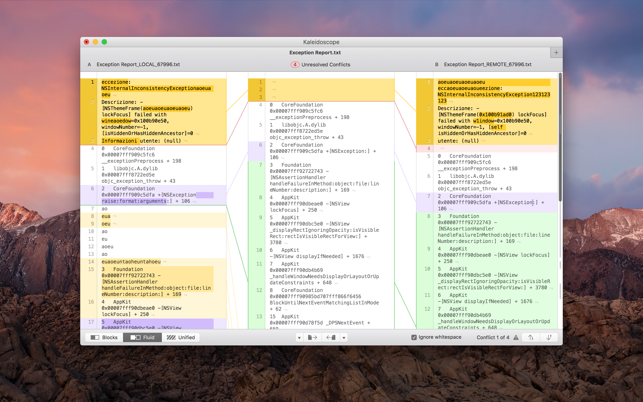
Two-Way Text Comparison & Merging
Supports any text file, Word documents, PDF, RTF
Super-fast diffing of lines and character-level changes
Directly paste from clipboard
Three powerful display modes: Blocks, Fluid and Unified
Color coding to spot added, deleted, and changed text
Powerful text layout customization
Reader view that helps focus on content
Built-in search
Three-Way Merge
Review code changes and resolve conflicts
Edit text inline
Intelligently auto-merge the right content
Powerful Image Comparison
Supports any file that can be imported as bitmap
Directly paste from clipboard
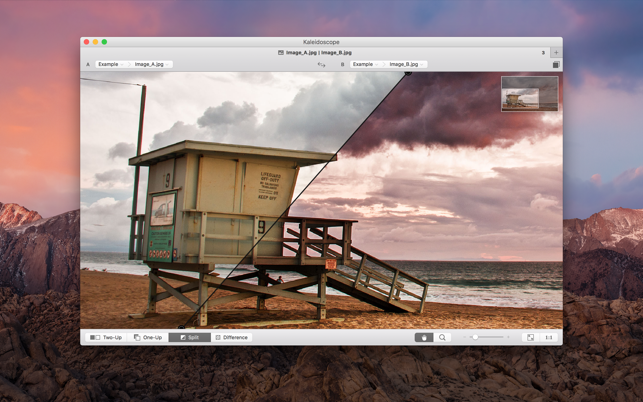
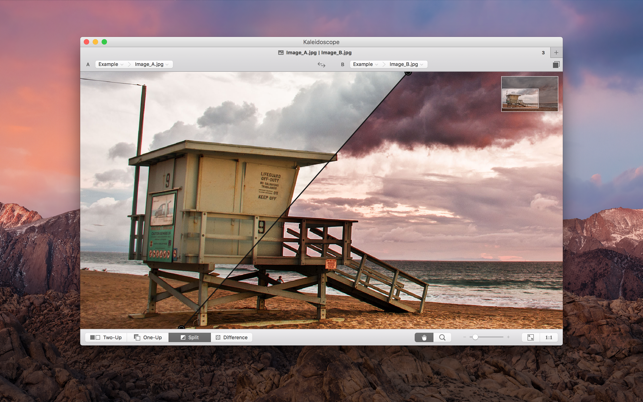
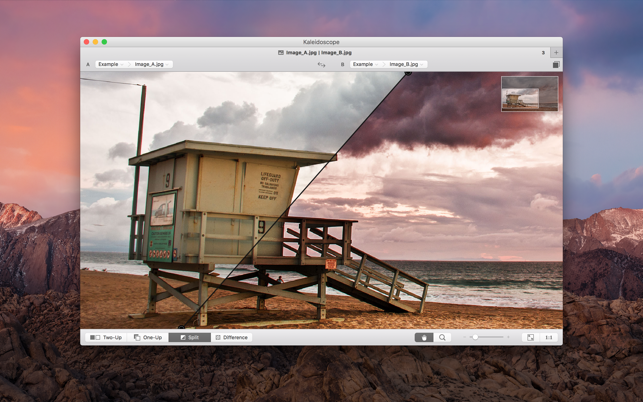
Compare images in four different modes: Two-Up, One-Up, Split and Difference
Spot subtle pixel differences with a high contrast “difference mask”
Navigate large images using pan & zoom tools
Folder Comparison
Ultra-fast algorithm for finding differences in large folders
Sort and filter down to what is most important
Powerful ignore patterns to exclude extraneous files and folders
Drill deeper into folders for more detailed comparisons
Copy your preferred files across sources
Code Review
Well-designed overview of all files changed in a changeset
Find a file by filtering by name or by kind of change
Inspect changes in text and image files using all of Kaleidoscope’s compare tools
Easy Workflow Integration
Git, Mercurial, Subversion, Bazaar, and Perforce support
Works as a fully functional diff or merge tool
ksdiff tool unleashes the power of the unix command-line
Supported by a growing list of GUI source control management apps
Integrate with the Xcode debugger (lldb) for text and graphics
Integrates with tools like Alfred for even faster workflows
Valentina Studio is the ultimate data management tool for database administrators. Valentina Studio includes a wealth of database administration tools. Valentina Studio PRO to unlock advanced data modeling tools, report design and editing and more.
Valentina Studio brings you powerful, visual editors for your data including:
Schema Editor (tree view and column view) – create and modify all schema objects of supported databases: Tables, Views, Fields, Enums, Links, Constraints, Triggers, Indexes, Stored Procedures, …
Diagram Editor – design new diagrams or do reverse engineering, e.i explore existing databases visually.
Data Editor – easily browse table records in the grid, modify records, an inline edit of values, sort, filter records and save favorite filters, preview images, hex editors for binary values, …
Related Data Editor – easily learn and manage linked records of two tables, link/unlink records by a mouse click, do set operations over linked records, …
SQL Editor – with color syntax, auto-completion, recent and saved favorite queries, templates, console with error/warning reporting, …
Query Editor – build SQL queries visually using just a few mouse clicks
Server Admin – where you can manage users, learn logs and other parameters of servers.
Open as many editors as you like at the same time for different databases/servers opened in tab-panels. You also get different DB related utilities, including: Import/Export, Dumps, Diagnose, Clone, Reindex, …
MAS version of Valentina Studio uses iCloud to share bookmarks between your devices!
Valentina Studio Pro as an in-app purchase to get additional advanced pro-features such as:
Report Editor – visual editor of Valentina Reports that can be saved into Valentina Project file (.vsp). Reports can use as datasource MS SQL, MySQL, PostgreSQL, SQLite, Valentina DB, ODBC.
Form Editor – visual editor of Valentina Forms that can be saved into Valentina Project file (.vsp). Forms can use all supported databases as the datasource.
Data Editor – enables go to parent record function.
Data Editor Layouts – save columns and their order as a named layout
Data Editor Multiple Update – update few records at once.
Data Transfer – copy data between different databases
Diagram Editor – enables forward engineering – i.e. generation of SQL scripts for new/changed database objects.
Dump Wizard – enables filter for tables to select them for a dump.
Error Lookup – search for error description by its code.
Keyboard Shortcuts – enables the ability to redefine the shortcuts and create own shortcut sets.
Object Colors – enables marking objects with specific colors.
Query Editor – enables the ability to copy the generated query.
Schema Cache – save and reuse the schema cache.
Schema Editor – copy one or few schema objects using drag&drop mechanism.
Schema Editor – expanding and collapsing the tree items with subitems using OPTION + click
Schema Snapshot – save and load schema in structured format.
Source Control – develop database using any VCS.
SQLDiff – find differences between two states of a databases and generate SQL script to move between these states.
SQL Search – search of schema objects.
SQL Editor – enables autocompletion for table aliases.
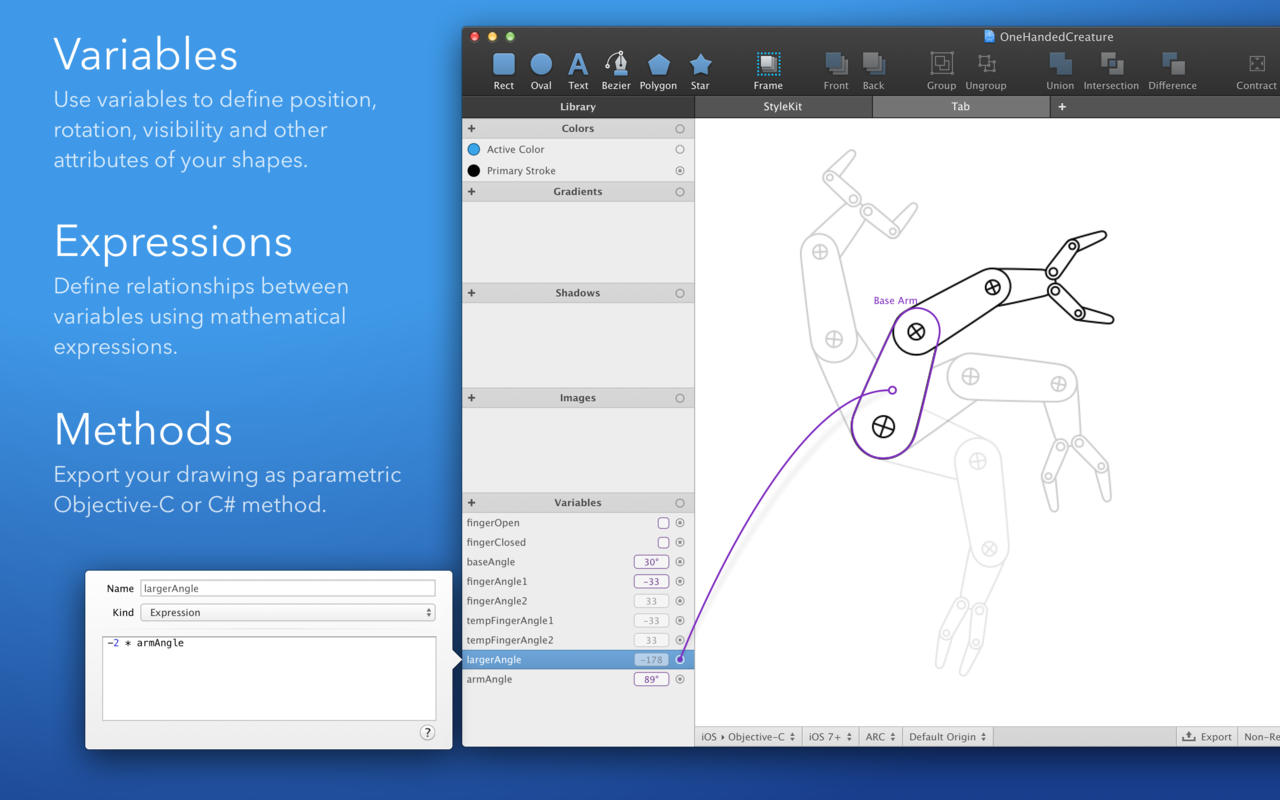
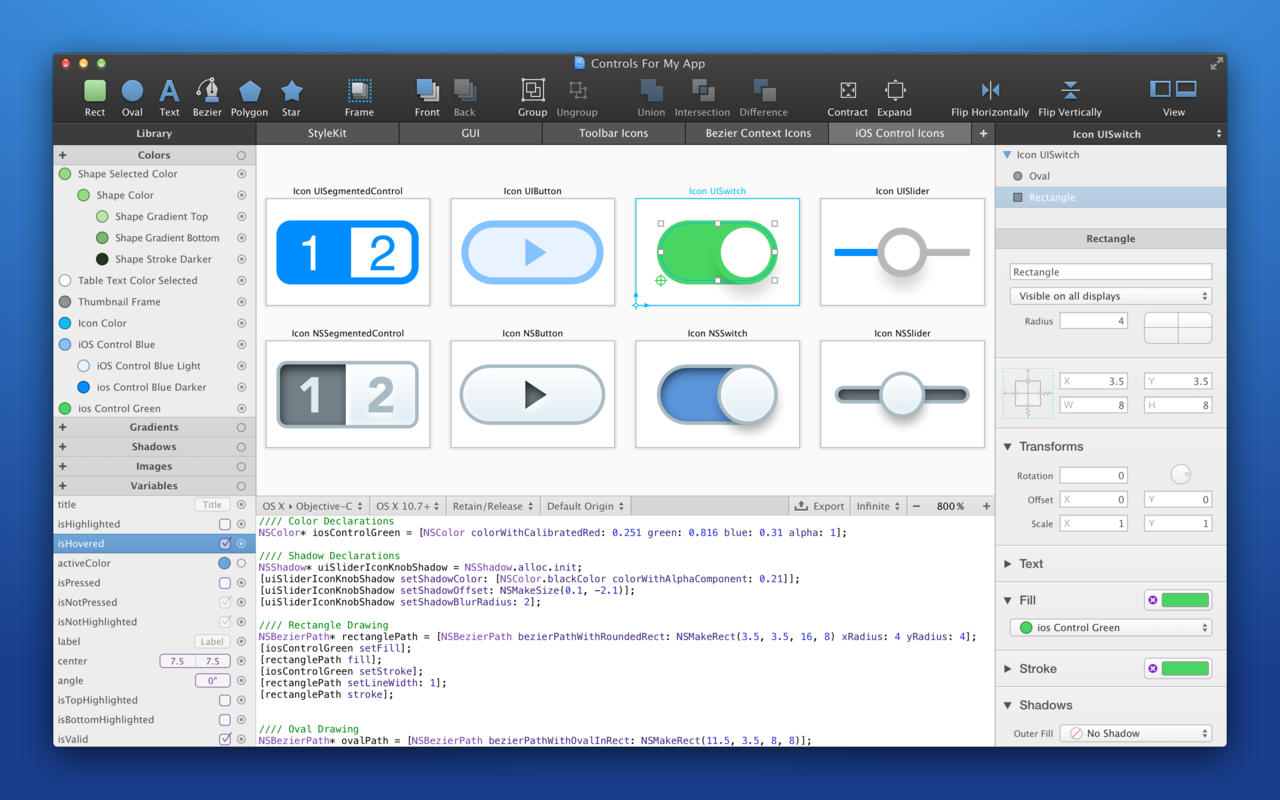
PaintCode is a vector drawing app that instantly generates Objective-C or C# drawing code. With PaintCode you can create an app that is truly resolution-independent, using code (instead of large number of image assets) to draw a user interface.
Stylekit: Change the design of your app in seconds. With StyleKits, integration of the generated code into your app is extremely easy. StyleKit is a special Objective-C or C# class that contains all your drawings, colors, gradients, shadows and other assets. StyleKit can be exported from PaintCode with just a single click, making the design-tweaking process crazy fast.
Variables and Expressions: Want to draw a button with multiple states? Circular progress bar? Animated robotic arm? Never-before-seen user interface control? Creating these complex dynamic drawings is usually extremely time-consuming. Not now. PaintCode’s Variables and Expressions let you create dynamic, parametric drawings with immediate visual feedback.
Multi-Canvas, Tabbed Workspace (new): Use multiple drawing canvases in multiple tabs. Each canvas turns into a drawing method in the generated StyleKit code.
Better Tools (new): Enjoy rotation and scaling with user-defined origin, powerful bezier editing tools, smart and custom guides, precise boolean operations, mass export and import, hierarchical color library, vertical text alignment, better text editing, improved zoom tool, outline mode and many more features.
Dynamic Colors: Reuse the same color multiple times across your document. Derive a new color from an existing color, forming a permanent relationship. Changing the base color will also change all the derived colors. This unique feature means you can base the entire color scheme of your app on a single color, which you can easily readjust when you like.
Dynamic Shapes: Define how your complex drawings behave when resized. Draw a resizable button and retrieve drawing code to draw the button to any size.
PSD and SVG Import: Import SVG documents into PaintCode, transforming them into Objective-C or C# drawing code. Layer graphics, paths, texts and groups from Adobe Photoshop documents can also be imported.
What’s New:
Version 3.5.4:
Release notes were unavailable when this listing was updated.
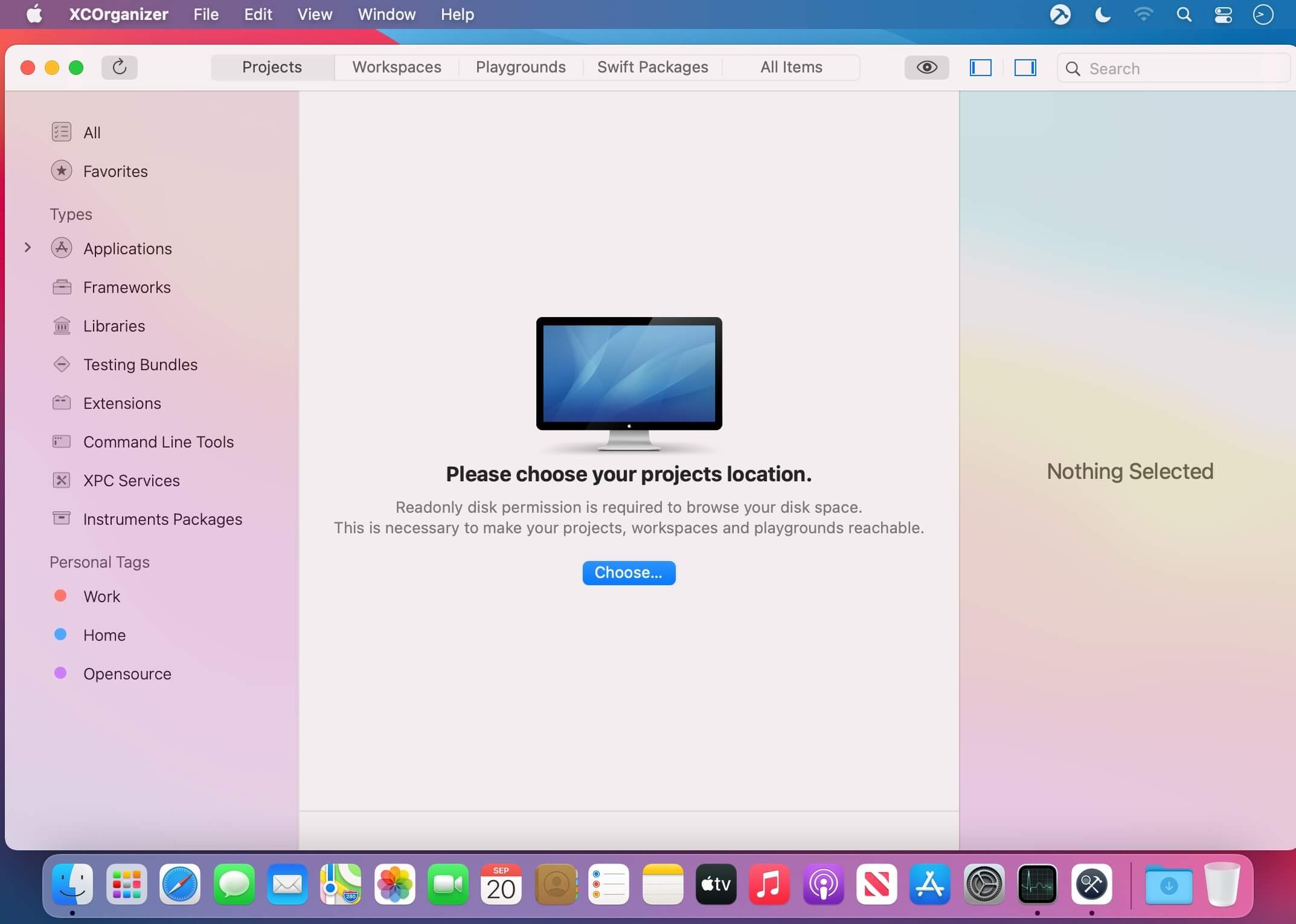
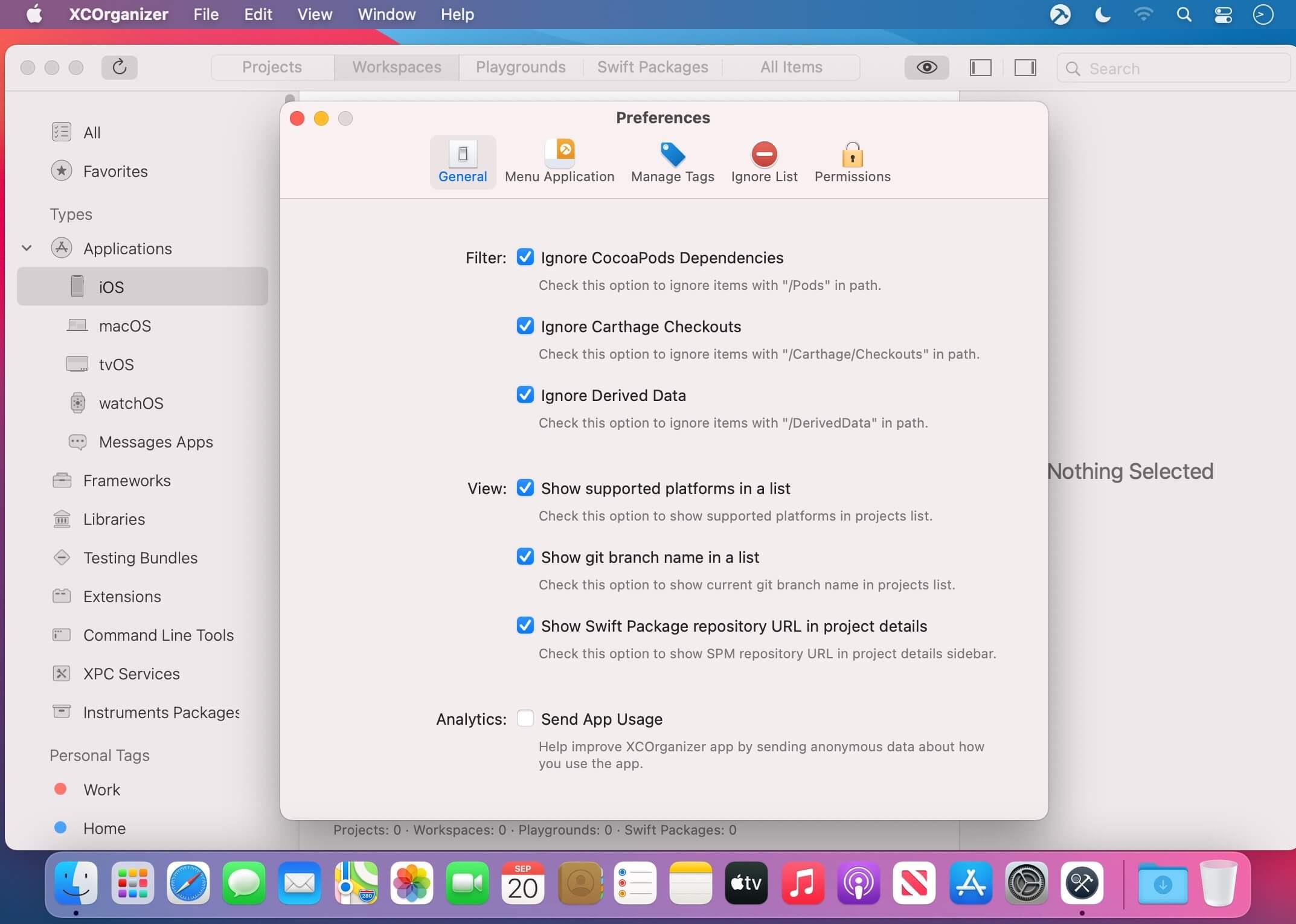
XCOrganizer is a tool that lets you easily locate any project on a disk. Browse through Xcode Projects, Xcode Workspaces, Swift Playgrounds, and Swift Packages grouped by types. Assign tags based on project goals. Add whatever you’re working on to favorites. Humans can’t possibly keep track of all project names. XCOrganizer can.
Group By Kind
All the projects are grouped by kinds, so If you know, that you are looking for some newly built XCFramework, or, for example, Apple Watch extension, it’s easier than ever to find it by selecting the group.
XCOrganizer easily sorts all the items for you. Check it out.
Personal Tags
Any Xcode Project (as well as workspace, playground and Swift package) could be easily marked with predefined tags like (Work, Home or Opensource) and even more, you can create your own tags to keep everything sorted. You can also assign the whole folder to the specific tag.
Quick Search
Have doubts about the naming? “CoolProj” or “CoolProject”? All items are indexed, so no matter, just type it and get your results.
Favorites
The easiest way to keep something shorthand is to bookmark it. Add your project to favorites.
View on the App Store
Open your project’s product on the App Store right from the application. Never miss the link.
Menu application
Want some shortcut? You have quick access to your favorite items in status bar application.
QuickLook Extension
Preview your project’s details right from QuickLook or Spotlight.
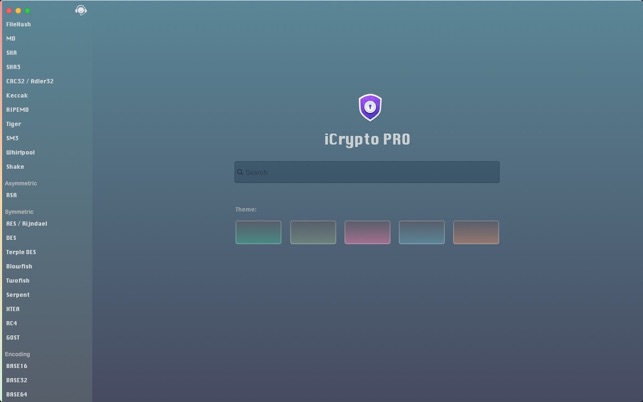
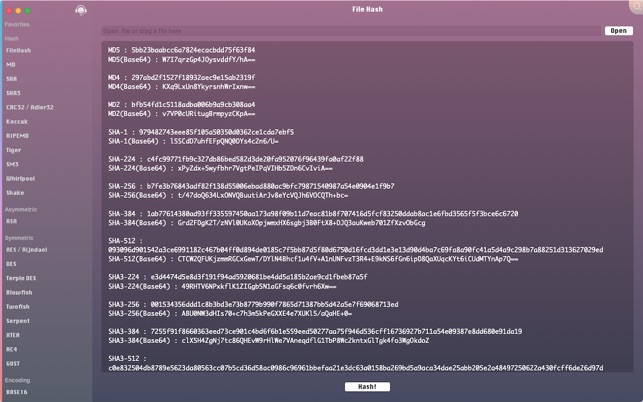
iCrypto PRO contains a lot of cryptosystems and cryptoanalysis methods all in one, including hash algorithms, encoding algorithms, modern symmetric and asymmetric encryptions etc.
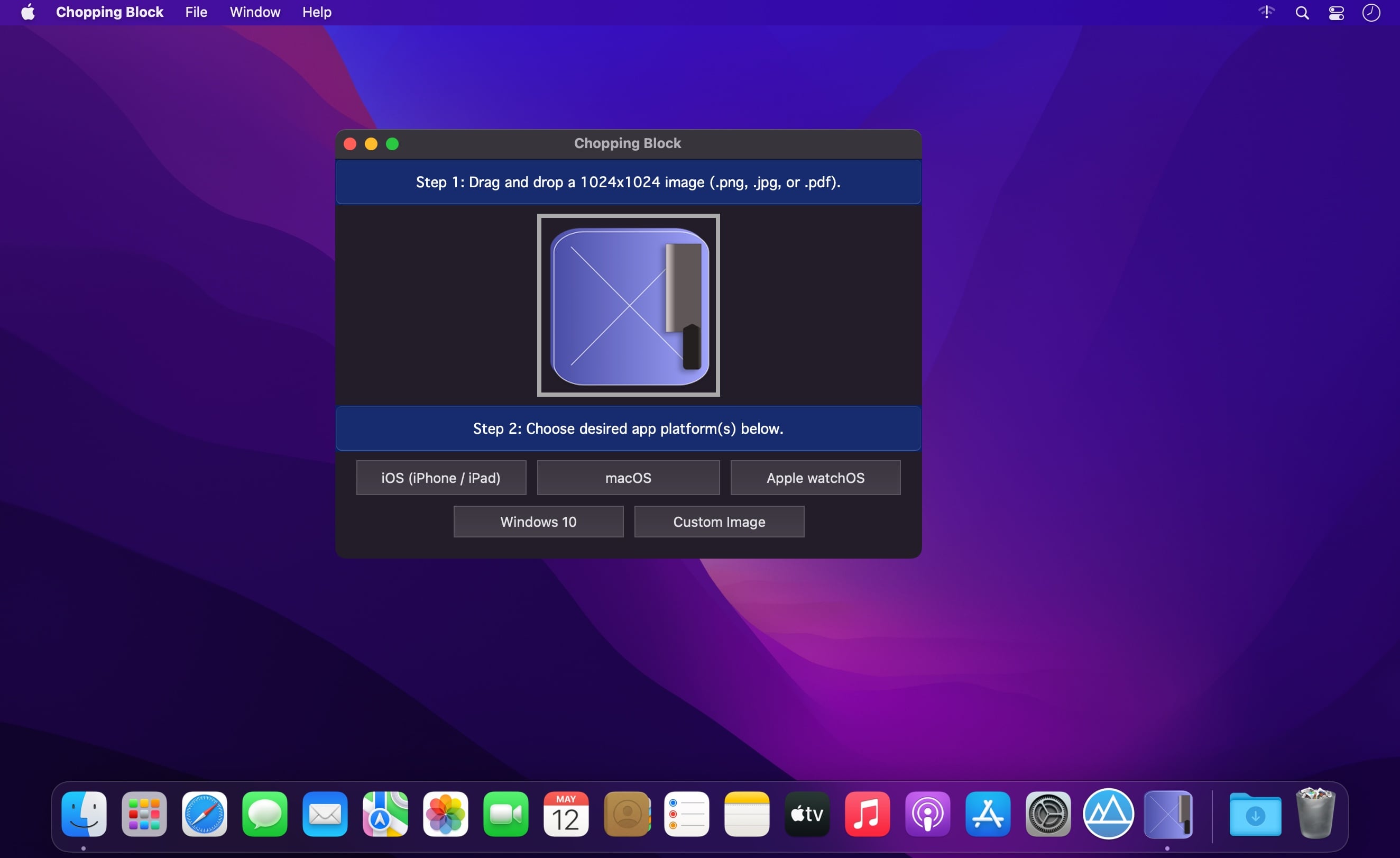
Speed up your app development process with our Chopping Block application.
Send your app icon through our Chopping Block to resize your artwork to its required image dimensions. Chopping Block resizes all your app icon images instantly. Just drag and drop your artwork and move the icon files to your project’s directory.
What usually takes 30 minutes or more can be done in seconds with the help of Chopping Block.
Platforms supported:
iOS / iPad / Car Play (23 icons, 1 Contents.json file).
macOS (10 icons, 1 Contents.json file).
Apple Watch (11 icons, 1 Contents.json file).
Windows 10 (56 icons).
Custom image sizes (up to 8 icons at a time).
How-To Use:
Drag and drop your 1024×1024 app icon artwork (png, jpg, or pdf image file).
Click on the desired platform.
For
iOS/macOS/watchOS:
Drag the resized icons and Contents.json files to your project’s Assets.xassts/AppIcon.appiconset/ directory.
Windows 10/11:
Right-click on your project’s name inside Visual Studio IDE, —> Click on Package Manifest, —> “Visual Assets.”
Assign icons.
4. Share your experience by writing us an app review. 🙂
Navicat Premium is an all-in-one database admin and migration tool for MySQL, SQL Server, Oracle and PostgreSQL.
Navicat Premium combines all Navicat versions in an ultimate version and can connect MySQL, Oracle and PostgreSQL. Navicat Premium allows user to drag and drop tables and data from Oracle to MySQL, PostgreSQL to MySQL, Oracle to PostgreSQL and vice versa within a single client. Also, batch jobs for different databases such as print report in MySQL, backup data in Oracle and synchronize data in PostgreSQL can also be scheduled and automated to run at a specific time. All in all, Navicat Premium can help database users to save lots of time to manage multiple databases and perform cross database data migration at their fingertips
This Database Client tool runs on Mac OS X and features an intuitive interface. Other advanced features including Backup/ Restore, Data Import/ Export, Data Synchronization, Reporting and Remote Connection to MySQL, PostgreSQL and Oracle server, etc. This database migration tool provides a friendly step-by-step Wizard-GUI. All you want to do is: select a data source and a target output format, then submit migration!
*** You need to disable the System Integrity Protection (SIP) to perform the selected Application and Gatekeeper off!
Kaleidoscope is the most powerful file comparison app. Spot the differences in text and image files, or even folders full of files. Review changes in seconds, with the world’s most advanced and beautiful file comparison app.
Kaleidoscope 3 features the first major redesign in over eight years, with support for Apple Silicon-based Macs, a redesigned interface that looks great in the latest versions of macOS, and new dark mode support, Kaleidoscope 3 marks the comeback of a longtime developer favorite for spotting changes in text, images, and folders. There is a new Reader view, and changesets have received major improvements.
WHAT’S NEW IN KALEIDOSCOPE 3?
Redesigned interface, including new dark mode and new app icon; Kaleidoscope’s design now fits macOS Big Sur and macOS Monterey
Runs natively on all Macs, including those based on Apple silicon (Apple M1 chip).
Reader view makes it easier to focus on the content
Greater control over how text layout, with better font options and display choices
Ability to ignore particular folders and files during folder compare, using powerful patterns.
Persistent top toolbar with convenient Add and Paste buttons
Redesigned Unified text comparison and File Shelf views to make it easier to review differences and keep track of files being compared
Powerful filters for comparing items in changeset windows
KALEIDOSCOPE FEATURES:
Two-Way Text Comparison & Merging
Supports any text file, Word documents, PDF, RTF
Super-fast diffing of lines and character-level changes
Directly paste from clipboard
Three powerful display modes: Blocks, Fluid and Unified
Color coding to spot added, deleted, and changed text
Powerful text layout customization
Reader view that helps focus on content
Built-in search
Three-Way Merge
Review code changes and resolve conflicts
Edit text inline
Intelligently auto-merge the right content
Powerful Image Comparison
Supports any file that can be imported as bitmap
Directly paste from clipboard
Compare images in four different modes: Two-Up, One-Up, Split and Difference
Spot subtle pixel differences with a high contrast “difference mask”
Navigate large images using pan & zoom tools
Folder Comparison
Ultra-fast algorithm for finding differences in large folders
Sort and filter down to what is most important
Powerful ignore patterns to exclude extraneous files and folders
Drill deeper into folders for more detailed comparisons
Copy your preferred files across sources
Code Review
Well-designed overview of all files changed in a changeset
Find a file by filtering by name or by kind of change
Inspect changes in text and image files using all of Kaleidoscope’s compare tools
Easy Workflow Integration
Git, Mercurial, Subversion, Bazaar, and Perforce support
Works as a fully functional diff or merge tool
ksdiff tool unleashes the power of the unix command-line
Supported by a growing list of GUI source control management apps
Integrate with the Xcode debugger (lldb) for text and graphics
Integrates with tools like Alfred for even faster workflows
Kaleidoscope is the most powerful file comparison app. Spot the differences in text and image files, or even folders full of files. Review changes in seconds, with the world’s most advanced and beautiful file comparison app.
Kaleidoscope 3 features the first major redesign in over eight years, with support for Apple Silicon-based Macs, a redesigned interface that looks great in the latest versions of macOS, and new dark mode support, Kaleidoscope 3 marks the comeback of a longtime developer favorite for spotting changes in text, images, and folders. There is a new Reader view, and changesets have received major improvements.
WHAT’S NEW IN KALEIDOSCOPE 3?
Redesigned interface, including new dark mode and new app icon; Kaleidoscope’s design now fits macOS Big Sur and macOS Monterey
Runs natively on all Macs, including those based on Apple silicon (Apple M1 chip).
Reader view makes it easier to focus on the content
Greater control over how text layout, with better font options and display choices
Ability to ignore particular folders and files during folder compare, using powerful patterns.
Persistent top toolbar with convenient Add and Paste buttons
Redesigned Unified text comparison and File Shelf views to make it easier to review differences and keep track of files being compared
Powerful filters for comparing items in changeset windows
KALEIDOSCOPE FEATURES:
Two-Way Text Comparison & Merging
Supports any text file, Word documents, PDF, RTF
Super-fast diffing of lines and character-level changes
Directly paste from clipboard
Three powerful display modes: Blocks, Fluid and Unified
Color coding to spot added, deleted, and changed text
Powerful text layout customization
Reader view that helps focus on content
Built-in search
Three-Way Merge
Review code changes and resolve conflicts
Edit text inline
Intelligently auto-merge the right content
Powerful Image Comparison
Supports any file that can be imported as bitmap
Directly paste from clipboard
Compare images in four different modes: Two-Up, One-Up, Split and Difference
Spot subtle pixel differences with a high contrast “difference mask”
Navigate large images using pan & zoom tools
Folder Comparison
Ultra-fast algorithm for finding differences in large folders
Sort and filter down to what is most important
Powerful ignore patterns to exclude extraneous files and folders
Drill deeper into folders for more detailed comparisons
Copy your preferred files across sources
Code Review
Well-designed overview of all files changed in a changeset
Find a file by filtering by name or by kind of change
Inspect changes in text and image files using all of Kaleidoscope’s compare tools
Easy Workflow Integration
Git, Mercurial, Subversion, Bazaar, and Perforce support
Works as a fully functional diff or merge tool
ksdiff tool unleashes the power of the unix command-line
Supported by a growing list of GUI source control management apps
Integrate with the Xcode debugger (lldb) for text and graphics
Integrates with tools like Alfred for even faster workflows
Git Client, done Sublime. Meet a new Git Client, from the makers of Sublime Text. A snappy UI, three-way merge tool, side-by-side diffs, syntax highlighting, and more. Stage Files, Hunks and Lines with no waiting – Sublime Merge is really, really fast.
Valentina Studio is the ultimate data management tool for database administrators. Valentina Studio includes a wealth of database administration tools. Valentina Studio PRO to unlock advanced data modeling tools, report design and editing and more.
Valentina Studio brings you powerful, visual editors for your data including:
Schema Editor (tree view and column view) – create and modify all schema objects of supported databases: Tables, Views, Fields, Enums, Links, Constraints, Triggers, Indexes, Stored Procedures, …
Diagram Editor – design new diagrams or do reverse engineering, e.i explore existing databases visually.
Data Editor – easily browse table records in the grid, modify records, an inline edit of values, sort, filter records and save favorite filters, preview images, hex editors for binary values, …
Related Data Editor – easily learn and manage linked records of two tables, link/unlink records by a mouse click, do set operations over linked records, …
SQL Editor – with color syntax, auto-completion, recent and saved favorite queries, templates, console with error/warning reporting, …
Query Editor – build SQL queries visually using just a few mouse clicks
Server Admin – where you can manage users, learn logs and other parameters of servers.
Open as many editors as you like at the same time for different databases/servers opened in tab-panels. You also get different DB related utilities, including: Import/Export, Dumps, Diagnose, Clone, Reindex, …
MAS version of Valentina Studio uses iCloud to share bookmarks between your devices!
Valentina Studio Pro as an in-app purchase to get additional advanced pro-features such as:
Report Editor – visual editor of Valentina Reports that can be saved into Valentina Project file (.vsp). Reports can use as datasource MS SQL, MySQL, PostgreSQL, SQLite, Valentina DB, ODBC.
Form Editor – visual editor of Valentina Forms that can be saved into Valentina Project file (.vsp). Forms can use all supported databases as the datasource.
Data Editor – enables go to parent record function.
Data Editor Layouts – save columns and their order as a named layout
Data Editor Multiple Update – update few records at once.
Data Transfer – copy data between different databases
Diagram Editor – enables forward engineering – i.e. generation of SQL scripts for new/changed database objects.
Dump Wizard – enables filter for tables to select them for a dump.
Error Lookup – search for error description by its code.
Keyboard Shortcuts – enables the ability to redefine the shortcuts and create own shortcut sets.
Object Colors – enables marking objects with specific colors.
Query Editor – enables the ability to copy the generated query.
Schema Cache – save and reuse the schema cache.
Schema Editor – copy one or few schema objects using drag&drop mechanism.
Schema Editor – expanding and collapsing the tree items with subitems using OPTION + click
Schema Snapshot – save and load schema in structured format.
Source Control – develop database using any VCS.
SQLDiff – find differences between two states of a databases and generate SQL script to move between these states.
SQL Search – search of schema objects.
SQL Editor – enables autocompletion for table aliases.
Valentina Studio is the ultimate data management tool for database administrators. Valentina Studio includes a wealth of database administration tools. Valentina Studio PRO to unlock advanced data modeling tools, report design and editing and more.
Valentina Studio brings you powerful, visual editors for your data including:
Schema Editor (tree view and column view) – create and modify all schema objects of supported databases: Tables, Views, Fields, Enums, Links, Constraints, Triggers, Indexes, Stored Procedures, …
Diagram Editor – design new diagrams or do reverse engineering, e.i explore existing databases visually.
Data Editor – easily browse table records in the grid, modify records, an inline edit of values, sort, filter records and save favorite filters, preview images, hex editors for binary values, …
Related Data Editor – easily learn and manage linked records of two tables, link/unlink records by a mouse click, do set operations over linked records, …
SQL Editor – with color syntax, auto-completion, recent and saved favorite queries, templates, console with error/warning reporting, …
Query Editor – build SQL queries visually using just a few mouse clicks
Server Admin – where you can manage users, learn logs and other parameters of servers.
Open as many editors as you like at the same time for different databases/servers opened in tab-panels. You also get different DB related utilities, including: Import/Export, Dumps, Diagnose, Clone, Reindex, …
MAS version of Valentina Studio uses iCloud to share bookmarks between your devices!
Valentina Studio Pro as an in-app purchase to get additional advanced pro-features such as:
Report Editor – visual editor of Valentina Reports that can be saved into Valentina Project file (.vsp). Reports can use as datasource MS SQL, MySQL, PostgreSQL, SQLite, Valentina DB, ODBC.
Form Editor – visual editor of Valentina Forms that can be saved into Valentina Project file (.vsp). Forms can use all supported databases as the datasource.
Data Editor – enables go to parent record function.
Data Editor Layouts – save columns and their order as a named layout
Data Editor Multiple Update – update few records at once.
Data Transfer – copy data between different databases
Diagram Editor – enables forward engineering – i.e. generation of SQL scripts for new/changed database objects.
Dump Wizard – enables filter for tables to select them for a dump.
Error Lookup – search for error description by its code.
Keyboard Shortcuts – enables the ability to redefine the shortcuts and create own shortcut sets.
Object Colors – enables marking objects with specific colors.
Query Editor – enables the ability to copy the generated query.
Schema Cache – save and reuse the schema cache.
Schema Editor – copy one or few schema objects using drag&drop mechanism.
Schema Editor – expanding and collapsing the tree items with subitems using OPTION + click
Schema Snapshot – save and load schema in structured format.
Source Control – develop database using any VCS.
SQLDiff – find differences between two states of a databases and generate SQL script to move between these states.
SQL Search – search of schema objects.
SQL Editor – enables autocompletion for table aliases.
SQL Editor – format SQL queries.
SQL Editor – edit the result of SQL queries.
What’s New:
Version 12.0.0:
[New] MongoDB
[New] MongoDB plugin – the first NON-SQL DB in Valentina Studio.
Schema Editor
Command Editor (similar to SQL Editor)
Collection Editor (Data editor)
Server Admin (manage users, databases, etc)
[New] Workspaces
[New][Pro] Workspaces – this great feature for PRO-developers, which now get a clean isolated room for a project.
You can create a new workspace, which will collect Bookmarks, Recent databases, Recent SQL queries, SQL snippets, opened TAB panels (soon)
Switching between workspaces moves you to this or that project context.
[New] Menu ‘Workspaces’ in the main menu
[New] Top-Right button-menu workspaces to visualize the current workspace and manage workspaces.
Others
[Imp][Start Page] – COPY/PASTE a single bookmark
[Imp][SQL Editor] – Tooltip of a snippet now shows database(s) to which it belongs.
[Imp][SQL Editor] – Tooltip about hidden snippets.
[Imp][Dialogs] – Dialogs to export bookmarks, snippets, etc, now suggest the default name of the file.
Valentina DB
[New][SQL] JOIN between 2 different databases.
[New][SQL] Triggers on Links.
This allows you to CREATE TRIGGER, which will work on LINK / UNLINK commands – events.
Valentina Studio is the ultimate data management tool for database administrators. Valentina Studio includes a wealth of database administration tools. Valentina Studio PRO to unlock advanced data modeling tools, report design and editing and more.
Valentina Studio brings you powerful, visual editors for your data including:
Schema Editor (tree view and column view) – create and modify all schema objects of supported databases: Tables, Views, Fields, Enums, Links, Constraints, Triggers, Indexes, Stored Procedures, …
Diagram Editor – design new diagrams or do reverse engineering, e.i explore existing databases visually.
Data Editor – easily browse table records in the grid, modify records, an inline edit of values, sort, filter records and save favorite filters, preview images, hex editors for binary values, …
Related Data Editor – easily learn and manage linked records of two tables, link/unlink records by a mouse click, do set operations over linked records, …
SQL Editor – with color syntax, auto-completion, recent and saved favorite queries, templates, console with error/warning reporting, …
Query Editor – build SQL queries visually using just a few mouse clicks
Server Admin – where you can manage users, learn logs and other parameters of servers.
Open as many editors as you like at the same time for different databases/servers opened in tab-panels. You also get different DB related utilities, including: Import/Export, Dumps, Diagnose, Clone, Reindex, …
MAS version of Valentina Studio uses iCloud to share bookmarks between your devices!
Valentina Studio Pro as an in-app purchase to get additional advanced pro-features such as:
Report Editor – visual editor of Valentina Reports that can be saved into Valentina Project file (.vsp). Reports can use as datasource MS SQL, MySQL, PostgreSQL, SQLite, Valentina DB, ODBC.
Form Editor – visual editor of Valentina Forms that can be saved into Valentina Project file (.vsp). Forms can use all supported databases as the datasource.
Data Editor – enables go to parent record function.
Data Editor Layouts – save columns and their order as a named layout
Data Editor Multiple Update – update few records at once.
Data Transfer – copy data between different databases
Diagram Editor – enables forward engineering – i.e. generation of SQL scripts for new/changed database objects.
Dump Wizard – enables filter for tables to select them for a dump.
Error Lookup – search for error description by its code.
Keyboard Shortcuts – enables the ability to redefine the shortcuts and create own shortcut sets.
Object Colors – enables marking objects with specific colors.
Query Editor – enables the ability to copy the generated query.
Schema Cache – save and reuse the schema cache.
Schema Editor – copy one or few schema objects using drag&drop mechanism.
Schema Editor – expanding and collapsing the tree items with subitems using OPTION + click
Schema Snapshot – save and load schema in structured format.
Source Control – develop database using any VCS.
SQLDiff – find differences between two states of a databases and generate SQL script to move between these states.
SQL Search – search of schema objects.
SQL Editor – enables autocompletion for table aliases.
SQL Editor – format SQL queries.
SQL Editor – edit the result of SQL queries.
What’s New:
Version 12.0.0:
[New] MongoDB
[New] MongoDB plugin – the first NON-SQL DB in Valentina Studio.
Schema Editor
Command Editor (similar to SQL Editor)
Collection Editor (Data editor)
Server Admin (manage users, databases, etc)
[New] Workspaces
[New][Pro] Workspaces – this great feature for PRO-developers, which now get a clean isolated room for a project.
You can create a new workspace, which will collect Bookmarks, Recent databases, Recent SQL queries, SQL snippets, opened TAB panels (soon)
Switching between workspaces moves you to this or that project context.
[New] Menu ‘Workspaces’ in the main menu
[New] Top-Right button-menu workspaces to visualize the current workspace and manage workspaces.
Others
[Imp][Start Page] – COPY/PASTE a single bookmark
[Imp][SQL Editor] – Tooltip of a snippet now shows database(s) to which it belongs.
[Imp][SQL Editor] – Tooltip about hidden snippets.
[Imp][Dialogs] – Dialogs to export bookmarks, snippets, etc, now suggest the default name of the file.
Valentina DB
[New][SQL] JOIN between 2 different databases.
[New][SQL] Triggers on Links.
This allows you to CREATE TRIGGER, which will work on LINK / UNLINK commands – events.
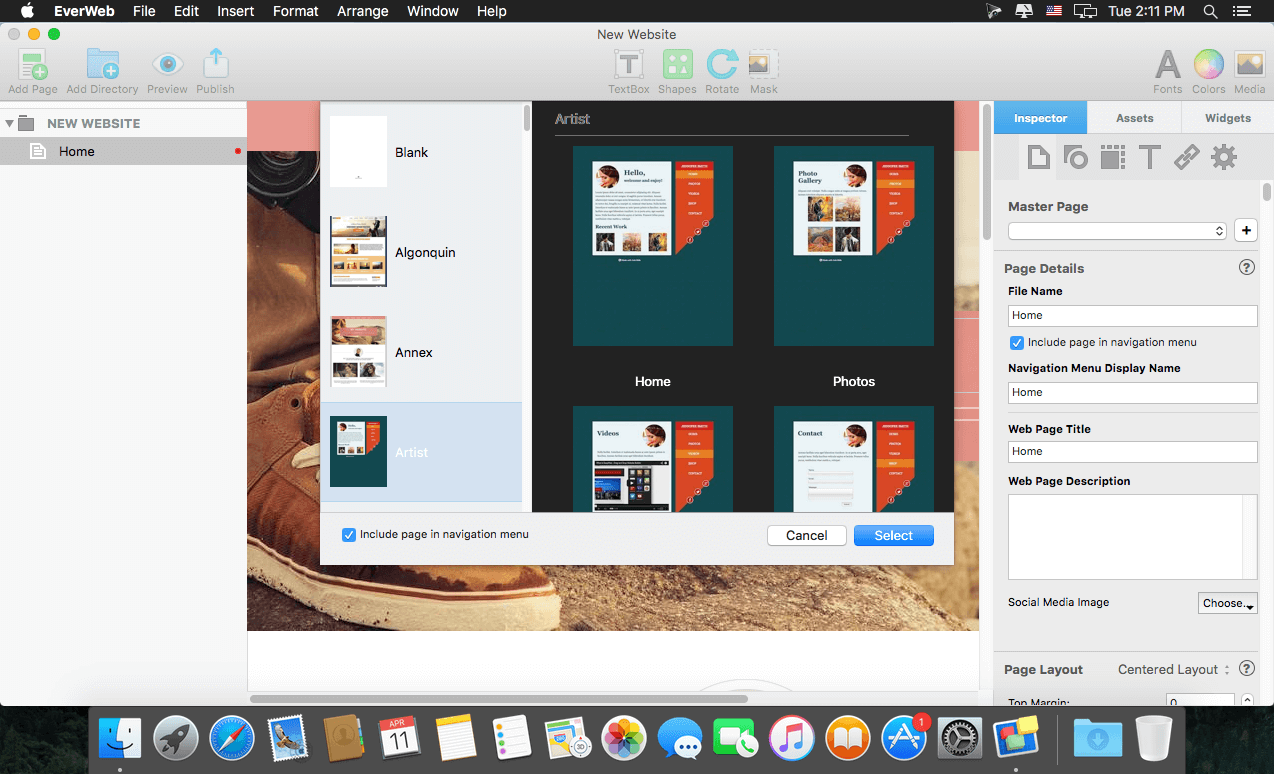
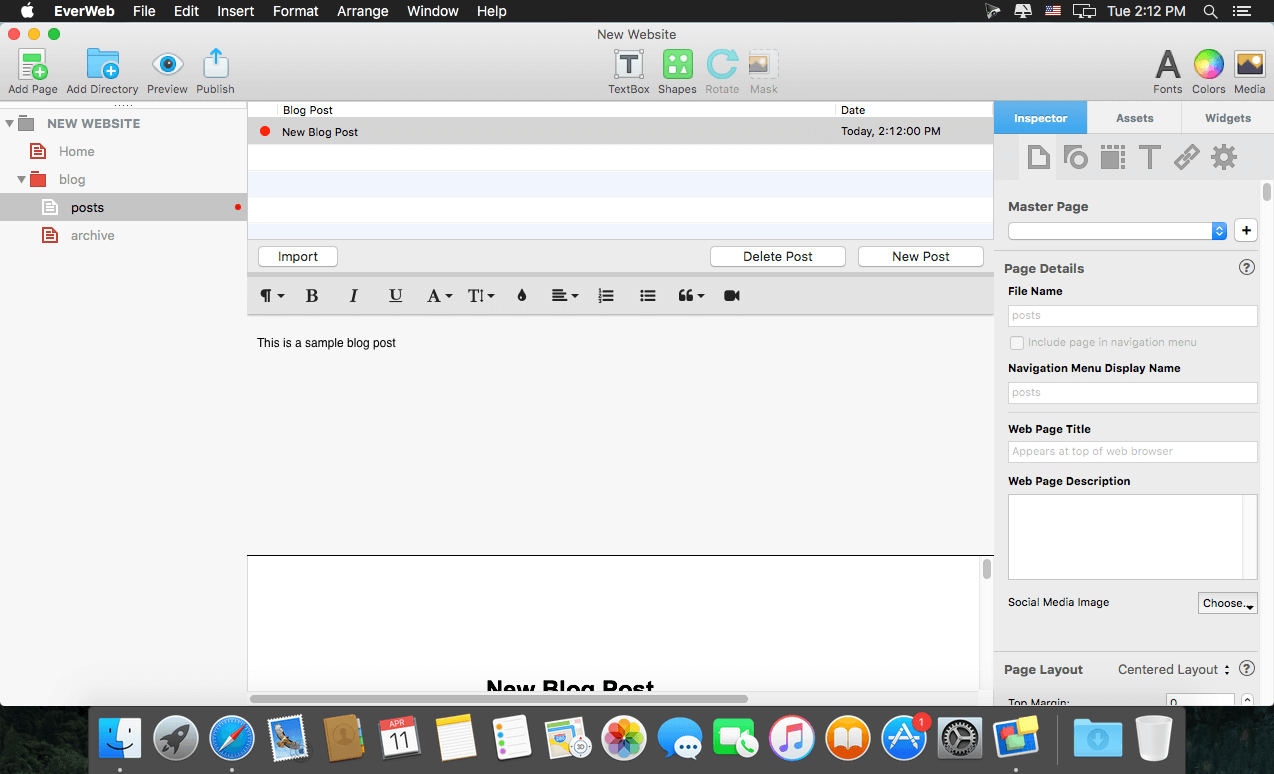
With EverWeb, anyone can create a professional website just by dragging and dropping. Use one of the built-in templates, or start completely from scratch and design the perfect website for your business or personal hobby. Add text, photos, video, widgets, and more to easily create the website you want.
EverWeb even creates mobile websites that look great on iPhones and iPads and includes powerful features such as: drop-down menus, social media integration, built-in SEO, Google Fonts support and so much more.
Publish your website online using EverWeb’s one-click publishing solution or publish to your own web hosting provider.
What’s New:
Version 3.7
New:
Contact Forms: Any file uploads are now included in the submission email received from the forms so they can be easily downloaded
Contact Forms: Required option for the drop down menus now work
New PayPal Widget quantity discount options
Force Download option to tell browser to download linked files (such as PDFs) instead of displaying them in the browser
The Link Window for Widgets now has the next/previous/current/first page options for links
The Link Window for Widgets now offers support for scroll positions, popup windows and nofollow options
Improvements to how Responsive Rows work within the EverWeb Design Canvas. You can easily see which objects you are moving around and where they will drop. Plus some additional fixes
Header/Footer code sections under Edit Publishing Settings are slightly larger
Backup preferences has a ’Show On Disk’ option for the Backup folder so you can find your backups if needed
Under ‘Publishing Settings’ there is a ‘Email Settings’ button to easily see the configuration settings needed to use in your email client
Duplicate menu item works for Blog posts
Fixed:
Fixed a bug with Contact Forms Simple and PHP 8
optimizations for getting very large widget previews (such as blogs)
Duplicate and Copy menu items for blog pages are disabled appropriately
Fixes the inspector changing the tab when editing links in a text box
Fixed responsive full width text boxes not adjusting their height properly
Fixed shapes with no fill option and borders set
Improved localizations
Optimize SEO checkbox properly disabled when publishing
Show hyperlink indicator now appears for all shapes using fill color
Using passwords that are only numbers for password protection now works properly
Duplicate/Copy menus for blog pages are disabled properly
For blog pages that may add a lot of extra space to the footer of a website
Git Client, done Sublime. Meet a new Git Client, from the makers of Sublime Text. A snappy UI, three-way merge tool, side-by-side diffs, syntax highlighting, and more. Stage Files, Hunks and Lines with no waiting – Sublime Merge is really, really fast.
Valentina Studio is the ultimate data management tool for database administrators. Valentina Studio includes a wealth of database administration tools. Valentina Studio PRO to unlock advanced data modeling tools, report design and editing and more.
Valentina Studio brings you powerful, visual editors for your data including:
Schema Editor (tree view and column view) – create and modify all schema objects of supported databases: Tables, Views, Fields, Enums, Links, Constraints, Triggers, Indexes, Stored Procedures, …
Diagram Editor – design new diagrams or do reverse engineering, e.i explore existing databases visually.
Data Editor – easily browse table records in the grid, modify records, an inline edit of values, sort, filter records and save favorite filters, preview images, hex editors for binary values, …
Related Data Editor – easily learn and manage linked records of two tables, link/unlink records by a mouse click, do set operations over linked records, …
SQL Editor – with color syntax, auto-completion, recent and saved favorite queries, templates, console with error/warning reporting, …
Query Editor – build SQL queries visually using just a few mouse clicks
Server Admin – where you can manage users, learn logs and other parameters of servers.
Open as many editors as you like at the same time for different databases/servers opened in tab-panels. You also get different DB related utilities, including: Import/Export, Dumps, Diagnose, Clone, Reindex, …
MAS version of Valentina Studio uses iCloud to share bookmarks between your devices!
Valentina Studio Pro as an in-app purchase to get additional advanced pro-features such as:
Report Editor – visual editor of Valentina Reports that can be saved into Valentina Project file (.vsp). Reports can use as datasource MS SQL, MySQL, PostgreSQL, SQLite, Valentina DB, ODBC.
Form Editor – visual editor of Valentina Forms that can be saved into Valentina Project file (.vsp). Forms can use all supported databases as the datasource.
Data Editor – enables go to parent record function.
Data Editor Layouts – save columns and their order as a named layout
Data Editor Multiple Update – update few records at once.
Data Transfer – copy data between different databases
Diagram Editor – enables forward engineering – i.e. generation of SQL scripts for new/changed database objects.
Dump Wizard – enables filter for tables to select them for a dump.
Error Lookup – search for error description by its code.
Keyboard Shortcuts – enables the ability to redefine the shortcuts and create own shortcut sets.
Object Colors – enables marking objects with specific colors.
Query Editor – enables the ability to copy the generated query.
Schema Cache – save and reuse the schema cache.
Schema Editor – copy one or few schema objects using drag&drop mechanism.
Schema Editor – expanding and collapsing the tree items with subitems using OPTION + click
Schema Snapshot – save and load schema in structured format.
Source Control – develop database using any VCS.
SQLDiff – find differences between two states of a databases and generate SQL script to move between these states.
SQL Search – search of schema objects.
SQL Editor – enables autocompletion for table aliases.
Valentina Studio is the ultimate data management tool for database administrators. Valentina Studio includes a wealth of database administration tools. Valentina Studio PRO to unlock advanced data modeling tools, report design and editing and more.
Valentina Studio brings you powerful, visual editors for your data including:
Schema Editor (tree view and column view) – create and modify all schema objects of supported databases: Tables, Views, Fields, Enums, Links, Constraints, Triggers, Indexes, Stored Procedures, …
Diagram Editor – design new diagrams or do reverse engineering, e.i explore existing databases visually.
Data Editor – easily browse table records in the grid, modify records, an inline edit of values, sort, filter records and save favorite filters, preview images, hex editors for binary values, …
Related Data Editor – easily learn and manage linked records of two tables, link/unlink records by a mouse click, do set operations over linked records, …
SQL Editor – with color syntax, auto-completion, recent and saved favorite queries, templates, console with error/warning reporting, …
Query Editor – build SQL queries visually using just a few mouse clicks
Server Admin – where you can manage users, learn logs and other parameters of servers.
Open as many editors as you like at the same time for different databases/servers opened in tab-panels. You also get different DB related utilities, including: Import/Export, Dumps, Diagnose, Clone, Reindex, …
MAS version of Valentina Studio uses iCloud to share bookmarks between your devices!
Valentina Studio Pro as an in-app purchase to get additional advanced pro-features such as:
Report Editor – visual editor of Valentina Reports that can be saved into Valentina Project file (.vsp). Reports can use as datasource MS SQL, MySQL, PostgreSQL, SQLite, Valentina DB, ODBC.
Form Editor – visual editor of Valentina Forms that can be saved into Valentina Project file (.vsp). Forms can use all supported databases as the datasource.
Data Editor – enables go to parent record function.
Data Editor Layouts – save columns and their order as a named layout
Data Editor Multiple Update – update few records at once.
Data Transfer – copy data between different databases
Diagram Editor – enables forward engineering – i.e. generation of SQL scripts for new/changed database objects.
Dump Wizard – enables filter for tables to select them for a dump.
Error Lookup – search for error description by its code.
Keyboard Shortcuts – enables the ability to redefine the shortcuts and create own shortcut sets.
Object Colors – enables marking objects with specific colors.
Query Editor – enables the ability to copy the generated query.
Schema Cache – save and reuse the schema cache.
Schema Editor – copy one or few schema objects using drag&drop mechanism.
Schema Editor – expanding and collapsing the tree items with subitems using OPTION + click
Schema Snapshot – save and load schema in structured format.
Source Control – develop database using any VCS.
SQLDiff – find differences between two states of a databases and generate SQL script to move between these states.
SQL Search – search of schema objects.
SQL Editor – enables autocompletion for table aliases.
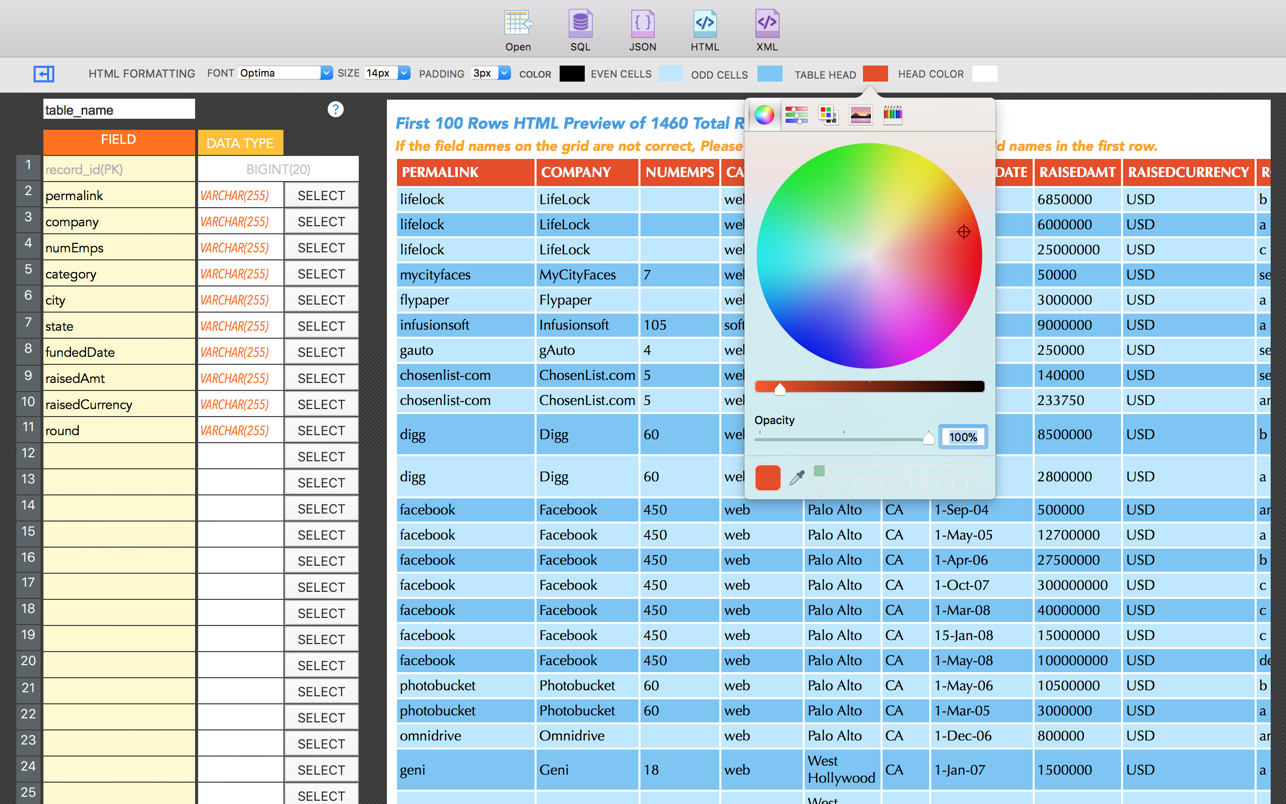
CSV Converter Pro is a powerful app for converting CSV data to SQL, JSON, XML & HTML. This App is very easy to use, simply load your CSV file and choose what format to export.
CSV Converter Pro has tools to allow you style your HTML markup without writing a single line of code, or you can convert your data to a MYSQL ready SQL file that you can easily import into your database. Besides that, you can also convert your data to JSON or XML formats.
Features:
• Powerful & Reliable to Convert Thousands of Rows of CSV data within the shortest amount of time.
• Convert your CSV files to SQL(for MYSQL), XML, JSON or HTML
• Easily download your converted data to your Mac
• Easily Style your HTML markup using the UI tools provided without writing a line of code. Change font family, size, colors & row padding.
• CSV Converter Pro Instantly previews your data as soon as it’s loaded on the app.
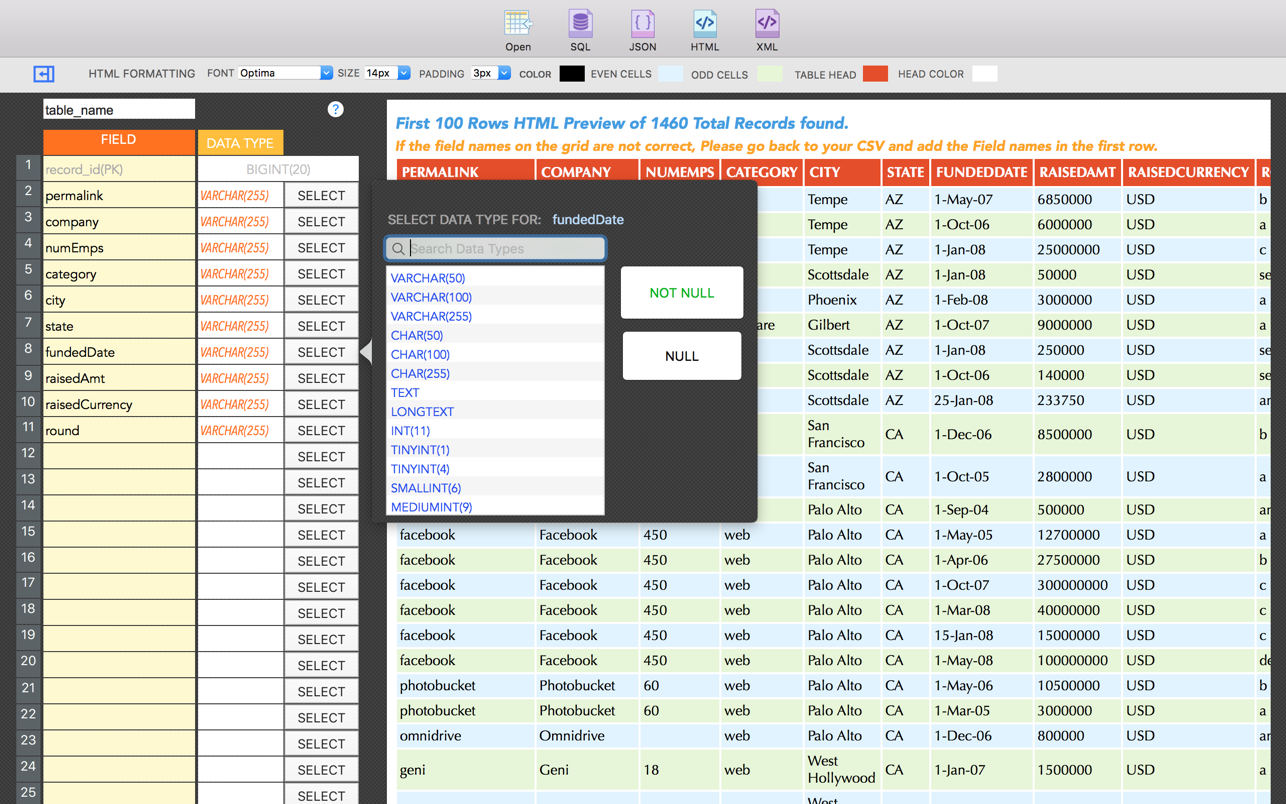
• Custom define your SQL table name and field data types
• Auto detects column headers/Labels in the CSV data.
• Automatically checks if the XML file generated is well formed and notifies the user accordingly.
Valentina Studio is the ultimate data management tool for database administrators. Valentina Studio includes a wealth of database administration tools. Valentina Studio PRO to unlock advanced data modeling tools, report design and editing and more.
Valentina Studio brings you powerful, visual editors for your data including:
Schema Editor (tree view and column view) – create and modify all schema objects of supported databases: Tables, Views, Fields, Enums, Links, Constraints, Triggers, Indexes, Stored Procedures, …
Diagram Editor – design new diagrams or do reverse engineering, e.i explore existing databases visually.
Data Editor – easily browse table records in the grid, modify records, an inline edit of values, sort, filter records and save favorite filters, preview images, hex editors for binary values, …
Related Data Editor – easily learn and manage linked records of two tables, link/unlink records by a mouse click, do set operations over linked records, …
SQL Editor – with color syntax, auto-completion, recent and saved favorite queries, templates, console with error/warning reporting, …
Query Editor – build SQL queries visually using just a few mouse clicks
Server Admin – where you can manage users, learn logs and other parameters of servers.
Open as many editors as you like at the same time for different databases/servers opened in tab-panels. You also get different DB related utilities, including: Import/Export, Dumps, Diagnose, Clone, Reindex, …
MAS version of Valentina Studio uses iCloud to share bookmarks between your devices!
Valentina Studio Pro as an in-app purchase to get additional advanced pro-features such as:
Report Editor – visual editor of Valentina Reports that can be saved into Valentina Project file (.vsp). Reports can use as datasource MS SQL, MySQL, PostgreSQL, SQLite, Valentina DB, ODBC.
Form Editor – visual editor of Valentina Forms that can be saved into Valentina Project file (.vsp). Forms can use all supported databases as the datasource.
Data Editor – enables go to parent record function.
Data Editor Layouts – save columns and their order as a named layout
Data Editor Multiple Update – update few records at once.
Data Transfer – copy data between different databases
Diagram Editor – enables forward engineering – i.e. generation of SQL scripts for new/changed database objects.
Dump Wizard – enables filter for tables to select them for a dump.
Error Lookup – search for error description by its code.
Keyboard Shortcuts – enables the ability to redefine the shortcuts and create own shortcut sets.
Object Colors – enables marking objects with specific colors.
Query Editor – enables the ability to copy the generated query.
Schema Cache – save and reuse the schema cache.
Schema Editor – copy one or few schema objects using drag&drop mechanism.
Schema Editor – expanding and collapsing the tree items with subitems using OPTION + click
Schema Snapshot – save and load schema in structured format.
Source Control – develop database using any VCS.
SQLDiff – find differences between two states of a databases and generate SQL script to move between these states.
SQL Search – search of schema objects.
SQL Editor – enables autocompletion for table aliases.
Navicat Premium is an all-in-one database admin and migration tool for MySQL, SQL Server, Oracle and PostgreSQL.
Navicat Premium combines all Navicat versions in an ultimate version and can connect MySQL, Oracle and PostgreSQL. Navicat Premium allows user to drag and drop tables and data from Oracle to MySQL, PostgreSQL to MySQL, Oracle to PostgreSQL and vice versa within a single client. Also, batch jobs for different databases such as print report in MySQL, backup data in Oracle and synchronize data in PostgreSQL can also be scheduled and automated to run at a specific time. All in all, Navicat Premium can help database users to save lots of time to manage multiple databases and perform cross database data migration at their fingertips
This Database Client tool runs on Mac OS X and features an intuitive interface. Other advanced features including Backup/ Restore, Data Import/ Export, Data Synchronization, Reporting and Remote Connection to MySQL, PostgreSQL and Oracle server, etc. This database migration tool provides a friendly step-by-step Wizard-GUI. All you want to do is: select a data source and a target output format, then submit migration!
*** You need to disable the System Integrity Protection (SIP) to perform the selected Application and Gatekeeper off!
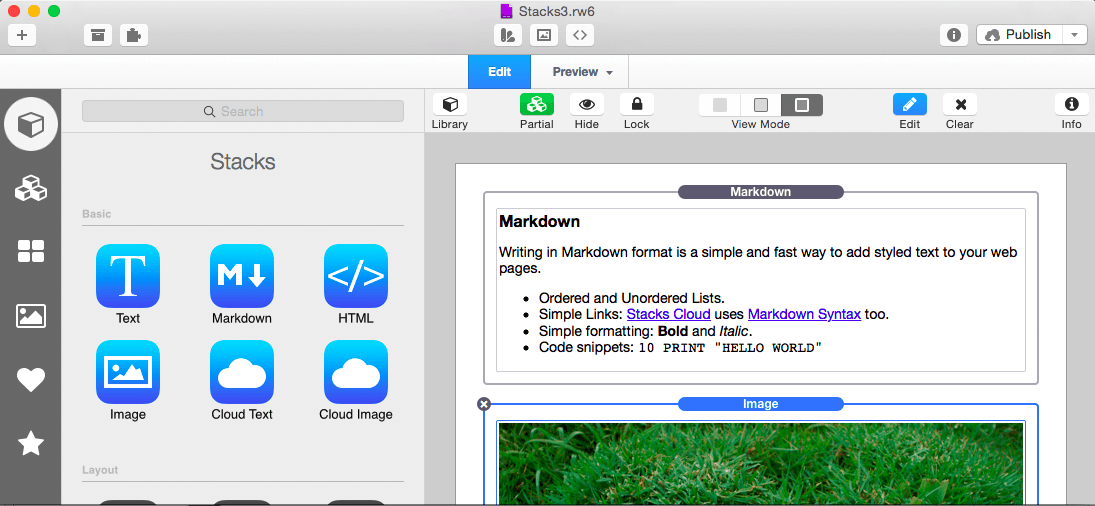
Stacks is a new way to create pages in RapidWeaver. It’s a plugin designed to combine drag-and-drop simplicity with the power of fluid layout.
Features
Fluid Layout: Stacks lets you build pages that flow text to the dimensions of a theme even if the theme has a variable width. You can build flowing columns, flexible rows, and tiles of images.
Nesting Objects: Build columns within columns within rows within columns. Or group a stack of objects inside a box. Almost anything is possible with Stacks.
Download More Stacks:There are hundreds of professionally designed free and low cost stacks ready for download. Easily add amazing content to your site.
Live Image Editing: Resize, rotate, and style your images with an easy to use HUD and see the changes happen right in the layout.
Pros Welcome: Because Stacks builds layout with relative positioning from a simple two-div structure, the HTML is clean and valid. Pros can use Stacks to prototype difficult layout and add their own HTML to the mix.
Stacks API: You can build your own components for Stacks or even publish them for others to use. The Stacks API reference covers how to build and configure a stack and even build a custom UI for the Stacks HUD.
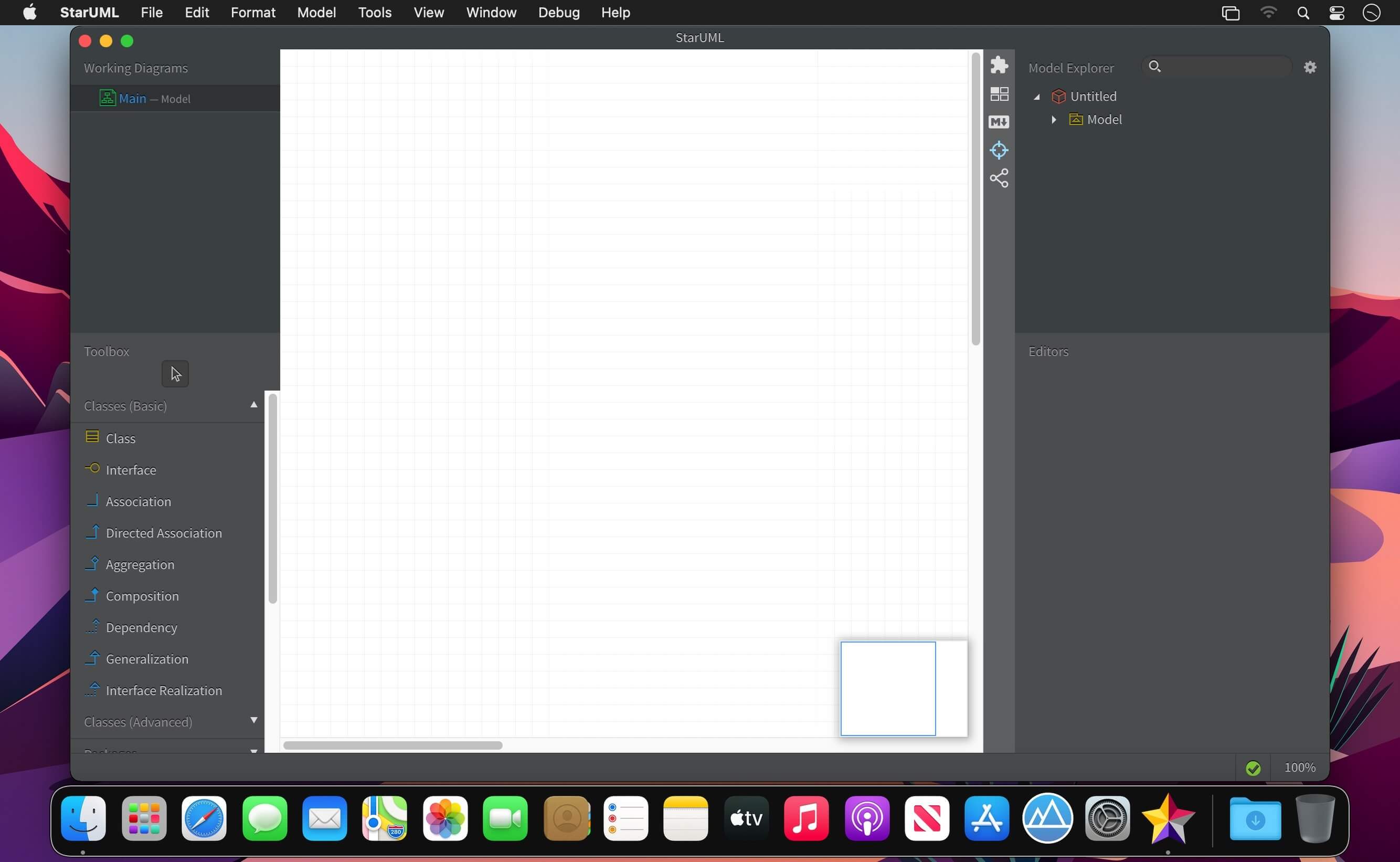
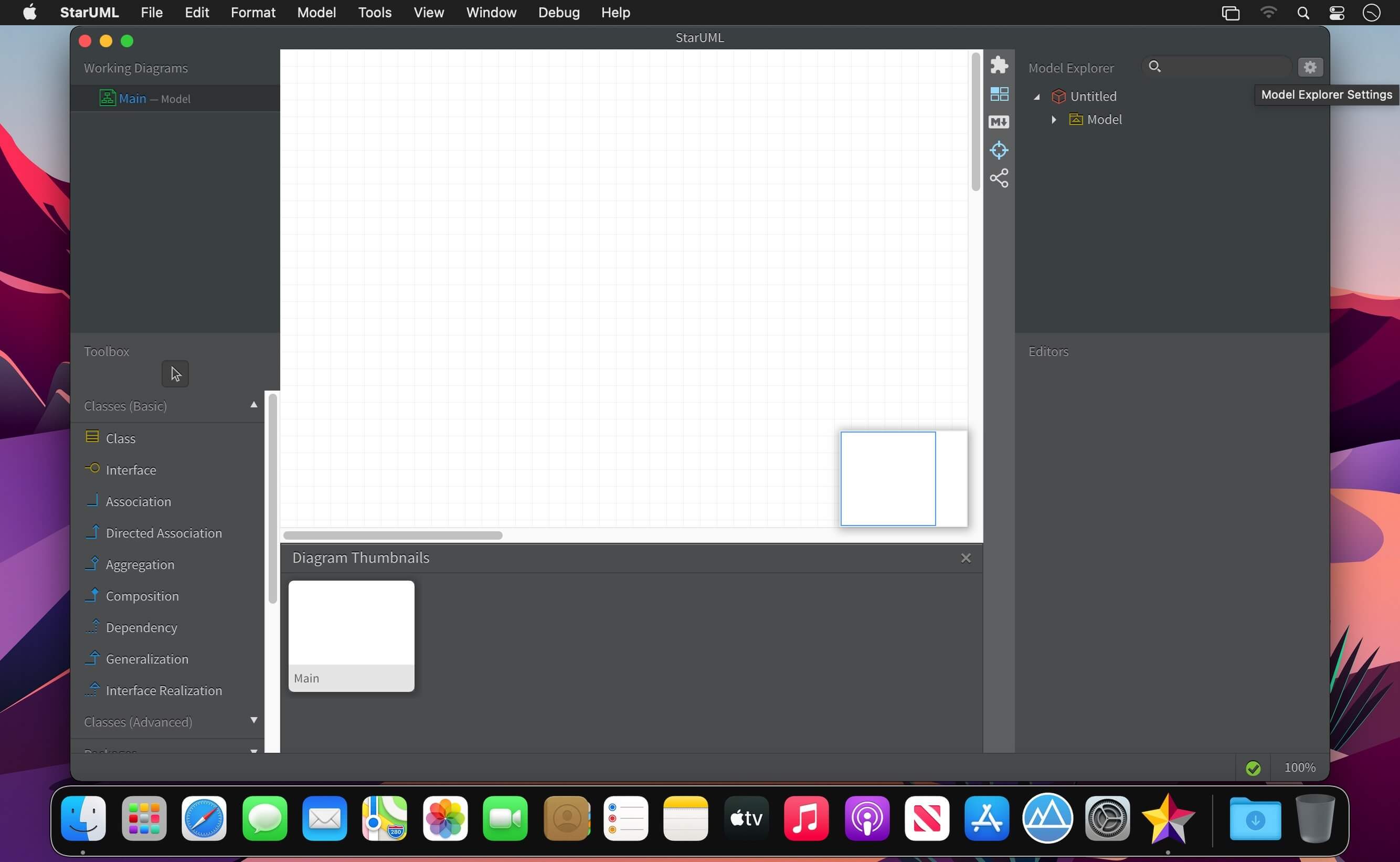
A sophisticated software modeler for agile and concise modeling.
UML 2
Compatible with UML 2.x standard metamodel and diagrams: Class, Object, Use Case, Component, Deployment, Composite Structure, Sequence, Communication, Statechart, Activity, Timing, Interaction Overflow, Information Flow and Profile Diagram.
SysML Support
Support modeling with SysML diagrams: Requirement, Block Definition, Internal Block, and Parametric Diagram.
Additional Diagrams
Support to create Entity-Relationship Diagrams (ERD), Data-flow Diagrams (DFD) and Flowchart Diagrams.
Cross-Platform Support
Work with same UX in multiple platforms including MacOS, Windows and Linux.
MacBook Touchbar
StarUML supports latest MacBook’s Touchbar. It is easy and convenient to edit diagrams.
Retina Display Support
Supports Retina (High-DPI) Display. All diagrams, texts and icons are razor sharp and can be exported to High-DPI images (PNG and JPEG).
Extension Manager
Easily discover and install third-party extensions. Many extensions are open source and hosted on Github. Fork one and make your own.
Model-Driven Development
Modeling data are stored in a very simple JSON format, so it can be used easily to generate custom codes by user-defined templates (mdgen).
Fast Modeling
Supports many shorthands in Quick Edit to create elements and relationships at once such as sub-classes, supporting interfaces, etc.
Dark and Light Themes
Support light and darks themes, so you can choose a theme more comfortable.
Command Palette
Command Palette allows to search and execute commands in StarUML as well as installed extensions.
Code Engineering
Supports code generation and reverse engineering for major programming languages including Java, C#, and C++ via open source extensions.
Open APIs
Allows to write your own extensions using HTML5, CSS3, jаvascript, Node.js modules and APIs for menus, keymaps, dialogs, UIs, metadata, preferences, etc.
Asynchronous Model Validation
Many model validation rules are defined and checked asynchronously whenever you save or open your model files.
Publish HTML Docs
Easy to share models with other analysts, architects, and developers by just publishing HTML Docs.
PDF Export for Clean Printing
Diagrams can be exported to PDF for clean printing with printing options like page layout and sizes.
Markdown Support
Use markdown syntax to edit element’s documentation with support of syntax highlighting and preview.
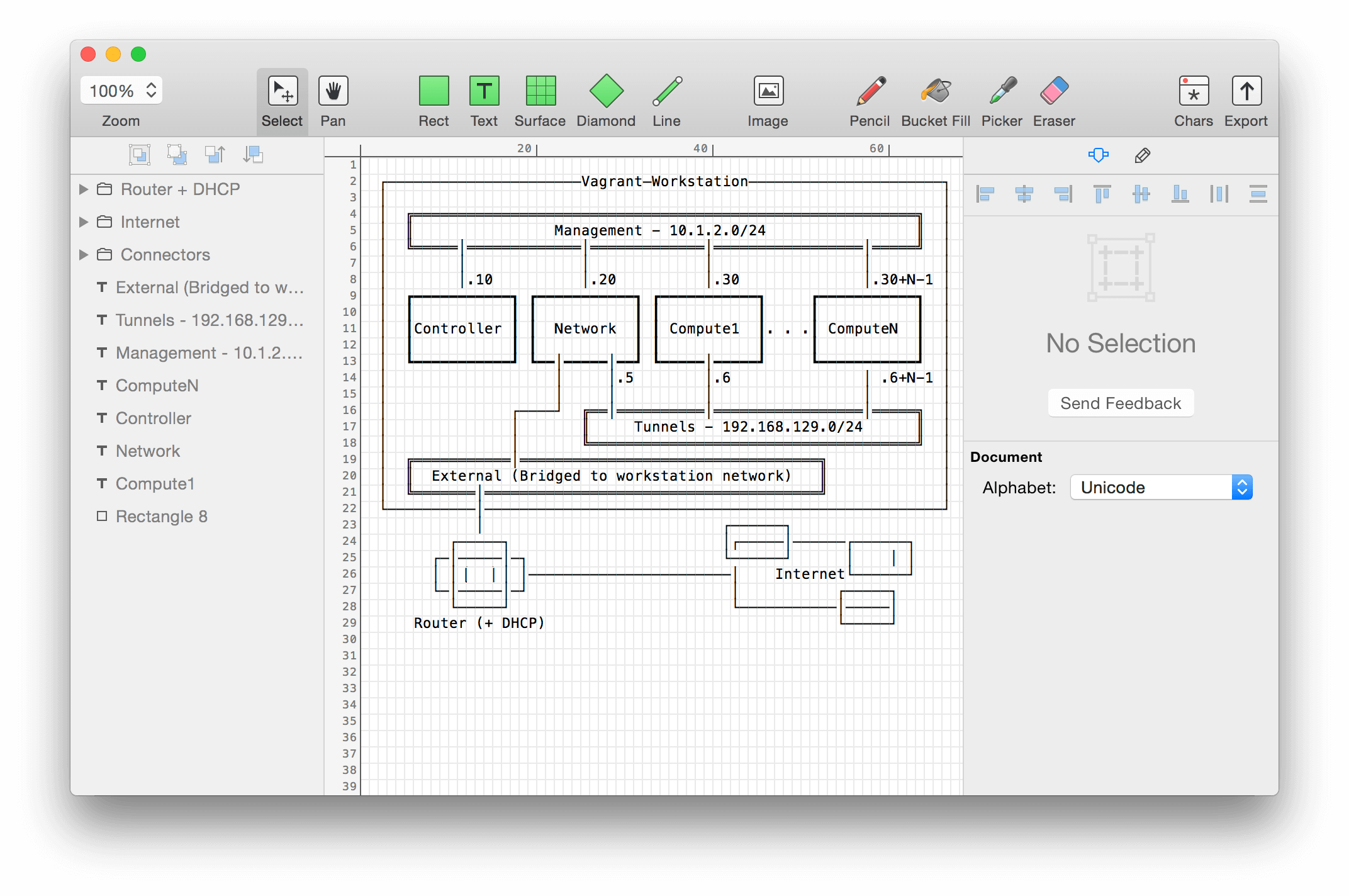
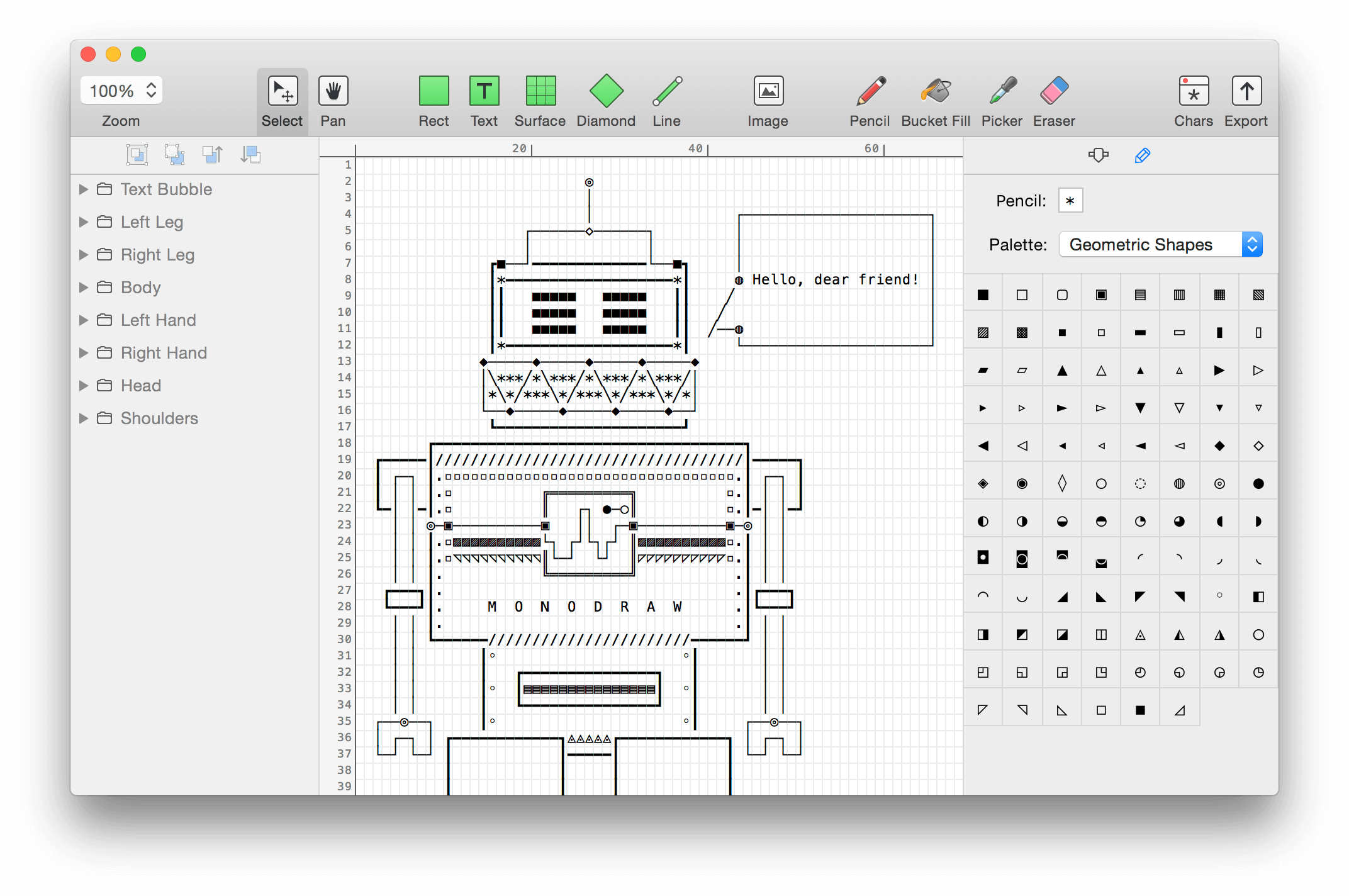
Monodraw allows you to easily create text-based art (like diagrams, layouts, flow charts) and visually represent algorithms, data structures, binary formats and more. Because it’s all just text, it can be easily embedded almost anywhere.
What’s New:
Version 1.6:
Release notes were unavailable when this listing was updated.
Valentina Studio is the ultimate data management tool for database administrators. Valentina Studio includes a wealth of database administration tools. Valentina Studio PRO to unlock advanced data modeling tools, report design and editing and more.
Valentina Studio brings you powerful, visual editors for your data including:
Schema Editor (tree view and column view) – create and modify all schema objects of supported databases: Tables, Views, Fields, Enums, Links, Constraints, Triggers, Indexes, Stored Procedures, …
Diagram Editor – design new diagrams or do reverse engineering, e.i explore existing databases visually.
Data Editor – easily browse table records in the grid, modify records, an inline edit of values, sort, filter records and save favorite filters, preview images, hex editors for binary values, …
Related Data Editor – easily learn and manage linked records of two tables, link/unlink records by a mouse click, do set operations over linked records, …
SQL Editor – with color syntax, auto-completion, recent and saved favorite queries, templates, console with error/warning reporting, …
Query Editor – build SQL queries visually using just a few mouse clicks
Server Admin – where you can manage users, learn logs and other parameters of servers.
Open as many editors as you like at the same time for different databases/servers opened in tab-panels. You also get different DB related utilities, including: Import/Export, Dumps, Diagnose, Clone, Reindex, …
MAS version of Valentina Studio uses iCloud to share bookmarks between your devices!
Valentina Studio Pro as an in-app purchase to get additional advanced pro-features such as:
Report Editor – visual editor of Valentina Reports that can be saved into Valentina Project file (.vsp). Reports can use as datasource MS SQL, MySQL, PostgreSQL, SQLite, Valentina DB, ODBC.
Form Editor – visual editor of Valentina Forms that can be saved into Valentina Project file (.vsp). Forms can use all supported databases as the datasource.
Data Editor – enables go to parent record function.
Data Editor Layouts – save columns and their order as a named layout
Data Editor Multiple Update – update few records at once.
Data Transfer – copy data between different databases
Diagram Editor – enables forward engineering – i.e. generation of SQL scripts for new/changed database objects.
Dump Wizard – enables filter for tables to select them for a dump.
Error Lookup – search for error description by its code.
Keyboard Shortcuts – enables the ability to redefine the shortcuts and create own shortcut sets.
Object Colors – enables marking objects with specific colors.
Query Editor – enables the ability to copy the generated query.
Schema Cache – save and reuse the schema cache.
Schema Editor – copy one or few schema objects using drag&drop mechanism.
Schema Editor – expanding and collapsing the tree items with subitems using OPTION + click
Schema Snapshot – save and load schema in structured format.
Source Control – develop database using any VCS.
SQLDiff – find differences between two states of a databases and generate SQL script to move between these states.
SQL Search – search of schema objects.
SQL Editor – enables autocompletion for table aliases.
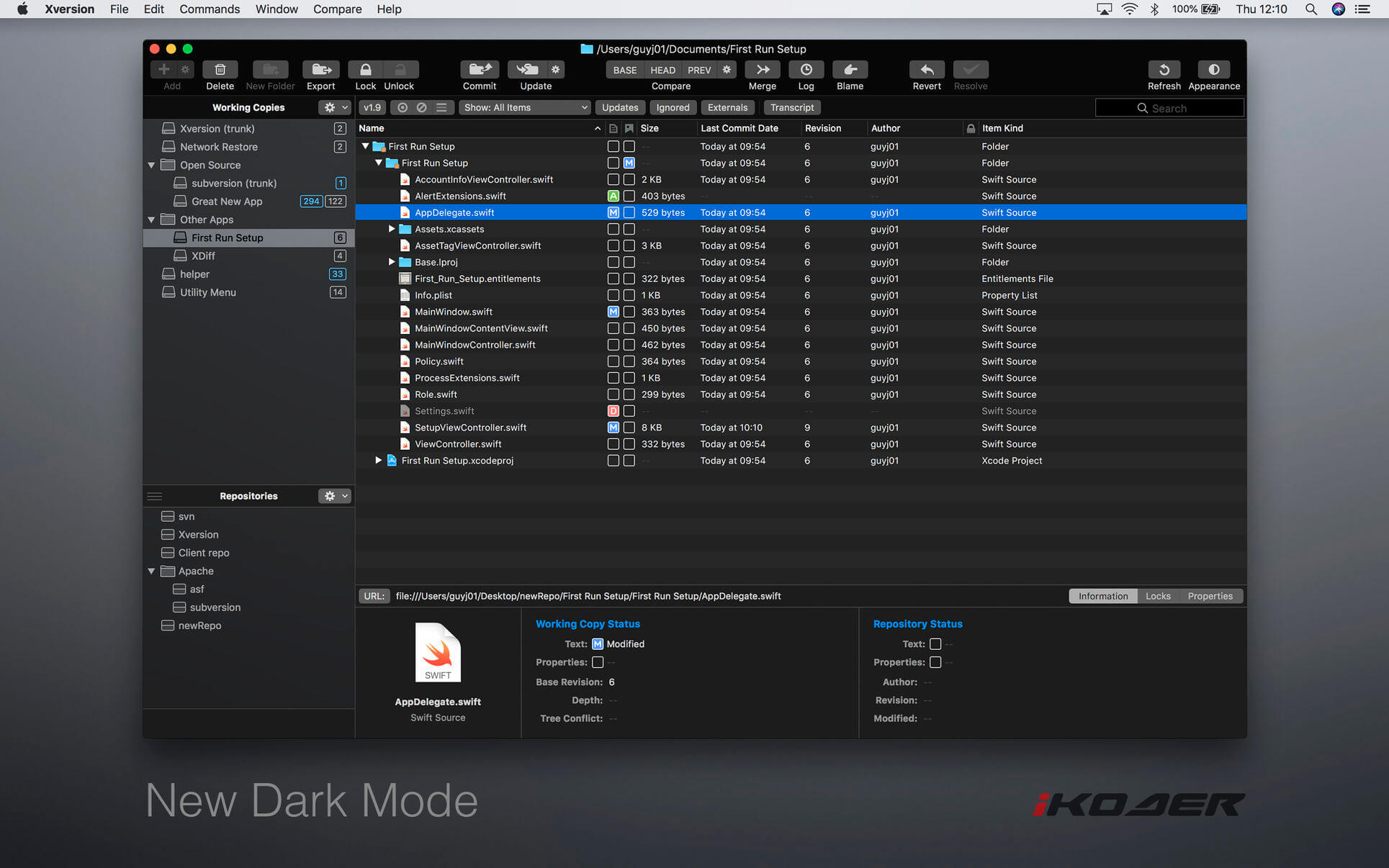
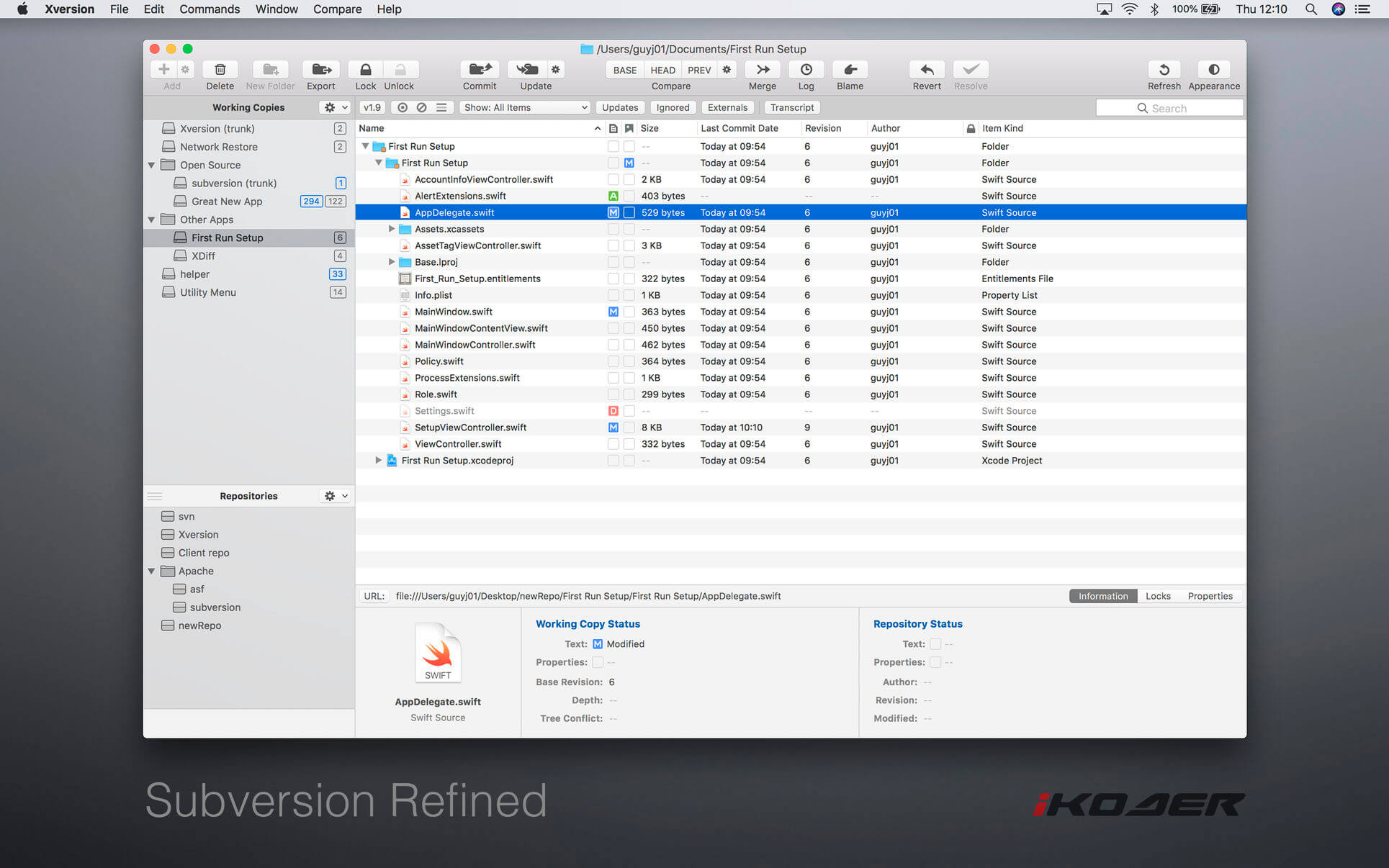
Xversion, providing super-easy enterprise-class version control, is packed with features, blazing fast, and beautifully designed. From starting out creating repositories to checking out, editing properties, advanced merge and compare, resolving conflicts, committing, updating, and lots more, Xversion has you covered.
Features
Work simultaneously with versions 1.6, 1.7, 1.8, and 1.9
Supports all URL types: HTTP, HTTPS, SVN, SVN+SSH and file
Authenticate using basic, digest, user certificate, SSH, and SASL
Built-in compare viewer editor
Powerful filtering by status, name, author, and more
Upgrade working copies
Drag-and-drop move, copy, import, and export
Synchronize, Reintegrate, Cherry-Pick, and Two-URL merge
A sophisticated software modeler for agile and concise modeling.
UML 2
Compatible with UML 2.x standard metamodel and diagrams: Class, Object, Use Case, Component, Deployment, Composite Structure, Sequence, Communication, Statechart, Activity, Timing, Interaction Overflow, Information Flow and Profile Diagram.
SysML Support
Support modeling with SysML diagrams: Requirement, Block Definition, Internal Block, and Parametric Diagram.
Additional Diagrams
Support to create Entity-Relationship Diagrams (ERD), Data-flow Diagrams (DFD) and Flowchart Diagrams.
Cross-Platform Support
Work with same UX in multiple platforms including MacOS, Windows and Linux.
MacBook Touchbar
StarUML supports latest MacBook’s Touchbar. It is easy and convenient to edit diagrams.
Retina Display Support
Supports Retina (High-DPI) Display. All diagrams, texts and icons are razor sharp and can be exported to High-DPI images (PNG and JPEG).
Extension Manager
Easily discover and install third-party extensions. Many extensions are open source and hosted on Github. Fork one and make your own.
Model-Driven Development
Modeling data are stored in a very simple JSON format, so it can be used easily to generate custom codes by user-defined templates (mdgen).
Fast Modeling
Supports many shorthands in Quick Edit to create elements and relationships at once such as sub-classes, supporting interfaces, etc.
Dark and Light Themes
Support light and darks themes, so you can choose a theme more comfortable.
Command Palette
Command Palette allows to search and execute commands in StarUML as well as installed extensions.
Code Engineering
Supports code generation and reverse engineering for major programming languages including Java, C#, and C++ via open source extensions.
Open APIs
Allows to write your own extensions using HTML5, CSS3, jаvascript, Node.js modules and APIs for menus, keymaps, dialogs, UIs, metadata, preferences, etc.
Asynchronous Model Validation
Many model validation rules are defined and checked asynchronously whenever you save or open your model files.
Publish HTML Docs
Easy to share models with other analysts, architects, and developers by just publishing HTML Docs.
PDF Export for Clean Printing
Diagrams can be exported to PDF for clean printing with printing options like page layout and sizes.
Markdown Support
Use markdown syntax to edit element’s documentation with support of syntax highlighting and preview.
What’s New:
Version 4.1.0:
Support image embedding
Support FreeLine and TextBox elements for annotation
Text alignments for textual annotations
Expose Toolbox API
Resolved Issues:
Support Text Alignment for Annotations #221
Support Free Line and Text Box elements for annotation #56
Allow to add image to diagrams #47
Sidebar Working Diagrams panel does not remember ordering #219
Expose API for Toolbox, Toolbar and EditorsHolder #212
Tag’s hidden kind should be applied to all Tag types. #209
Cannot open a template or a recent file if all windows are closed #218
Kaleidoscope is the most powerful file comparison app. Spot the differences in text and image files, or even folders full of files. Review changes in seconds, with the world’s most advanced and beautiful file comparison app.
Kaleidoscope 3 features the first major redesign in over eight years, with support for Apple Silicon-based Macs, a redesigned interface that looks great in the latest versions of macOS, and new dark mode support, Kaleidoscope 3 marks the comeback of a longtime developer favorite for spotting changes in text, images, and folders. There is a new Reader view, and changesets have received major improvements.
WHAT’S NEW IN KALEIDOSCOPE 3?
Redesigned interface, including new dark mode and new app icon; Kaleidoscope’s design now fits macOS Big Sur and macOS Monterey
Runs natively on all Macs, including those based on Apple silicon (Apple M1 chip).
Reader view makes it easier to focus on the content
Greater control over how text layout, with better font options and display choices
Ability to ignore particular folders and files during folder compare, using powerful patterns.
Persistent top toolbar with convenient Add and Paste buttons
Redesigned Unified text comparison and File Shelf views to make it easier to review differences and keep track of files being compared
Powerful filters for comparing items in changeset windows
KALEIDOSCOPE FEATURES:
Two-Way Text Comparison & Merging
Supports any text file, Word documents, PDF, RTF
Super-fast diffing of lines and character-level changes
Directly paste from clipboard
Three powerful display modes: Blocks, Fluid and Unified
Color coding to spot added, deleted, and changed text
Powerful text layout customization
Reader view that helps focus on content
Built-in search
Three-Way Merge
Review code changes and resolve conflicts
Edit text inline
Intelligently auto-merge the right content
Powerful Image Comparison
Supports any file that can be imported as bitmap
Directly paste from clipboard
Compare images in four different modes: Two-Up, One-Up, Split and Difference
Spot subtle pixel differences with a high contrast “difference mask”
Navigate large images using pan & zoom tools
Folder Comparison
Ultra-fast algorithm for finding differences in large folders
Sort and filter down to what is most important
Powerful ignore patterns to exclude extraneous files and folders
Drill deeper into folders for more detailed comparisons
Copy your preferred files across sources
Code Review
Well-designed overview of all files changed in a changeset
Find a file by filtering by name or by kind of change
Inspect changes in text and image files using all of Kaleidoscope’s compare tools
Easy Workflow Integration
Git, Mercurial, Subversion, Bazaar, and Perforce support
Works as a fully functional diff or merge tool
ksdiff tool unleashes the power of the unix command-line
Supported by a growing list of GUI source control management apps
Integrate with the Xcode debugger (lldb) for text and graphics
Integrates with tools like Alfred for even faster workflows
What’s New:
Version 3.3
New
Kaleidoscope Developer Tools for Safari. Compare HTML or CSS code, or use the new ksdiff function in the jаvascript console or debugger to find bugs in your code.
Kaleidoscope for Visual Studio Code. This new extension lets you open files, git changesets and git merges quickly from VSCode.
Finding invisible character differences. Kaleidoscope can now visualize invisible UTF characters (like U+FEFF) and spot differences including them.
There’s also a new option to show invisible characters in the whole document.
Improvements
The Share Menu Extension will now try to reuse an existing window for new content of the same kind.
Added documentation for the Services support that always existed, the Share Extension, and the new integrations.
SQLPro for MSSQL (was SQL Client) is a lightweight TDS client, allowing quick and simple access to Microsoft SQL servers (sqlserver), including those hosted in Azure. This client does NOT work with MySQL. Please ensure that your server is a Microsoft SQL server.
Features
Syntax highlighting
Intellisense
Tab-based interface
Support for executing multiple queries at once
Quick access to tables, columns, and more
Stored procedure execution
SQLPro for MSSQL can be used to connect with the following databases:
Microsoft SQL Azure
Microsoft SQL Server 2005
Microsoft SQL Server 2008
Microsoft SQL Server 2008 R2
Microsoft SQL Server 2012
Microsoft SQL Server 2014
Microsoft SQL Server 2016
What’s New:
Version 2022.15:
Release notes were unavailable when this listing was updated.
MySQL Database client is a lightweight but powerful MySQL database client, allowing quick and simple access to MySQL Servers, including those hosted in Amazon RDS.
This SQL Client is only for MySQL and will not work with other database servers such as MSSQL or PostgresSQL.
Features include:
Syntax highlighting.
Intellisense/Auto complete.
Tabbed based interface.
Support for executing multiple queries at once.
Quick access to tables, columns and more.
Use one of our pre-built themes, or customize your own.
Stored procedure execution.
What’s New:
Version2022.15:
Release notes were unavailable when this listing was updated.
Valentina Studio is the ultimate data management tool for database administrators. Valentina Studio includes a wealth of database administration tools. Valentina Studio PRO to unlock advanced data modeling tools, report design and editing and more.
Valentina Studio brings you powerful, visual editors for your data including:
Schema Editor (tree view and column view) – create and modify all schema objects of supported databases: Tables, Views, Fields, Enums, Links, Constraints, Triggers, Indexes, Stored Procedures, …
Diagram Editor – design new diagrams or do reverse engineering, e.i explore existing databases visually.
Data Editor – easily browse table records in the grid, modify records, an inline edit of values, sort, filter records and save favorite filters, preview images, hex editors for binary values, …
Related Data Editor – easily learn and manage linked records of two tables, link/unlink records by a mouse click, do set operations over linked records, …
SQL Editor – with color syntax, auto-completion, recent and saved favorite queries, templates, console with error/warning reporting, …
Query Editor – build SQL queries visually using just a few mouse clicks
Server Admin – where you can manage users, learn logs and other parameters of servers.
Open as many editors as you like at the same time for different databases/servers opened in tab-panels. You also get different DB related utilities, including: Import/Export, Dumps, Diagnose, Clone, Reindex, …
MAS version of Valentina Studio uses iCloud to share bookmarks between your devices!
Valentina Studio Pro as an in-app purchase to get additional advanced pro-features such as:
Report Editor – visual editor of Valentina Reports that can be saved into Valentina Project file (.vsp). Reports can use as datasource MS SQL, MySQL, PostgreSQL, SQLite, Valentina DB, ODBC.
Form Editor – visual editor of Valentina Forms that can be saved into Valentina Project file (.vsp). Forms can use all supported databases as the datasource.
Data Editor – enables go to parent record function.
Data Editor Layouts – save columns and their order as a named layout
Data Editor Multiple Update – update few records at once.
Data Transfer – copy data between different databases
Diagram Editor – enables forward engineering – i.e. generation of SQL scripts for new/changed database objects.
Dump Wizard – enables filter for tables to select them for a dump.
Error Lookup – search for error description by its code.
Keyboard Shortcuts – enables the ability to redefine the shortcuts and create own shortcut sets.
Object Colors – enables marking objects with specific colors.
Query Editor – enables the ability to copy the generated query.
Schema Cache – save and reuse the schema cache.
Schema Editor – copy one or few schema objects using drag&drop mechanism.
Schema Editor – expanding and collapsing the tree items with subitems using OPTION + click
Schema Snapshot – save and load schema in structured format.
Source Control – develop database using any VCS.
SQLDiff – find differences between two states of a databases and generate SQL script to move between these states.
SQL Search – search of schema objects.
SQL Editor – enables autocompletion for table aliases.
Scrutiny is a suite of web optimization tools including link checking, SEO checks, Sitemap generation, page load speed test, html validation. Version 9 is a major update and includes these new features.
Features
Link checker
SEO analysis
XML sitemap generation, optionally include images / PDF pages
Insecure / mixed content reporting
Page-load speed test
Spelling and grammar checking
Scans sites requiring authentication
Search your site (source or visible text) obtain a list of pages containing a search term or not containing a search term
Website monitoring of as many URL’s as you like with a choice of alerts and logging
Scheduling made easy with a few easy clicks
On finish, send an email, save a report, open a file or AppleScript, FTP the sitemap XML, and other actions
Opens and scans a list of links in HTML, CSV, plain text format, or XML sitemap
Navicat Premium is an all-in-one database admin and migration tool for MySQL, SQL Server, Oracle and PostgreSQL.
Navicat Premium combines all Navicat versions in an ultimate version and can connect MySQL, Oracle and PostgreSQL. Navicat Premium allows user to drag and drop tables and data from Oracle to MySQL, PostgreSQL to MySQL, Oracle to PostgreSQL and vice versa within a single client. Also, batch jobs for different databases such as print report in MySQL, backup data in Oracle and synchronize data in PostgreSQL can also be scheduled and automated to run at a specific time. All in all, Navicat Premium can help database users to save lots of time to manage multiple databases and perform cross database data migration at their fingertips
This Database Client tool runs on Mac OS X and features an intuitive interface. Other advanced features including Backup/ Restore, Data Import/ Export, Data Synchronization, Reporting and Remote Connection to MySQL, PostgreSQL and Oracle server, etc. This database migration tool provides a friendly step-by-step Wizard-GUI. All you want to do is: select a data source and a target output format, then submit migration!
*** You need to disable the System Integrity Protection (SIP) to perform the selected Application and Gatekeeper off!
Cable-Free Audio Routing for Mac
Suddenly, it’s easy to pass audio between applications on your Mac. Create virtual audio devices to take the sound from applications and audio input devices, then send it to audio processing applications. Loopback gives you the power of a high-end studio mixing board, right inside your computer!
A Transit System for Your Audio Combine Audio Sources
Configuring a virtual audio device from multiple sources is easy. Just add the applications and physical audio devices you want to include to the Audio Sources table to get started.
Available System-Wide
Your Mac will show Loopback’s virtual devices exactly like physical devices. Find them listed among other devices in System Preferences or select them as an input or output in any audio app.
Send Audio Between Apps
Loopback can also create pass-thru devices, which send audio from one app to another. Set the Loopback device as the output in one app and the input in another to make audio flow directly between the applications.
A Massive Interface Overhaul:
The most noticeable change in Loopback 2 is its brand-new user interface. The first version of Loopback offered tremendous audio routing capability, but harnessing that power was not as simple as it could’ve been.
For version 2, we worked hard on a redesigned interface that will be intuitive for everyone. Loopback now features a simple new wiring system that lets you easily visualize and adjust how your audio will flow.
Volume Controls Galore:
Users asked for it, and we provided it. Loopback 2 provides control over volume levels at every step of the way. The volume from individual sources can be tweaked relative to other sources, to get the perfect mix. Audio levels sent to monitoring devices can also be adjusted, as can the audio level from the virtual audio device itself.
More Powerful Monitoring:
Monitoring virtual audio devices is now simpler than ever. Just add a monitor at the end of the device, and wire it up to get the exact audio desired. Listen in to the entire device, or use the custom wiring to monitor just part of the audio. You can even have multiple Monitors per virtual audio device, so you can hear exactly what you need to.
Capture Hidden Sources:
Audio can now be captured from previously unavailable sources, like Siri, VoiceOver, and Text-to-Speech. Hold down the option key while clicking the Add Source button to reveal the “Running Processes” menu, then select the correct hidden source.
Up to 64 Channels:
Virtual audio devices can now provide up to 64 channels of input and output, for amazing power.
Fully Configurable Channels:
Just about any setup is now possible, with configurable routing of audio from all audio sources to output channels, as well as from output channels to the new, more powerful monitoring devices.
An Explicit Pass-Thru Source:
Pass-Thru functionality, previously an implicit part of Loopback, is now visible as an actual audio source. This allows for more power and control over the audio passing through your virtual audio devices.
On/Off Toggles for Sources and Monitors:
Loopback’s virtual audio devices are more configurable than ever, with the ability to turn off individual sources and monitors within a device. Rather than deleting a source or monitor, and losing its settings, you can now temporarily toggle it off as you make adjustments to get exactly the audio you need.
MySQL Database client is a lightweight but powerful MySQL database client, allowing quick and simple access to MySQL Servers, including those hosted in Amazon RDS.
This SQL Client is only for MySQL and will not work with other database servers such as MSSQL or PostgresSQL.
Features include:
Syntax highlighting.
Intellisense/Auto complete.
Tabbed based interface.
Support for executing multiple queries at once.
Quick access to tables, columns and more.
Use one of our pre-built themes, or customize your own.
Stored procedure execution.
What’s New:
Version 2022.14:
Release notes were unavailable when this listing was updated.